Excel Pro Tips
How to Reference Another Excel Workbook Without Opening
Reference another Excel workbook without opening it using external references, Power Query, and refreshing links efficiently.
Read article

555 articles
Reference another Excel workbook without opening it using external references, Power Query, and refreshing links efficiently.

Learn how to extract URLs from hyperlinks in Excel using VBA, display web addresses in formulas, or manually via the Edit Hyperlink dialog.

Learn how to break links in Excel and keep values using copy-paste, Find and Replace, Edit Links dialog, or VBA for clean data.

Create a filtering search box in Excel using FILTER, drop-down AutoFilter, slicers, ActiveX TextBox, and multi-column search formulas.
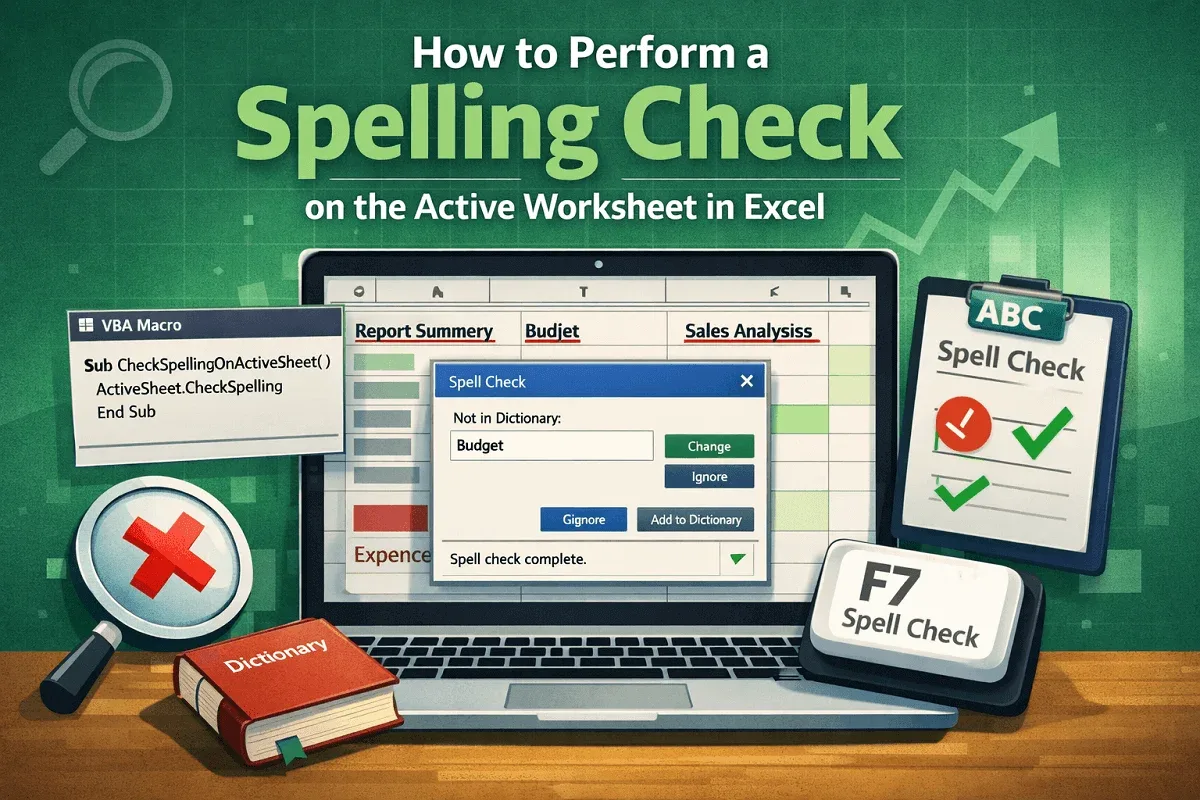
Perform a spelling check on the active Excel sheet using F7, VBA, or by targeting specific ranges and formulas for error-free data.
Convert multiple rows to columns in Excel using Paste Special, the TRANSPOSE function, Power Query, or VBA for quick and easy results.
Create a searchable database in Excel using filters, dynamic search boxes, drop-down lists with VLOOKUP, and conditional formatting.
Display the day of the week from a date in Excel using TEXT, WEEKDAY, CHOOSE functions, or by applying a custom date format easily.
Learn how to pull data from multiple Excel worksheets into one using Power Query, VBA code, or the built-in Consolidate feature.
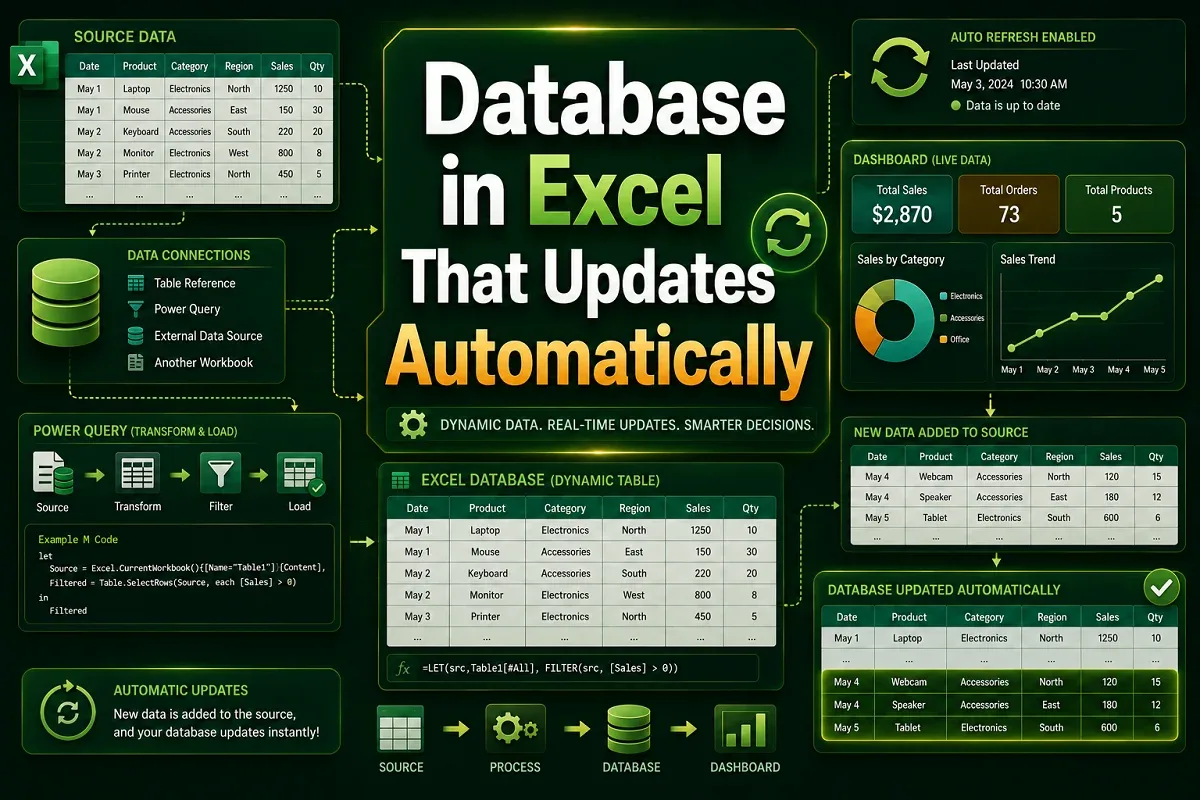
Create an auto-updating database in Excel using tables, dynamic ranges, PivotTables, Power Query, and VBA for seamless data updates.
Learn how to make your Excel spreadsheet bigger when printing by adjusting scale, layout, font size, and print area settings.
Learn how to add the same header to all Excel sheets using grouping, Page Setup, VBA, formulas, or templates for quick consistency.