Excel Pro Tips
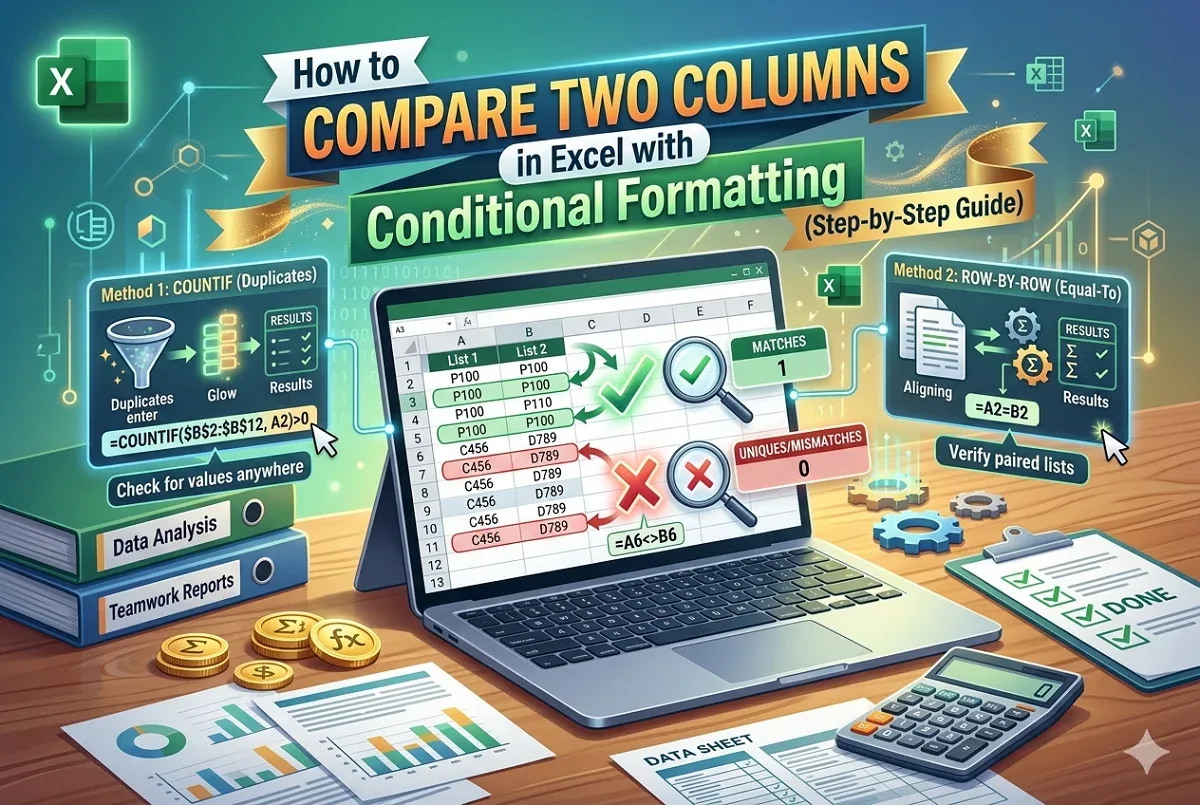
Excel Conditional Formatting to Compare Two Columns
Learn how to use conditional formatting in Excel to compare two columns and highlight matching or unique values easily.
Read article

555 articles
Learn how to use conditional formatting in Excel to compare two columns and highlight matching or unique values easily.

Learn how to make Excel tables automatically add new rows using table features, structured references, and dynamic named ranges.

Learn how to link a text box to a cell in Excel for dynamic content, including using the formula bar and creating dynamic dashboard titles.
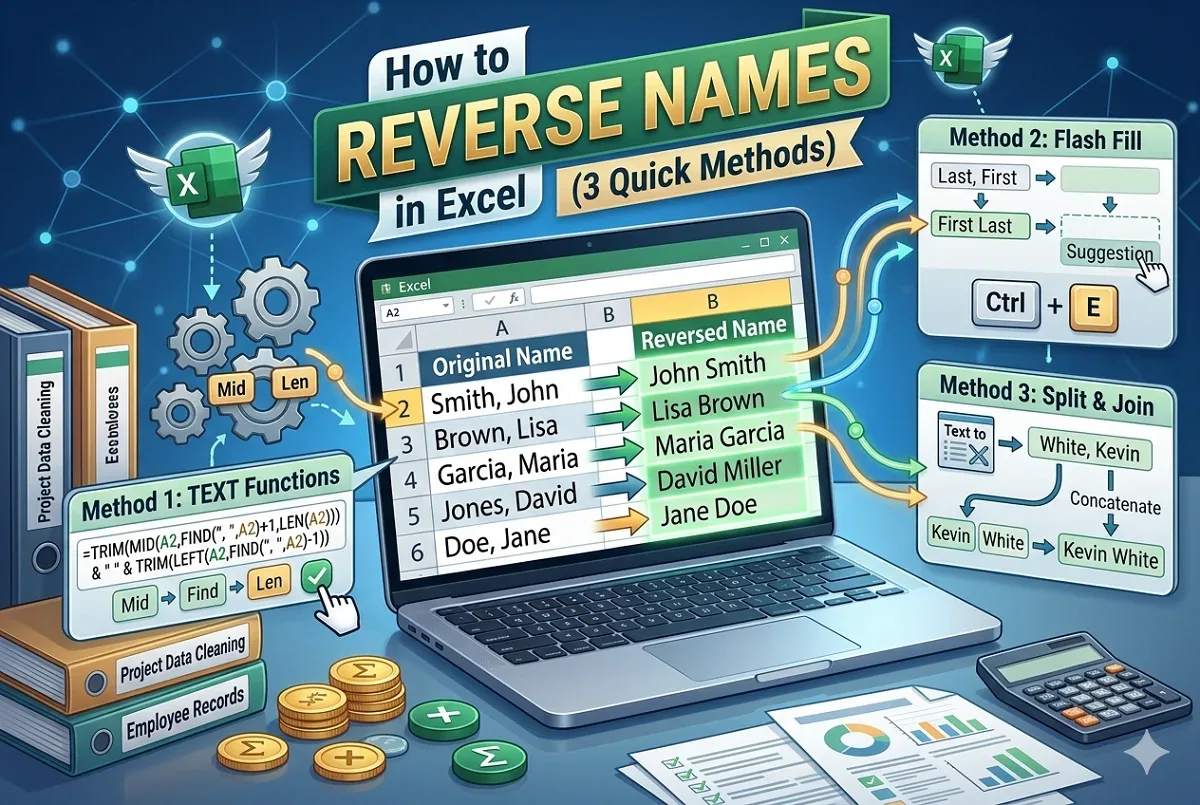
Learn how to reverse names in Excel using text functions, Flash Fill, or Text to Columns and concatenate for easy “Last, First” formatting.
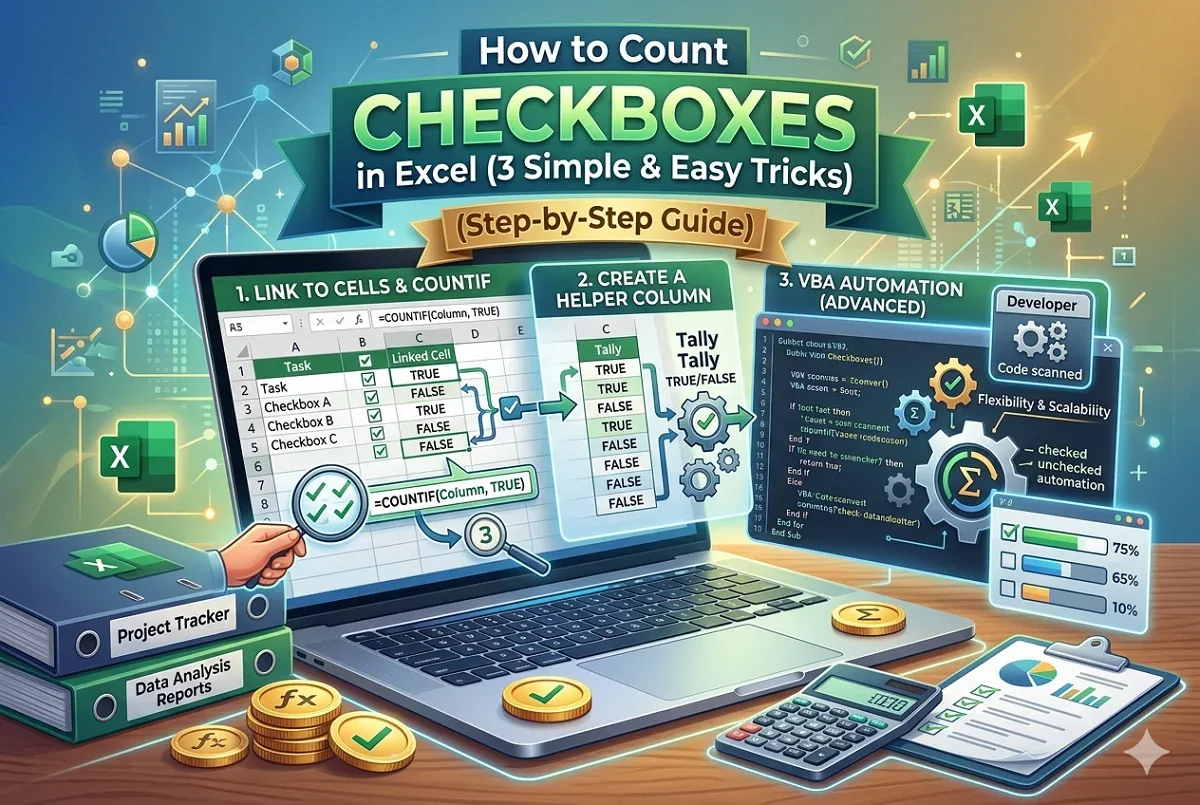
Learn how to count checkboxes in Excel by linking to cells, using helper columns, or applying VBA for advanced counting methods.

Convert dates to YYYYMMDD format in Excel using TEXT, CONCATENATE, custom number formatting, or VBA for consistent text-based date values.

Create a web form to populate an Excel spreadsheet. Learn how to build, share, and connect forms directly to Excel for easy data collection.
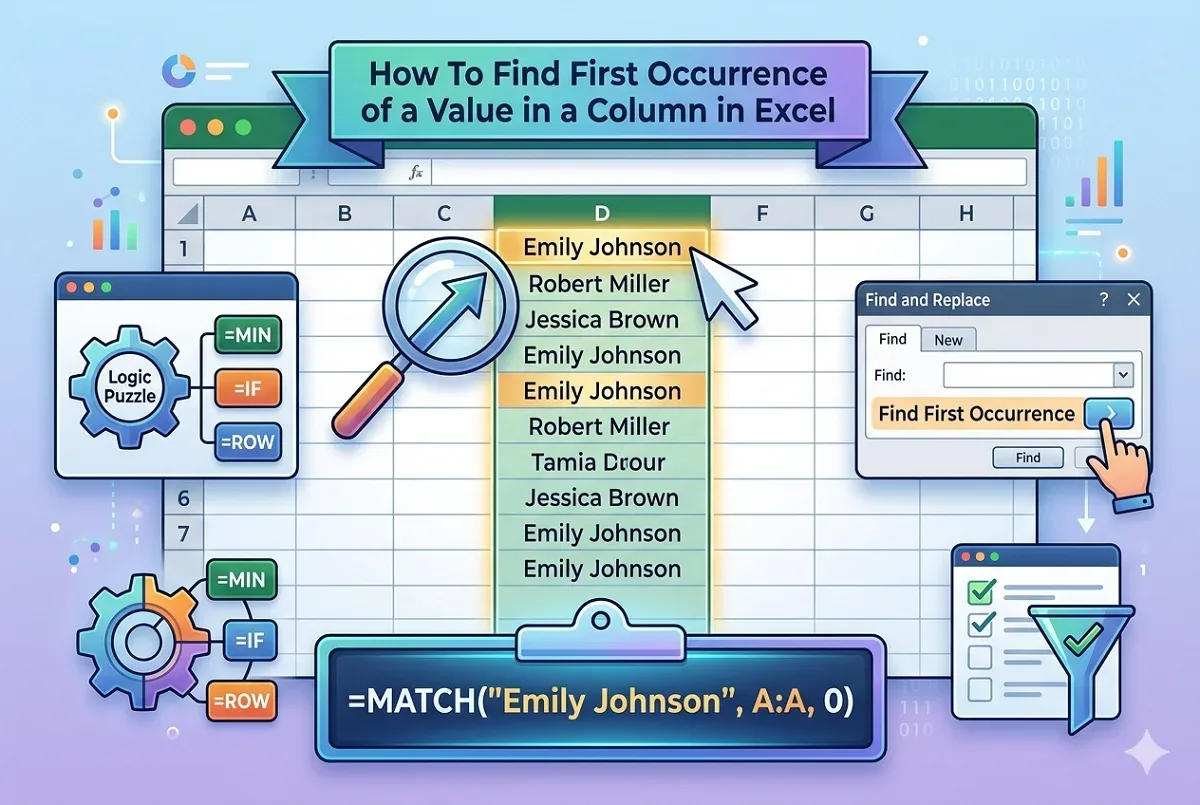
Learn how to find the first occurrence of a value in an Excel column using MATCH, MIN-IF-ROW, COUNTIF, and Find & Replace tools.

Learn how to extract text between two characters in Excel using TEXTBEFORE, MID, Flash Fill, and other powerful functions easily.
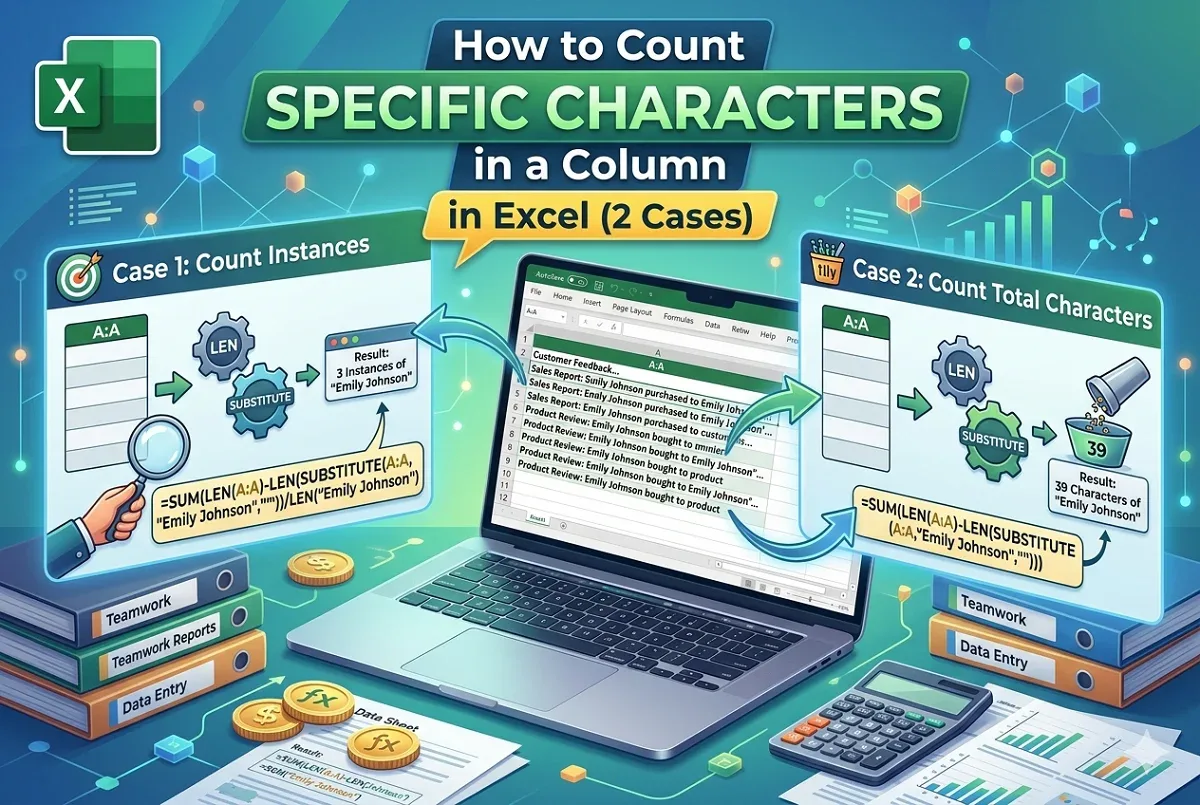
Learn how to count specific characters in an Excel column, including counting character sets and total occurrences easily and accurately.
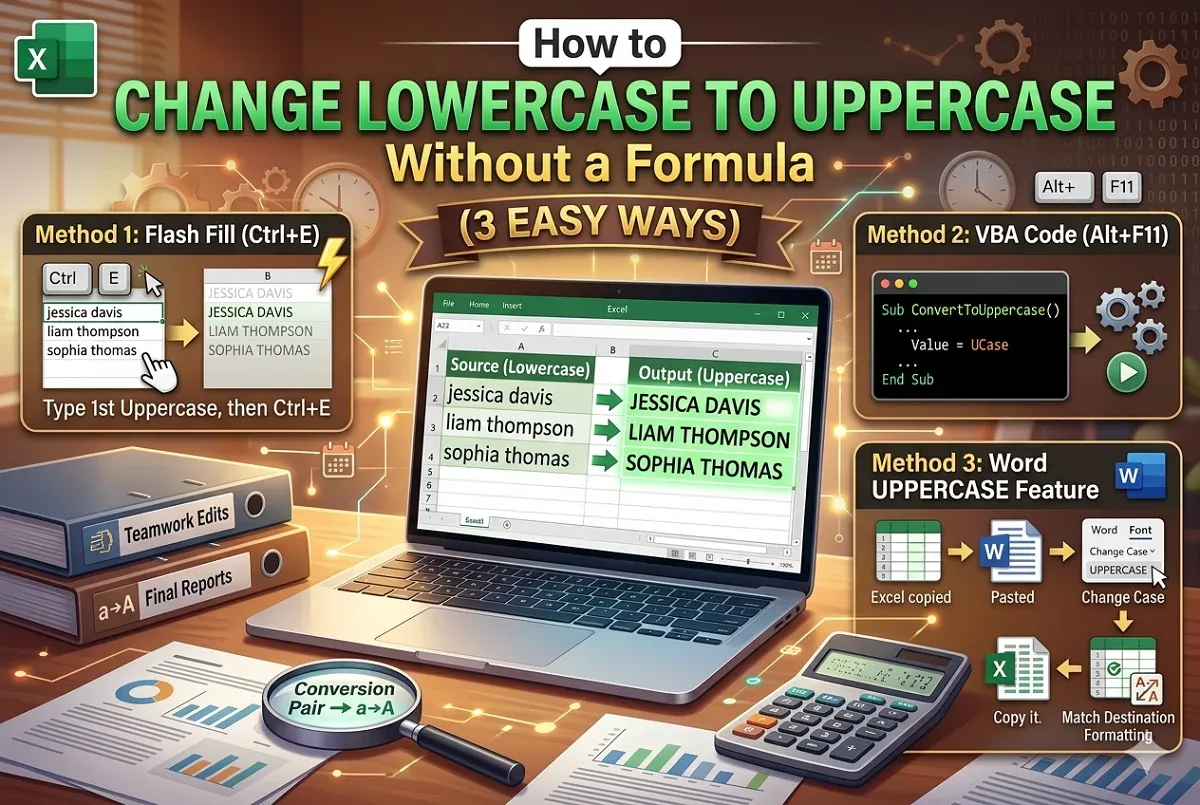
Change lowercase to uppercase in Excel without formulas using Flash Fill, VBA code, or Microsoft Word for quick and easy text transformation.
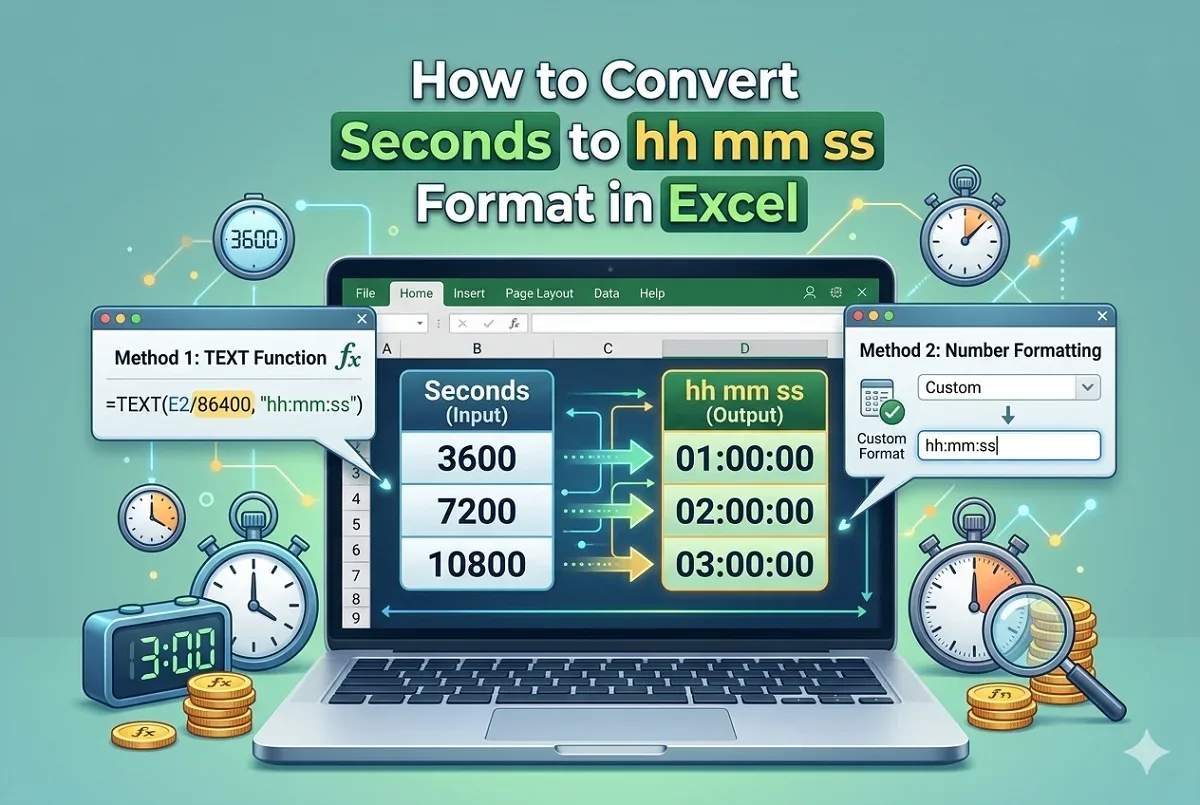
Convert seconds to hh mm ss format in Excel using the TEXT function or custom number formatting for clear and readable time values.