Excel VBA
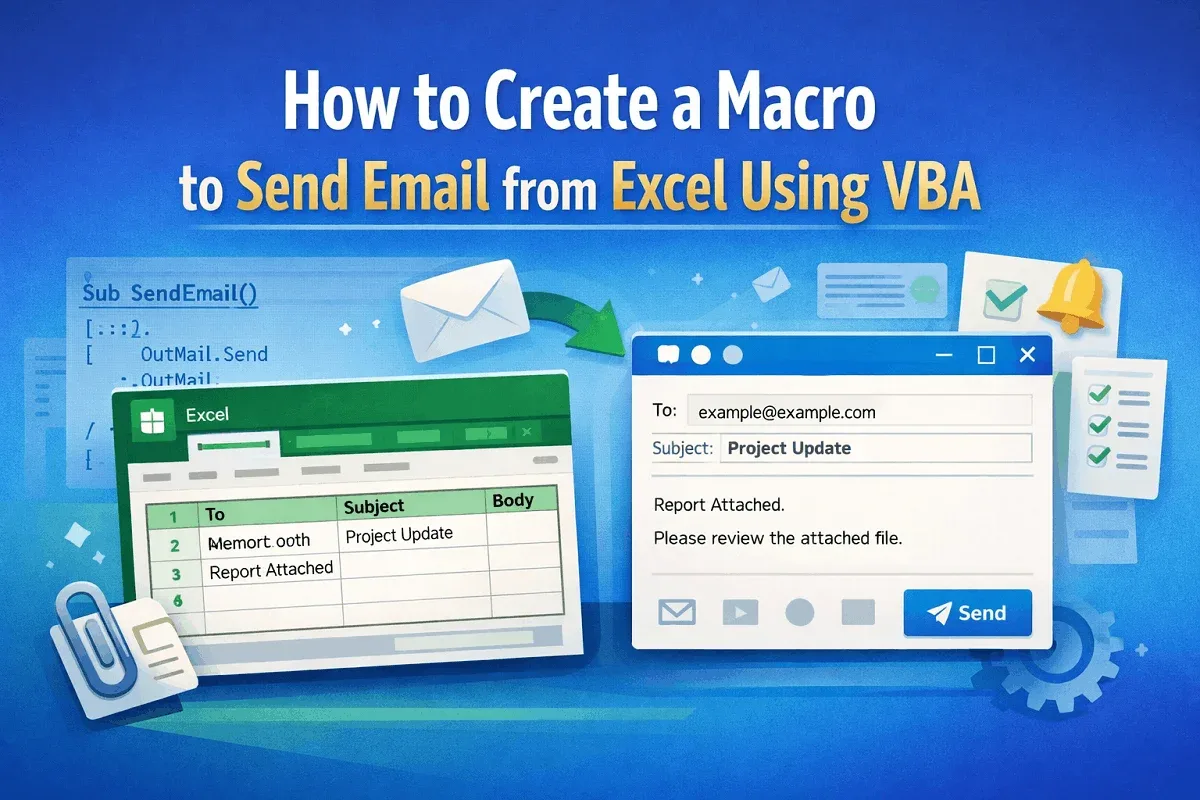
How to Create a Macro to Send Email from Excel Using VBA
Learn how to create a macro in Excel using VBA to send emails via Outlook, preview messages, and automate emails based on cell values.
Read article

68 articles
Learn how to create a macro in Excel using VBA to send emails via Outlook, preview messages, and automate emails based on cell values.
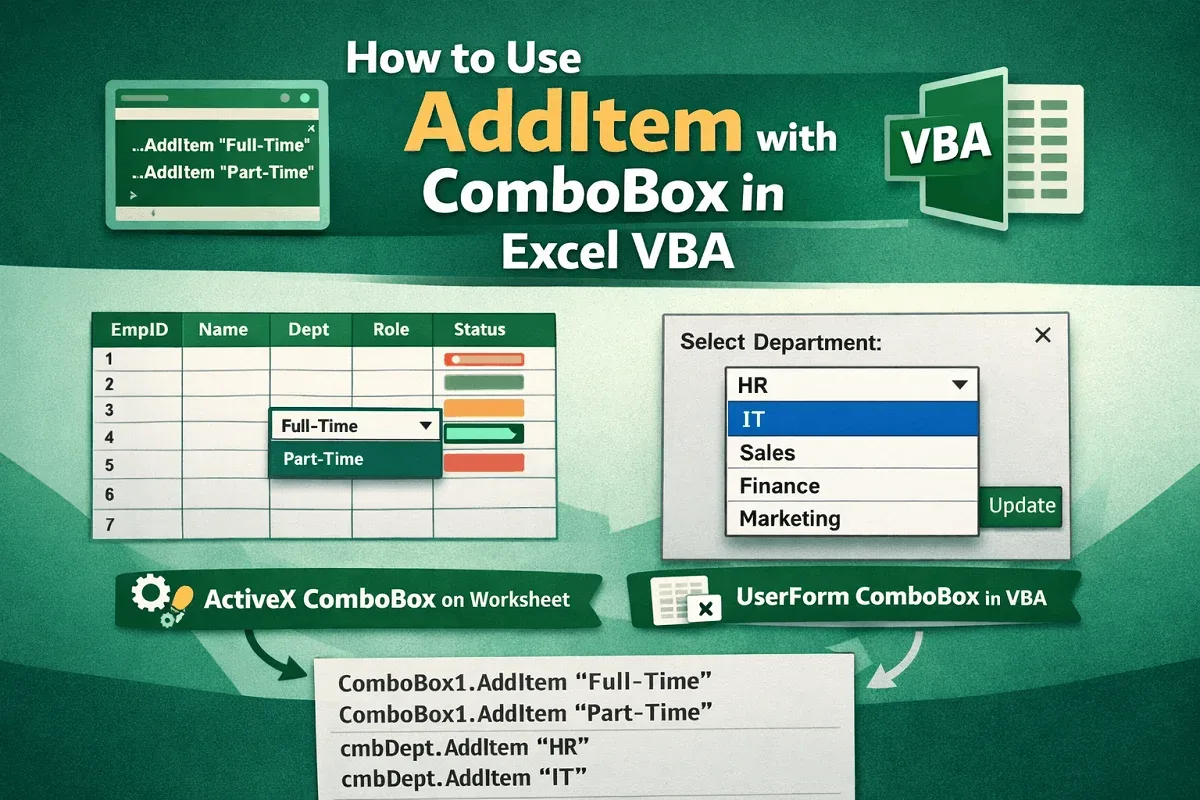
Learn to use AddItem in Excel VBA to add items to ActiveX ComboBoxes on worksheets and populate UserForm ComboBoxes efficiently with code.
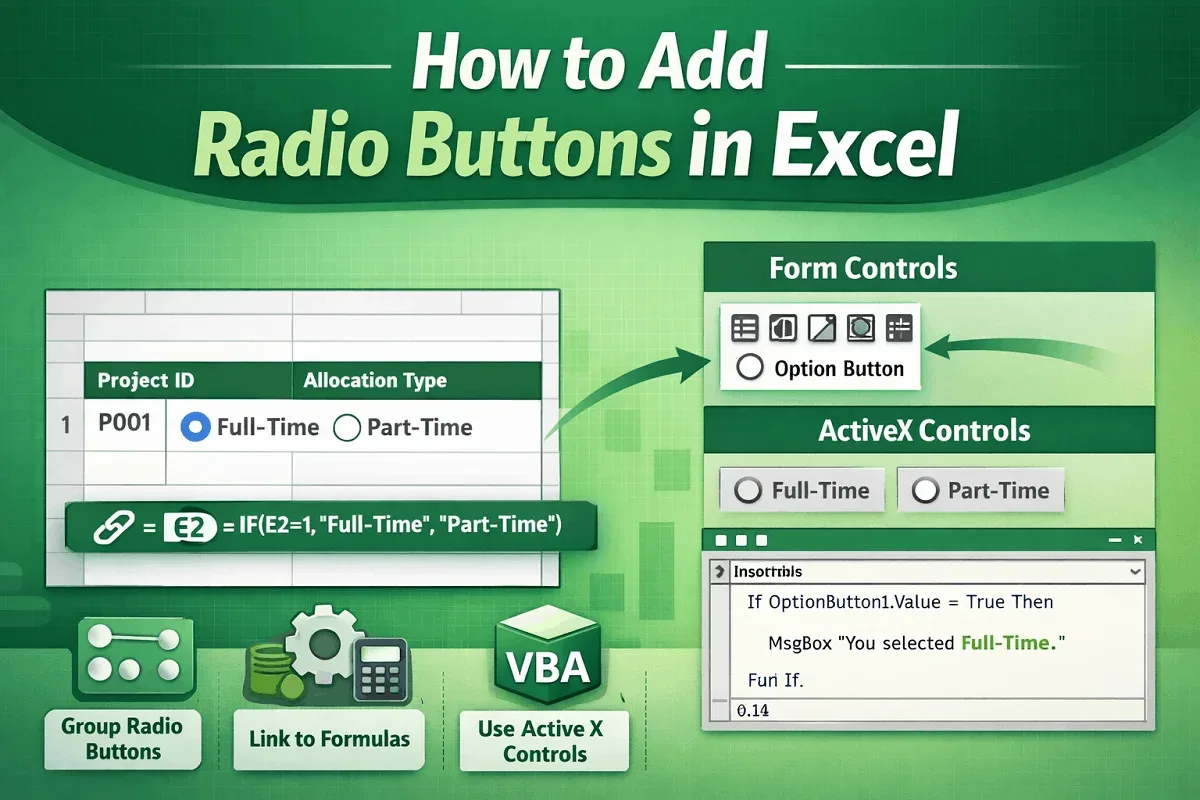
Add radio buttons in Excel, group them for exclusive choices, link to formulas, and enhance functionality with Form and ActiveX controls.
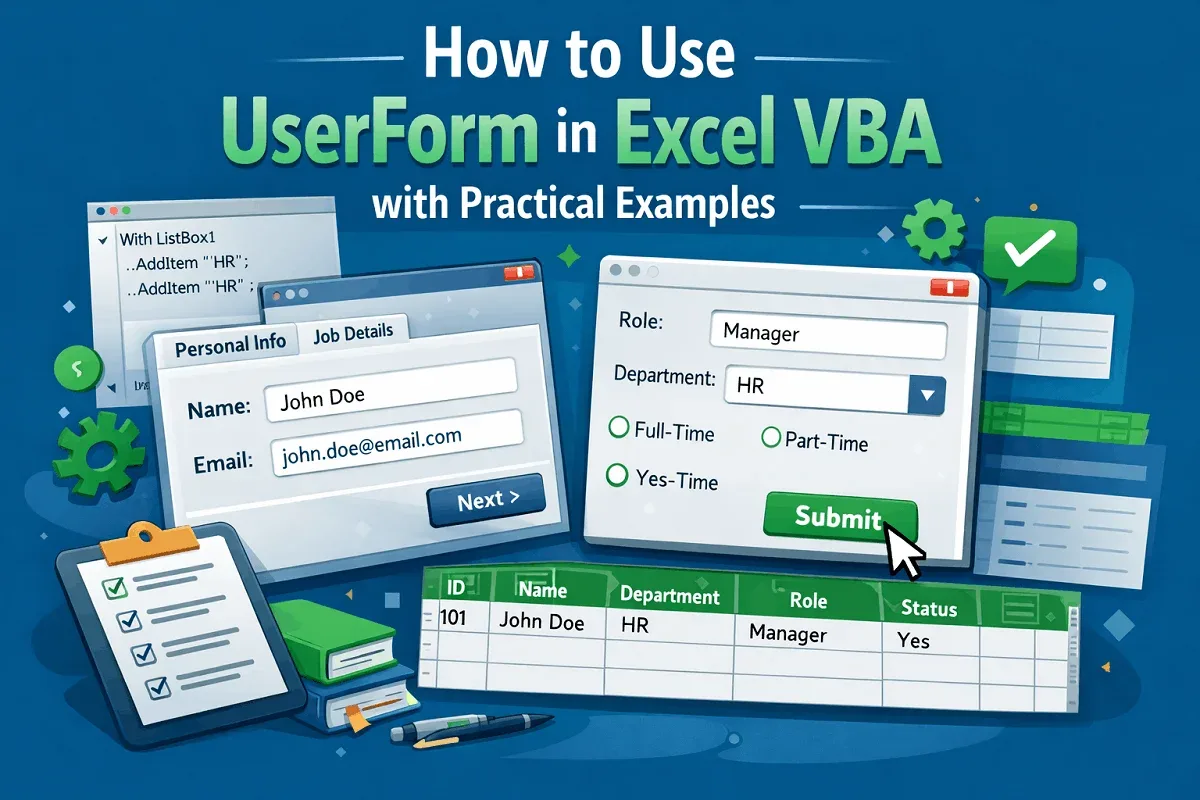
Learn to create and use Excel VBA UserForms with practical examples, from simple inputs to multi-page forms with pre-populated controls.
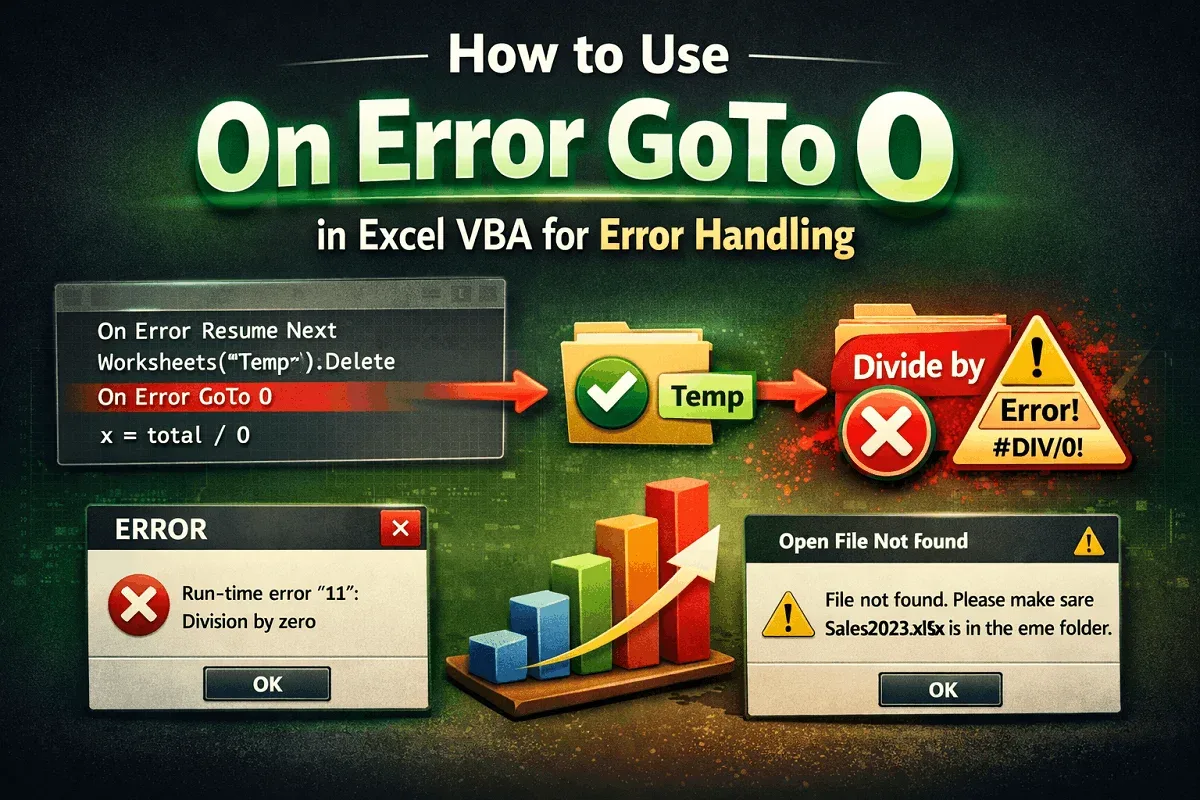
Learn how to use On Error GoTo 0 in Excel VBA to restore default error handling after skipping expected errors like missing sheets or files.
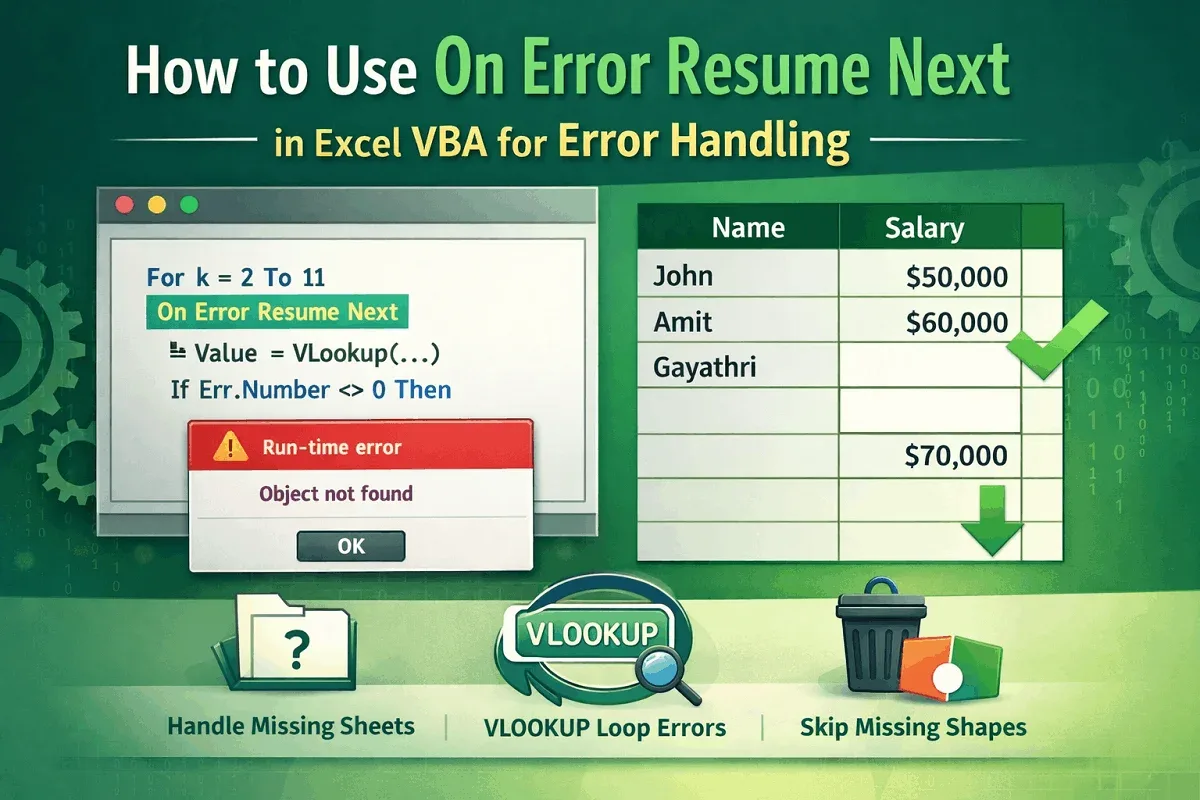
Use On Error Resume Next in Excel VBA to handle missing shapes, detect absent sheets, and manage errors in VLOOKUP loops efficiently.
![[Fixed] Macros Enabled But Not Working (8 Probable Solutions)](https://pub-b39c974f4c124a36a2fb517be38076ec.r2.dev/images/2026/08/featured-image-macros-enabled-but-not-working-2-96fb01ac.webp)
Fix macros not working even when enabled in Excel. Learn 8 proven solutions including trusted location, settings, and code error fixes.
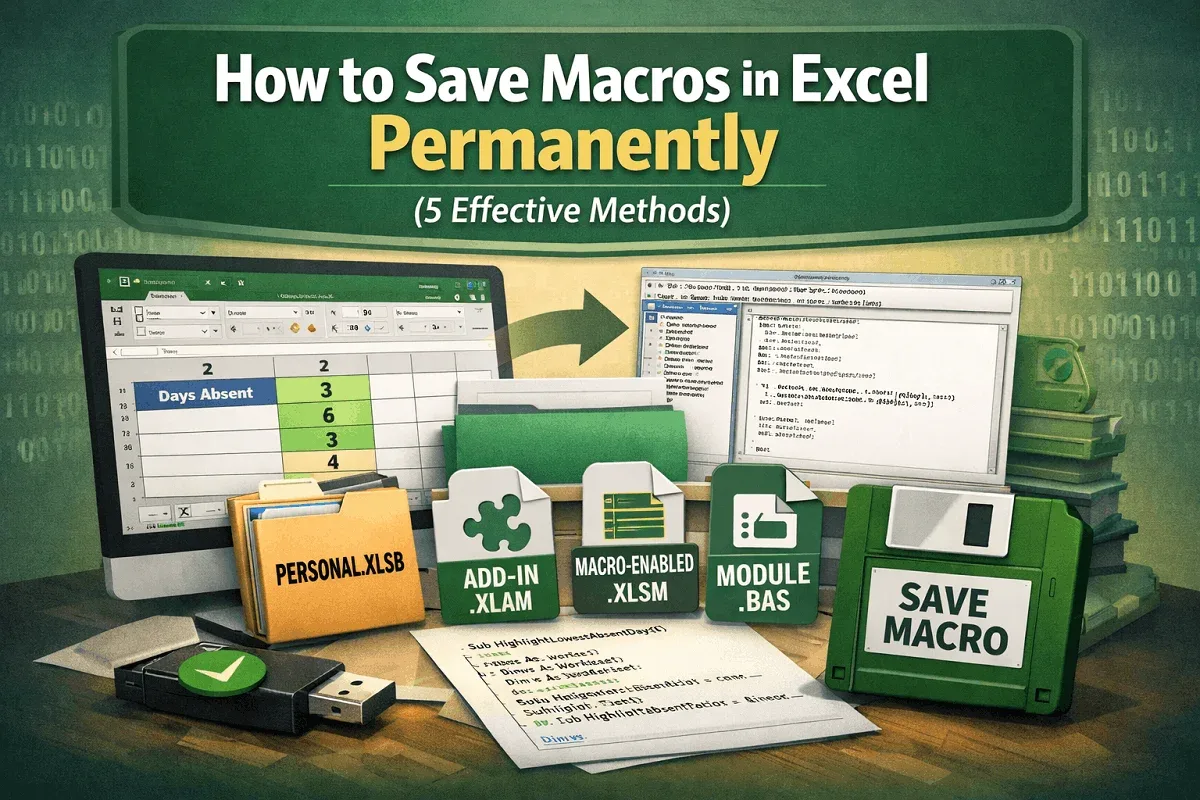
Learn how to save macros in Excel permanently using Personal.xlsb, add-ins (.xlam), macro-enabled files (.xlsm), or exporting as .bas files.