Excel VBA
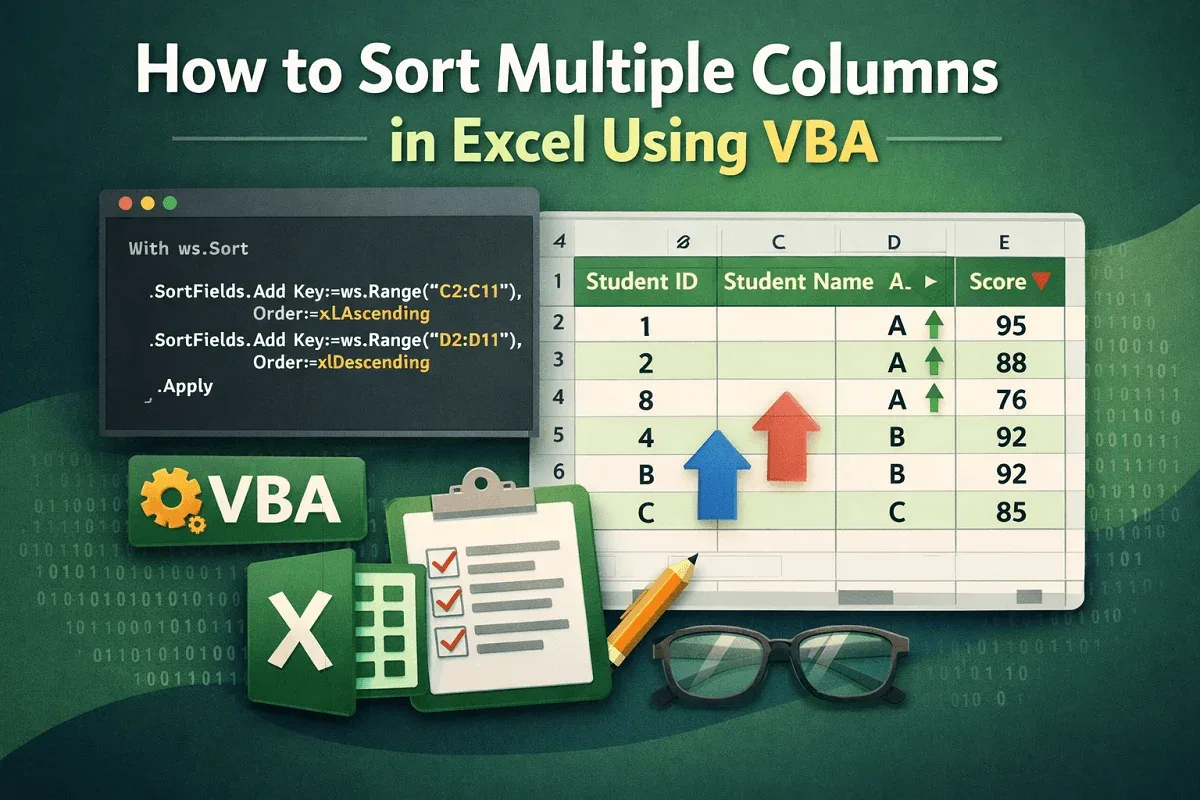
How to Sort Multiple Columns in Excel Using VBA
Learn how to sort multiple columns in Excel using VBA, including sorting by a single column or applying multi-level sorting.
Read article

68 articles
Learn how to sort multiple columns in Excel using VBA, including sorting by a single column or applying multi-level sorting.
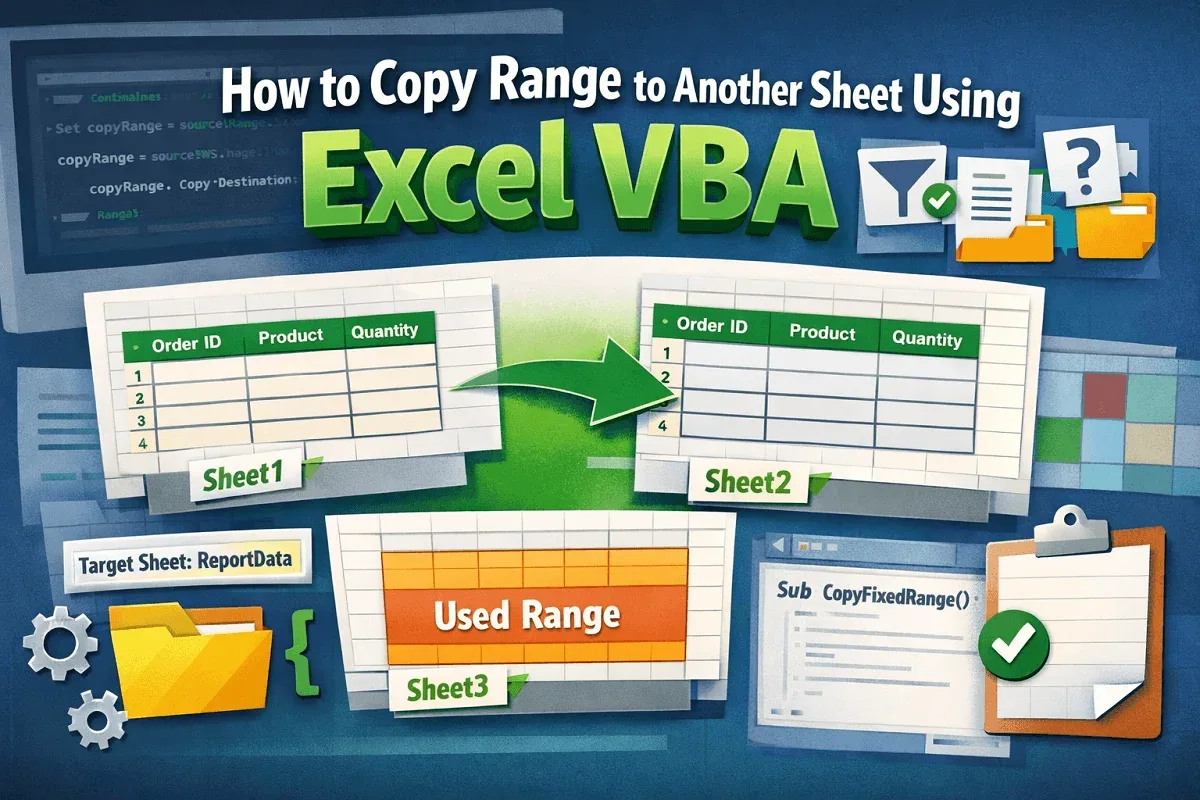
Learn how to copy a range to another sheet in Excel using VBA, including fixed ranges, filtered data, user-specified sheets, and used ranges.
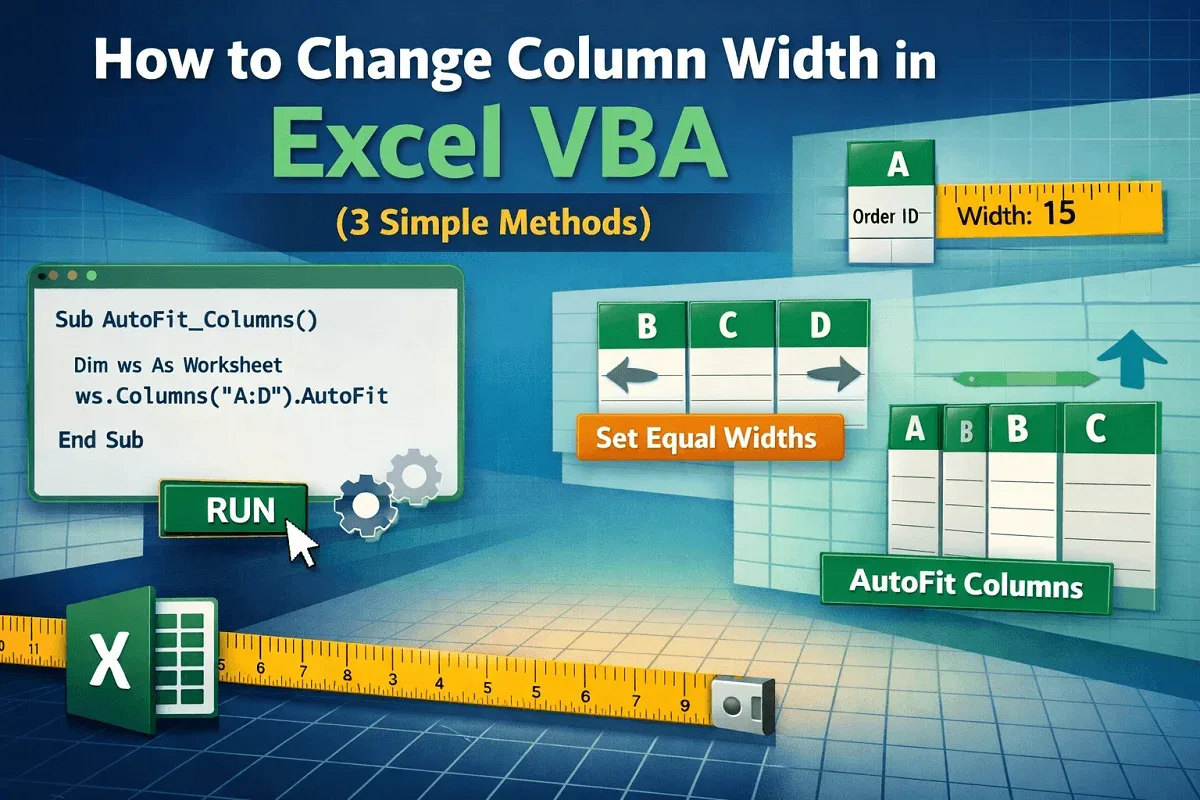
Learn how to change column width in Excel using VBA to adjust single or multiple columns and auto-fit widths based on cell content.
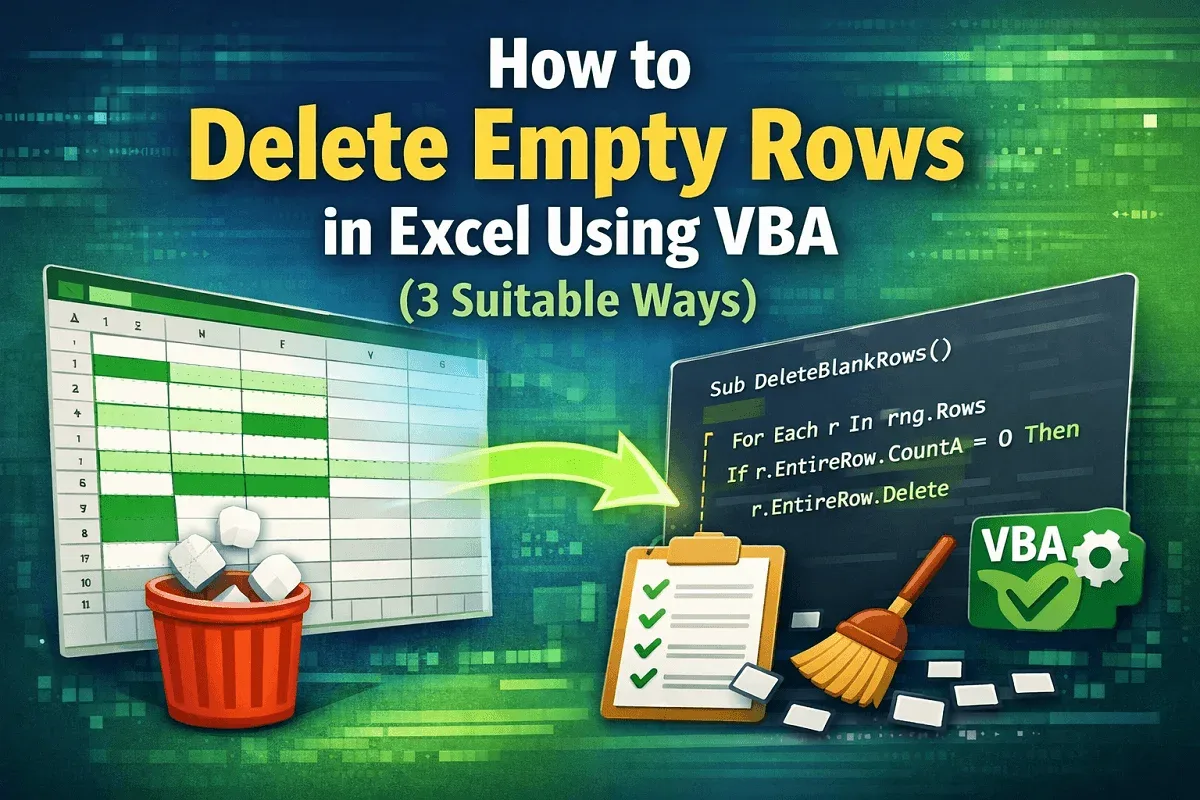
Learn how to delete empty rows in Excel using VBA by targeting user-selected ranges, defined areas, or removing all blank rows in one go.
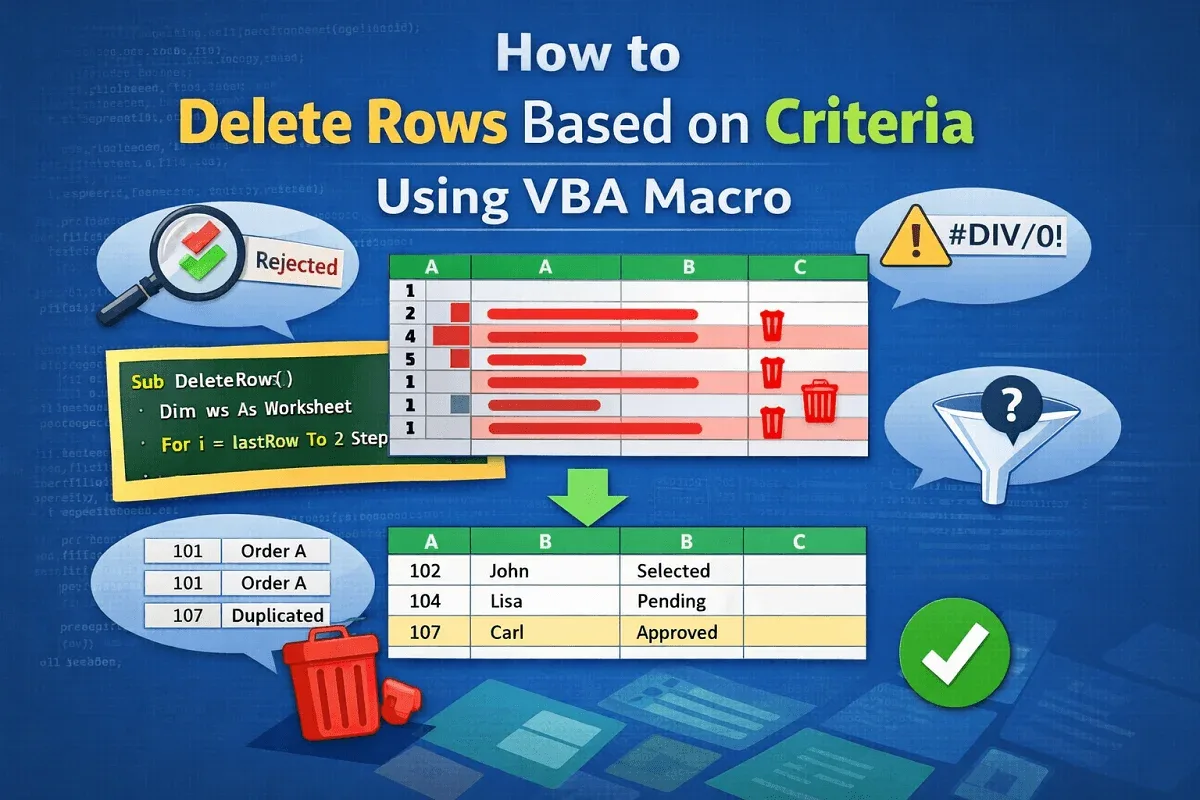
Learn how to delete rows based on criteria using VBA in Excel—remove by keyword, blanks, errors, duplicates, or user-defined conditions.
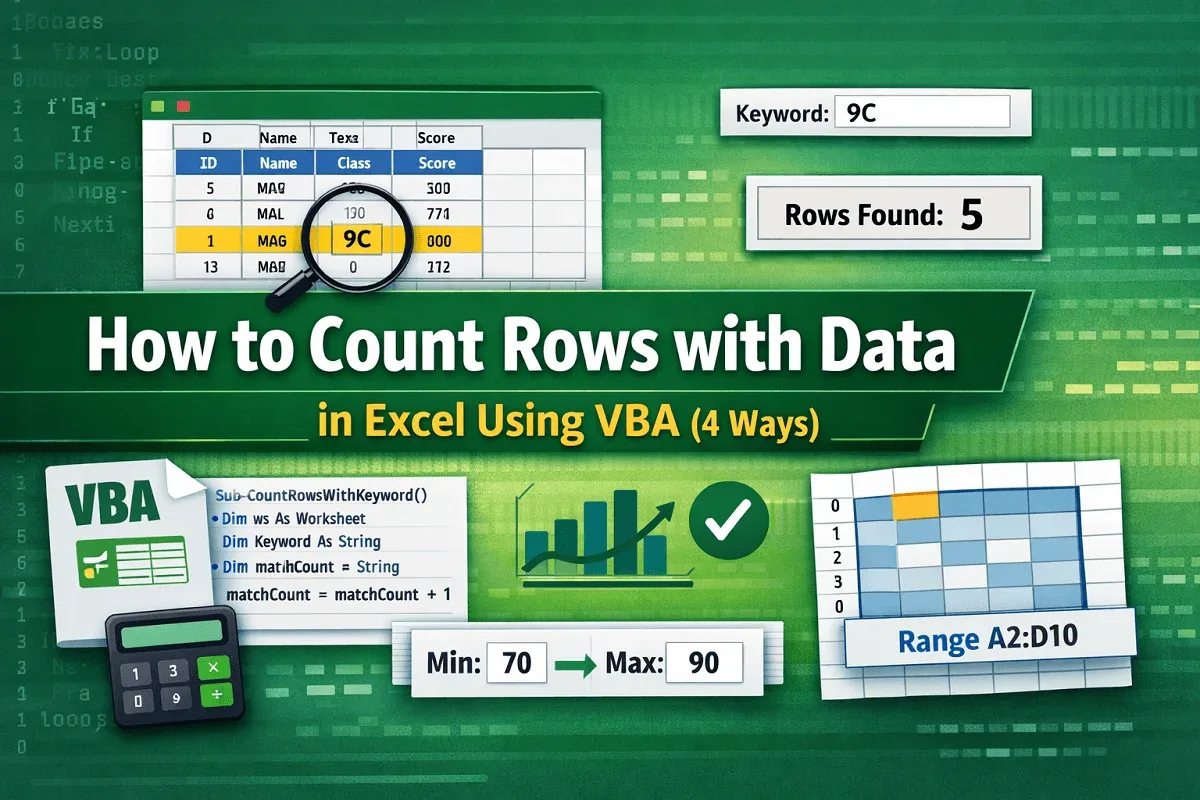
Learn how to count rows with data in Excel using VBA by applying CountA, looping through rows, using criteria, and targeting specific ranges.
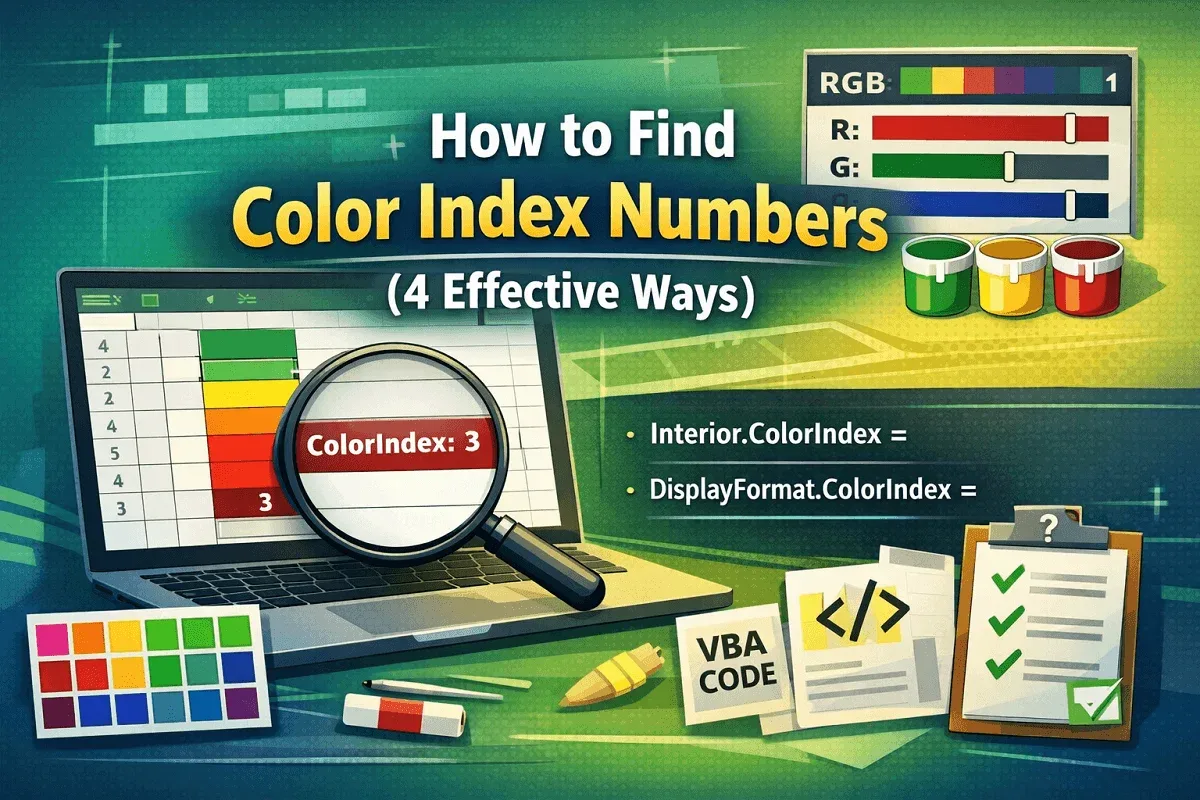
Learn how to find Color Index numbers in Excel using ColorIndex, Color & DisplayFormat properties to identify cell background & RGB values.
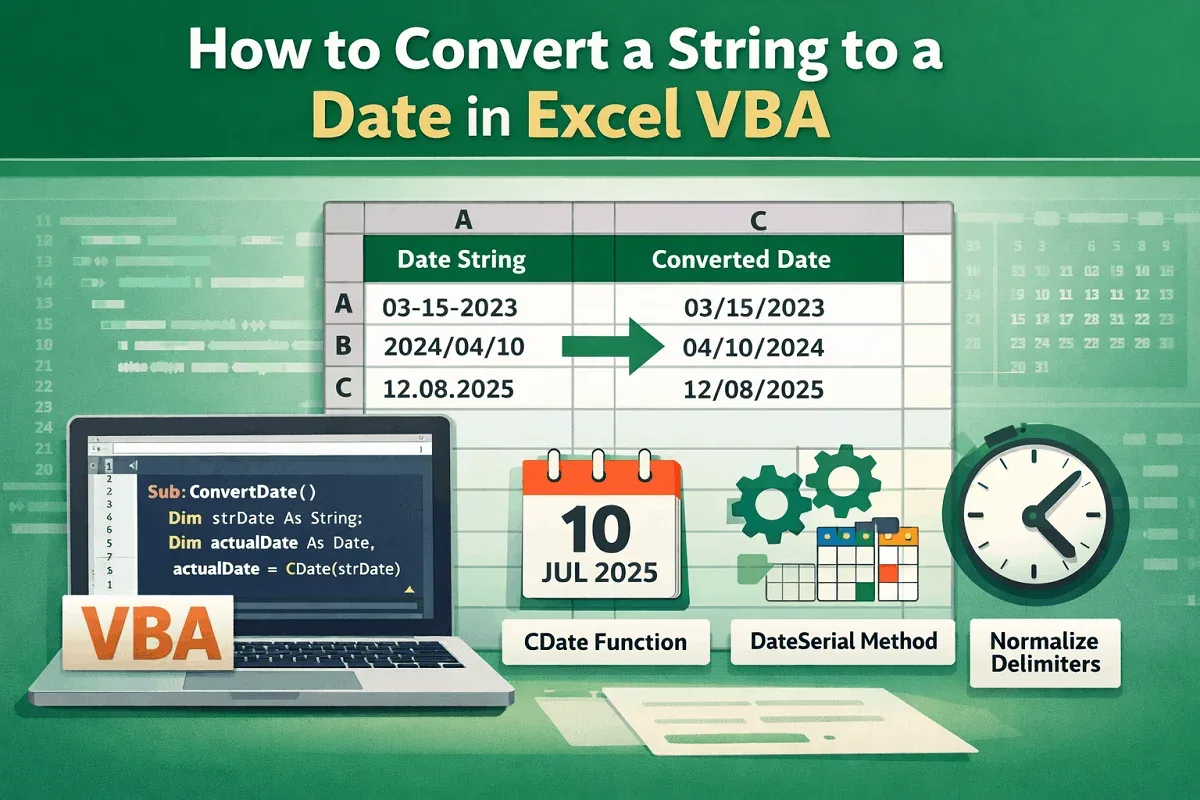
Learn how to convert a string to a date in Excel VBA using CDate, DateSerial, and delimiter normalization for accurate conversions.
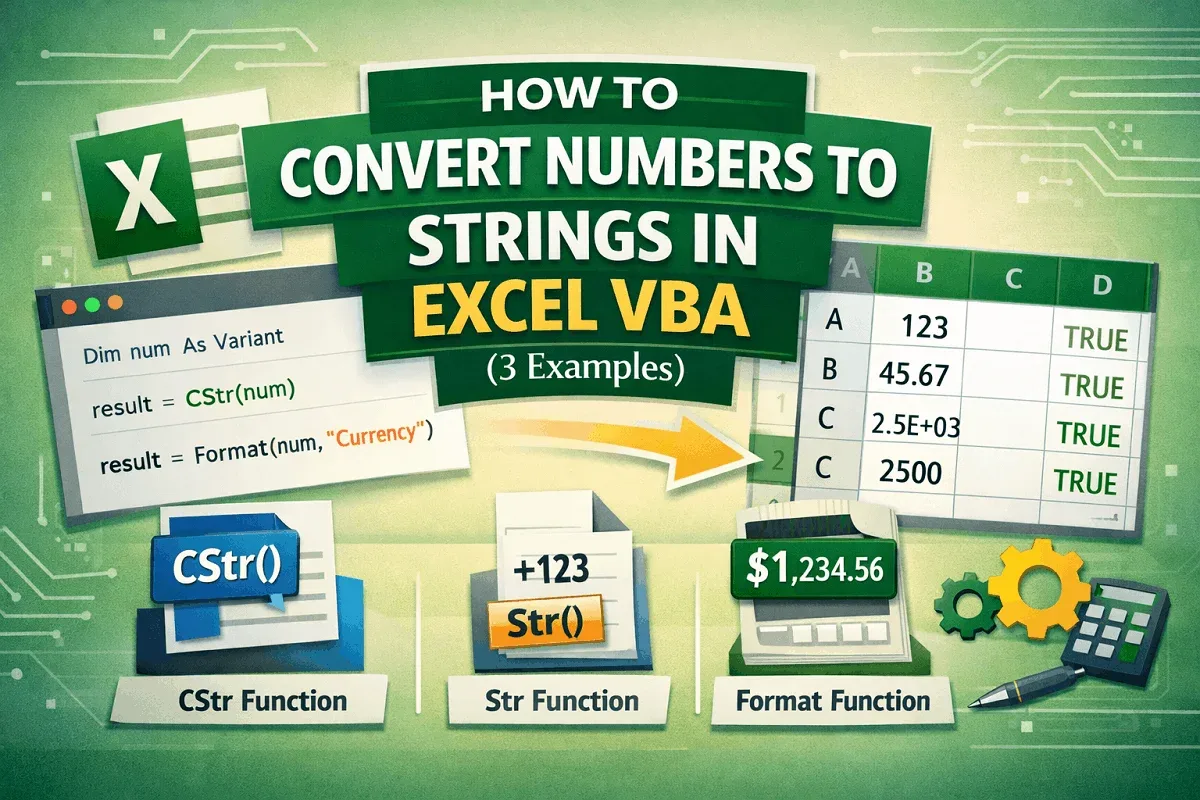
Learn how to convert numbers to strings in Excel VBA using CStr, Str, and Format functions for flexible and accurate data formatting.

Learn how to check if an array is empty in Excel VBA using IsEmpty, Join for string arrays, and custom functions with UBound and LBound.
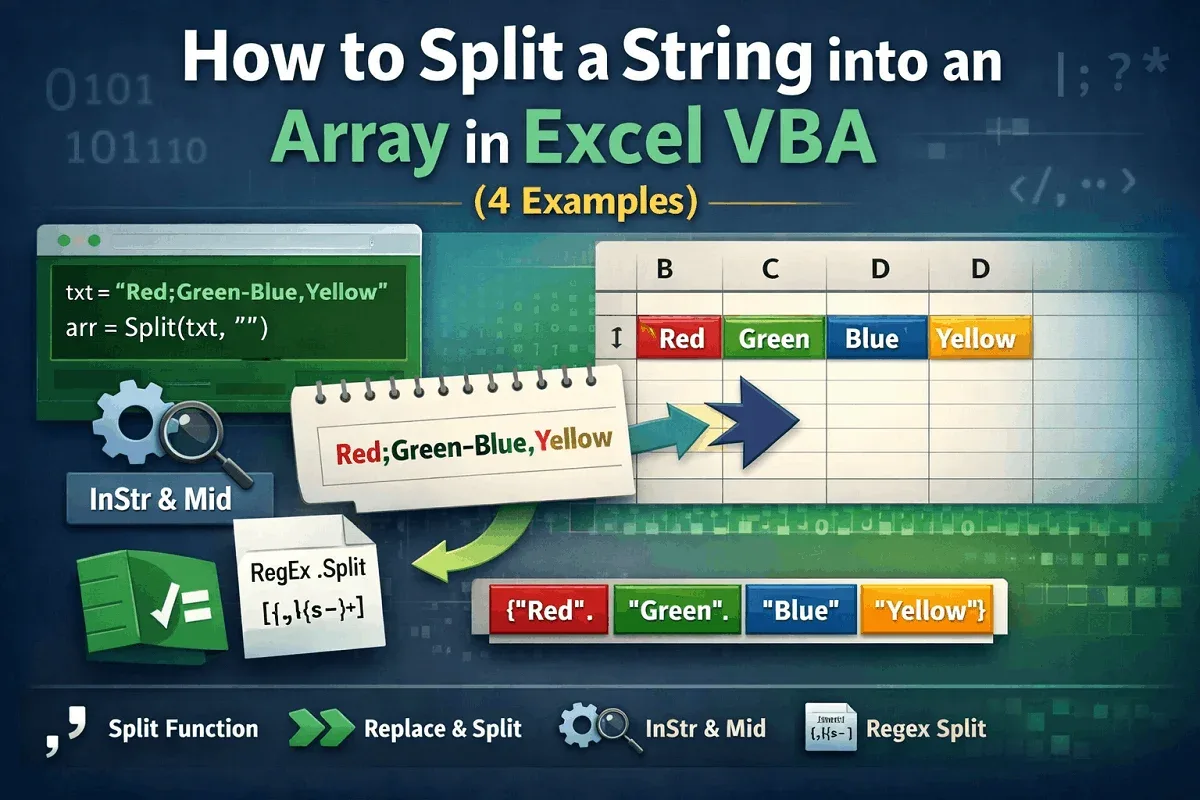
Learn how to split a string into an array in Excel VBA using Split, Replace, InStr with Mid, and Regex for handling delimiters & patterns.
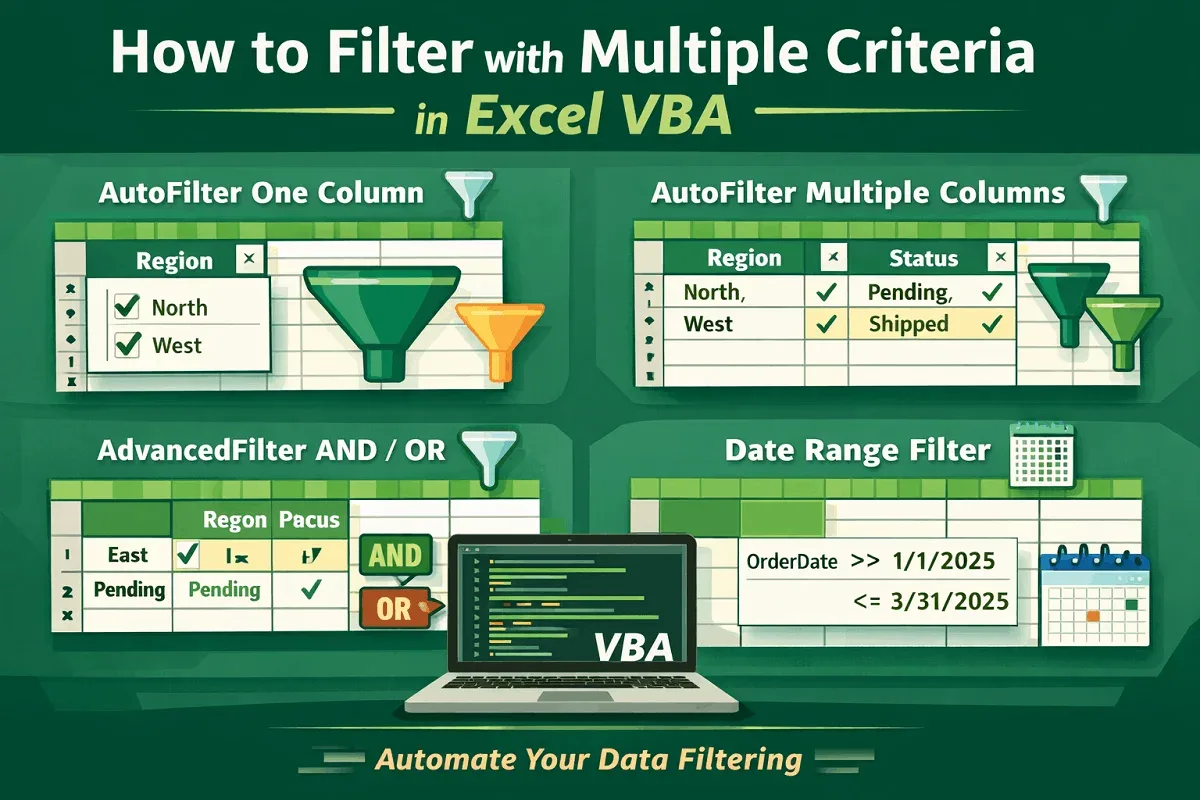
Learn how to filter data with multiple criteria in Excel VBA using AutoFilter, AdvancedFilter, and logic-based filtering across ranges.