Google Sheets Intermediate Tutorials
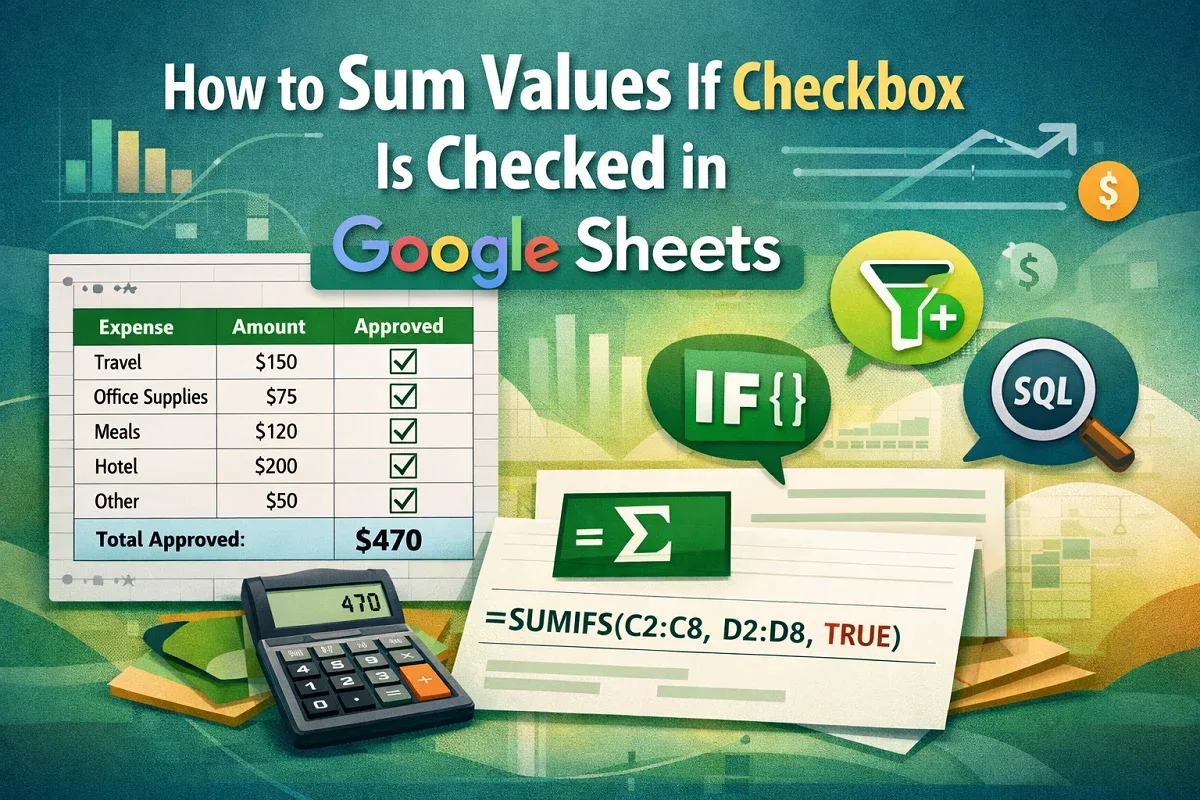
How to Sum Values If Checkbox Is Checked in Google Sheets
Learn how to sum values in Google Sheets when a checkbox is checked using SUMIFS, FILTER, ARRAYFORMULA with IF, and the QUERY function.
Read article

46 articles
Learn how to sum values in Google Sheets when a checkbox is checked using SUMIFS, FILTER, ARRAYFORMULA with IF, and the QUERY function.
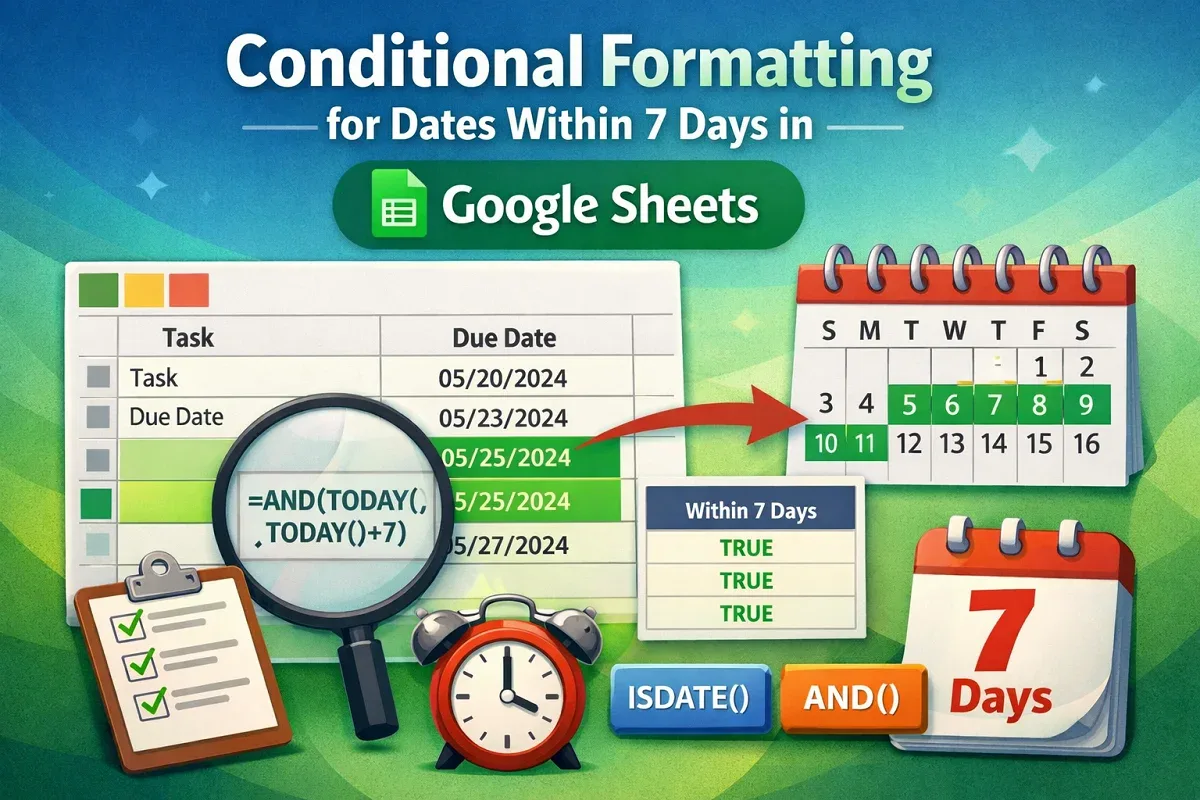
Learn how to use conditional formatting in Google Sheets to highlight dates within the past or next 7 days using TODAY, AND & helper columns.
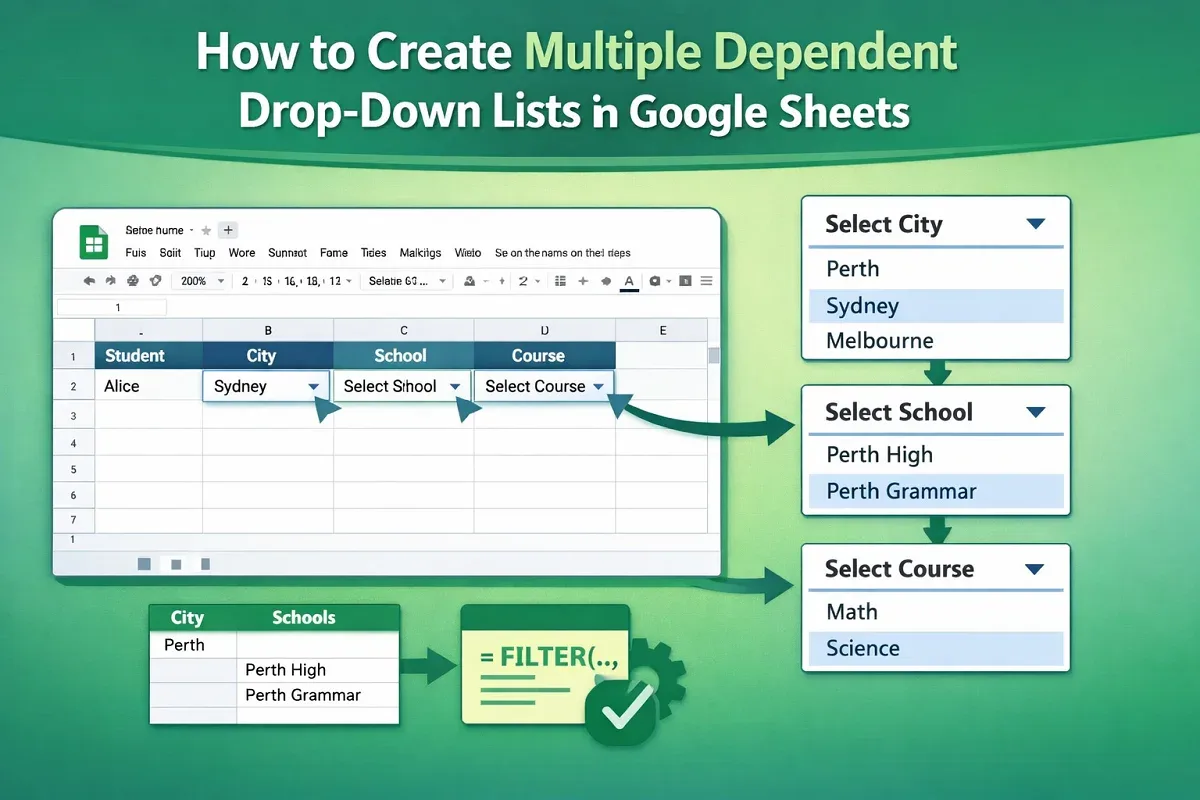
Learn how to create multiple dependent drop-down lists in Google Sheets using named ranges, backend sheets, and data validation steps.

Learn how to use custom data validation formulas in Google Sheets to enforce number ranges, prevent duplicates, and apply regex-based rules.

Learn how to hide sheets from certain users in Google Sheets using view-only permissions, IMPORTRANGE, or separate spreadsheets.

Learn how to filter with multiple conditions in Google Sheets using FILTER and QUERY functions, combining AND, OR, text, and numeric logic.

Learn how to protect columns in Google Sheets using the main menu, context menu, or by setting warning messages to prevent unwanted edits.
Learn how to import Excel files into Google Sheets using the built-in import feature, direct file opening, or simple copy-paste methods.

Learn how to create a drop-down list in Google Sheets from another sheet using direct range references, named ranges, and dependent lists.

Learn how to edit a drop-down list in Google Sheets—add or remove items, change styles, show help text, and allow multiple selections easily.
Learn how to apply conditional formatting with multiple conditions in Google Sheets using AND, OR, exact match, ranges, and text-based rules.

Learn how to filter duplicates in Google Sheets using FILTER with COUNTIF, UNIQUE, conditional formatting, or Google Apps Script.