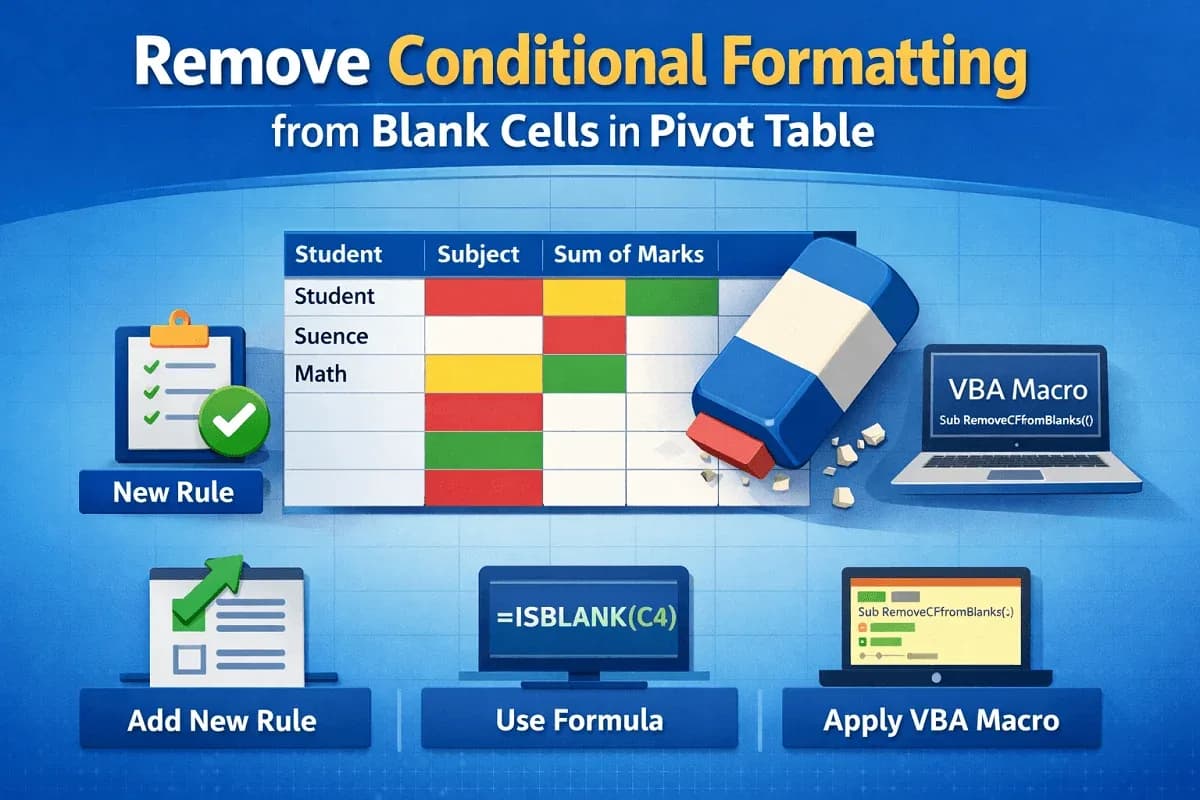
Excel Pivot Table
Remove Conditional Formatting from Blank Cells in Pivot Table
Remove conditional formatting from blank cells in Excel Pivot Tables using rules, formulas, and VBA for cleaner reports.
Read article

24 articles tagged with “Excel Conditional Formatting”
Remove conditional formatting from blank cells in Excel Pivot Tables using rules, formulas, and VBA for cleaner reports.
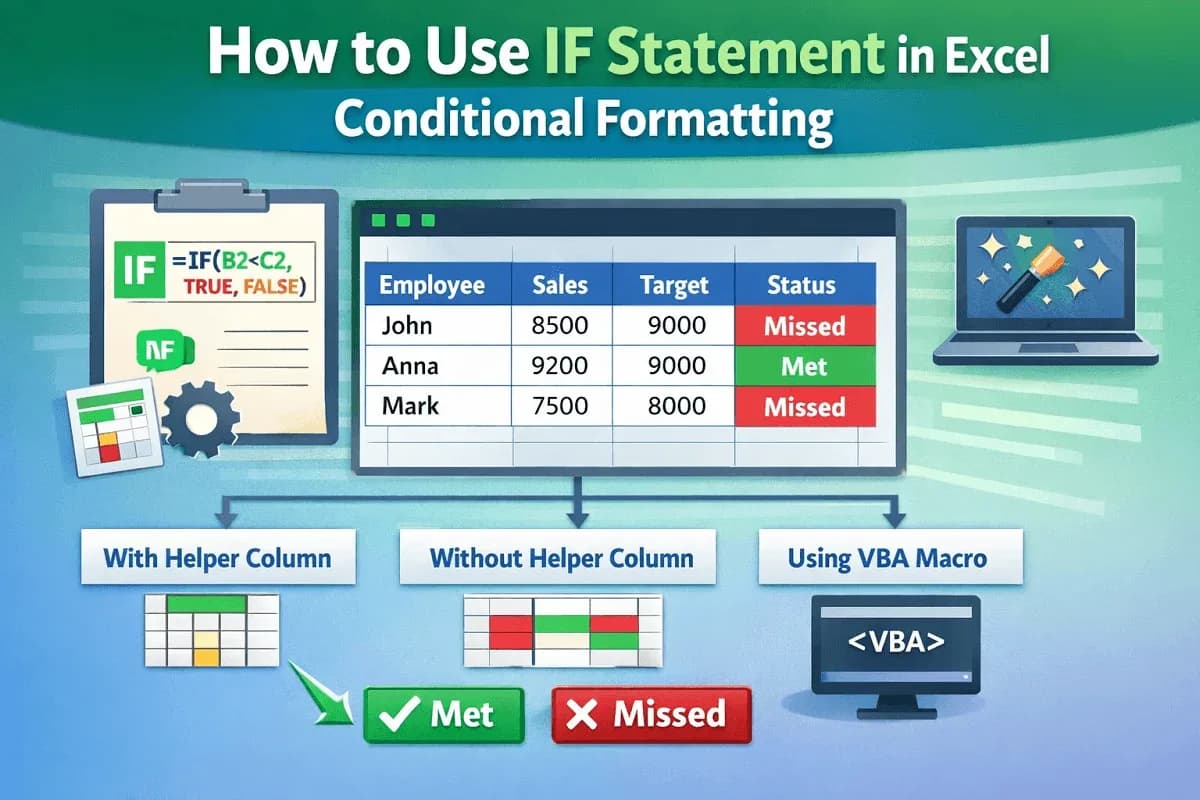
Learn how to use the IF statement in Excel conditional formatting with helper columns, direct formulas, and VBA to highlight results.
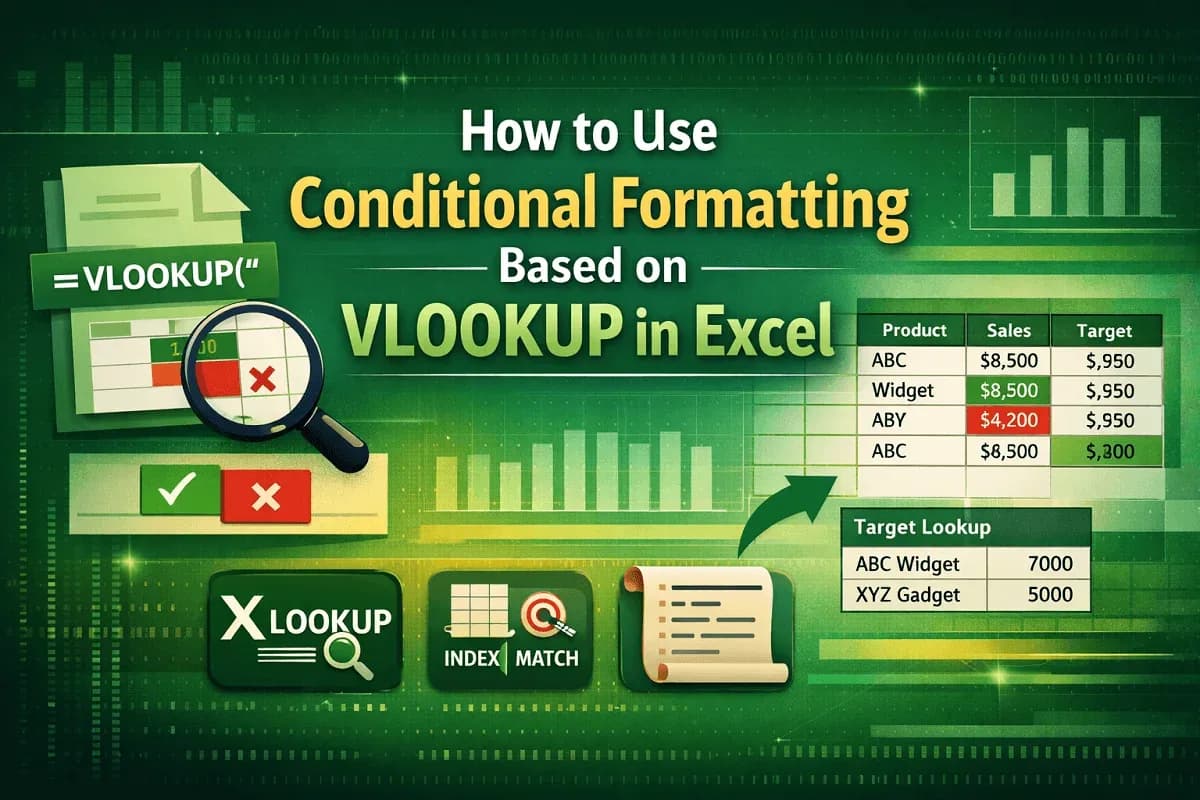
Learn how to use conditional formatting with VLOOKUP in Excel to highlight values, compare targets, and explore XLOOKUP, MATCH and VBA.
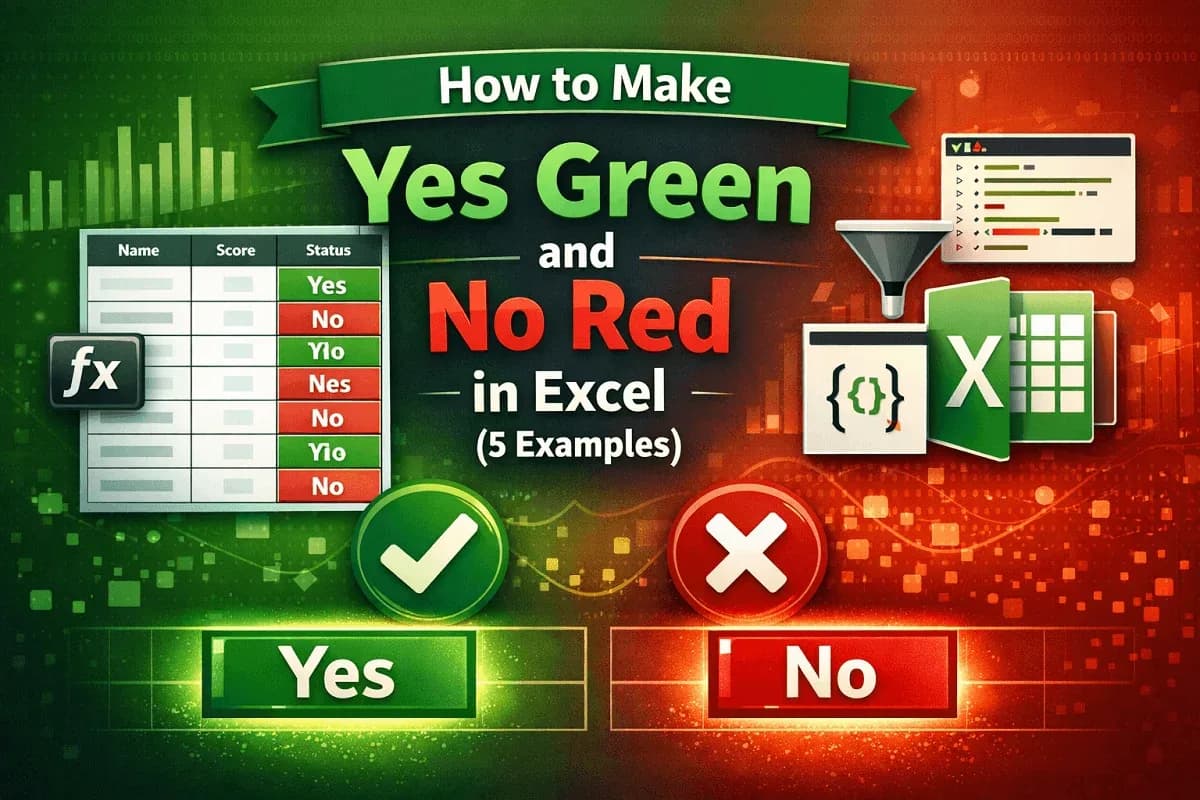
Make Yes green and No red in Excel using conditional formatting, filters, VBA Editor, or Office Scripts for highlights easily.
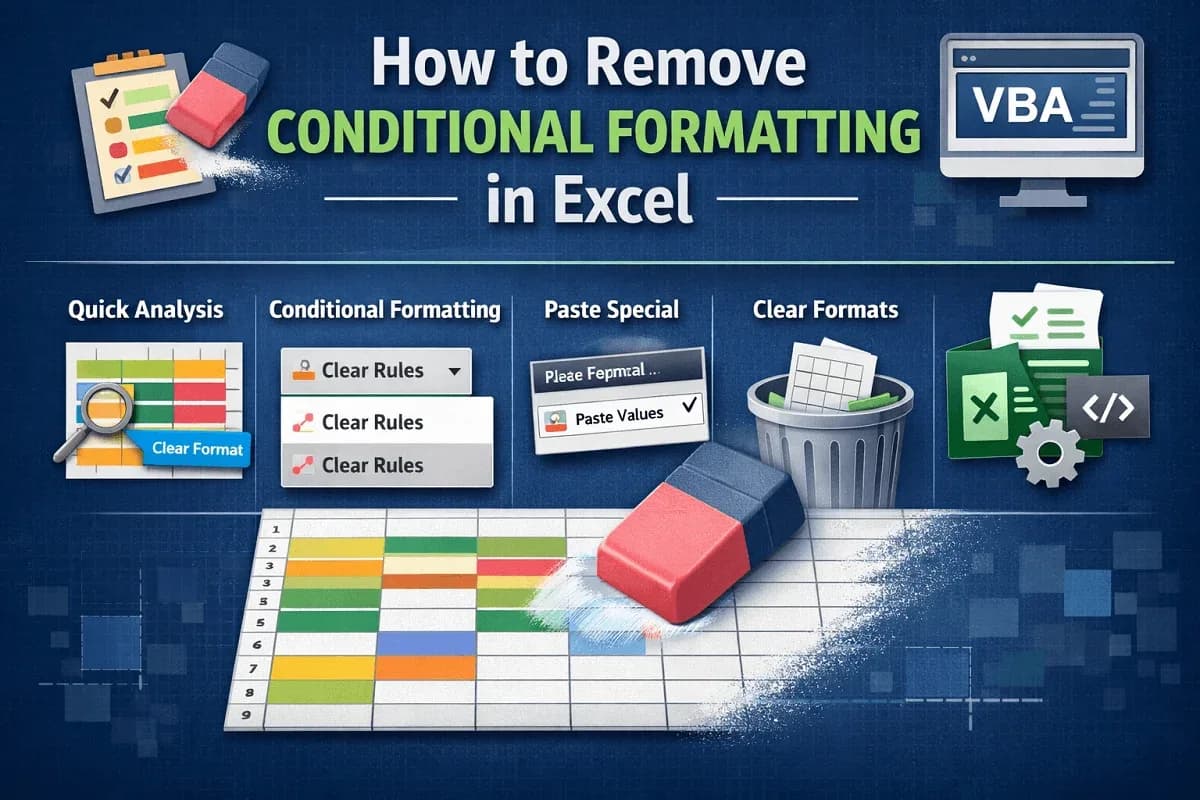
Learn how to remove conditional formatting in Excel using Clear Rules, Quick Analysis, Paste Special, Clear Format, or VBA automation.
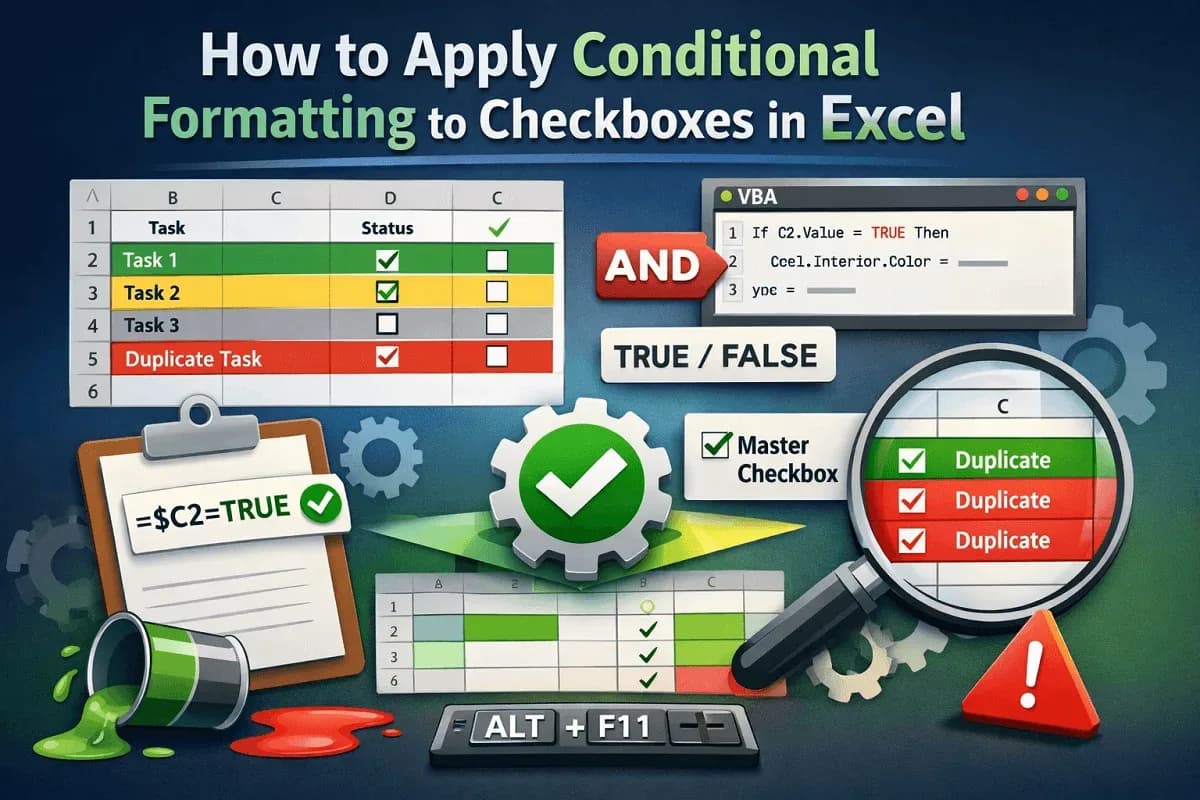
Apply conditional formatting to Excel checkboxes using linked cells, AND formulas, text rules, and advanced VBA automation.
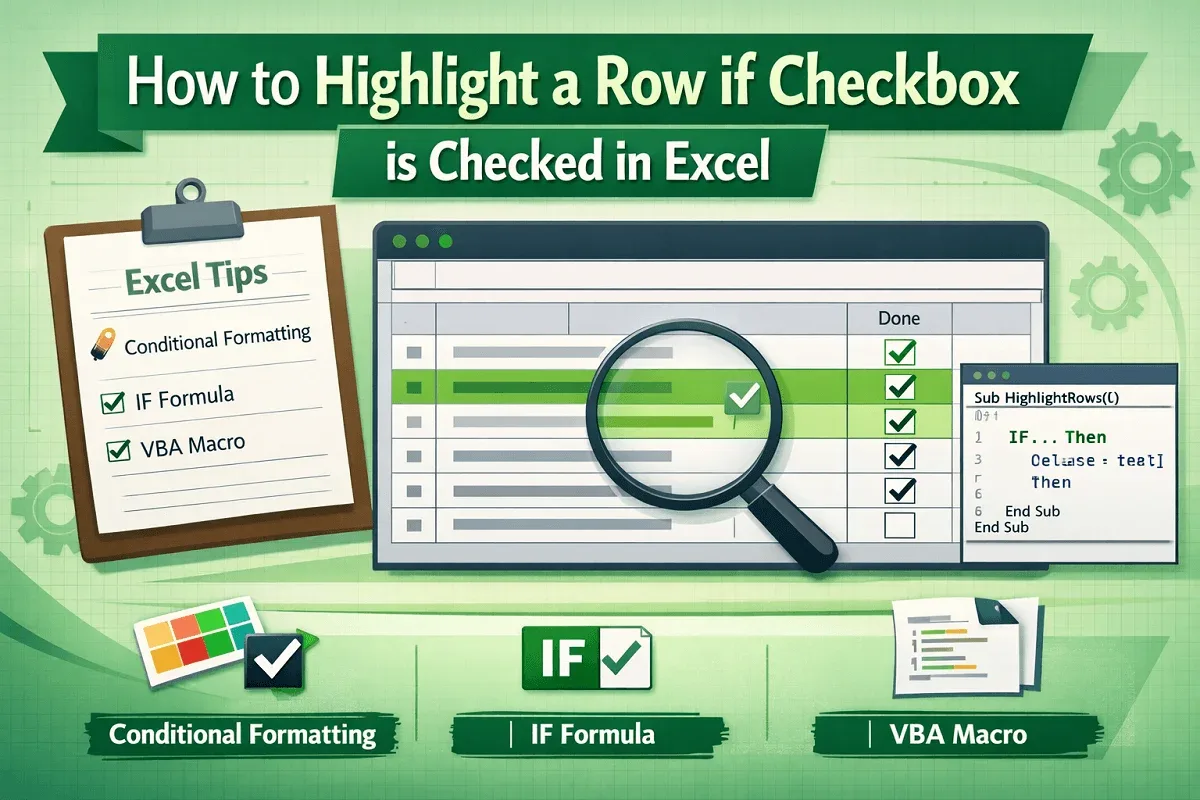
Learn how to highlight rows in Excel when a checkbox is checked using conditional formatting, IF-based logic, or automated VBA macros.
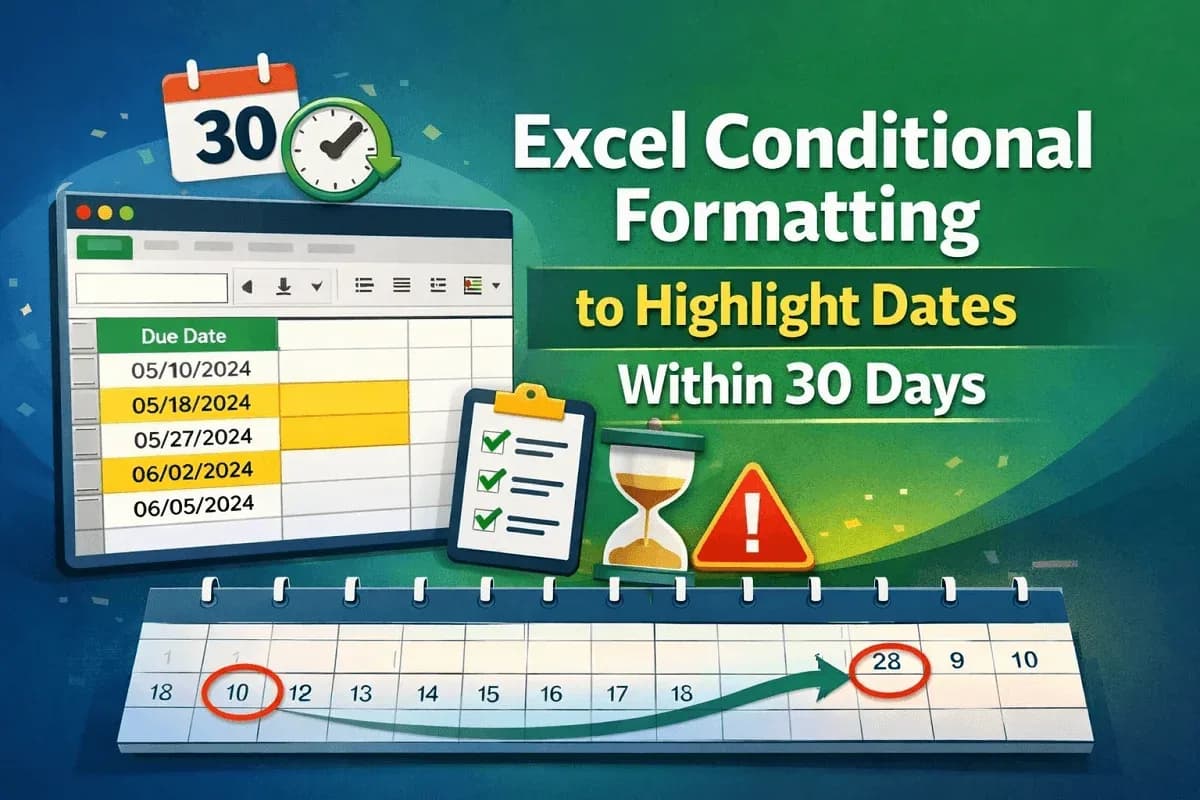
Learn how to use Excel conditional formatting to highlight dates within 30 days using TODAY and AND for dynamic tracking and accuracy.

Learn how to apply conditional formatting based on dates in another cell, including highlighting before, after, equal & row-based date rules.
Learn how to set conditional formatting rules for a column based on another column in Excel using formulas for numbers & text conditions.
Learn how to use Conditional Formatting formulas in Excel to highlight cells containing specific, partial or multiple text values.
Learn how to highlight dates older than today in Excel using the TODAY function or a VBA macro for automatic formatting.