Excel Pro Tips
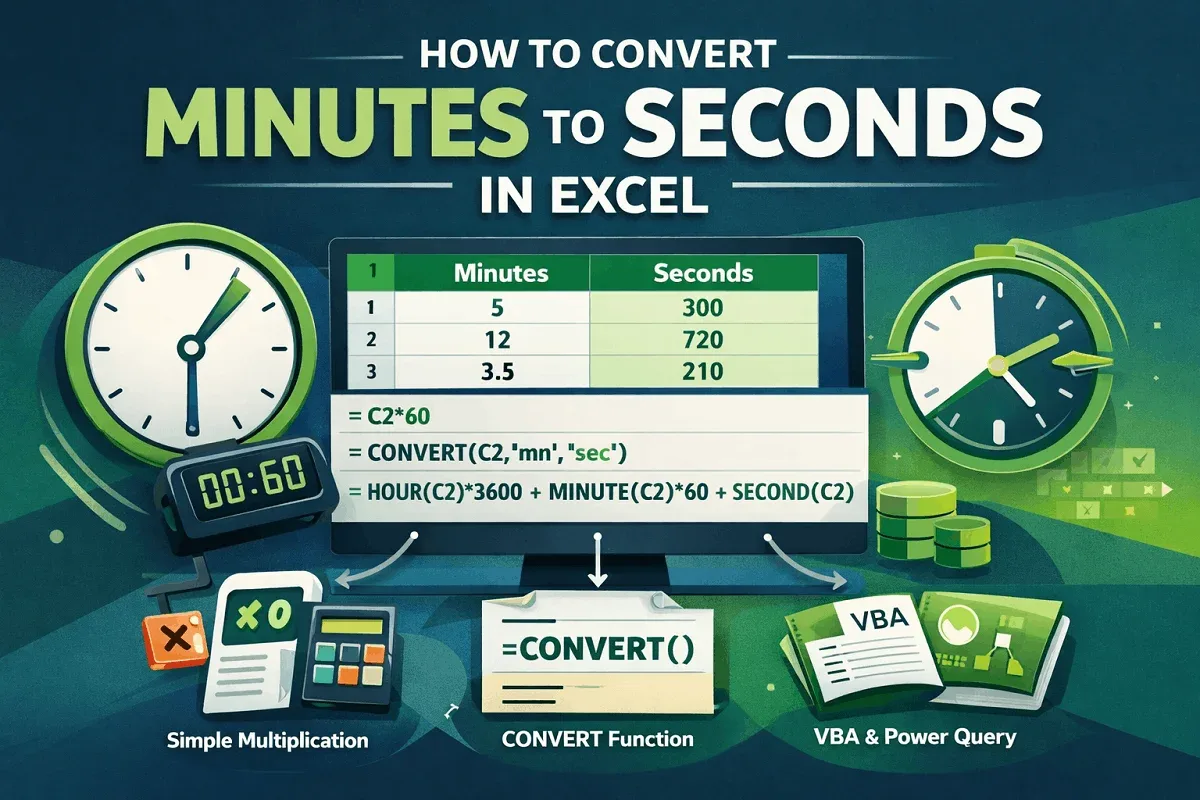
How to Convert Minutes to Seconds in Excel (3 Simple Ways)
Learn how to convert minutes to seconds in Excel using simple multiplication, the CONVERT function, and time formats easily fast.
Read article

15 articles tagged with “Excel Time Conversion”
Learn how to convert minutes to seconds in Excel using simple multiplication, the CONVERT function, and time formats easily fast.
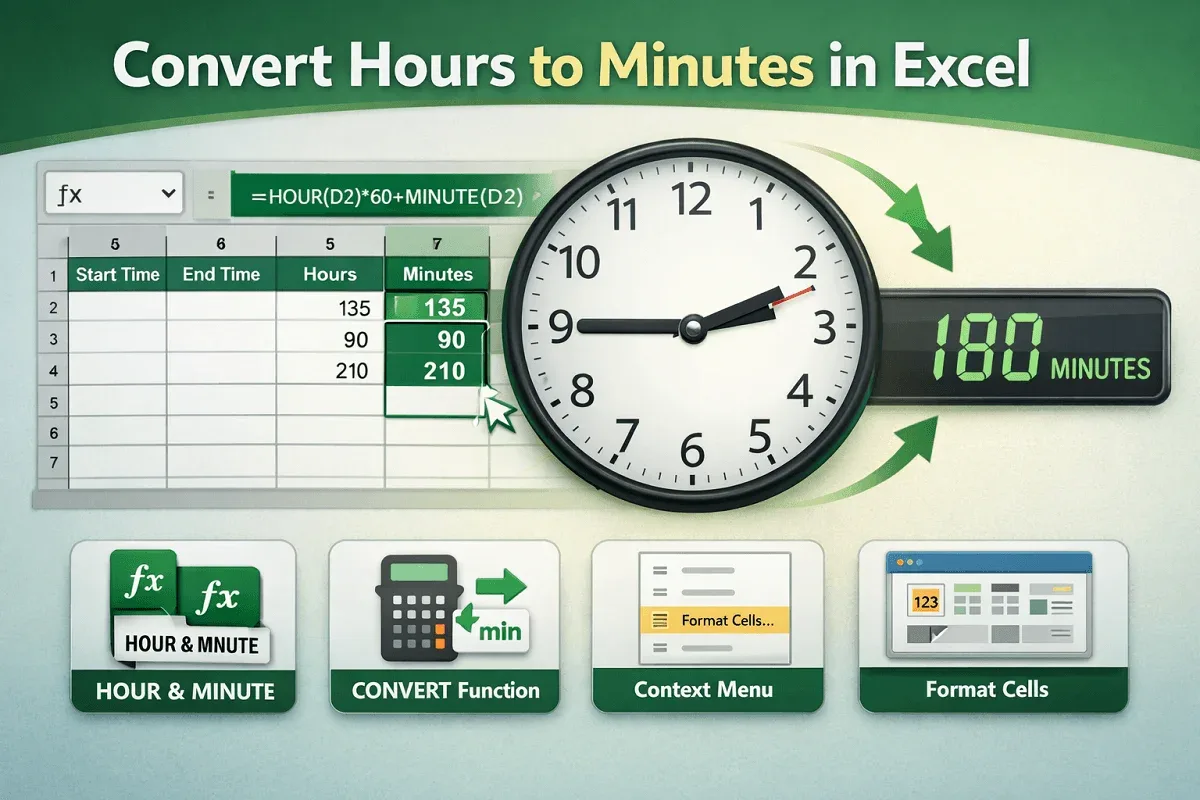
Convert hours to minutes in Excel using formulas, the CONVERT function, or cell formatting options from context and main menus.
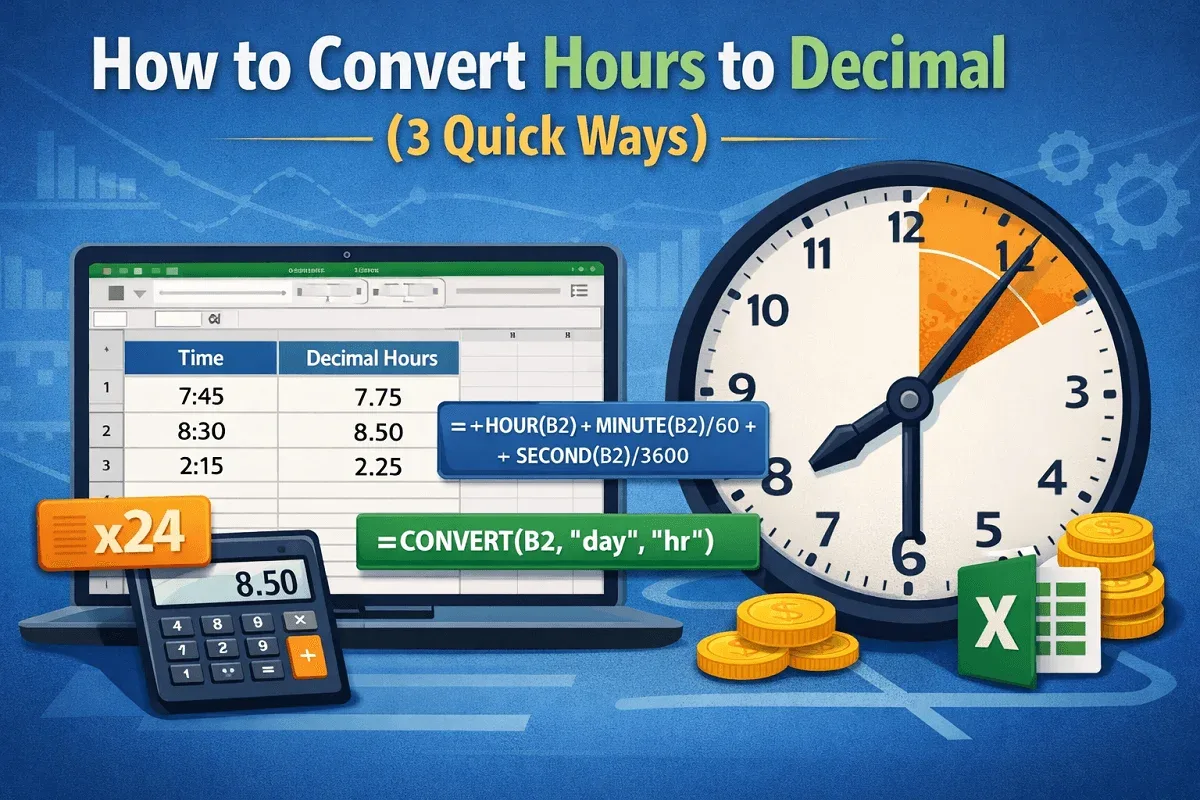
Learn how to convert hours to decimal in Excel using simple multiplication, HOUR/MINUTE/SECOND functions, and the CONVERT function.
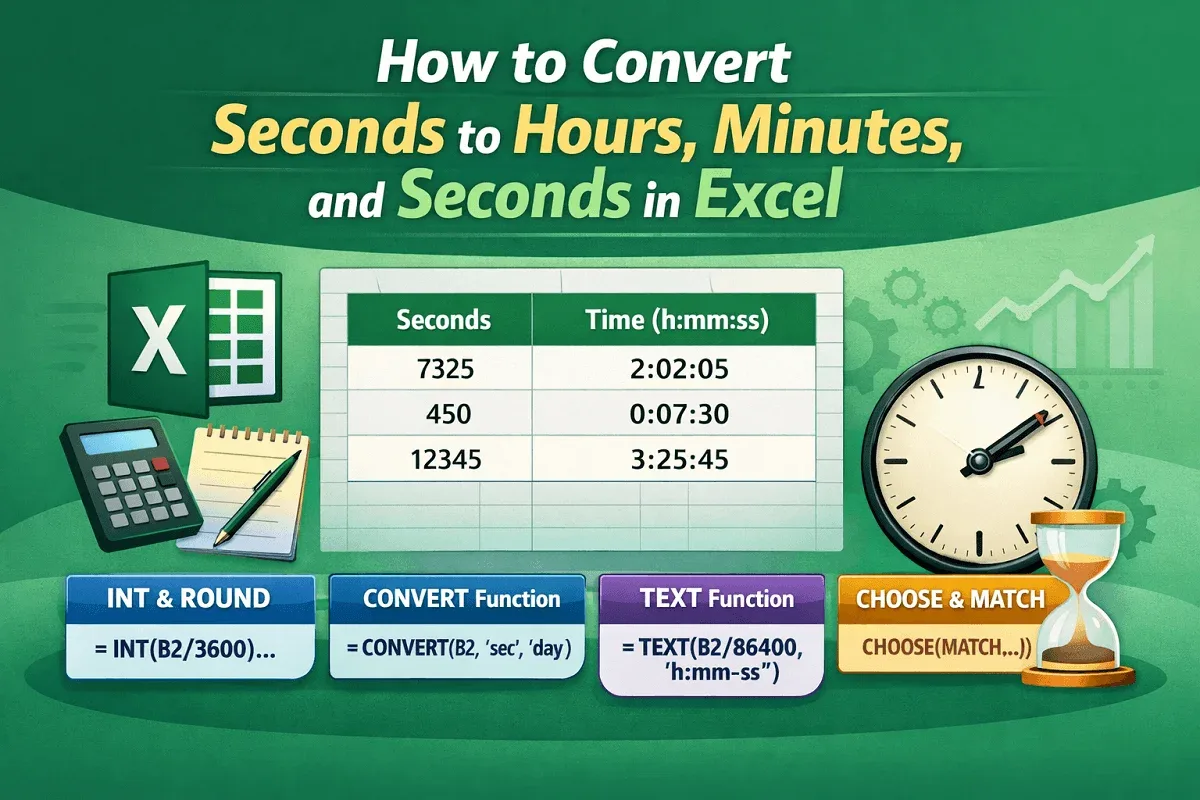
Learn how to convert seconds to hours, minutes, and seconds in Excel using INT, ROUND, CONVERT, TEXT, and dynamic formatting techniques.
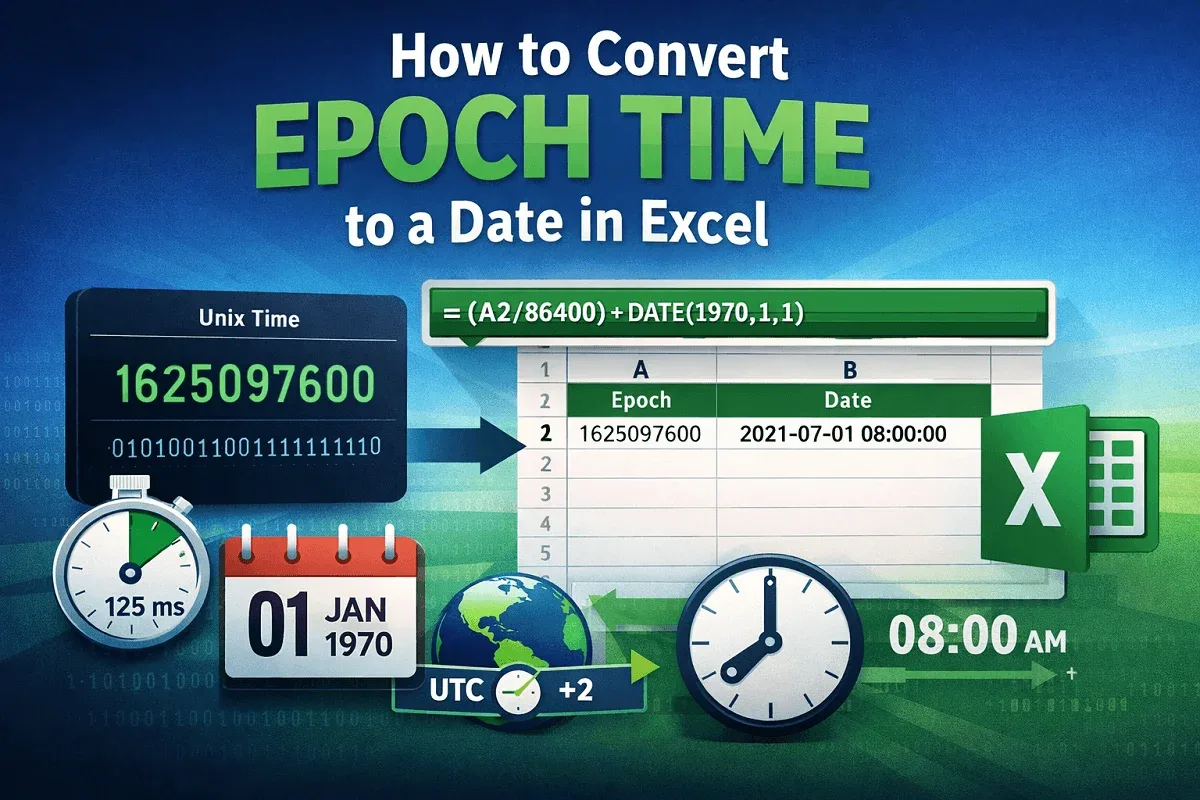
Learn how to convert epoch time to Excel dates using formulas, handle milliseconds, adjust time zones, format results, and create a VBA UDF.
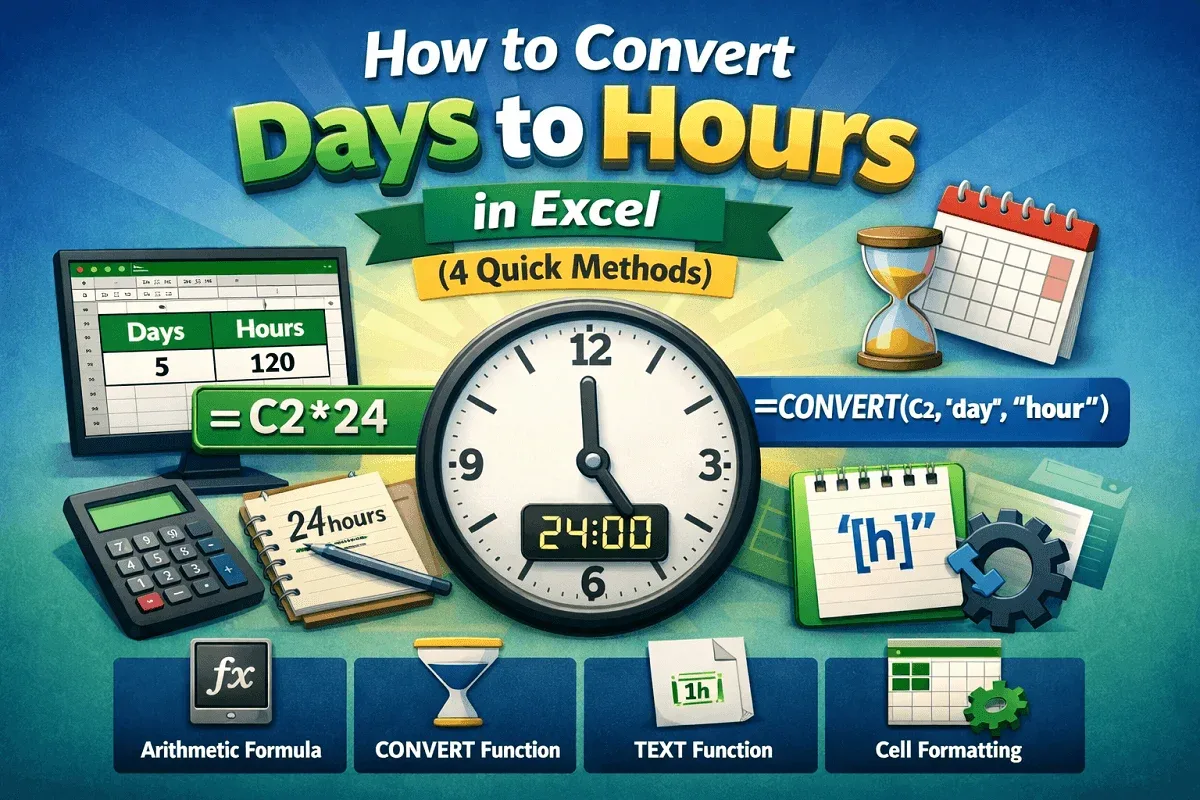
Learn how to convert days to hours in Excel using arithmetic formulas, the CONVERT function, TEXT formatting, and custom cell formats.
Learn how to convert minutes to decimal in Excel using formulas, the CONVERT function, and time functions like HOUR and MINUTE.
Learn how to convert hours and minutes to decimal in Excel using arithmetic formulas, HOUR and MINUTE functions, or custom text formulas.
Learn how to convert hours to days in Excel using CONVERT, INT, MOD, and QUOTIENT functions, including 8-hour workday conversions.
Learn how to convert minutes to hours and minutes in Excel using time formatting, TEXT, INT & MOD functions, or VBA for quick conversion.
Learn how to convert decimal time to hours and minutes in Excel using TEXT, INT, MOD functions, division by 24, VBA code, or Power Query.
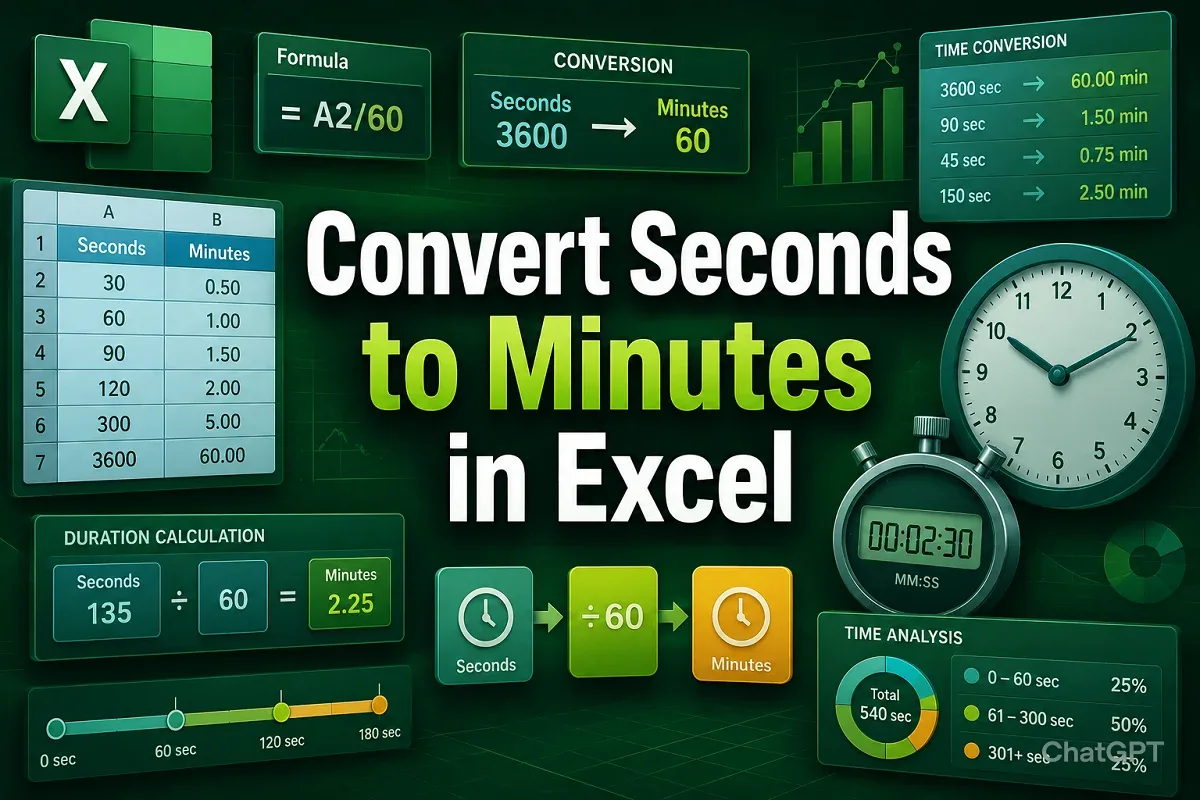
Learn how to convert seconds to minutes in Excel using formulas, CONVERT, TEXT, custom formatting, and even VBA for mm:ss display.