
Excel Pro Tips
How to Make Excel Look Like a Page (with Simple Steps)
Make Excel look like a page using Page Setup, fit data to one page, adjust margins, add headers and footers, and preview print.
Read article

4 articles tagged with “Page Setup in Excel”
Make Excel look like a page using Page Setup, fit data to one page, adjust margins, add headers and footers, and preview print.
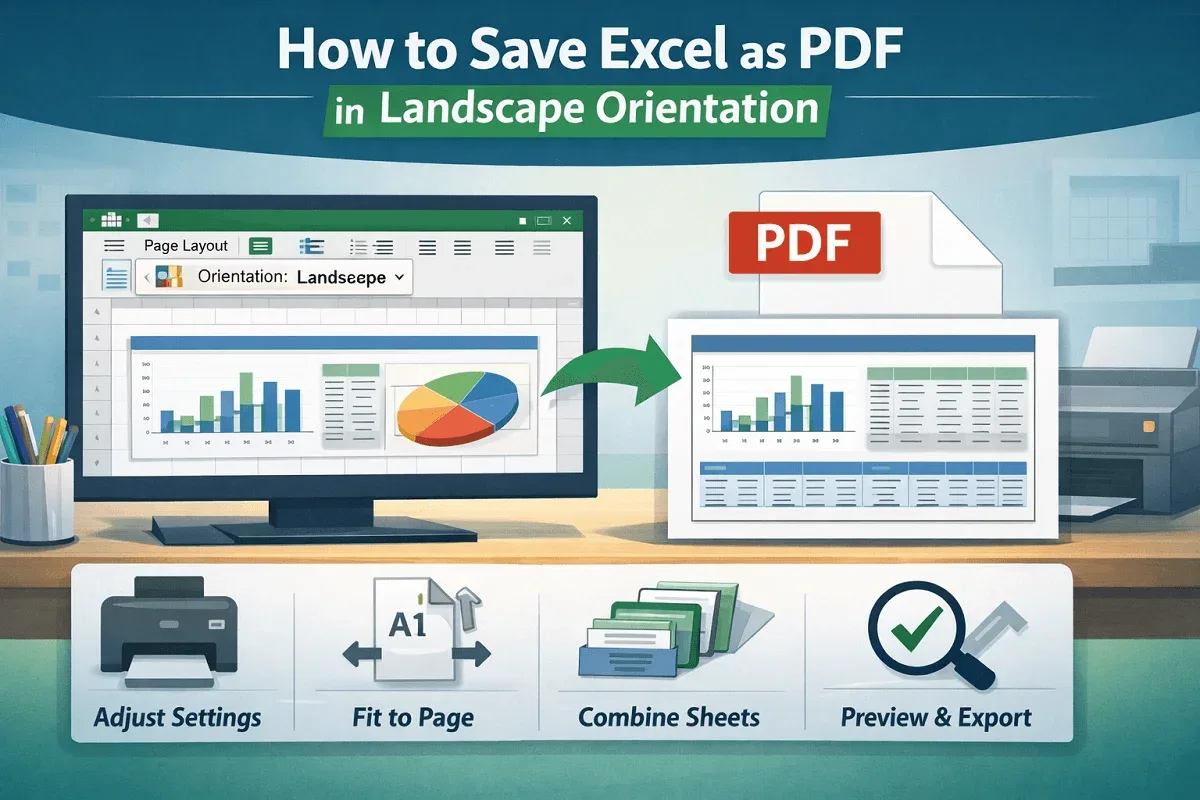
Save Excel as a landscape PDF by adjusting page layout, defining print area, configuring sheet options, and exporting from print preview.
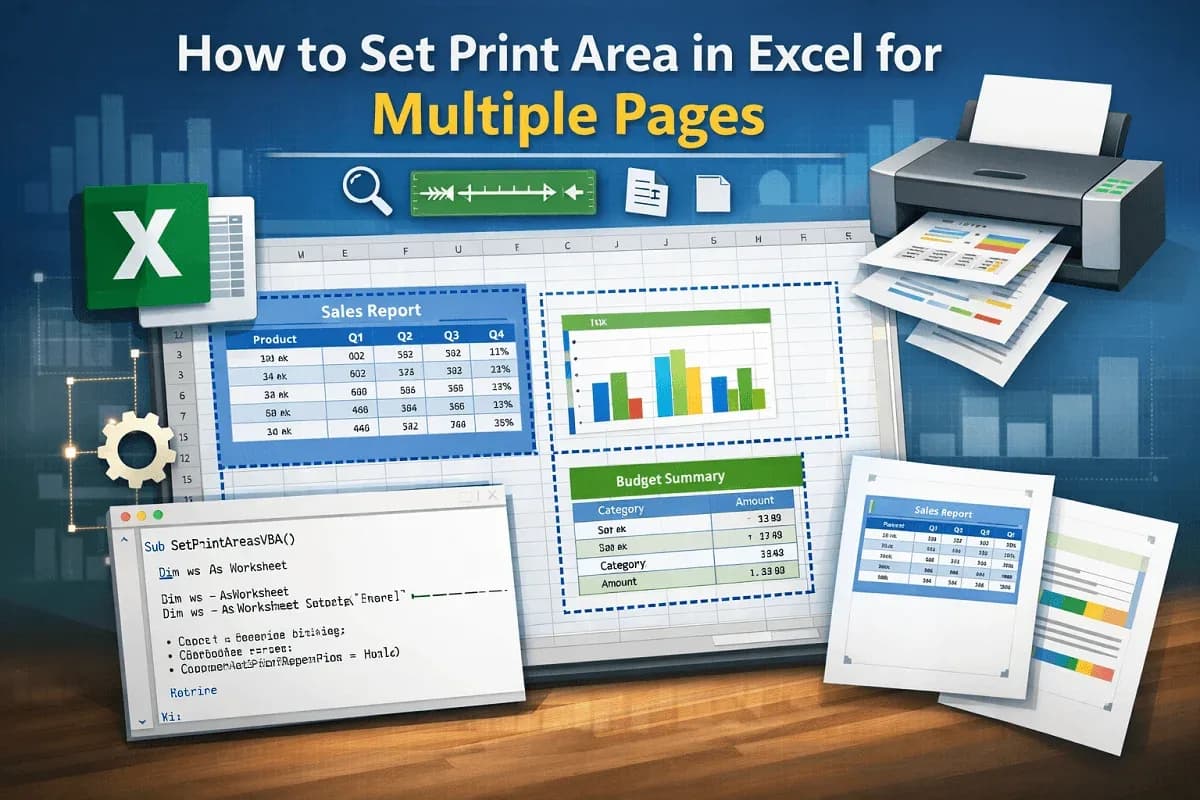
Set Excel print areas for multiple pages, adjust in Page Break Preview, add non-adjacent ranges, and automate setup with VBA.

Learn how to delete extra pages in Excel by manually removing sheets, adjusting page breaks, or using VBA to clean up your workbook.