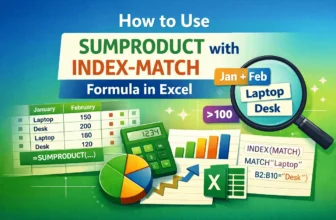
In a typical INDEX-MATCH formula, MATCH finds the row/column number of a value and INDEX returns the value at that position. The SUMPRODUCT function is used to sum values that meet conditions. ...
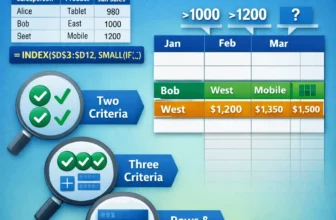
A simple INDEX-MATCH formula handles single criteria, but when you need to match both rows and columns with multiple criteria, you need more advanced formulas. By default, MATCH finds the position of ...
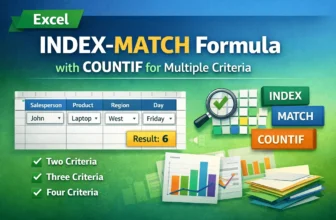
While working with datasets in Excel, it is often required to return values based on multiple criteria. By combining COUNTIF with INDEX and MATCH functions, we can effortlessly perform this ...
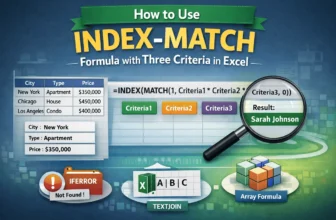
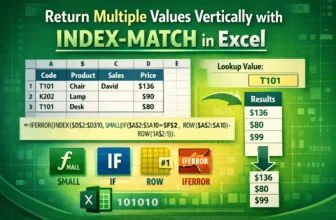
When working with large datasets in Excel, we often need to look up values based on multiple criteria. The INDEX and MATCH functions are powerful built-in tools that allow us to perform this task ...
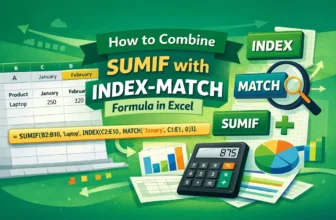
In the INDEX-MATCH formula, MATCH finds the relative position of a lookup value in a range and INDEX returns a match from a specified row and column in a range based on that value. The SUMIF function ...
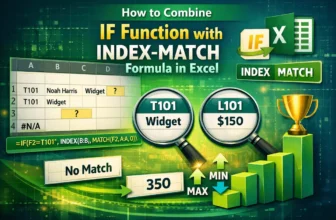
In a basic INDEX-MATCH formula, MATCH finds the position of a specific lookup value and INDEX uses that position number to fetch the value from a specific range. Although INDEX-MATCH is a powerful ...
Excel's MATCH function finds the position (row or column number) of your lookup value. INDEX goes to that position in a different range and returns the value found there. By default, the INDEX-MATCH ...
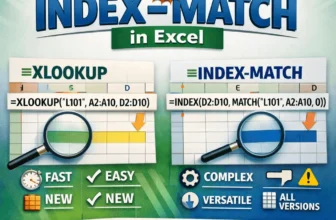
Both INDEX-MATCH and XLOOKUP are two powerful lookup functions in Excel used to find data from a specific range. You can use them for exact matches, approximate matches, two-way lookups, binary ...
Excel's MATCH function looks for a specific item in a row or column and tells you its position. While INDEX returns the value at a specific position in a range, INDIRECT converts text into a cell ...