

How to Create Multiple Dependent Drop Down List in Google Sheets
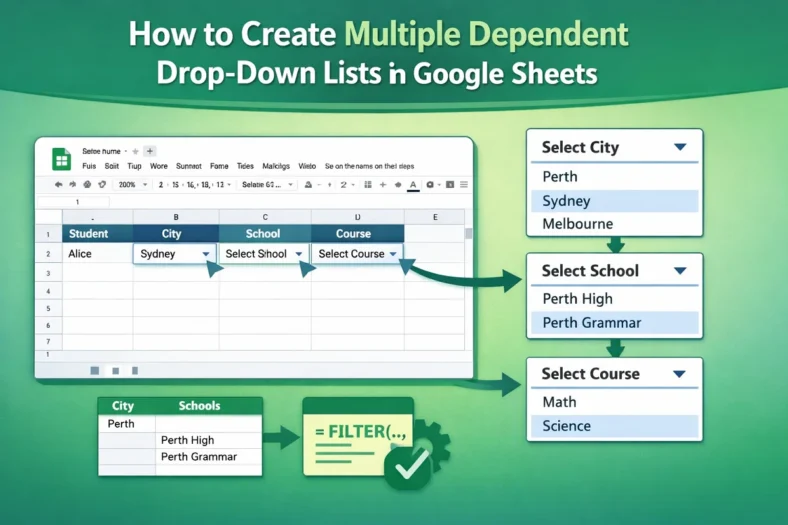
Multiple dependent dropdown lists in Google Sheets is a useful feature you should learn. For example, you are making a sheet where users will first select a city, and then,




Multiple dependent dropdown lists in Google Sheets is a useful feature you should learn. For example, you are making a sheet where users will first select a city, and then,

Data validation in Google Sheets is a very important skill. For example, you are making a sheet where users will insert business email addresses, but some people are writing without

Splitting cells in Google Sheets is a very useful skill for certain types of jobs. For example, you exported data from a CRM or PDF, and now you want to

Changing the number format in Google Sheets is a very handy skill. For example, you are making a sheet where you need to insert phone numbers, but the sheet is

Sometimes you need to combine data from multiple cells in Google Sheets, but the regular Merge option just keeps the top-left value and drops everything else. That’s not ideal when
