Excel VBA
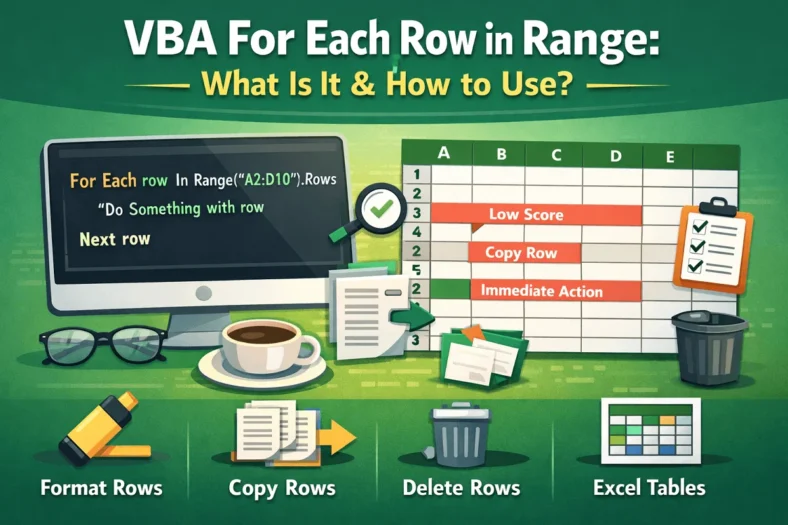
VBA For Each Row in Range: What Is It & How to Use?
When working with Excel, we often need to perform actions on multiple rows of data. Of course, doing so manually is time-consuming and prone to errors. That’s especially true for


When working with Excel, we often need to perform actions on multiple rows of data. Of course, doing so manually is time-consuming and prone to errors. That’s especially true for
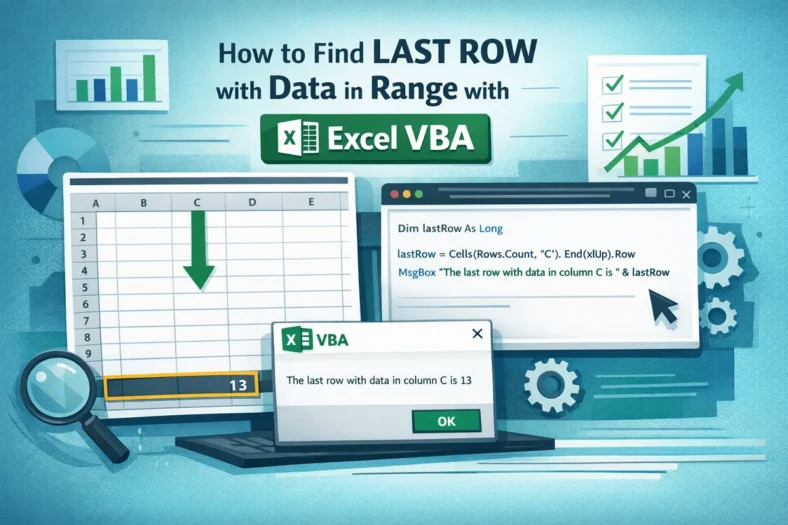
When working with Excel, we commonly need the last row of data in a column or range. It helps you accurately define ranges for formulas, charts, or VBA macros, avoiding
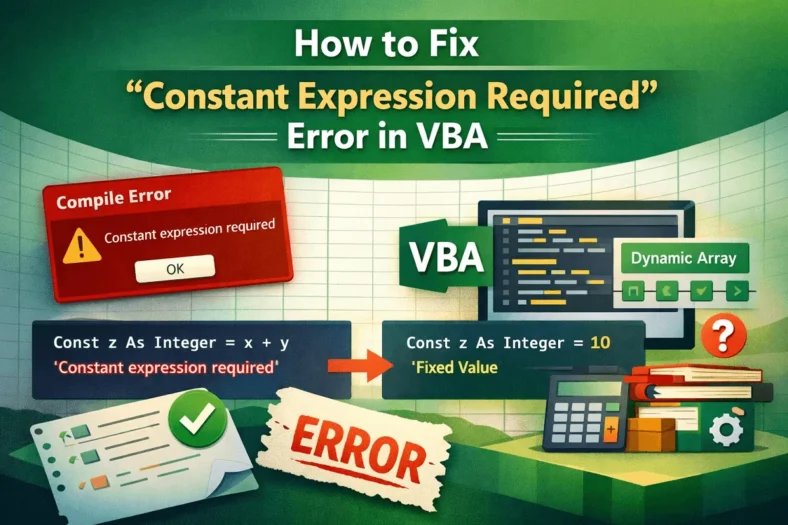
When Excel shows the “Constant Expression Required” error in VBA, it usually happens when you try to assign a constant using variables or arrays instead of fixed values. This compile
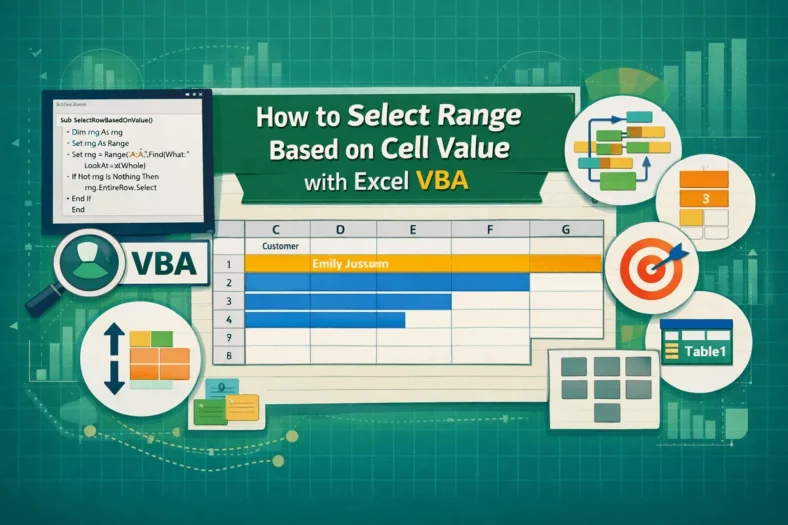
When working with Excel, we often need to highlight or work with ranges that match a specific cell value. Obviously, doing this manually can be time-consuming and not an easy
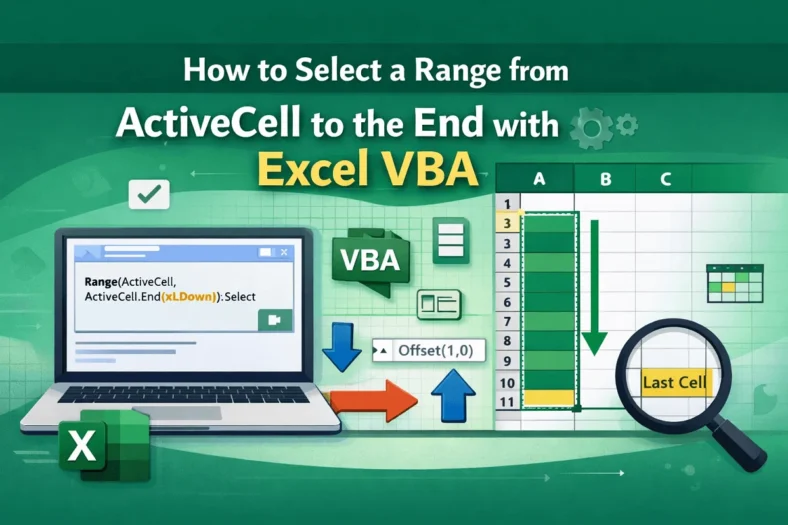
When we are working with an Excel dataset and we need to select a range of cells starting from the active cell to the end of our data, true keyboard
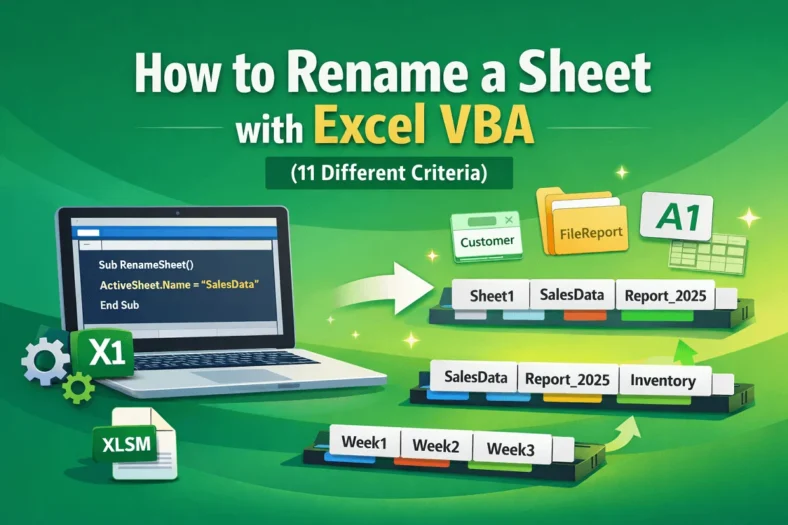
In some cases, when working with an Excel dataset, we need to rename one or more sheets in our workbook to keep them organized or to make the sheet names
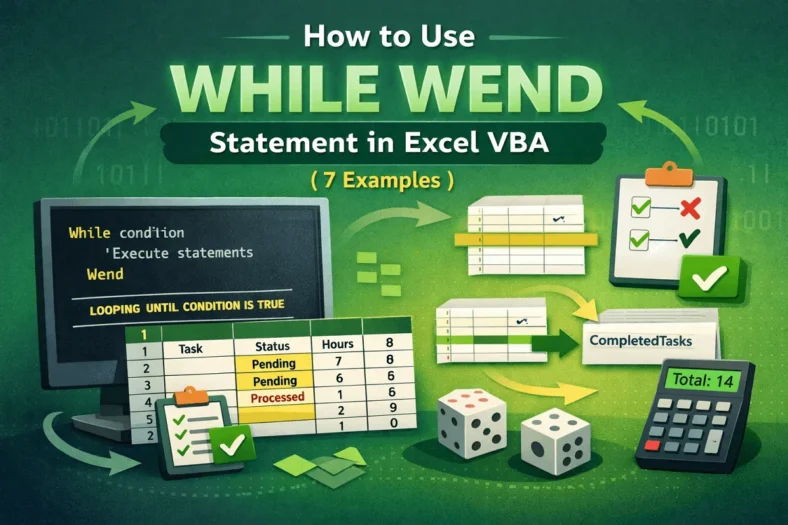
When working with Excel, sometimes we need to repeat actions until a certain condition is met, but we don’t know in advance how many times. For instance, processing rows, validating
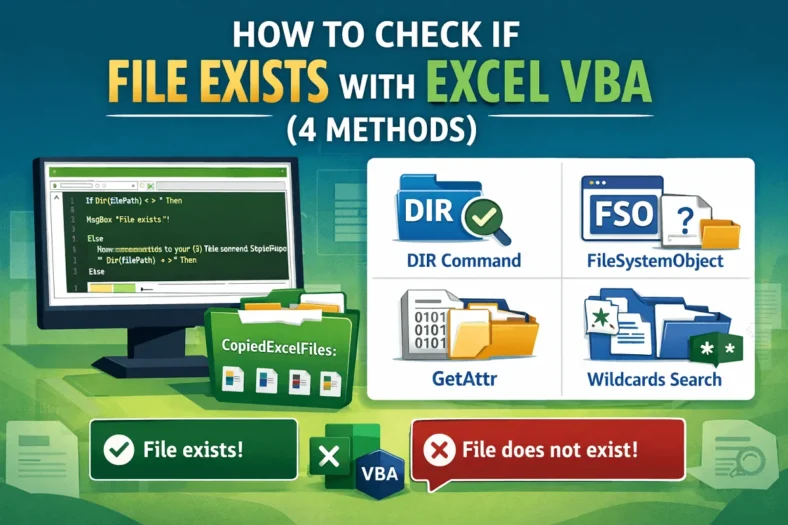
When working with Excel, sometimes we need to ensure whether a file exists before running a macro or processing data. Of course, checking the files manually can be time-consuming, that’s
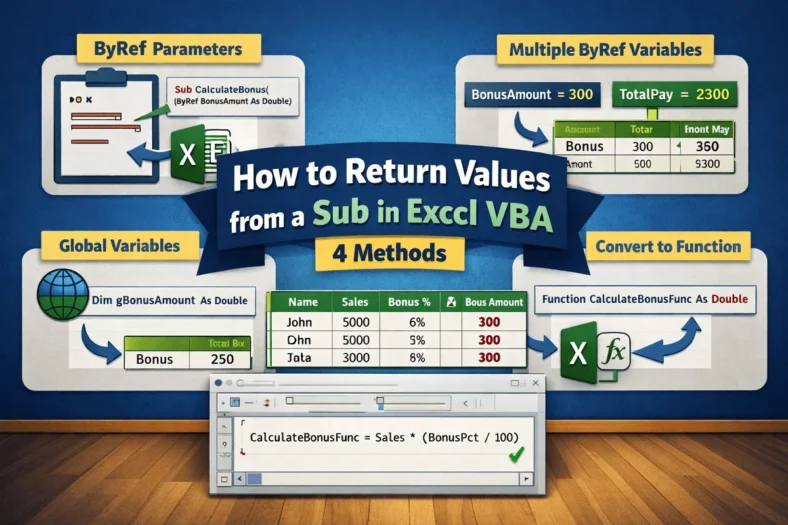
In Excel VBA, a Sub procedure is one of the most common ways to automate tasks. A Sub can perform actions. For instance, calculating results, updating cells, or formatting results.
