Excel VBA
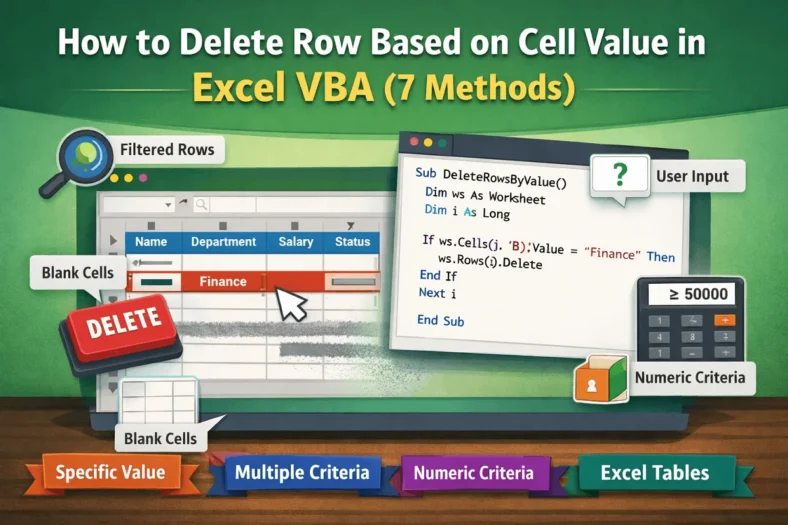
How to Delete Row Based on Cell Value in Excel VBA (7 Methods)
It’s very common when we work with a large dataset that we often need to clean or organize the data. In this way, sometimes we have to delete rows, and


It’s very common when we work with a large dataset that we often need to clean or organize the data. In this way, sometimes we have to delete rows, and

When you are working with large datasets and need to repeat the same task, of course, running a macro can save you time. However, instead of opening the Developer tab
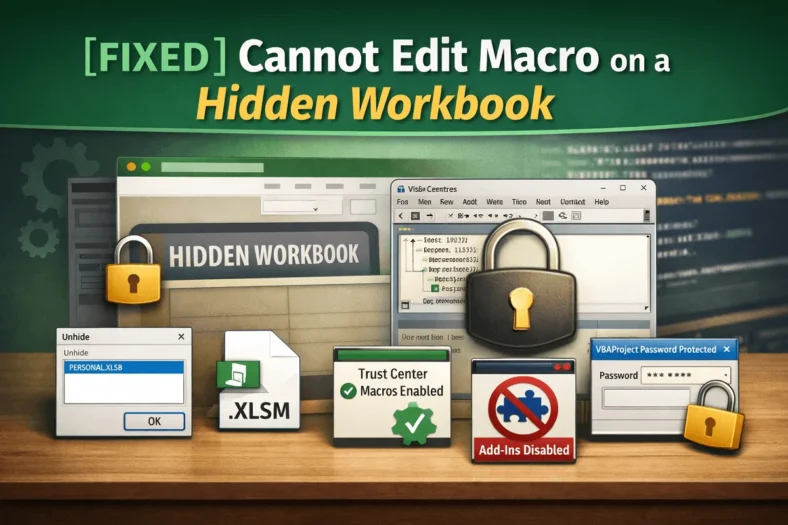
Macros in Excel help you customize and automate tasks easily. Sometimes, you cannot edit a macro because the workbook is hidden or protected. It prevents you from making necessary changes

Macros in Excel can make it easy to automate repetitive tasks and enhance productivity. However, sometimes, they refuse to run even when they are enabled. You may see errors or
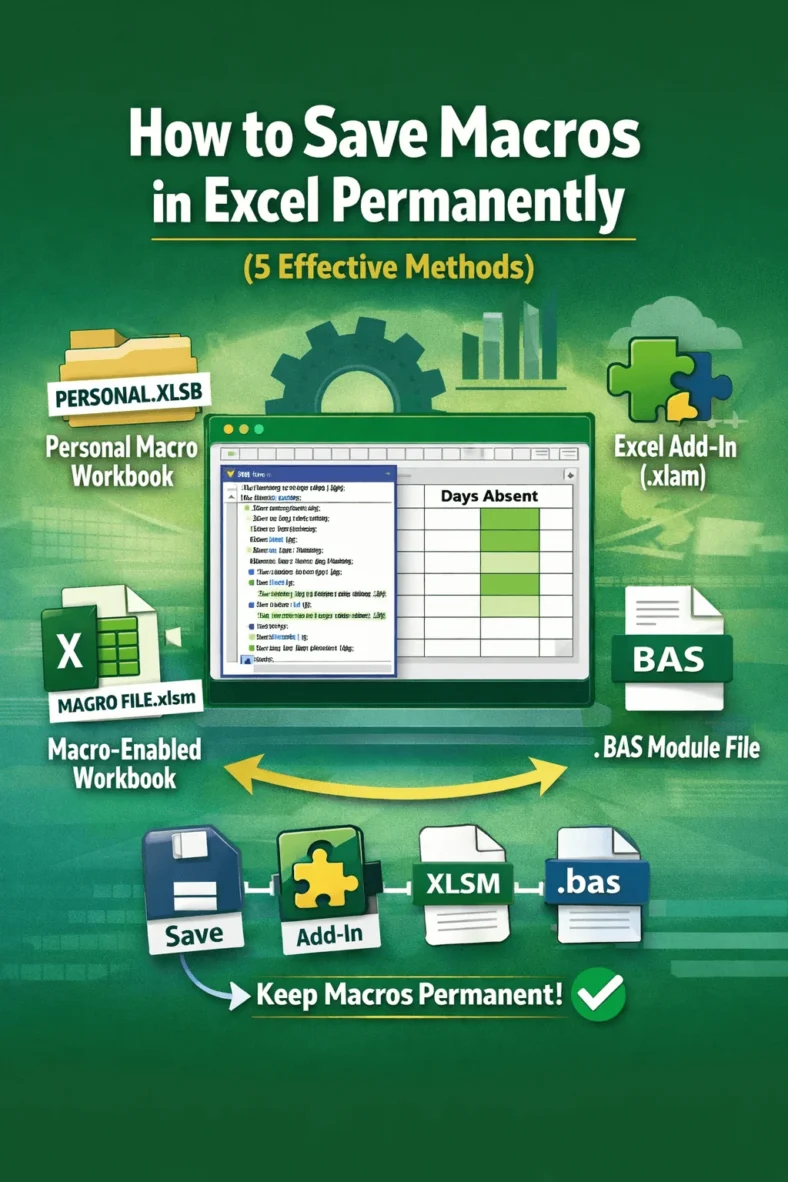
Macros help to automate repeated tasks in Excel very easily. Sometimes the macros are so effective that you want to reuse them for your future work, use them in other
When you are working with multiple datasets in Excel, you may have repeated values in your different sheets. These duplicates in values can obviously lead to errors and confusion in

When working with Excel, you may need to deal with large datasets that contain duplicate entries. Obviously, these duplicates can affect your data accuracy and analysis. So, sometimes you may
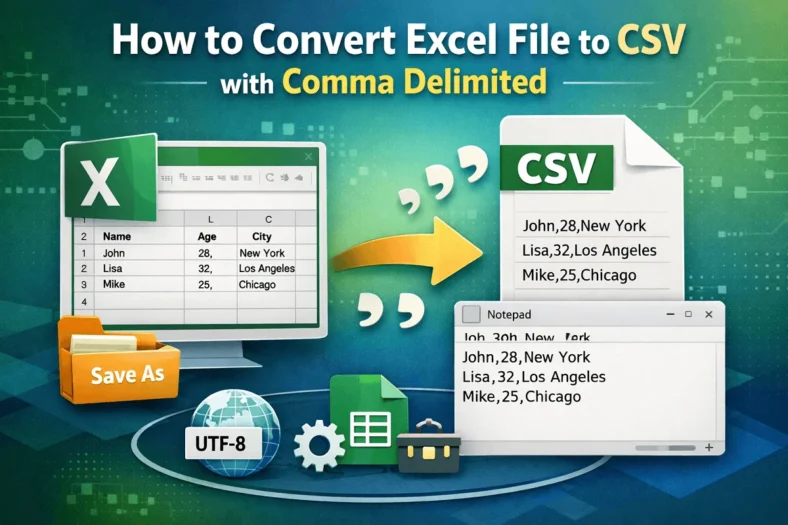
When working with structured data across systems, exporting data from Excel into a CSV format is a common requirement for data exchange, storage, and import/export. That’s especially useful when interacting

Commonly, you often need to integrate Excel data into Word documents while preparing for reports, presentations, proposals, and so on. But when you need to change the data frequently, manually
