
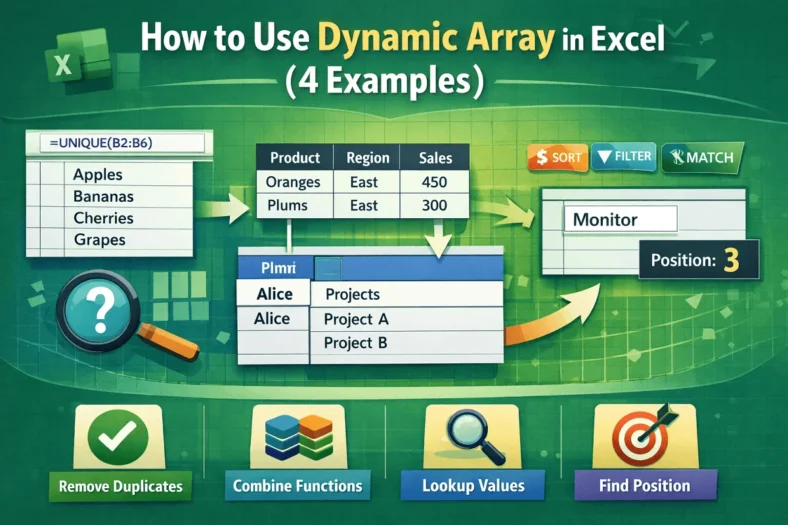
How to Use Dynamic Array in Excel (4 Examples)
Dynamic arrays in Excel allow formulas to automatically return multiple values or single values based on a range of cells without needing to copy formulas manually. Dynamic array is widely

Dynamic arrays in Excel allow formulas to automatically return multiple values or single values based on a range of cells without needing to copy formulas manually. Dynamic array is widely
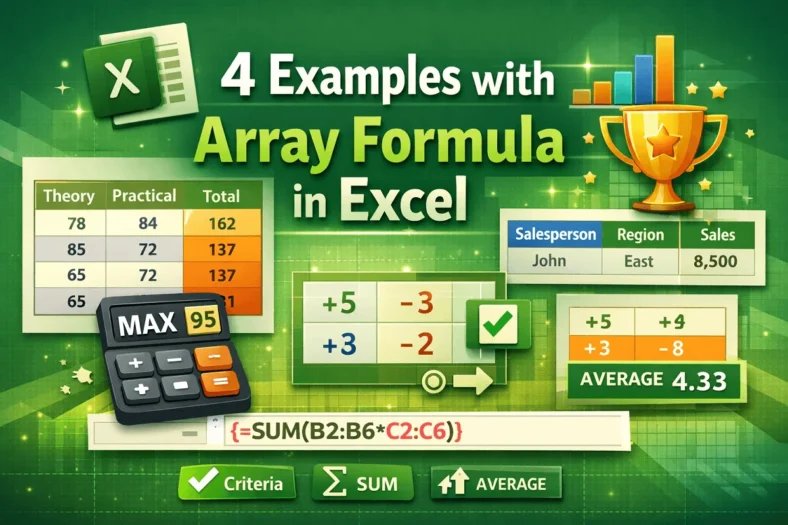
Excel array formulas are a powerful way to perform multiple calculations at once, returning either a single value or multiple values. They are used for tasks like summing based on

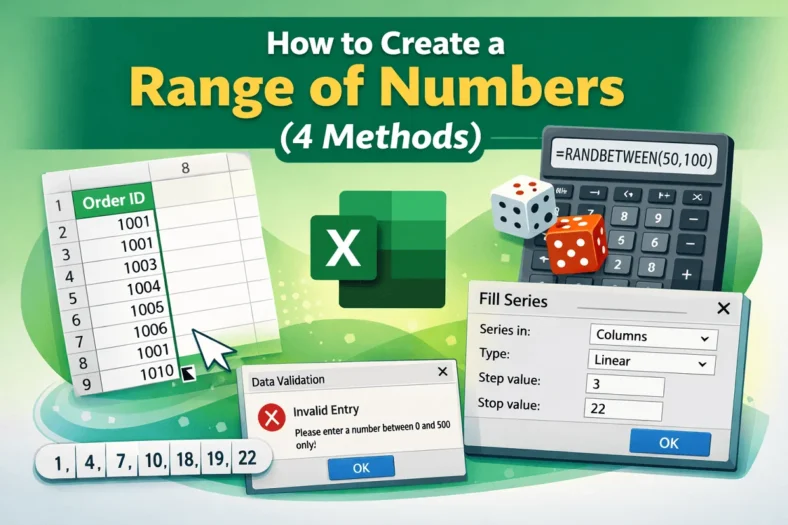
When we work in Excel, sometimes we need a continuous list or range of numbers such as invoice IDs, dates, or sequences for data analysis. We can create a range

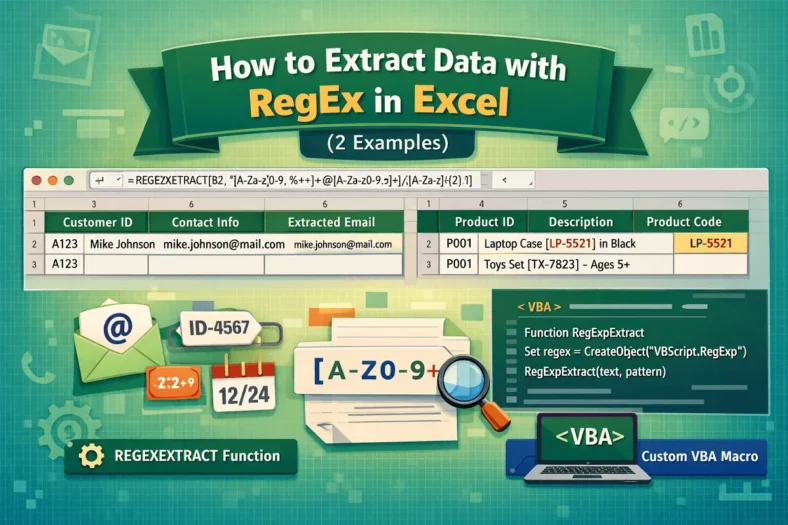
When we work with large datasets, it is common to have important details like emails, IDs, or codes inside long text strings. We want to extract this information manually, which

During working with large datasets in Excel we frequently need to find and replace specific patterns, particularly if the data has inconsistent formatting. Here, Regular Expressions (RegEx) provide powerful pattern-matching

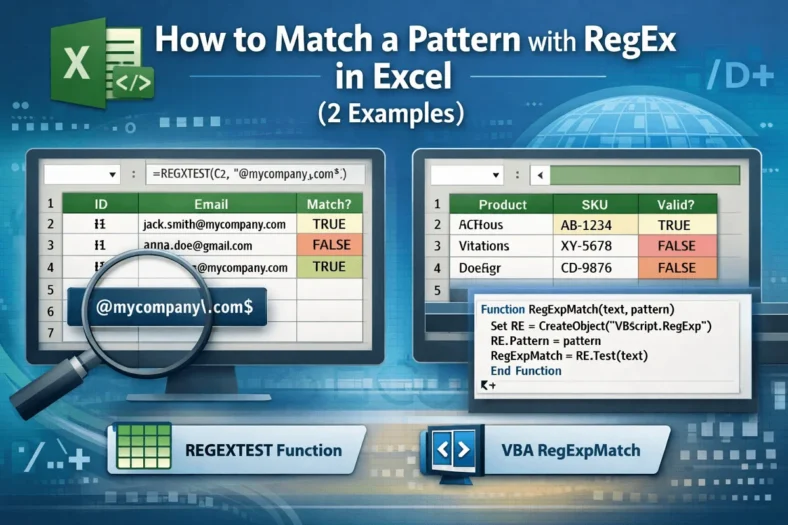
Working with large datasets in Excel helps identify the values that follow a specific pattern. You can use Regular Expressions (RegEx) in Excel, which helps you to find and match

When we work with data in Excel, there are times when rows need to become columns and columns need to become rows; this is called transposing. While Excel provides a

Sometimes we need to extract only the year component for a given date. We see this commonly in financial reports, trend analysis, and organizing datasets based on yearly values. Excel

When we are working with dates in Excel, it is a common task to compare two dates to determine if one is greater than the other. This is good in