

How to Filter with Multiple Conditions in Google Sheets
Sometimes you may need to filter rows to help you control sales records, student grades, employee databases, or project files. However, there is one limitation of the default available sets of


Sometimes you may need to filter rows to help you control sales records, student grades, employee databases, or project files. However, there is one limitation of the default available sets of

Users using Google Sheets often want to move data from one sheet to another. This is when the IMPORTRANGE function comes in handy. But sometimes, the user only wants to

When you use Google Sheets to work with data, you often have to deal with repeated entries, like names, IDs, cities, or any text or numbers that show up more

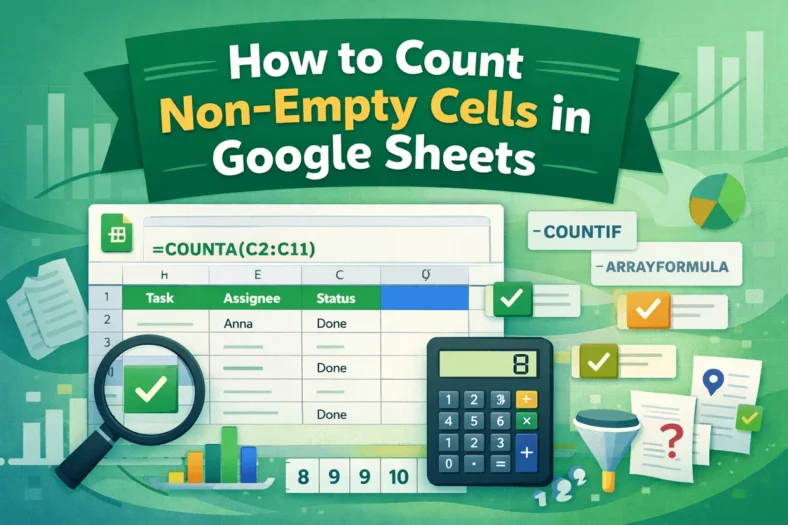
When you work with big datasets in Google Sheets, you might need to count only the cells that have data in them and leave out the empty ones. Counting non-empty

When you import large sets of data from surveys, CRMs, or databases into Google Sheets, having duplicate data could screw up calculations, give you wrong overviews, or just make the

Sometimes, you need to know the day of the week while working with dates in Google Sheets for things like scheduling routines, tracking projects, keeping attendance logs, or creating daily

When working with multiple datasets, Google Sheets users often need to automatically move data between tabs. Users look for this solution when they want to create a master sheet that

People who use Google Sheets regularly often need to know how many times a certain condition is met in a group of cells. When every value in that range is

There are situations when you might need to sort data to look at or organize big Google Sheets datasets. However, if you only sort one column without considering the rest
