How to Insert a Watermark in Excel (3 Easy Methods)
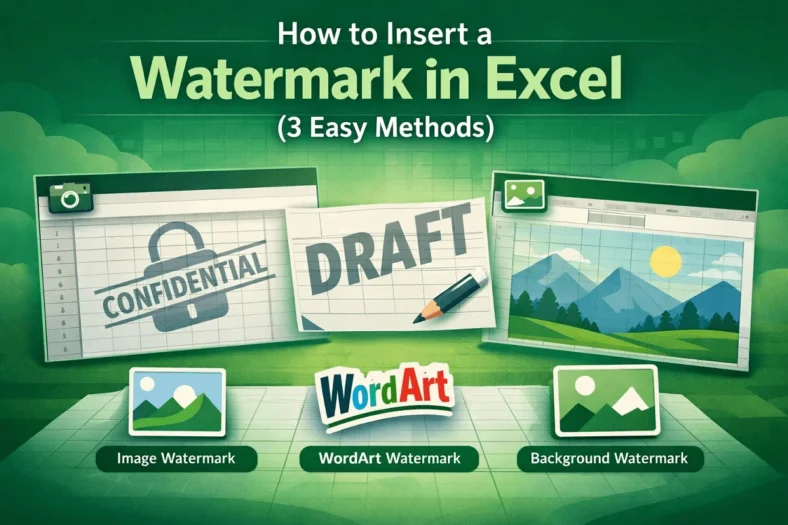
Adding a watermark in Excel is a great way to indicate confidentiality, brand your worksheets, or highlight draft documents. Watermarks can be images, logos, or text that appear subtly behind

Adding a watermark in Excel is a great way to indicate confidentiality, brand your worksheets, or highlight draft documents. Watermarks can be images, logos, or text that appear subtly behind
Adding footers in Excel is an important way to make your worksheets more professional and organized. Footers can include page numbers, dates, file names, or custom text, helping readers understand

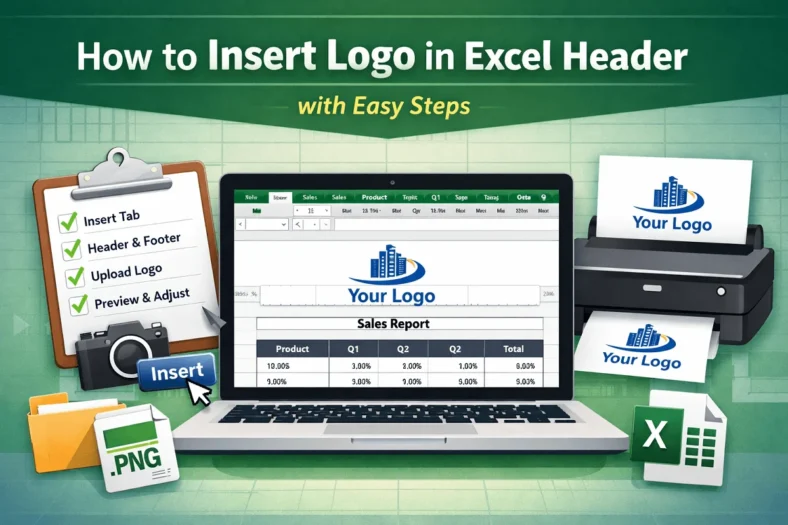
Adding a logo to your Excel header is a professional way to brand your spreadsheets, especially when preparing reports, invoices, or company documents. By placing your logo in the header,

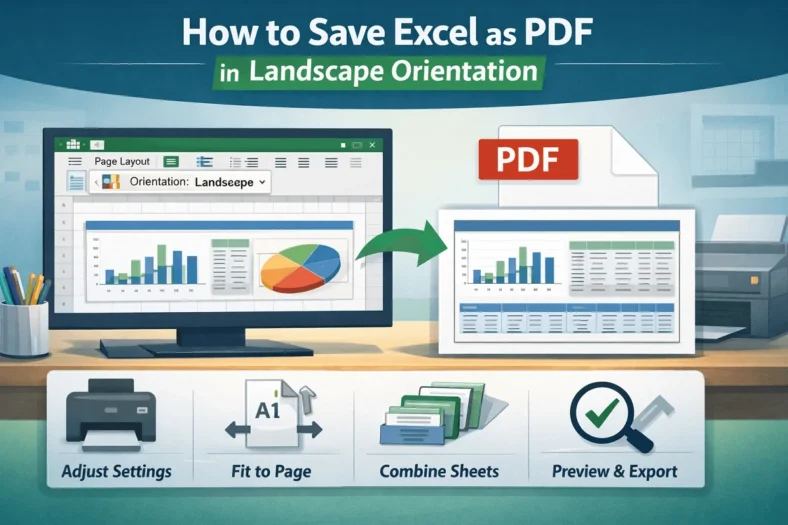
Saving Excel worksheets as PDFs is a common requirement when preparing reports, sharing dashboards, or archiving data. By default, Excel often saves sheets in portrait orientation, which can cut out

When working with large Excel files, size can quickly become a problem, especially if you’re sharing them via email, cloud storage, or enterprise platforms. Large files not only slow down

Managing multiple checkboxes in Excel can be time-consuming, especially when you need to select or deselect all of them one by one. However, with a simple VBA macro, you can

Conditional formatting is an effective Excel feature that visually enhances your data by applying color or style changes based on specific conditions. When combined with checkboxes, it becomes an interactive

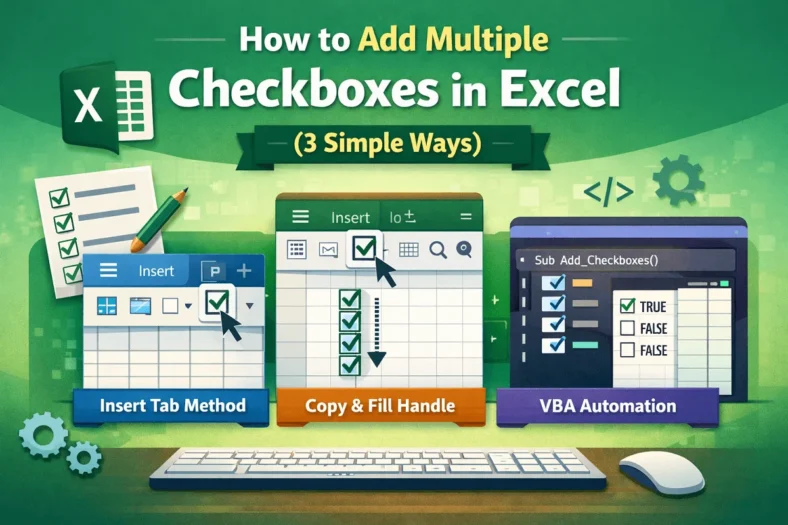
When working with lists, to-do sheets, attendance trackers, or dashboards, checkboxes make data tracking far more interactive and user-friendly. Instead of entering “Yes” or “No” manually, you can simply click

When working with Excel forms, surveys, or task trackers, a simple Yes/No option can make your sheet more interactive and user-friendly. Whether you’re tracking approvals, marking completion, or collecting responses,