Excel Pro Tips
How to Sort by Column in Excel But Keep Rows Together
Learn how to sort data by column in Excel while keeping rows intact using table format, SORT function, custom lists, and helper columns.
Read article

Tasmia Rahim holds a B.Sc in Electrical Engineering with a focus on automation and embedded systems, supporting logic-driven spreadsheet workflows. With 2 years of Excel and Google Sheets experience, she works with conditional formatting and basic automation. She is interested in using macros and ActiveX controls to simplify Excel tasks and improve usability.
Articles by Tasmia Rahim are developed under the guidance of ExcelInsider’s core training program and are technically reviewed by Nehad Ulfat, lead spreadsheet consultant, to ensure accuracy and user-centric value.
Learn how to sort data by column in Excel while keeping rows intact using table format, SORT function, custom lists, and helper columns.
Learn how to return a custom value if a cell is blank in Excel using IF, ISBLANK, LEN, COUNTBLANK, and other logical functions.
Learn what Compatibility Mode is in Excel and how to convert files to modern formats to remove compatibility prompts and improve performance.
Discover how to find the last occurrence of a value in an Excel column using LOOKUP, INDEX-MAX, XLOOKUP, or VBA methods easily.
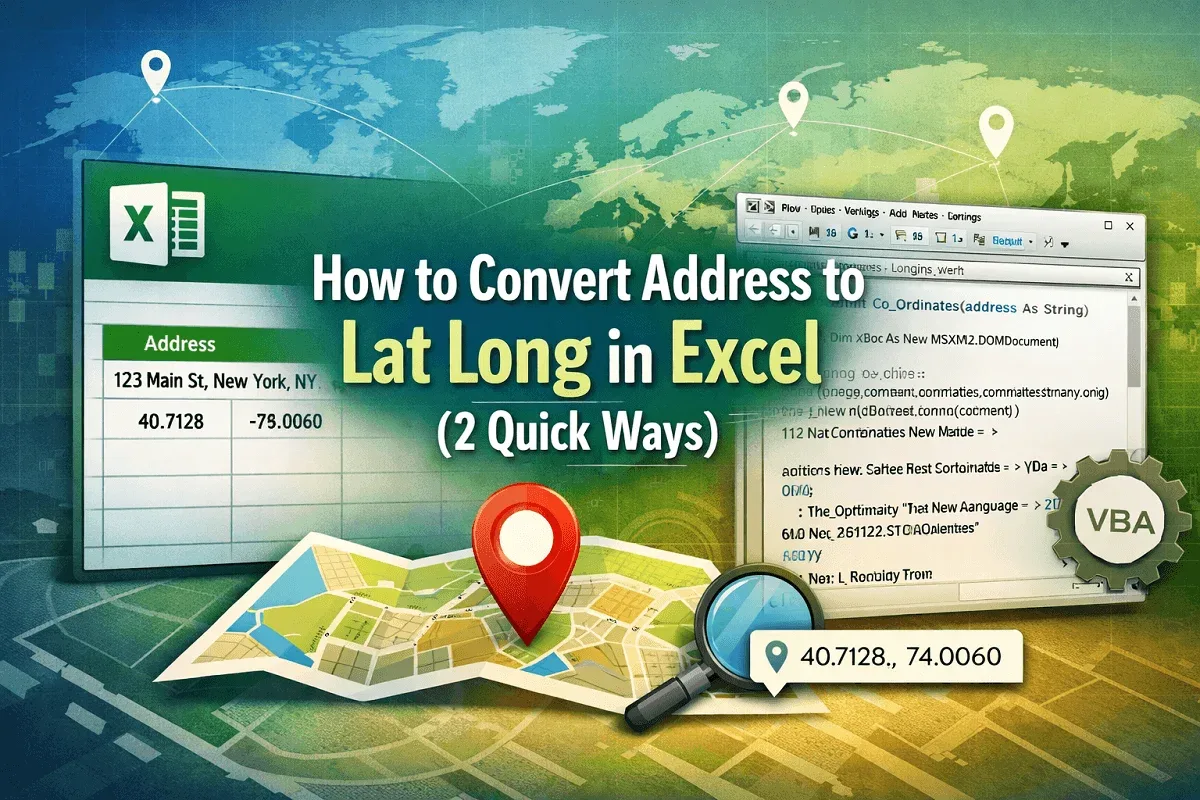
Learn how to convert addresses to latitude and longitude in Excel using the Geography data type and VBA code for precise results.
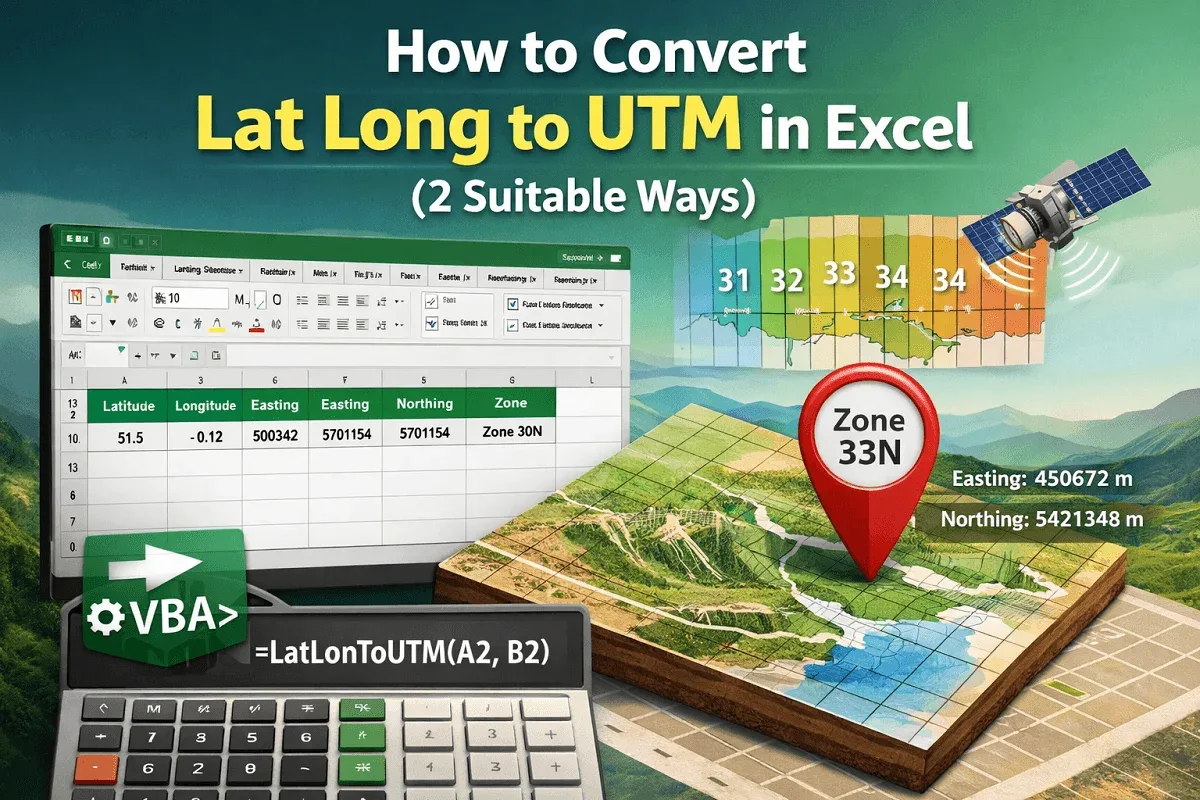
Learn how to convert latitude and longitude to UTM coordinates in Excel using VBA code, including Easting and Northing values accurately.
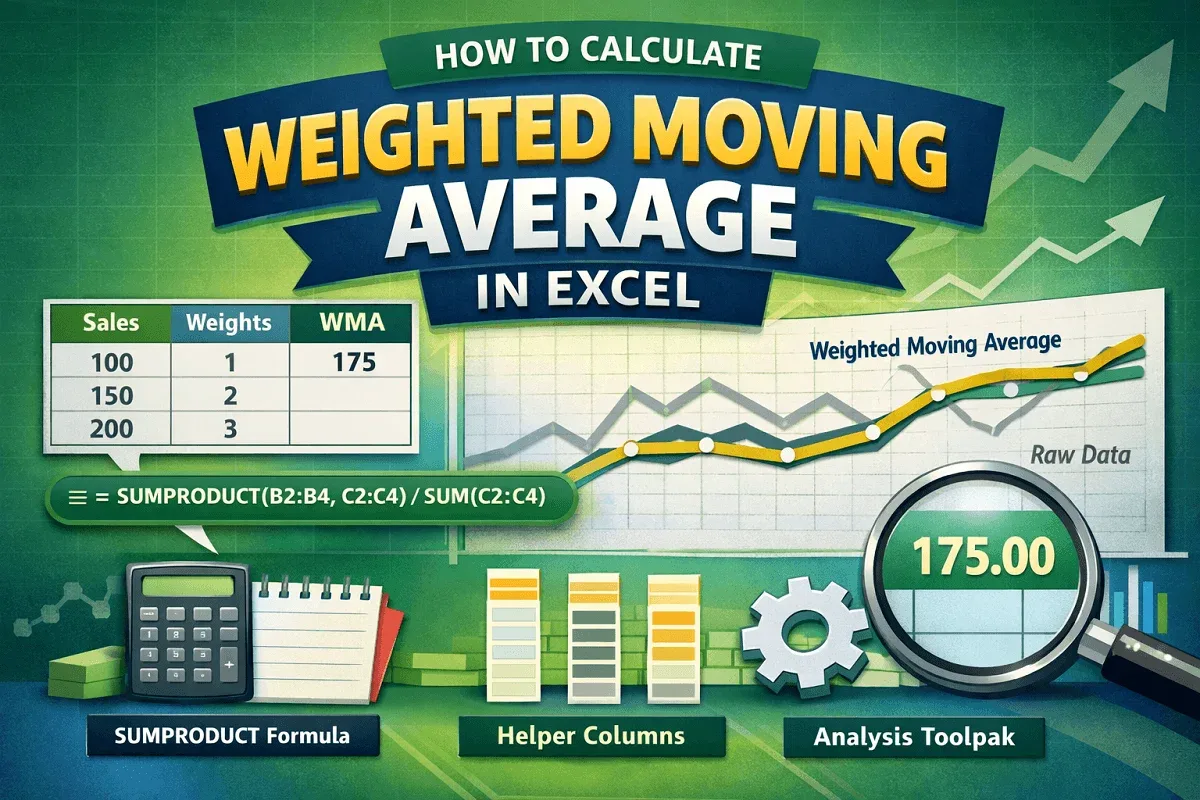
Learn how to calculate weighted moving average in Excel using SUMPRODUCT, helper columns, and the Data Analysis Toolpak for simple averages.

Learn how to unprotect an Excel workbook without a password using VBA, editing XML files, copying data, or saving as an older XLS format.
Learn how to alternate row colors in Excel without using a table by applying conditional formatting or custom Nth-row formulas.

Learn how to highlight a cell in Excel if its value is greater than another cell using conditional formatting, formulas, and built-in rules.

Learn how to flip data vertically in Excel using helper columns, SORTBY function, Power Query, or VBA macros for data transformation.

Learn how to sort merged cells in Excel by unmerging temporarily, using helper columns, or applying "Center Across Selection" for sorting.