Excel Insider
Excel Pro Tips
How to Convert Entire Column to Number in Excel
Learn how to convert an entire column to number in Excel using formulas, Paste Special, Text to Columns, and quick formatting tricks.
Read article


Mashrur Ibne Shams holds a BSc in Industrial and Production Engineering and is a Certified Supply Chain Analyst (CSCA). With 3 years of Excel and Google Sheets experience, he specializes in data cleaning, text extraction, advanced formulas, dynamic arrays, VBA automation, and Power Query. He has created step-by-step tutorials and custom VBA scripts for real-world datasets. He enjoys simplifying complex tasks, automating processes, and organizing data efficiently.
Articles by Mashrur Ibne Shams are developed under the guidance of ExcelInsider’s core training program and are technically reviewed by Nehad Ulfat, lead spreadsheet consultant, to ensure accuracy and user-centric value.
Learn how to convert an entire column to number in Excel using formulas, Paste Special, Text to Columns, and quick formatting tricks.
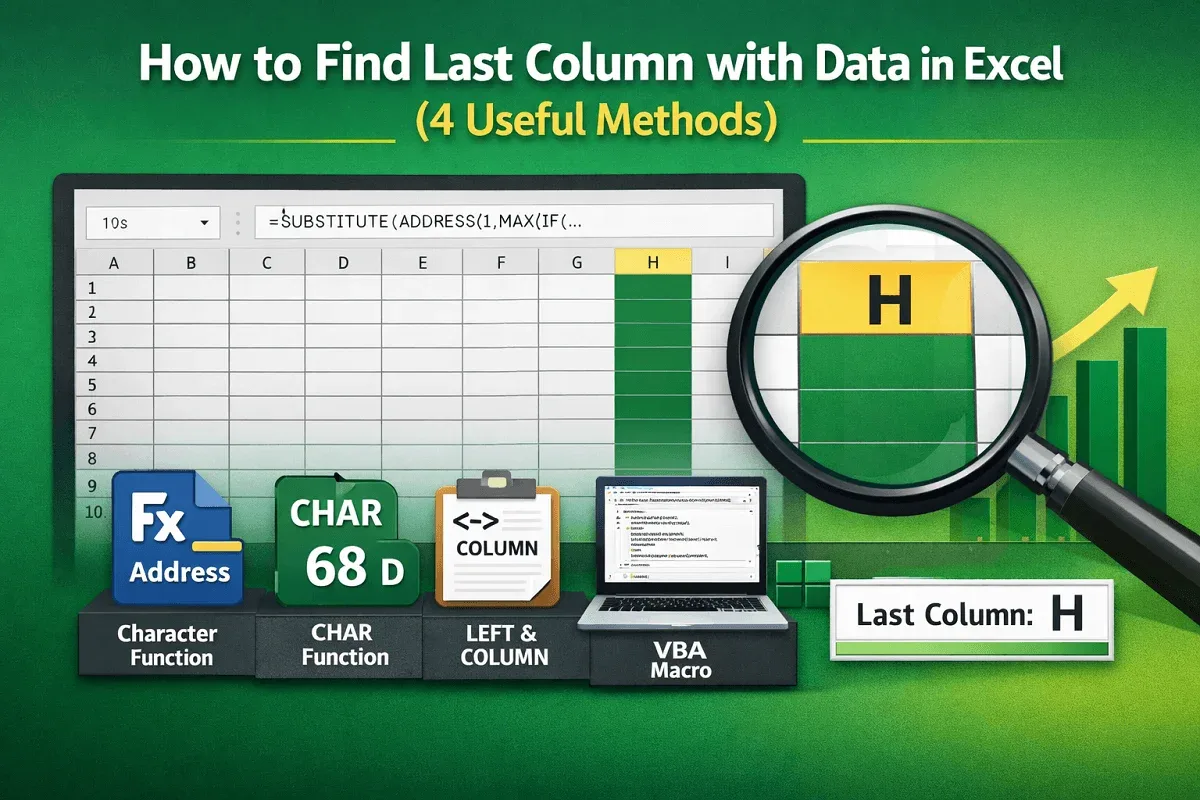
Learn how to find the last column with data in Excel using address references, character codes, formulas, or automatic VBA methods.
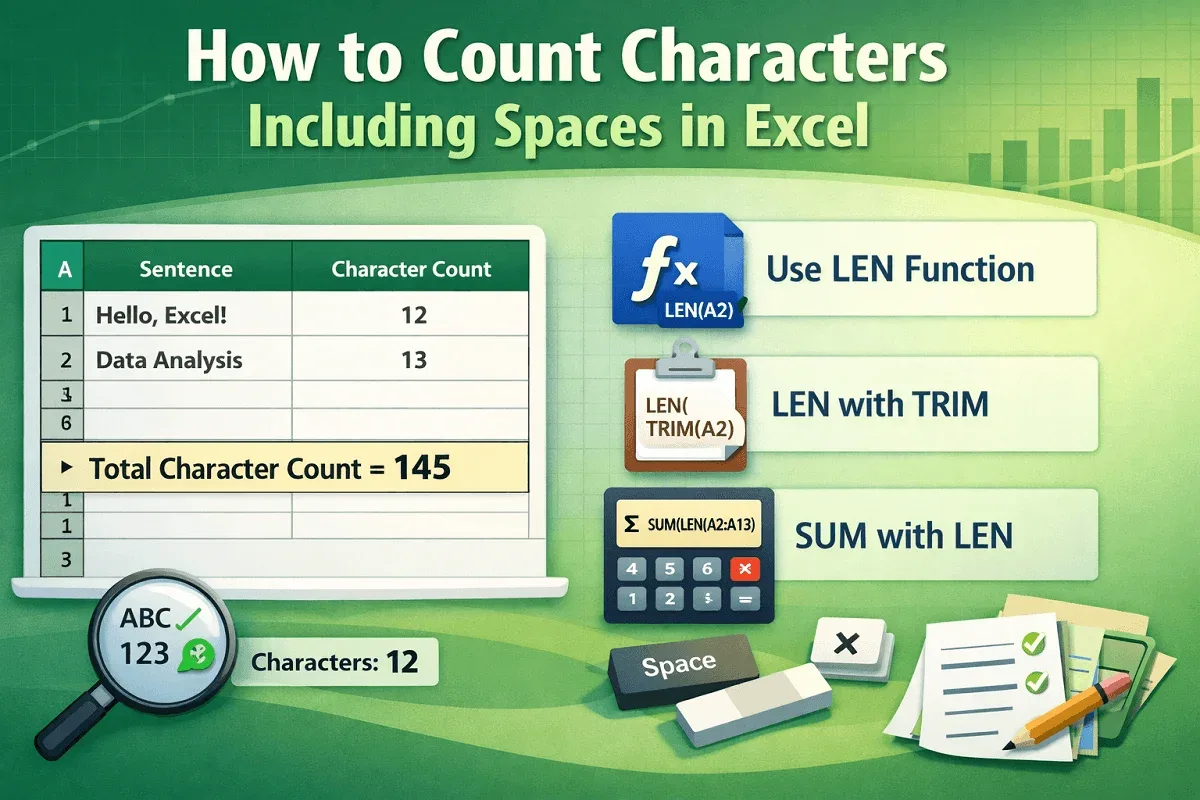
Learn how to count characters including spaces in Excel using LEN, LEN with TRIM, and SUM with LEN for single cells and ranges.
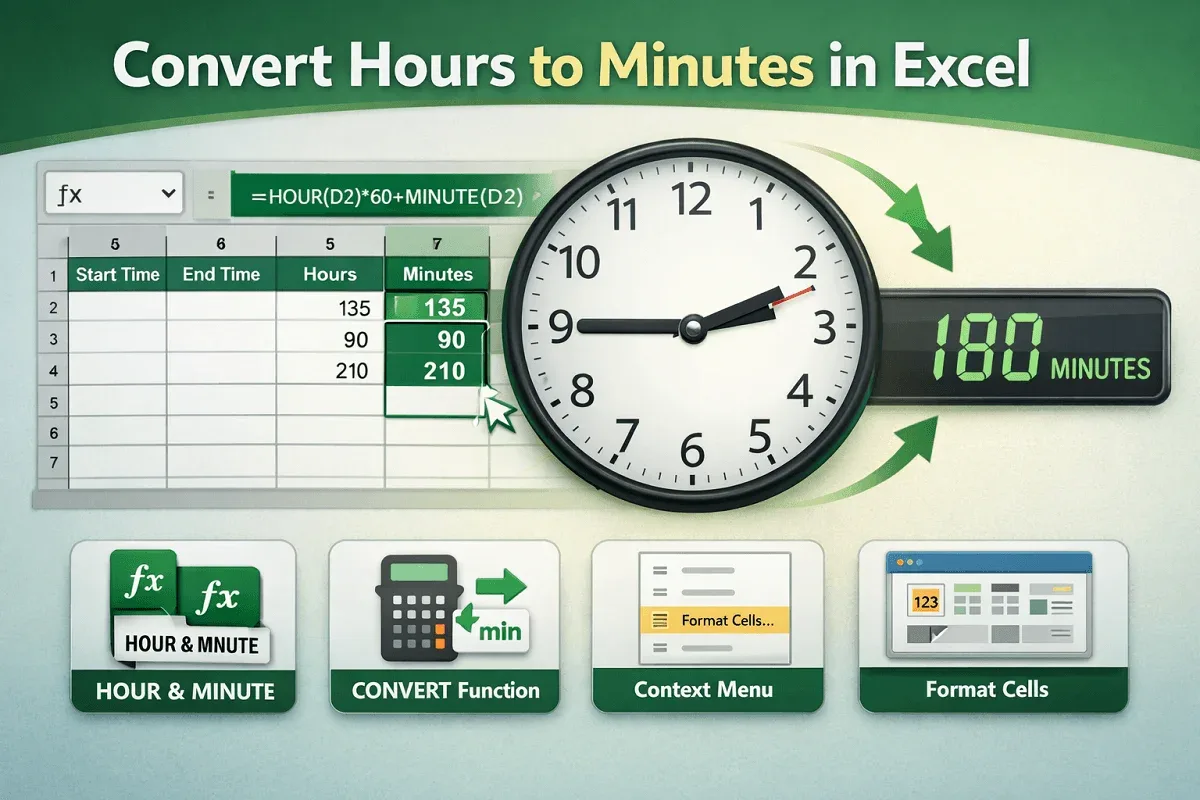
Convert hours to minutes in Excel using formulas, the CONVERT function, or cell formatting options from context and main menus.
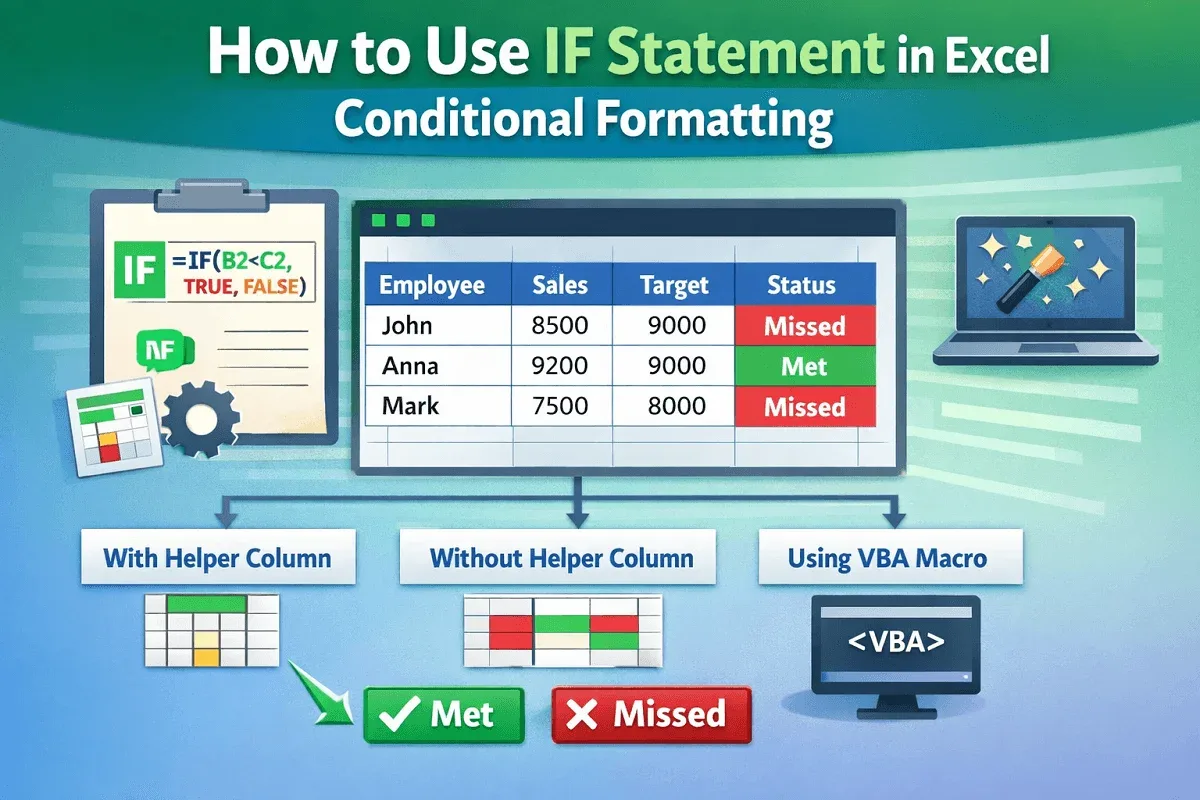
Learn how to use the IF statement in Excel conditional formatting with helper columns, direct formulas, and VBA to highlight results.
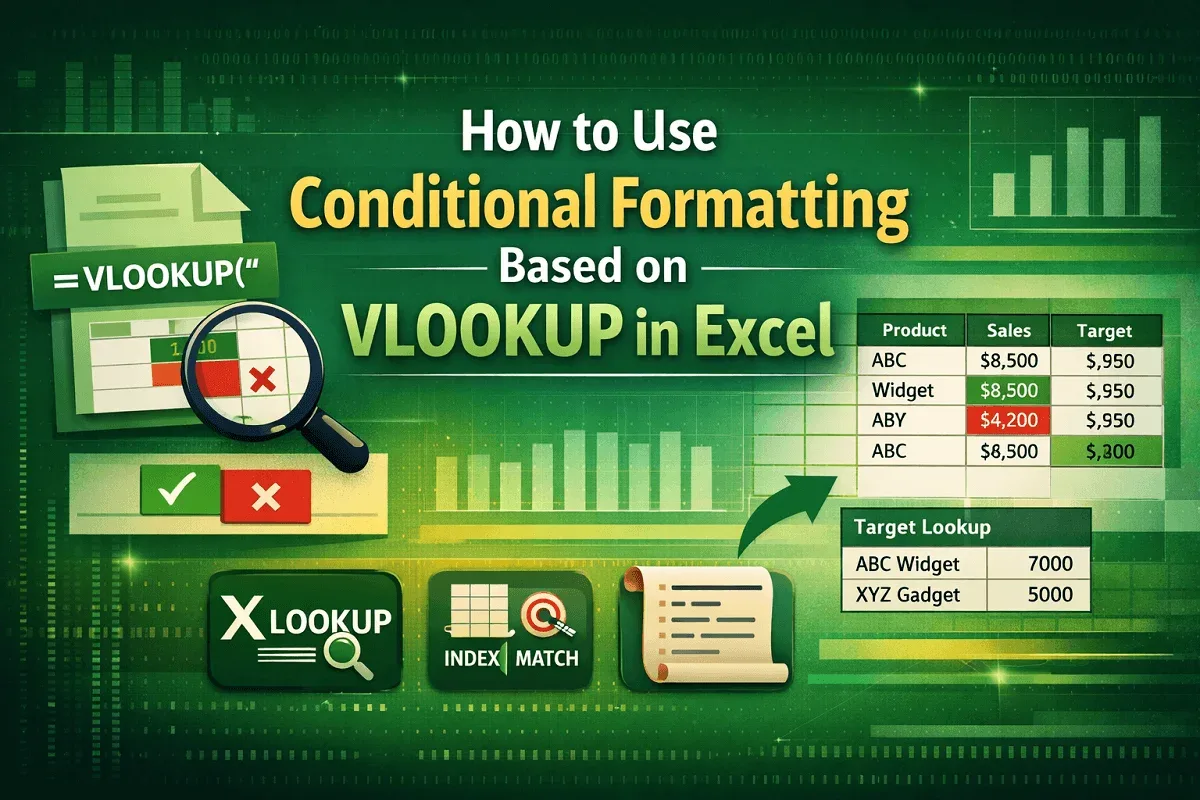
Learn how to use conditional formatting with VLOOKUP in Excel to highlight values, compare targets, and explore XLOOKUP, MATCH and VBA.
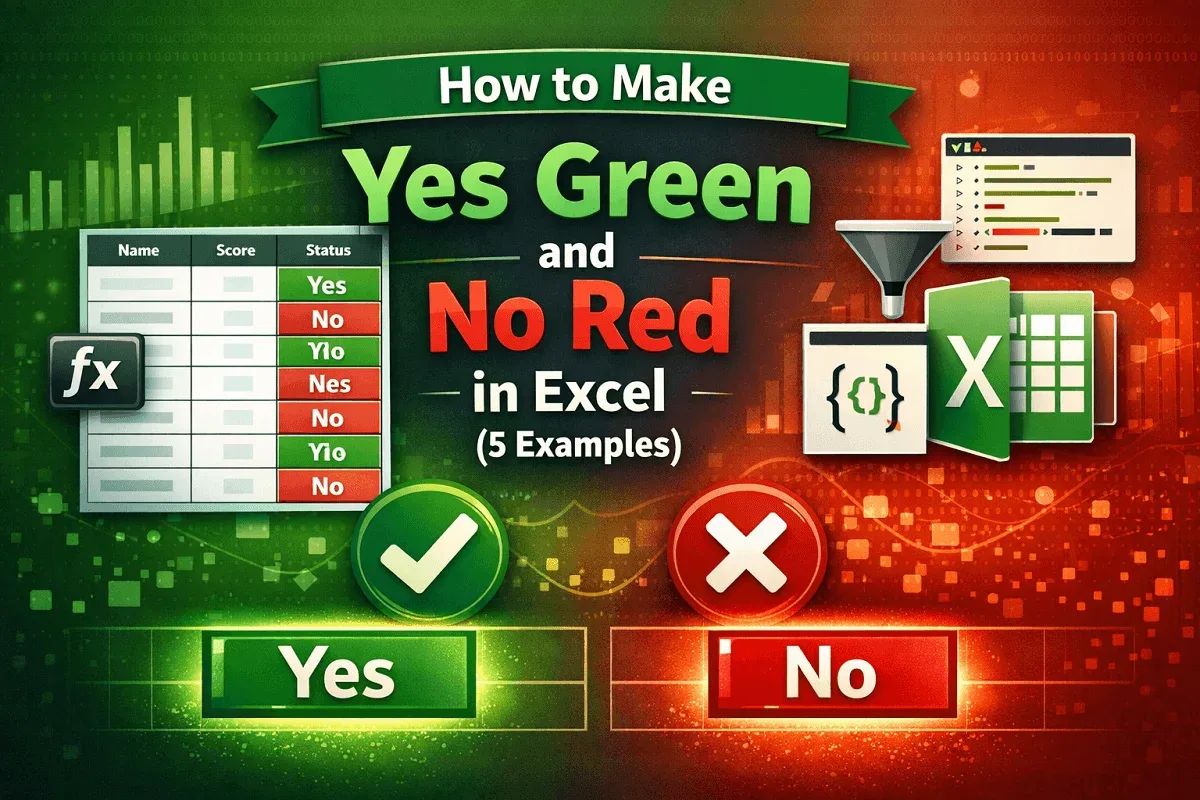
Make Yes green and No red in Excel using conditional formatting, filters, VBA Editor, or Office Scripts for highlights easily.
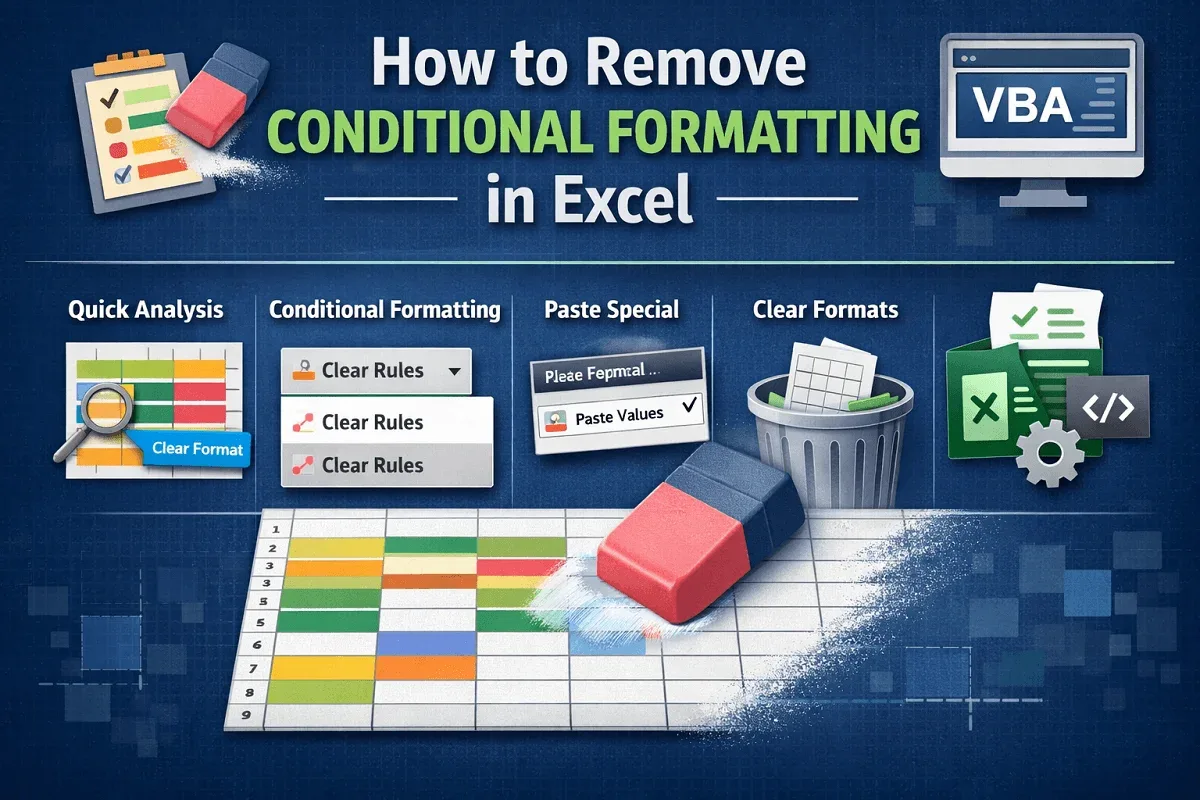
Learn how to remove conditional formatting in Excel using Clear Rules, Quick Analysis, Paste Special, Clear Format, or VBA automation.
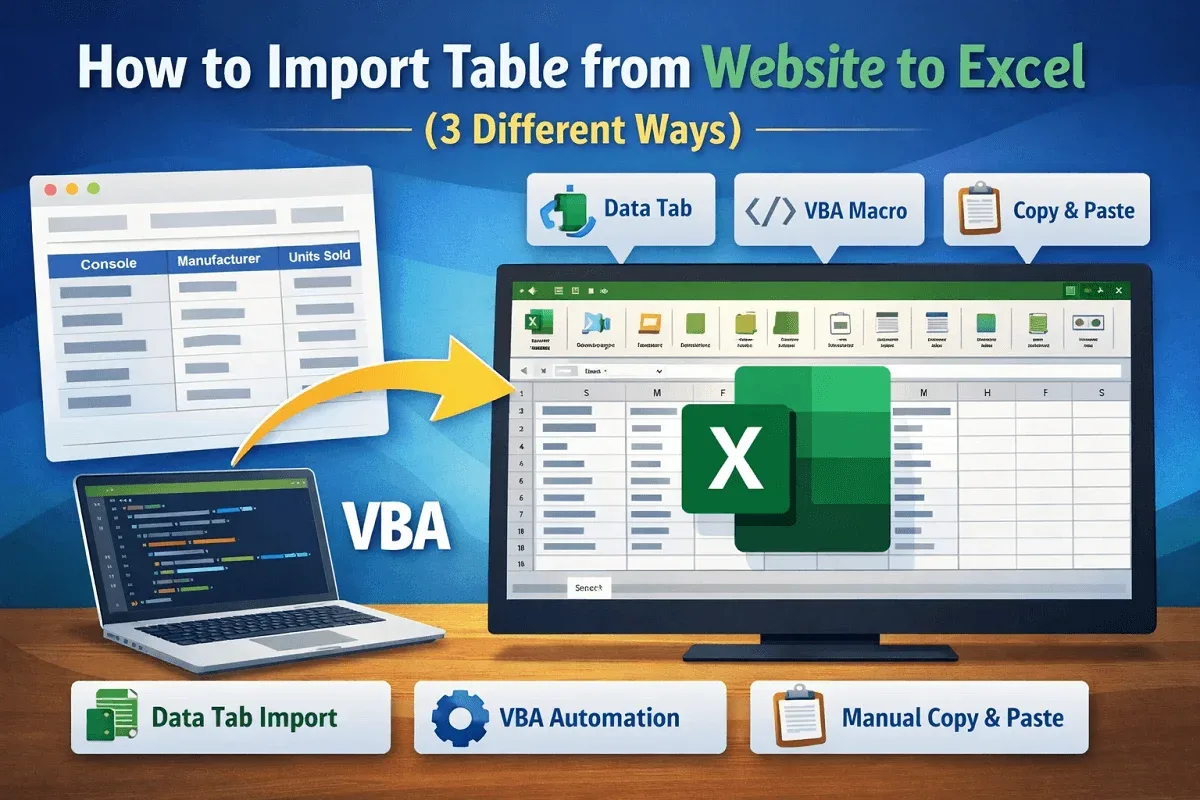
Learn how to import tables from websites into Excel using the Data tab, VBA automation, or manual copy paste methods easily.

Learn how to create QR codes in Excel using the IMAGE function, Office add-ins, or automated VBA to quickly generate scannable codes.
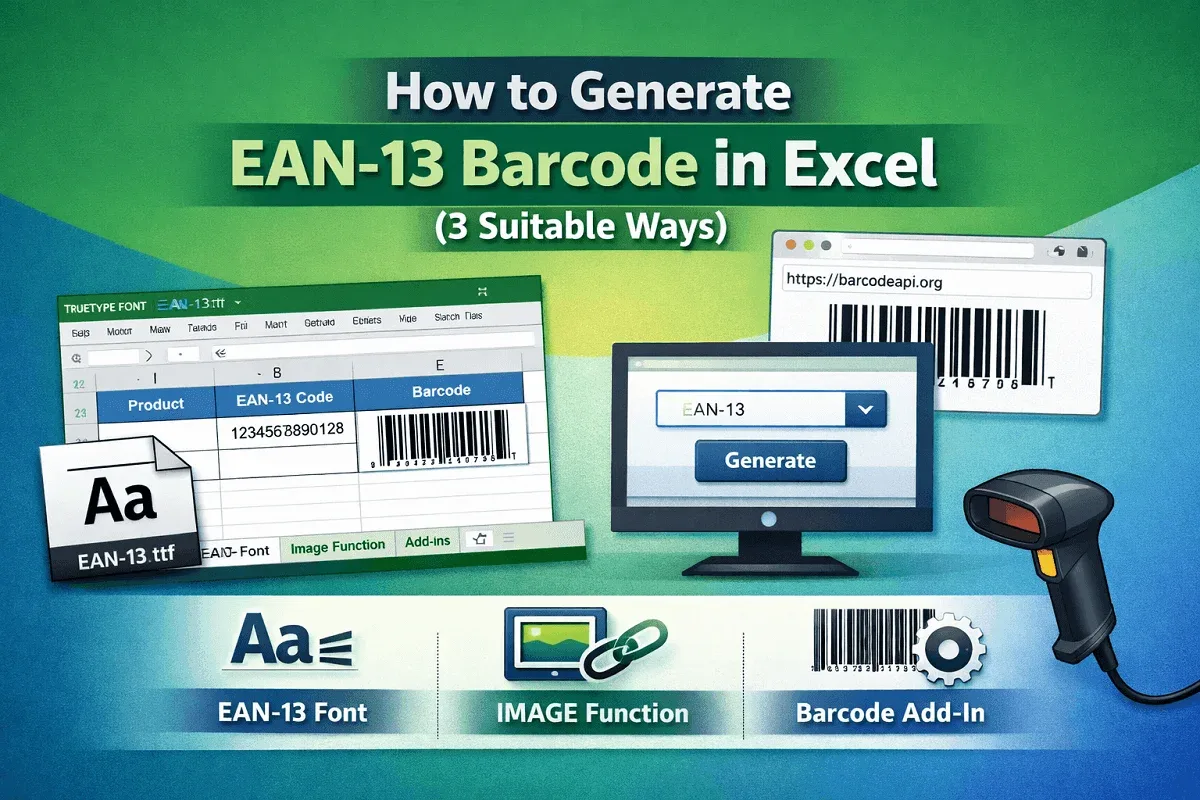
Learn how to generate an EAN-13 barcode in Excel by installing a font, using the IMAGE function, or applying external add-ins.
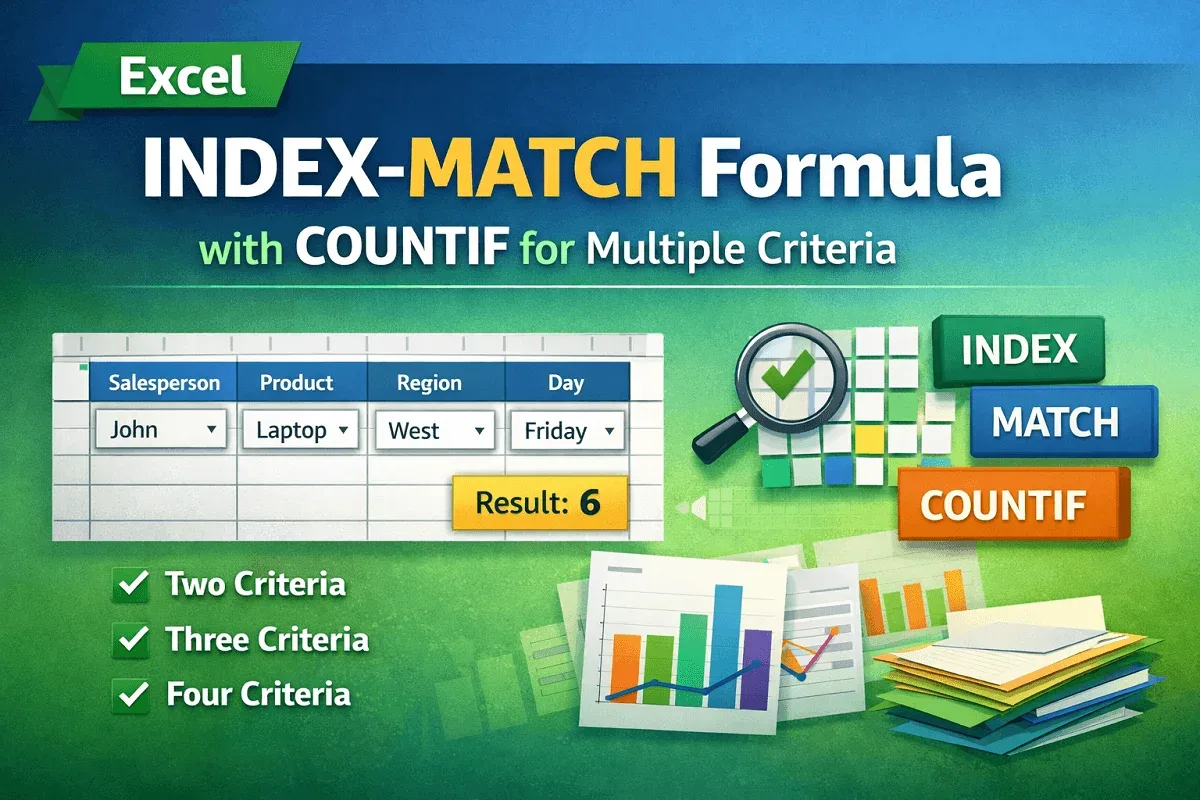
Learn how to combine INDEX-MATCH with COUNTIF in Excel for two, three, and four criteria lookups to boost your data analysis skills.