Excel Pro Tips
How to Create an Autofill Form in Excel (with Detailed Steps)
Learn how to create an autofill form in Excel with checkboxes, dropdowns, macros, and automation to collect and display data efficiently.
Read article


Mashrur Ibne Shams holds a BSc in Industrial and Production Engineering and is a Certified Supply Chain Analyst (CSCA). With 3 years of Excel and Google Sheets experience, he specializes in data cleaning, text extraction, advanced formulas, dynamic arrays, VBA automation, and Power Query. He has created step-by-step tutorials and custom VBA scripts for real-world datasets. He enjoys simplifying complex tasks, automating processes, and organizing data efficiently.
Articles by Mashrur Ibne Shams are developed under the guidance of ExcelInsider’s core training program and are technically reviewed by Nehad Ulfat, lead spreadsheet consultant, to ensure accuracy and user-centric value.
Learn how to create an autofill form in Excel with checkboxes, dropdowns, macros, and automation to collect and display data efficiently.
Learn how to add serial numbers in Google Sheets using Fill Handle, ROW, SEQUENCE, incremental addition, and ARRAYFORMULA techniques.

Learn how to hide sheets from certain users in Google Sheets using view-only permissions, IMPORTRANGE, or separate spreadsheets.
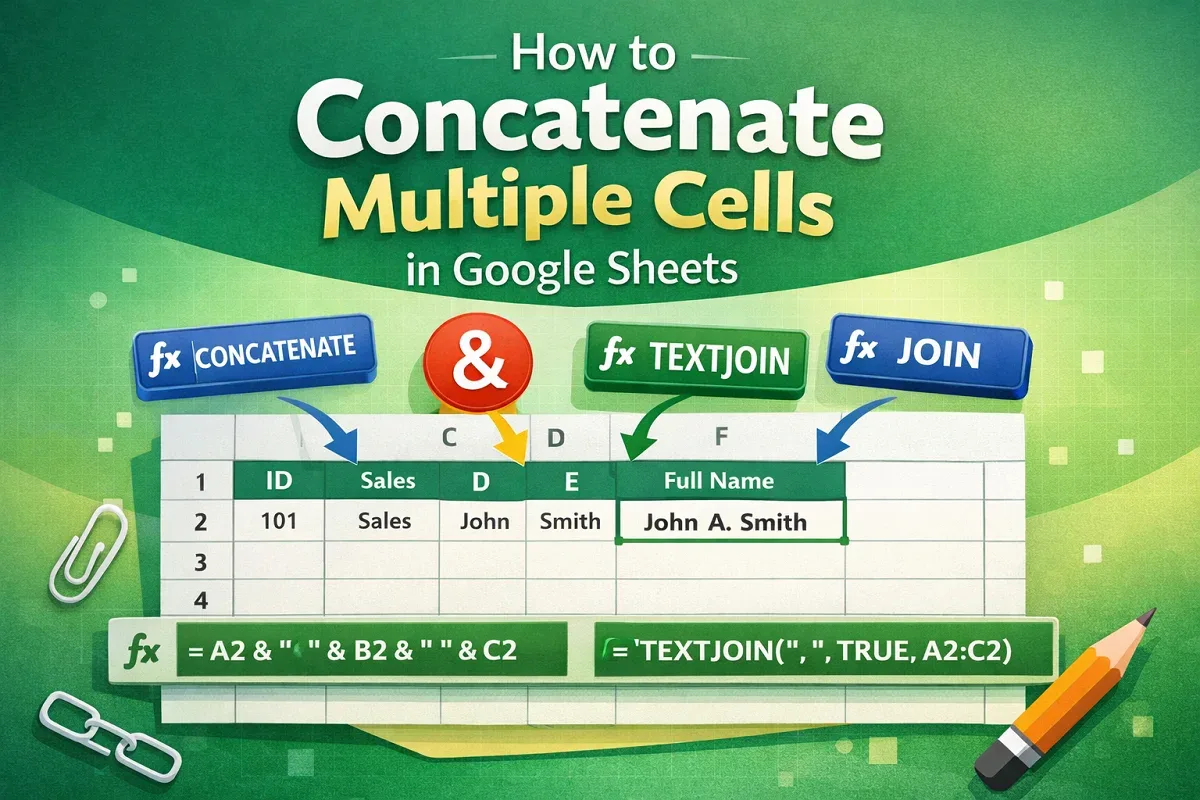
Learn how to concatenate multiple cells in Google Sheets using CONCATENATE, TEXTJOIN, JOIN functions, or the ampersand (&) operator.

Learn how to use VLOOKUP from another sheet in Google Sheets within the same workbook or between workbooks using IMPORTRANGE.

Learn how to protect columns in Google Sheets using the main menu, context menu, or by setting warning messages to prevent unwanted edits.

Learn how to save Google Sheets to your desktop by creating shortcuts, downloading files locally, or managing them via Google Drive.
Learn how to calculate duration between two times in Google Sheets using subtraction, TEXT function, and methods to separate hours & minutes.

Learn how to randomize a list in Google Sheets using the Randomize Range tool, context menu, RAND, and RANDBETWEEN functions.