Advanced Excel
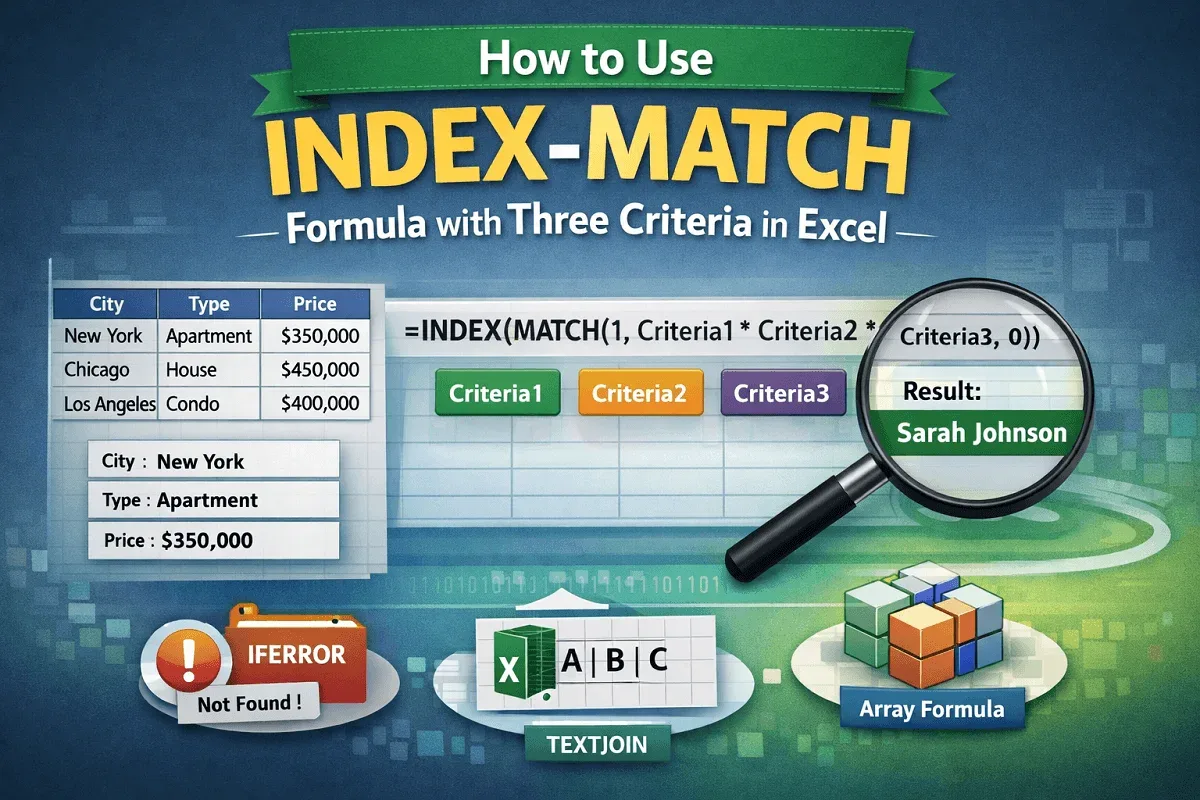
How to Use INDEX-MATCH Formula with Three Criteria in Excel
Learn how to use the INDEX-MATCH formula with three criteria in Excel, including array and non-array methods, error handling, and TEXTJOIN.
Read article


Mashrur Ibne Shams holds a BSc in Industrial and Production Engineering and is a Certified Supply Chain Analyst (CSCA). With 3 years of Excel and Google Sheets experience, he specializes in data cleaning, text extraction, advanced formulas, dynamic arrays, VBA automation, and Power Query. He has created step-by-step tutorials and custom VBA scripts for real-world datasets. He enjoys simplifying complex tasks, automating processes, and organizing data efficiently.
Articles by Mashrur Ibne Shams are developed under the guidance of ExcelInsider’s core training program and are technically reviewed by Nehad Ulfat, lead spreadsheet consultant, to ensure accuracy and user-centric value.
Learn how to use the INDEX-MATCH formula with three criteria in Excel, including array and non-array methods, error handling, and TEXTJOIN.
Learn how to create a data dictionary in Excel with this step-by-step guide to organize, document, and manage your dataset efficiently.
Learn how to fix spell check not working in Excel with easy steps, from unprotecting sheets to customizing the dictionary.

Learn how to create a search box in Excel using FILTER, ISNUMBER, INDEX, MATCH, and Conditional Formatting for dynamic results.
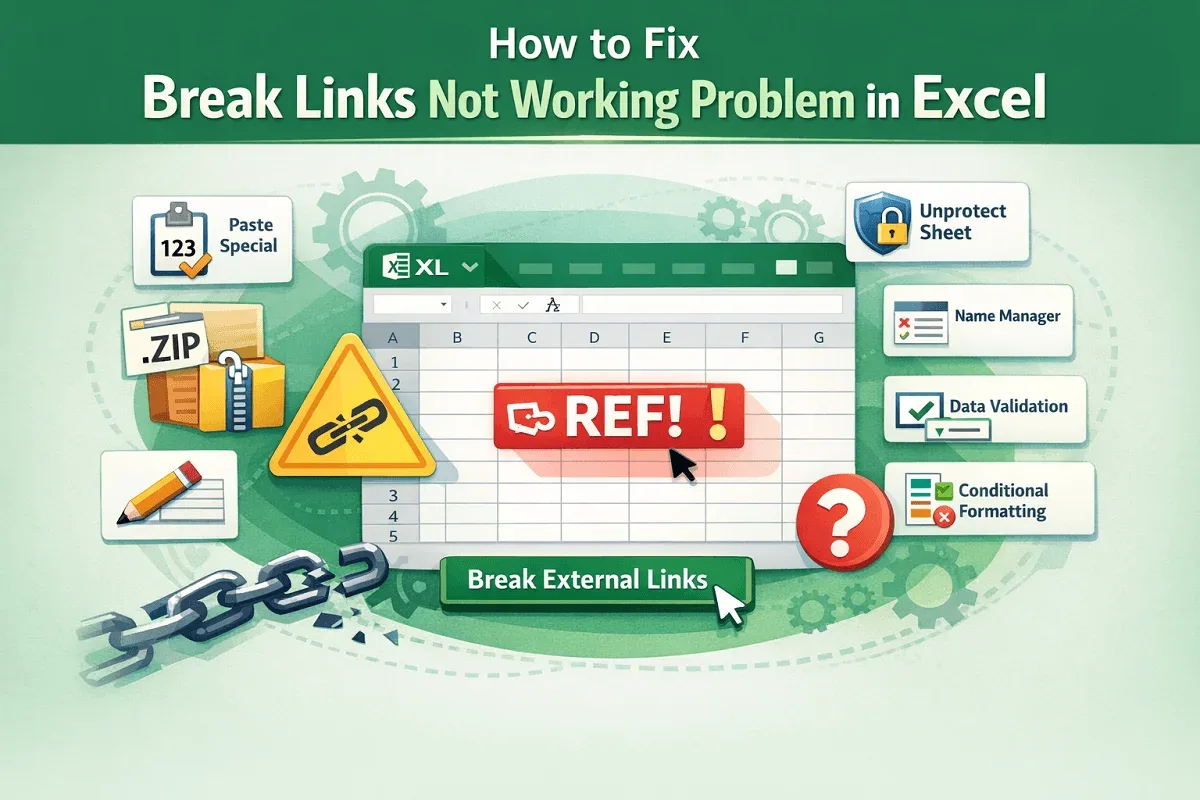
Learn how to fix broken links not working in Excel with simple methods like Paste Special, Name Manager, and Conditional Formatting.

Learn how to find and fix broken links in Excel using Workbook Links, Find & Replace, VBA, and the Document Inspector tools.

Learn how to create a hierarchy in Excel using SmartArt for automation or manually with shapes and arrows for full customization.
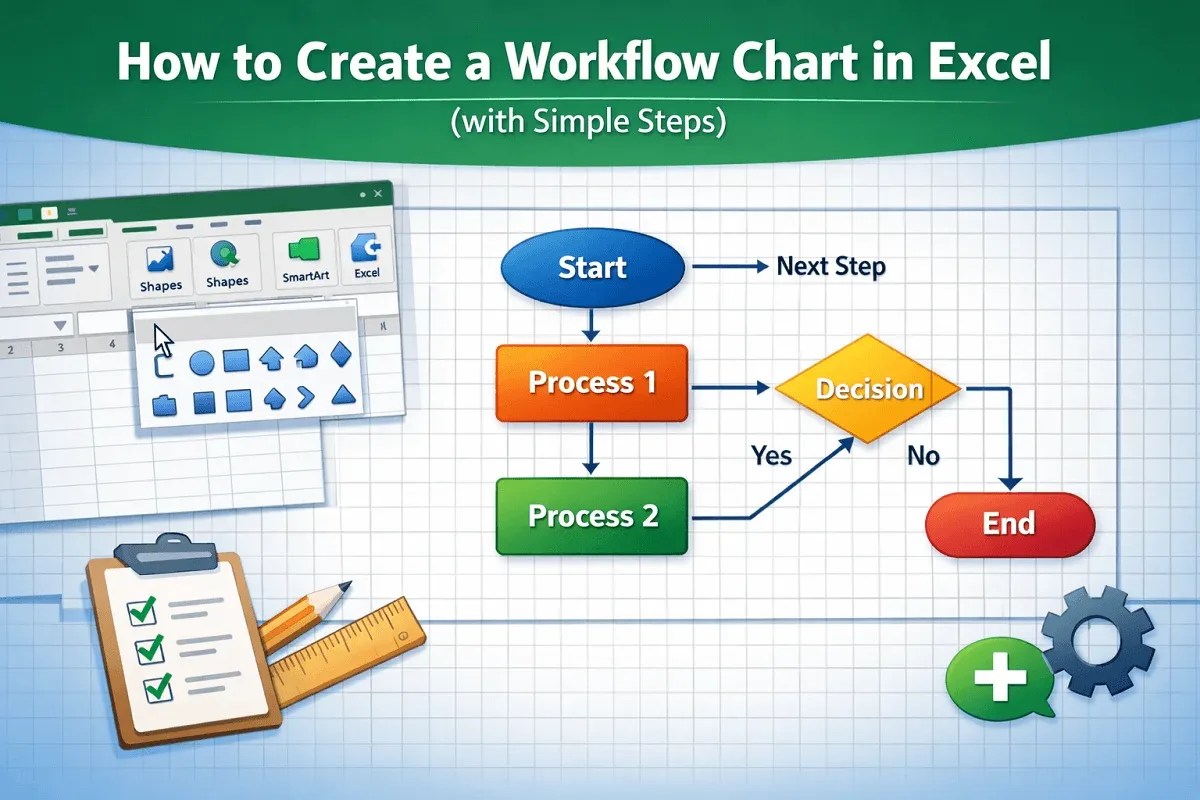
Learn how to create a workflow chart in Excel step-by-step using shapes, connectors, and formatting for a clear visual process flow.

Learn how to translate Portuguese to English in Excel using functions, VBA, the Review tab, or the right-click context menu.
Learn how to merge 3 columns in Excel using TEXTJOIN, CONCAT, Power Query, LET, and other efficient formulas and functions.
Learn how to combine rows with the same ID in Excel using TEXTJOIN, Power Query, or Pivot Tables to summarize and organize your data.
Learn how to use VLOOKUP and alternative Excel functions to find values that fall between a range for accurate data analysis.