Google Sheets Functions
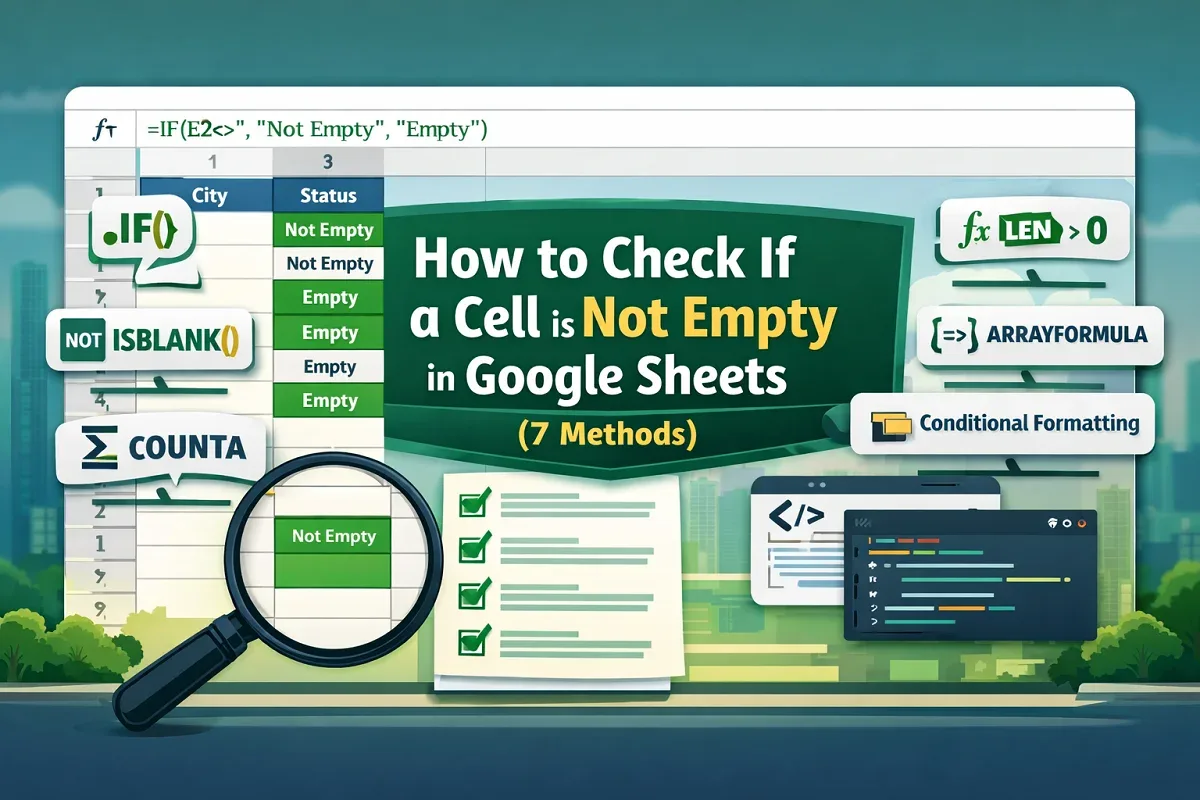
How to Check If a Cell is Not Empty in Google Sheets (7 Methods)
Learn how to check if a cell is not empty in Google Sheets using IF, ISBLANK, COUNTA, LEN functions, conditional formatting & Apps Script.
Read article


Mashrur Ibne Shams holds a BSc in Industrial and Production Engineering and is a Certified Supply Chain Analyst (CSCA). With 3 years of Excel and Google Sheets experience, he specializes in data cleaning, text extraction, advanced formulas, dynamic arrays, VBA automation, and Power Query. He has created step-by-step tutorials and custom VBA scripts for real-world datasets. He enjoys simplifying complex tasks, automating processes, and organizing data efficiently.
Articles by Mashrur Ibne Shams are developed under the guidance of ExcelInsider’s core training program and are technically reviewed by Nehad Ulfat, lead spreadsheet consultant, to ensure accuracy and user-centric value.
Learn how to check if a cell is not empty in Google Sheets using IF, ISBLANK, COUNTA, LEN functions, conditional formatting & Apps Script.

Discover how to remove gridlines from specific cells in Google Sheets using custom borders, Apps Script, and main menu options.

Learn how to tag someone in Google Sheets using comment box, main menu, context menu, and smart chips to collaborate efficiently.

Learn how to split screen in Google Sheets by using multiple browser windows, extensions, or freezing rows and columns for easier navigation.
Learn how to copy formula in Google Sheets without changing references using absolute references, Find and Replace, plain text & ARRAYFORMULA.
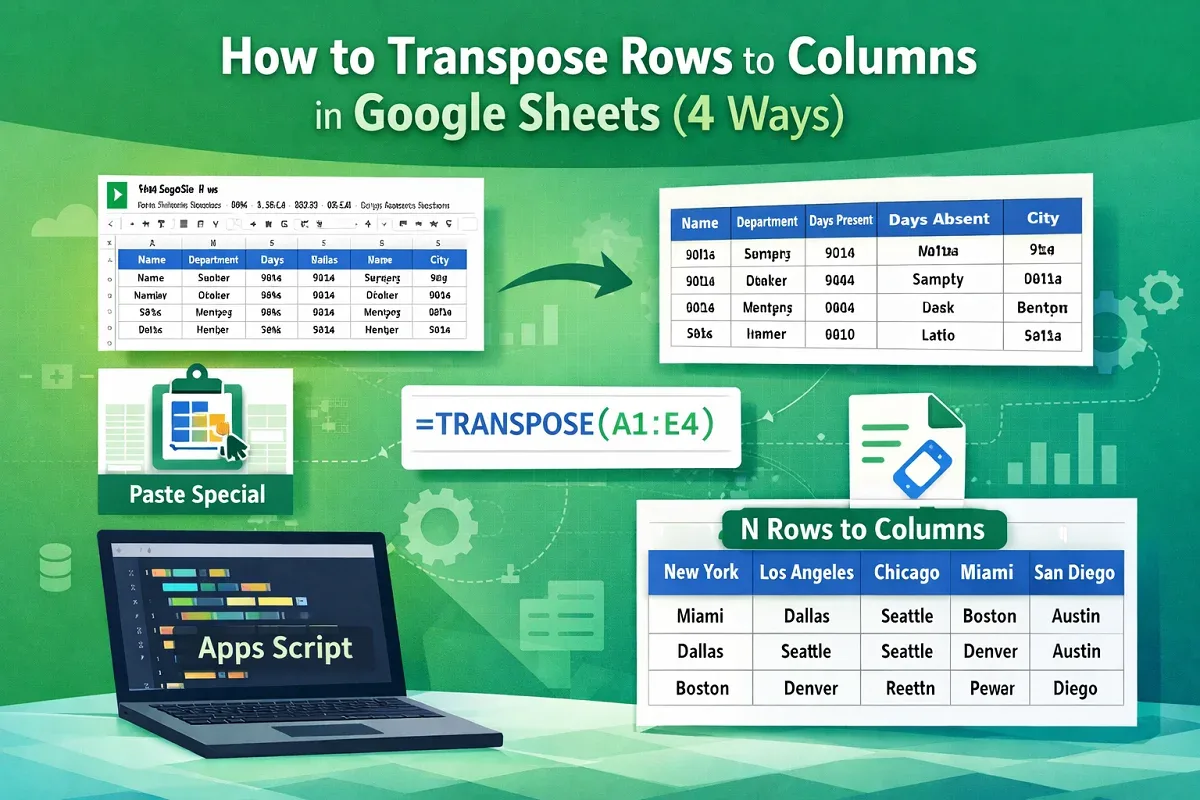
Learn how to transpose rows to columns in Google Sheets using Paste Special, the TRANSPOSE function, Apps Script, or every N rows method.

Learn how to auto sort in Google Sheets using the SORT function, combining SORT with ARRAYFORMULA, or automating sorting with Apps Script.
Learn how to transfer data between Excel worksheets automatically using VLOOKUP, XLOOKUP, or INDEX-MATCH for flexible and accurate lookups.

Learn how to VLOOKUP from multiple columns in Excel with one return using a helper column, XLOOKUP, or the INDEX-MATCH formula.
Learn how to add minutes and seconds in Excel using the plus operator, SUM, TEXT, or TIME functions for accurate time calculations.
Learn how to calculate hours and minutes in Excel using simple subtraction, the TEXT function, or INT and MOD for separate time values.
Learn how to round numbers in Excel without formulas using Format Cells, Decrease Decimal, Number Format dropdown, or Power Query tools.