Excel Pro Tips
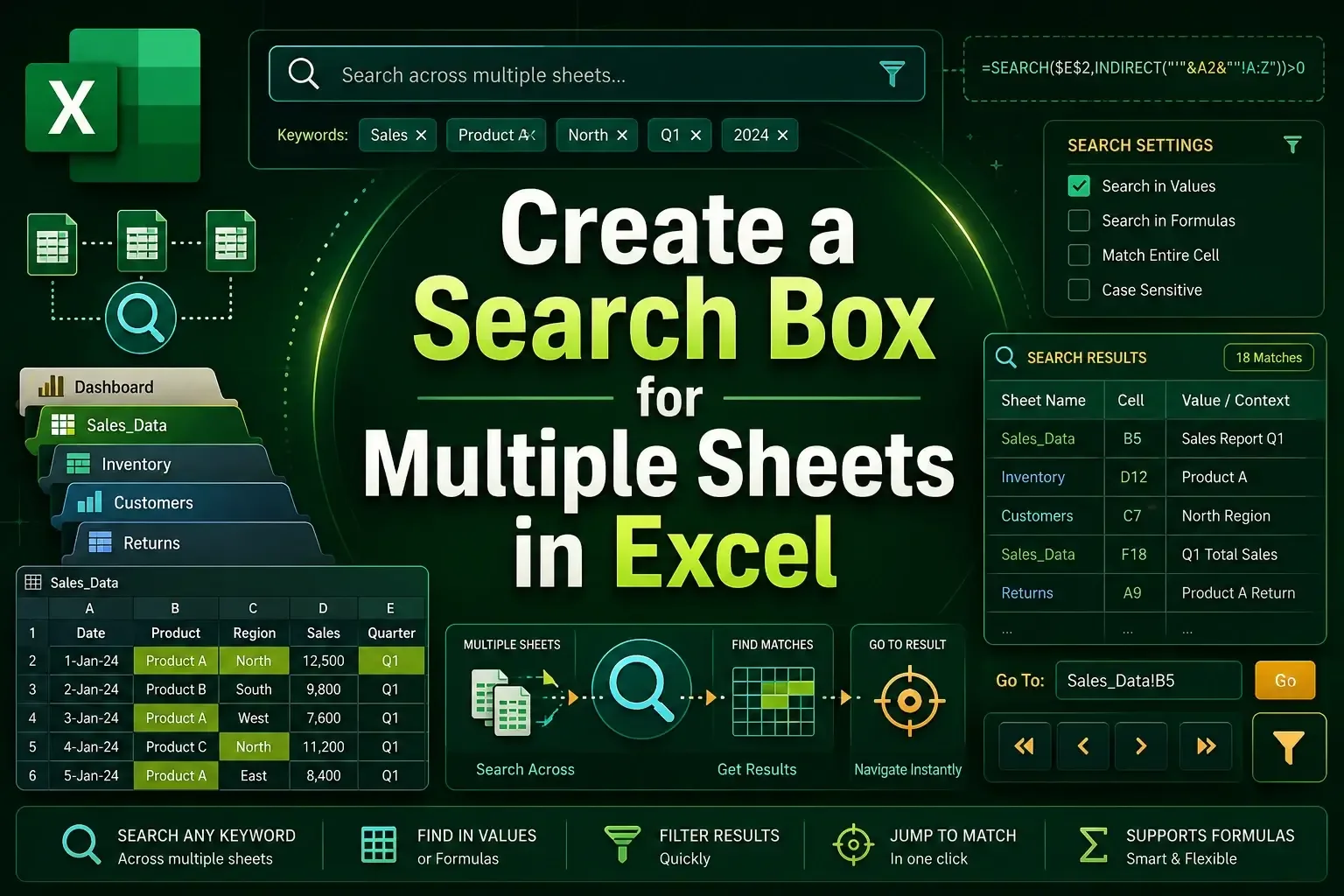
How to Create a Search Box for Multiple Sheets in Excel
Learn how to create a search box for multiple sheets in Excel using FILTER, VSTACK, ActiveX controls, and dynamic formulas.
Read article


Sazeda Rahman Setu holds a BSc and MSc in Mathematics from National University, providing a strong foundation in analytical and logical thinking for spreadsheet work. Since May 2025, she has gained hands-on experience with Excel and Google Sheets, focusing on formulas, functions, troubleshooting, and step-by-step tutorials. She enjoys creating example datasets and clear guides to help beginners solve spreadsheet problems.
Articles by Sazeda Rahman are developed under the guidance of ExcelInsider’s core training program and are technically reviewed by Nehad Ulfat, lead spreadsheet consultant, to ensure accuracy and user-centric value.
Learn how to create a search box for multiple sheets in Excel using FILTER, VSTACK, ActiveX controls, and dynamic formulas.

Learn how to do matrix multiplication in Excel using MMULT, SUMPRODUCT, and TRANSPOSE functions with clear examples.
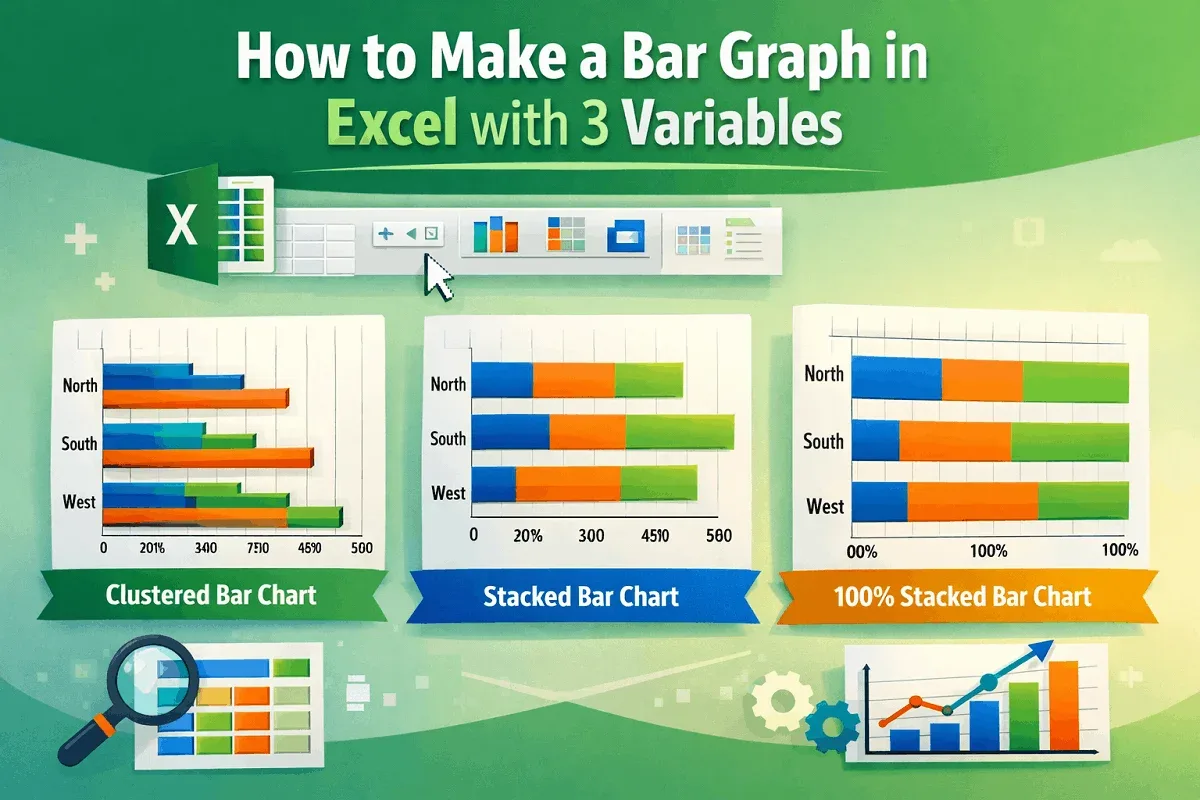
Learn how to make a bar graph in Excel with 3 variables using clustered, stacked, and 100% stacked bar charts in 2-D or 3-D formats.
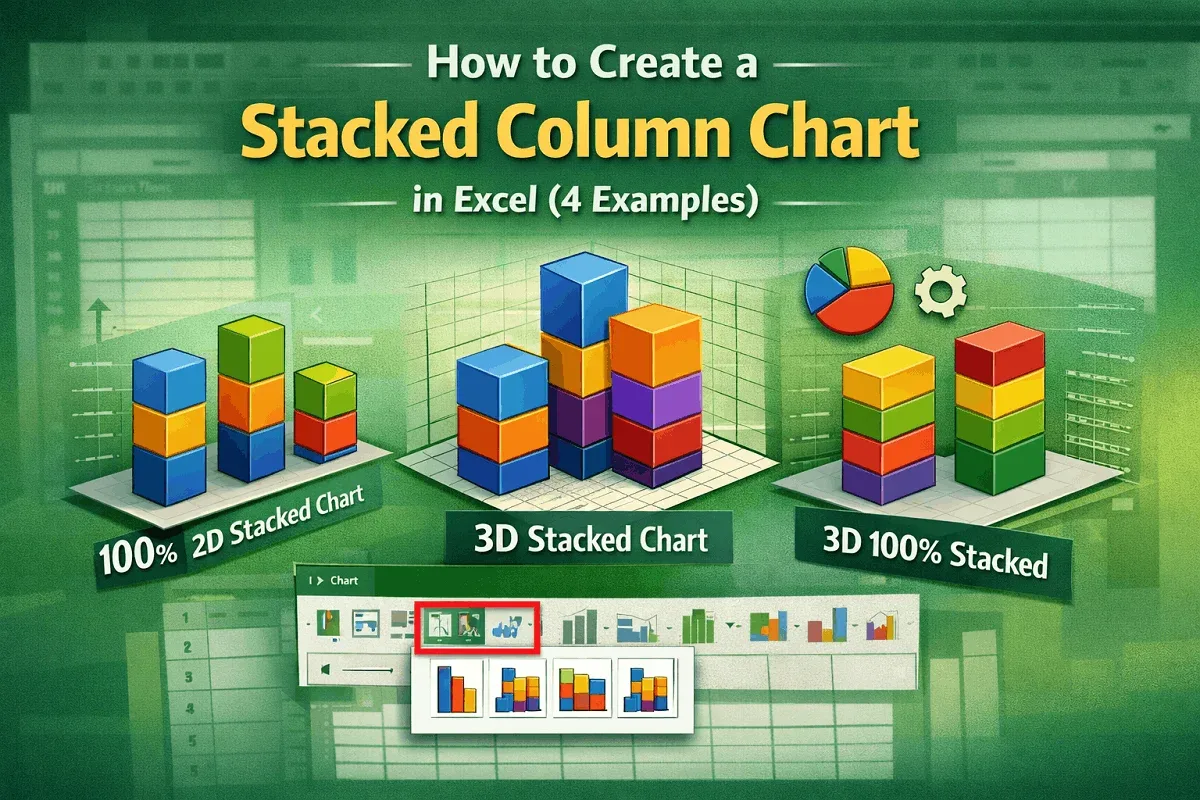
Learn how to create 2-D and 3-D stacked column charts in Excel, including standard and 100% types, to visualize your data effectively.

Learn how to transpose multiple rows in groups to columns in Excel using formulas, Paste Special, Power Query, and VBA automation.

Learn how to transpose a reference and autofill in Excel using Copy Paste, TRANSPOSE, INDIRECT, INDEX, and Power Query methods.
Learn how to create an employee database in Excel with structured tables, data validation, conditional formatting, and protection tips.

Learn 6 easy methods to use structured references in Excel formulas, including SUM, AVERAGE, IF, VLOOKUP, and more.

Learn 4 easy methods to convert an image to a table in Excel using built-in tools, OneNote OCR, online OCR, and ChatGPT.

Learn step-by-step methods to add a column to a table in Excel using the ribbon, context menu, shortcuts, or Power Query.

Learn how to convert a table to a range in Excel using Table Design, context menu, VBA, or by removing filters and formatting.
Learn how to sort rows by column in Excel using Sort & Filter, Sort dialog box, custom sorts, and the SORT function easily.