Excel Pro Tips
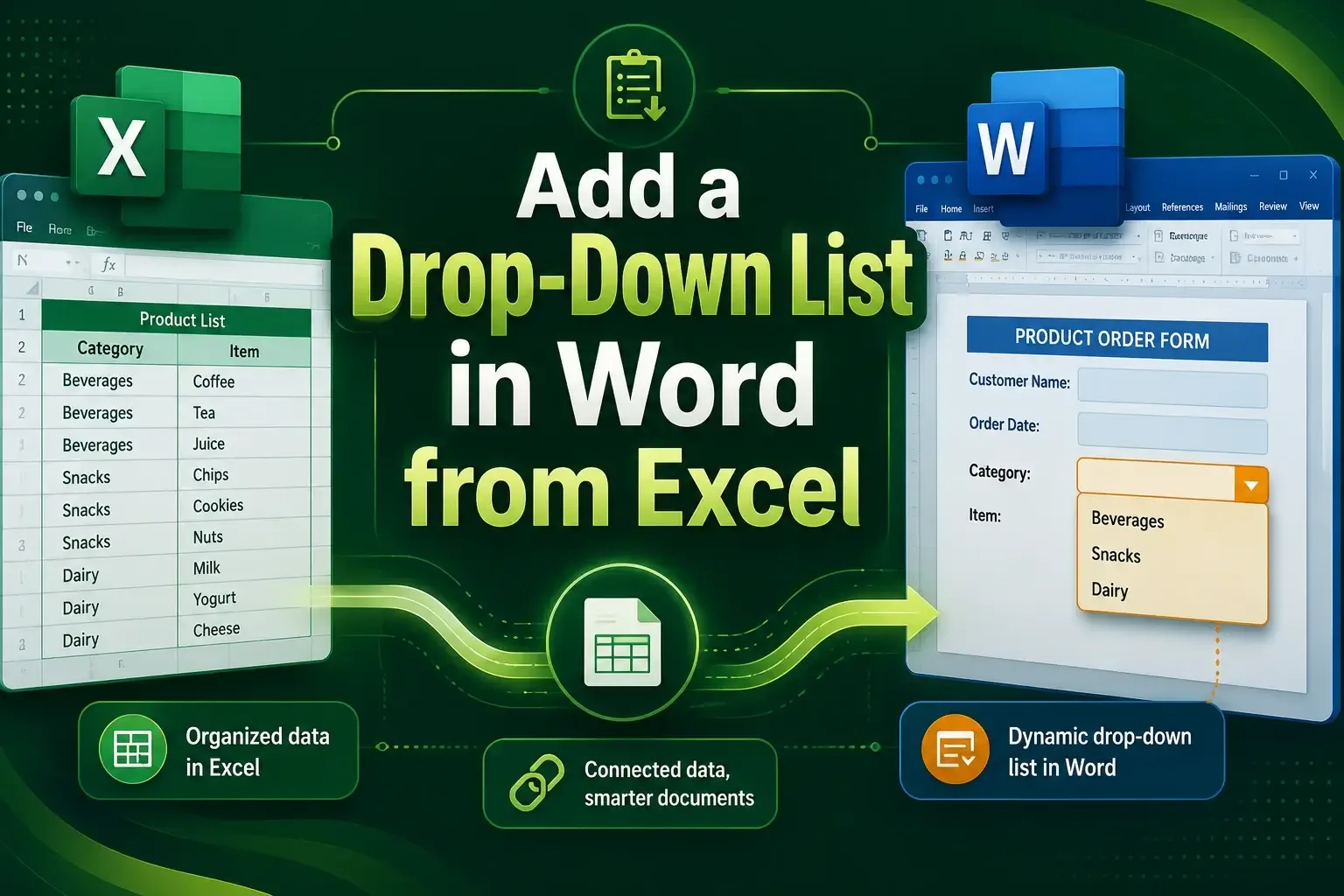
How to Add a Drop-Down List in Word from Excel
Learn how to add a drop-down list in Word from Excel using the Developer tab, Paste Special, or VBA for dynamic, linked data in minutes.
Read article


Sazeda Rahman Setu holds a BSc and MSc in Mathematics from National University, providing a strong foundation in analytical and logical thinking for spreadsheet work. Since May 2025, she has gained hands-on experience with Excel and Google Sheets, focusing on formulas, functions, troubleshooting, and step-by-step tutorials. She enjoys creating example datasets and clear guides to help beginners solve spreadsheet problems.
Articles by Sazeda Rahman are developed under the guidance of ExcelInsider’s core training program and are technically reviewed by Nehad Ulfat, lead spreadsheet consultant, to ensure accuracy and user-centric value.
Learn how to add a drop-down list in Word from Excel using the Developer tab, Paste Special, or VBA for dynamic, linked data in minutes.
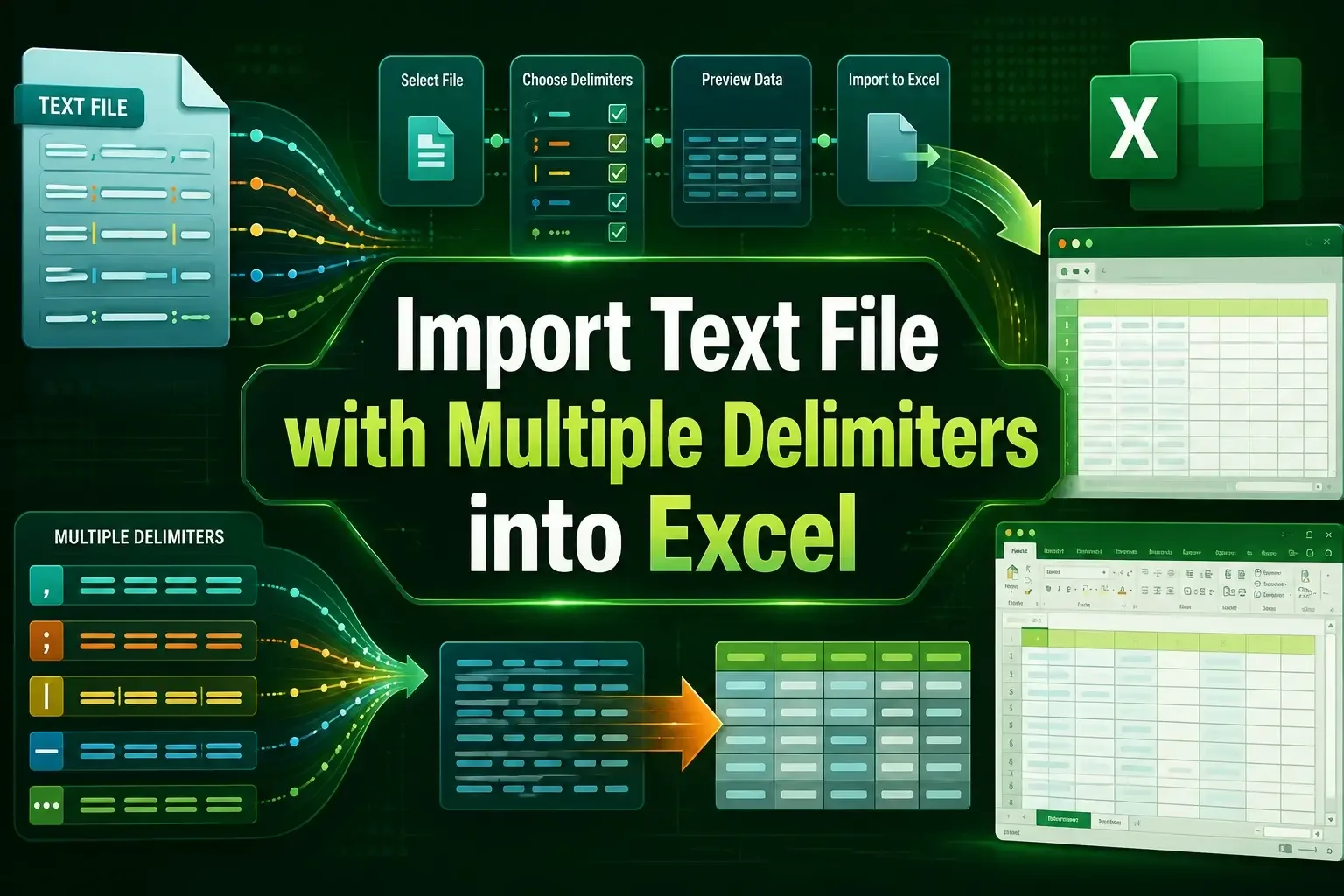
Learn how to import text files with multiple delimiters into Excel using Text Import Wizard, Power Query, and VBA easily.
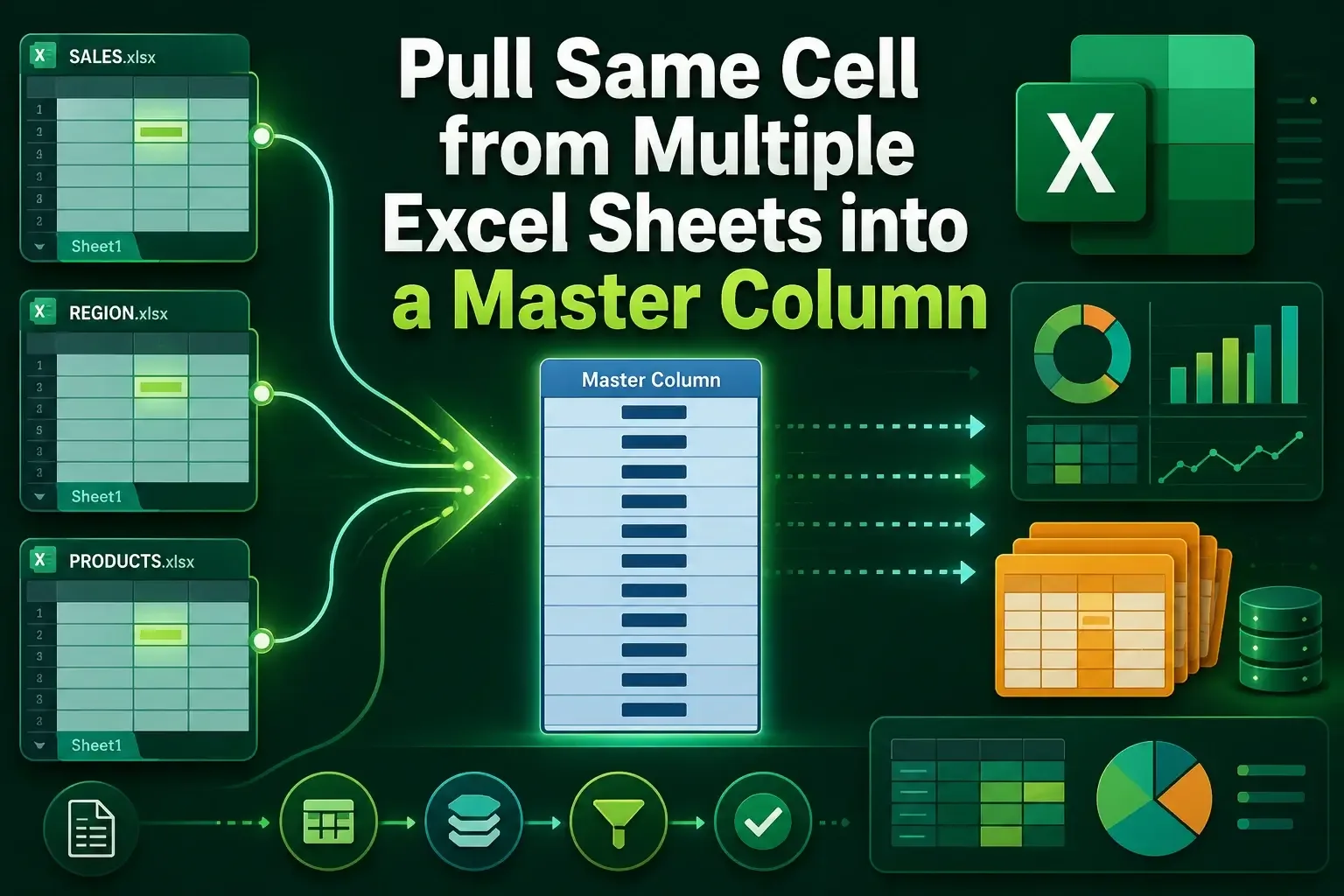
Learn how to pull the same cell from multiple sheets into a master column in Excel using INDIRECT, Consolidate, and 3D references.
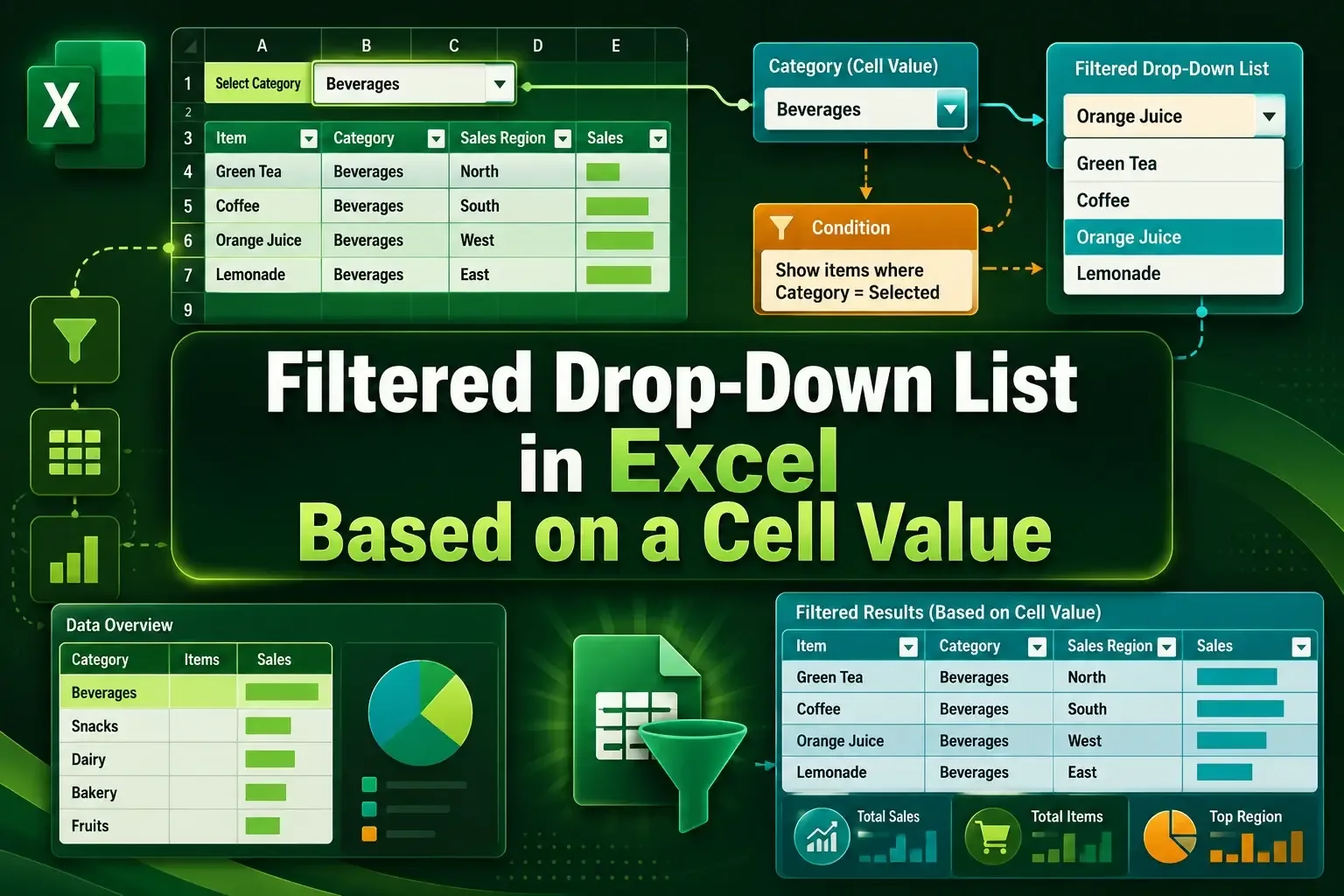
Learn how to create a filtered drop-down list in Excel using FILTER, UNIQUE, named ranges, and INDIRECT with step by step setup.
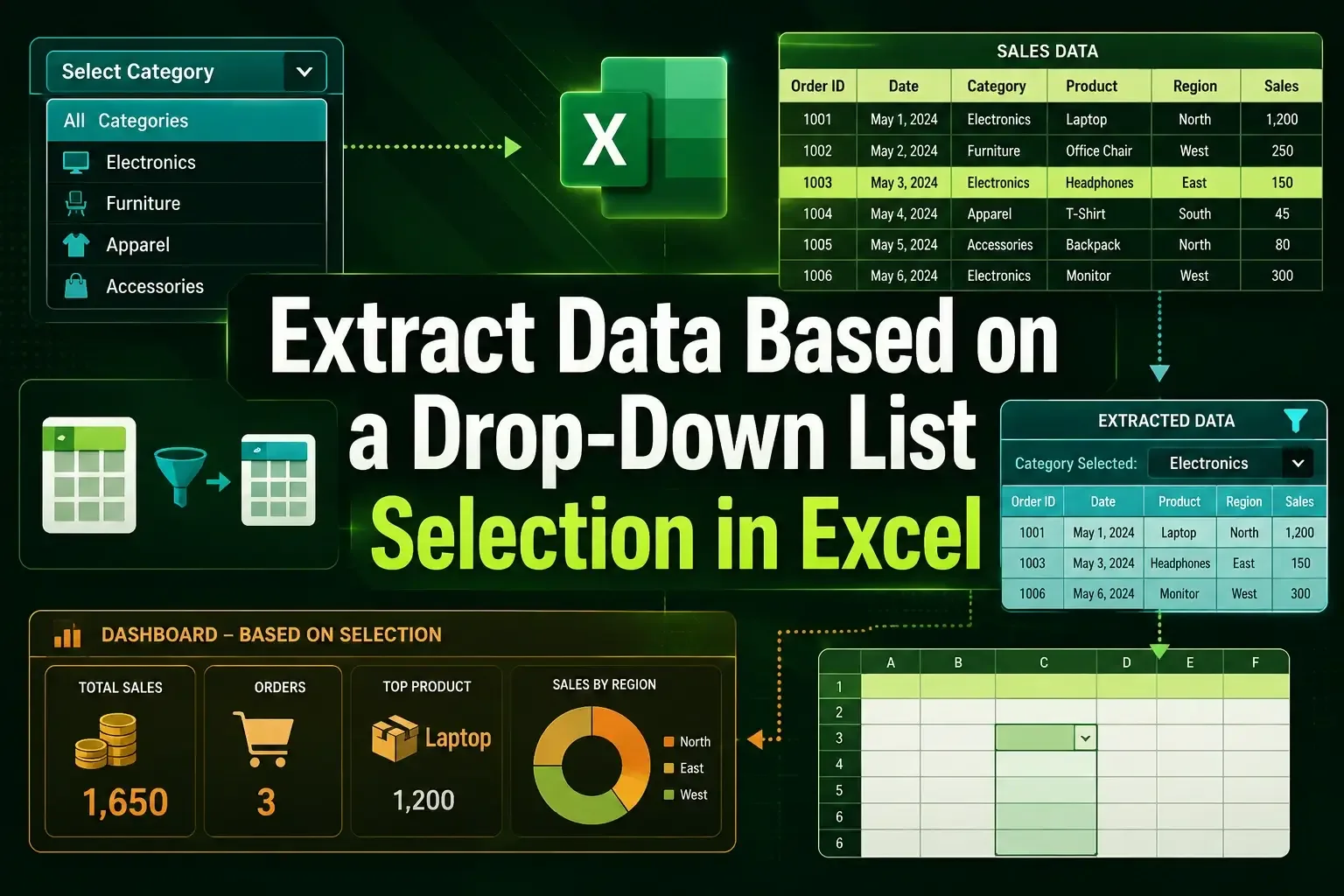
Learn how to extract data based on a drop-down list in Excel using FILTER, multiple criteria, and INDEX with helper columns.
Learn how to make a bulleted list in Excel using shortcuts, CHAR function, symbols, custom formatting, and SmartArt options easily.
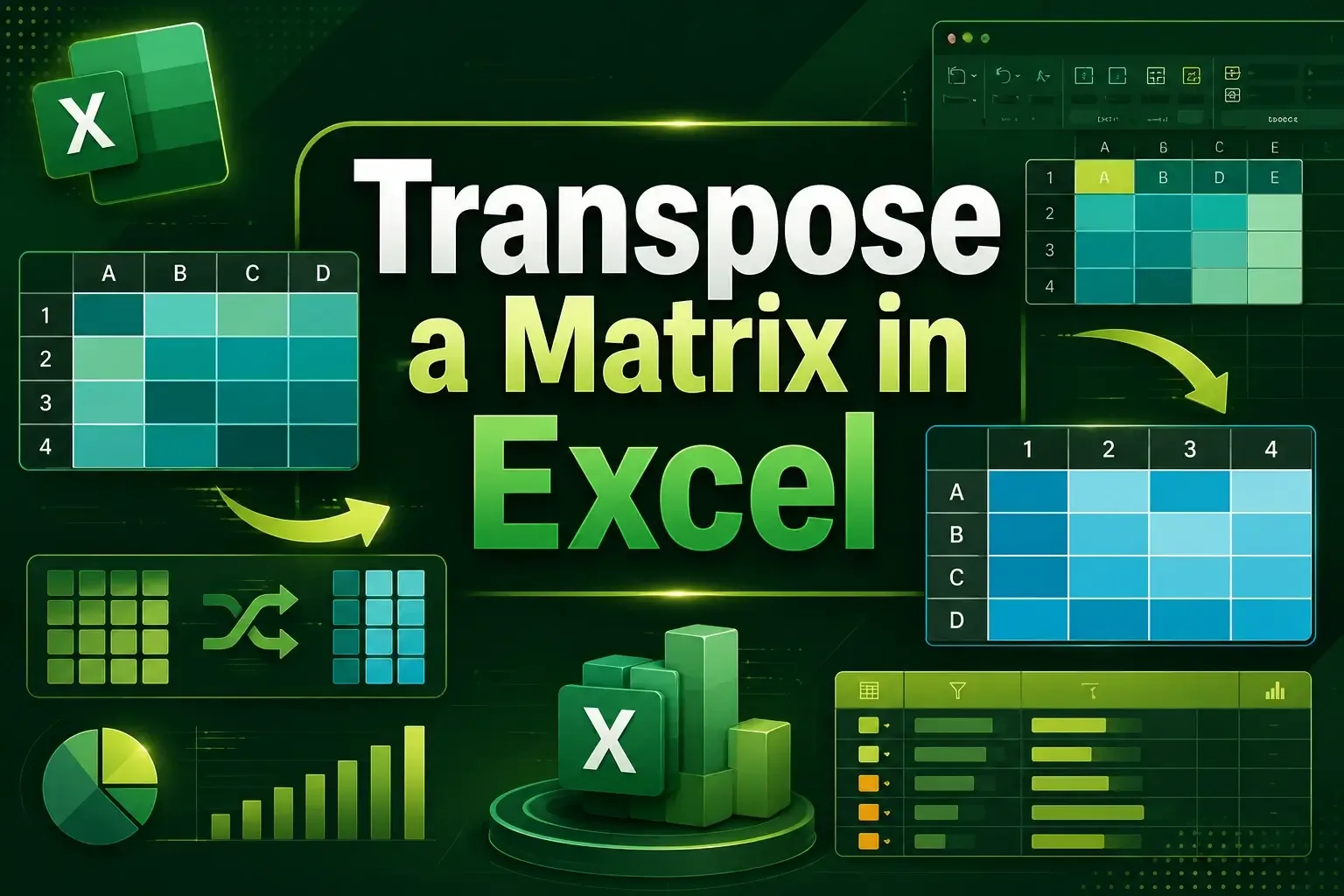
Learn how to transpose a matrix in Excel using Paste Special, the TRANSPOSE function, and Power Query with easy step-by-step methods.
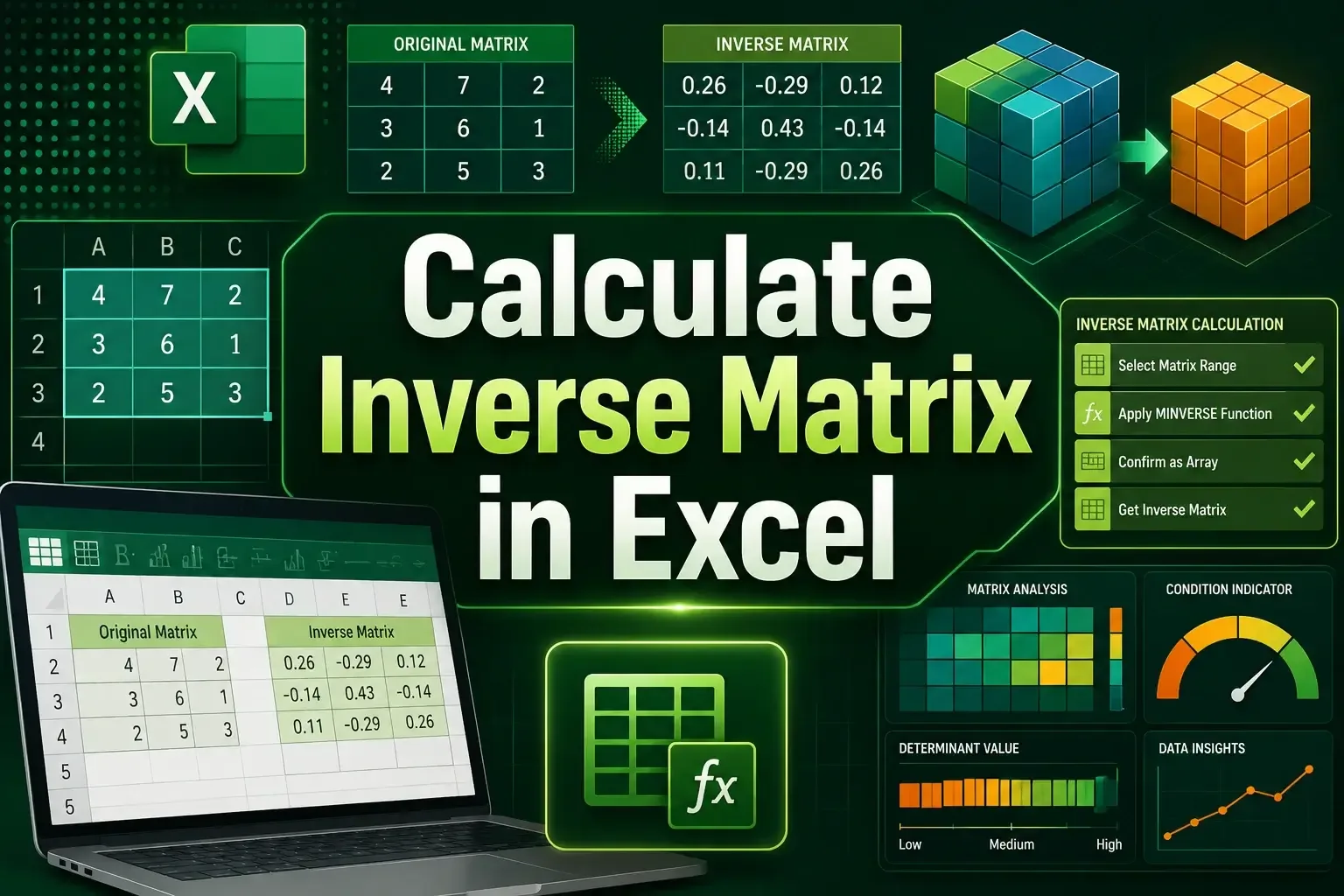
Learn how to calculate an inverse matrix in Excel using the MINVERSE function and VBA with step-by-step guidance and examples.
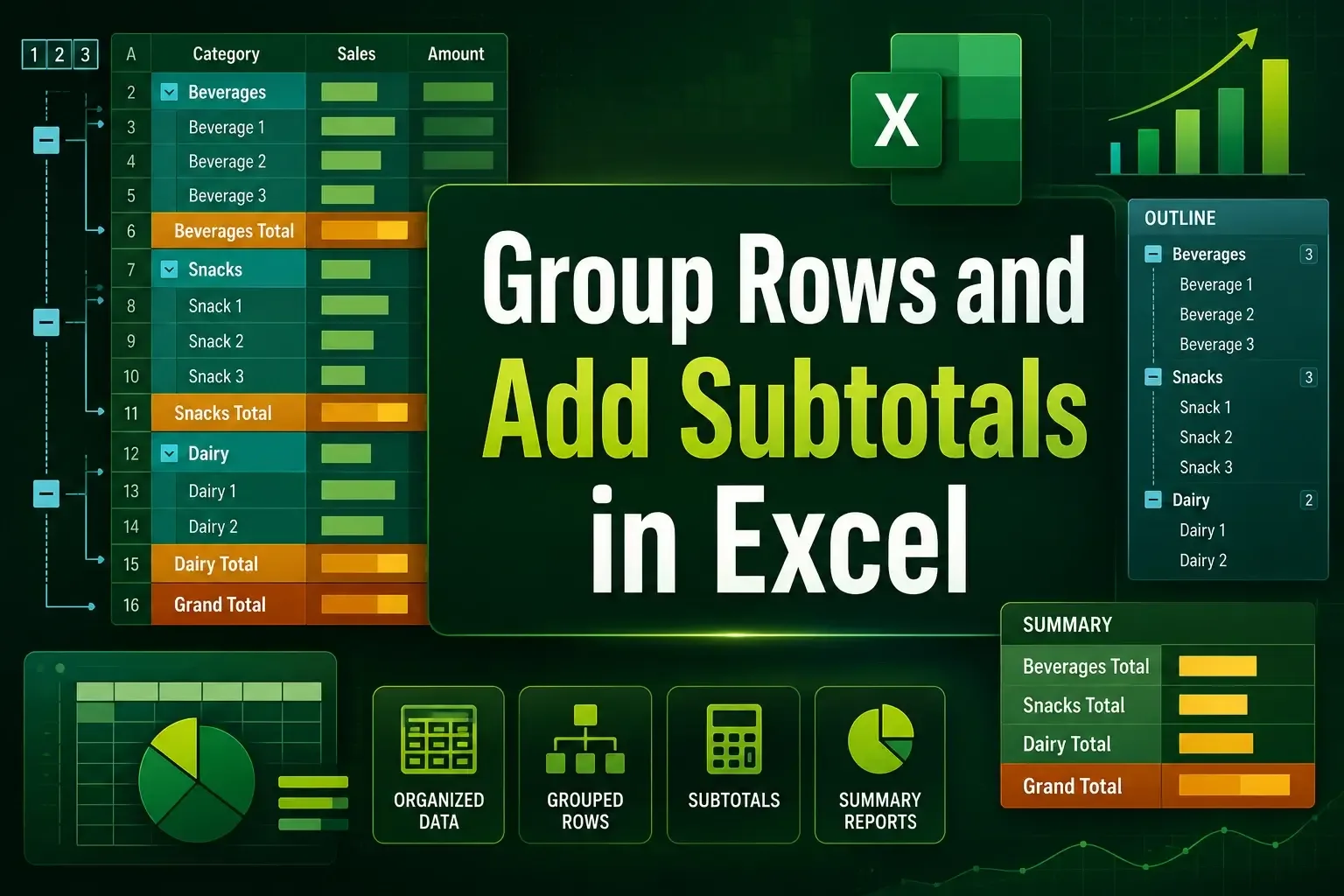
Learn how to group rows and add subtotals in Excel using the Subtotal feature, SUBTOTAL function, and create multi-level summaries easily.
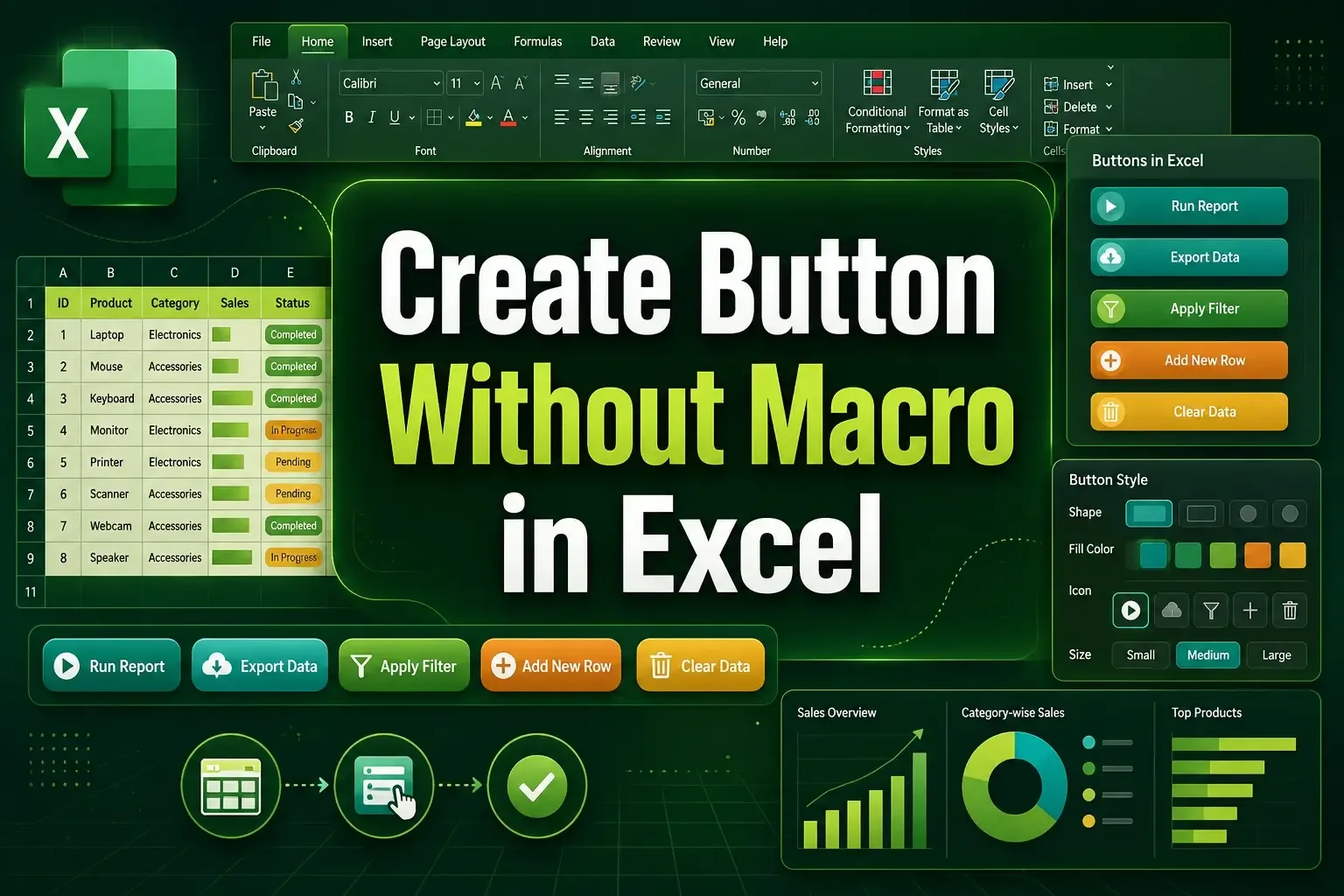
Learn how to create a button without macro in Excel using shapes and the Developer tab for easy sheet navigation.
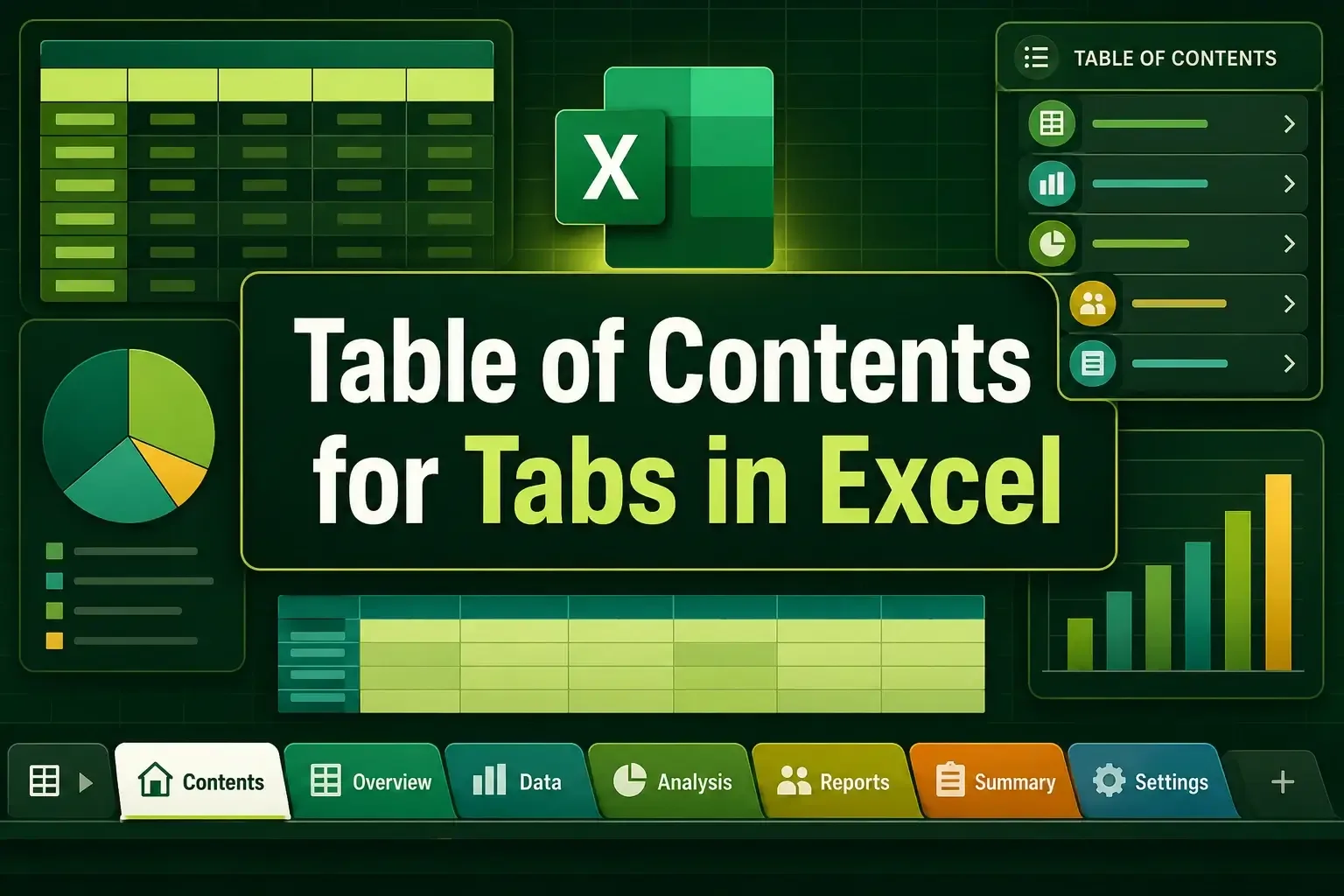
Learn how to create a Table of Contents for tabs in Excel using HYPERLINK, context menu, Power Query, buttons, and VBA.
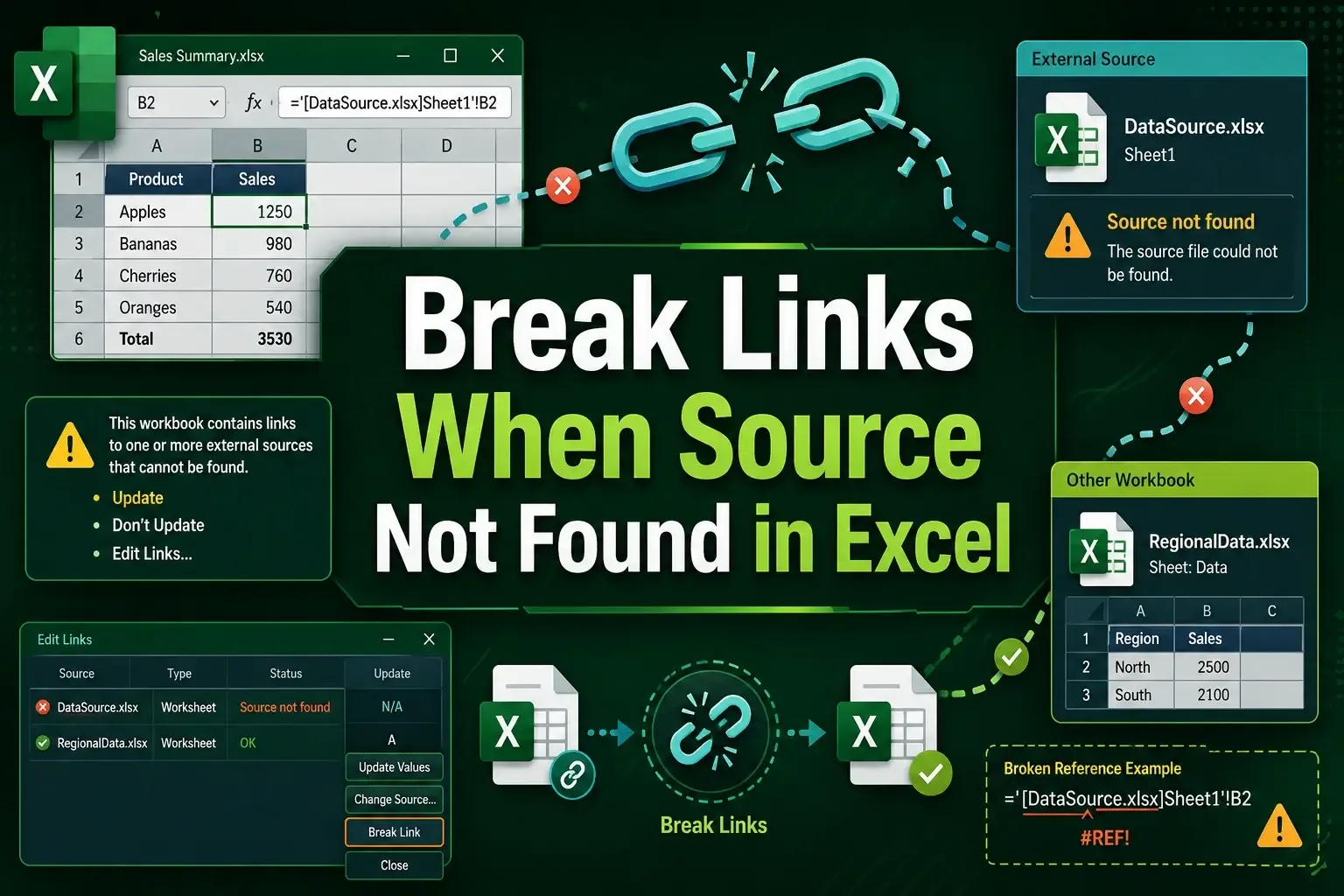
Learn how to break links when source not found in Excel using Workbook Links, Find and Replace, paste values, and VBA methods.