Excel Functions & Formulas
How to Use IF Function with Dates in Excel (4 Examples)
Learn how to use the IF function with dates in Excel to check overdue tasks, identify due today, and test if a date falls within a range.
Read article


Sazeda Rahman Setu holds a BSc and MSc in Mathematics from National University, providing a strong foundation in analytical and logical thinking for spreadsheet work. Since May 2025, she has gained hands-on experience with Excel and Google Sheets, focusing on formulas, functions, troubleshooting, and step-by-step tutorials. She enjoys creating example datasets and clear guides to help beginners solve spreadsheet problems.
Articles by Sazeda Rahman are developed under the guidance of ExcelInsider’s core training program and are technically reviewed by Nehad Ulfat, lead spreadsheet consultant, to ensure accuracy and user-centric value.
Learn how to use the IF function with dates in Excel to check overdue tasks, identify due today, and test if a date falls within a range.
Learn how to use the IF formula in Excel to check if a value falls between two numbers, return numeric results, or assign categories.
Learn how to use VLOOKUP with date ranges in Excel, plus INDEX-MATCH and LOOKUP methods to return values when dates fall between ranges.

Learn how to use HLOOKUP with IF in Excel through examples, including bonus conditions, IFERROR for invalid data, and nested IF rules.
Learn how to compare two columns in Excel and return a value using IF, MATCH, VLOOKUP, and conditional formatting for differences.
Learn how to look up multiple values in Excel using FILTER, TEXTJOIN with IF, XLOOKUP, and advanced criteria-based lookup methods.

Learn how to create a real-time currency converter in Excel using Power Query, Exchange Rate API, XLOOKUP, VLOOKUP, and auto-refresh.
Learn how to generate random numbers in Excel without repeats using SORTBY, SEQUENCE, RANDARRAY, INDEX, UNIQUE, and RANDBETWEEN.
Learn how to convert decimal to binary in Excel using DEC2BIN, BASE, and IF functions to handle large values and negative numbers easily.
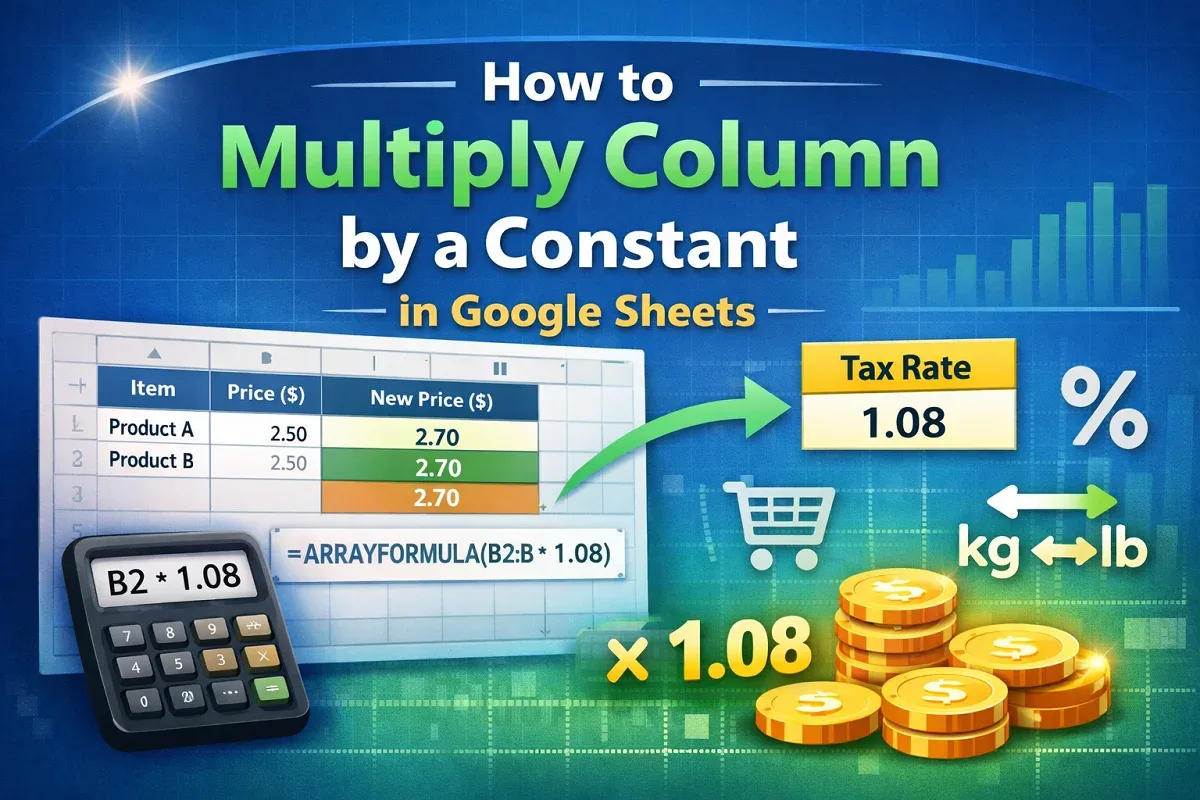
Learn how to multiply a column by a constant in Google Sheets using basic formulas, ARRAYFORMULA, or a constant stored in another cell.
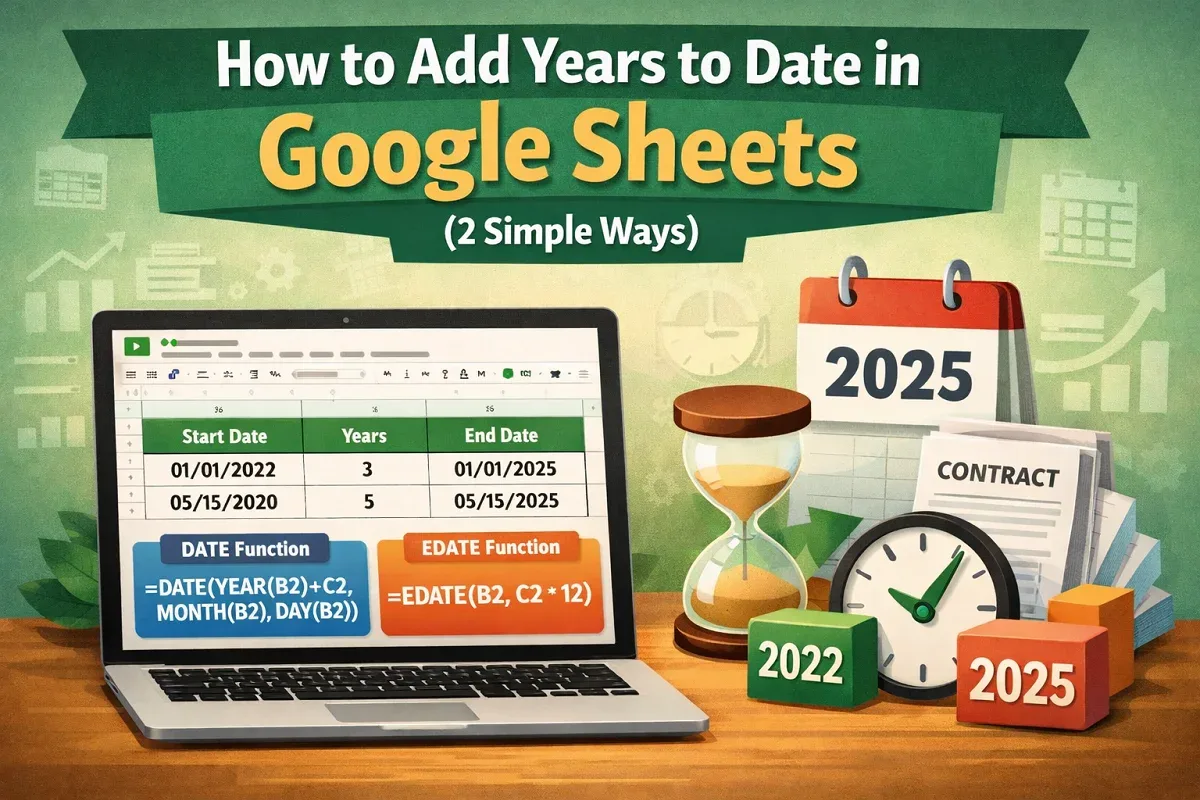
Learn how to add years to date in Google Sheets using the DATE function or apply the EDATE function to add years by months easily.
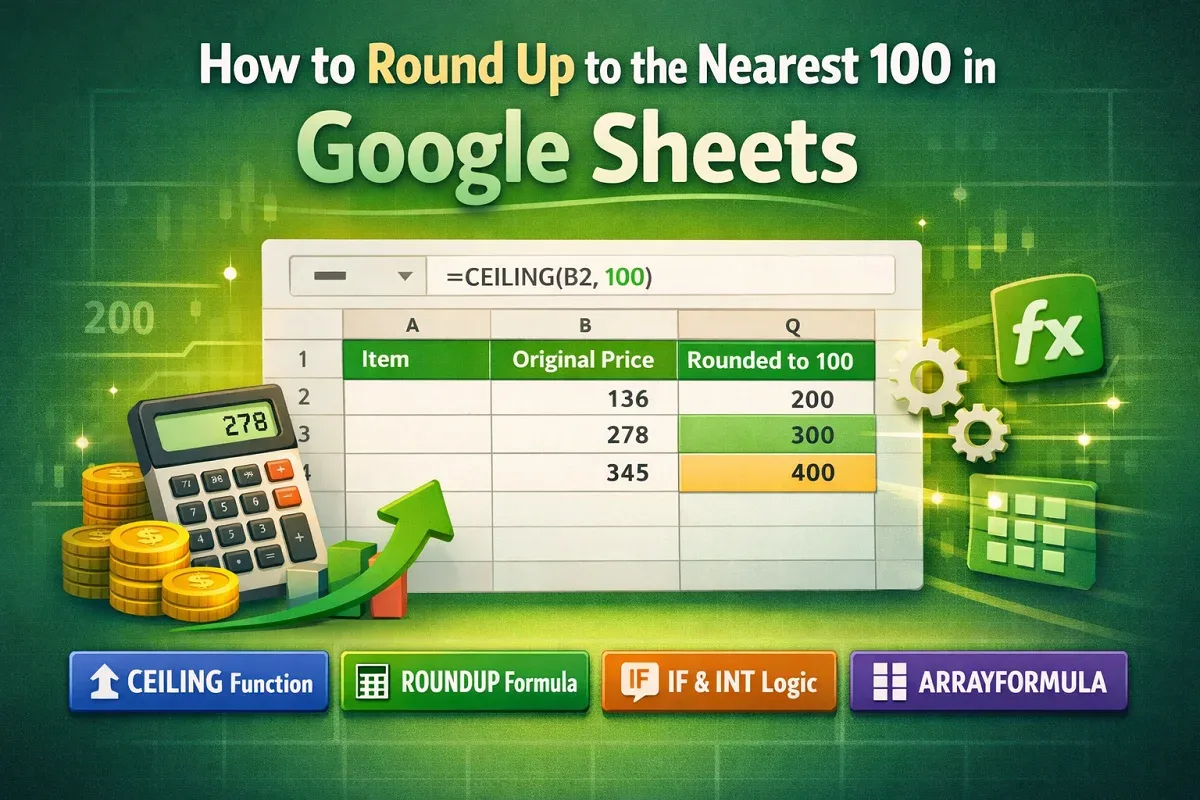
Learn how to round up to the nearest 100 in Google Sheets using CEILING, ROUNDUP with logic, IF and INT, or ARRAYFORMULA for automation.