Data Analysis with Excel
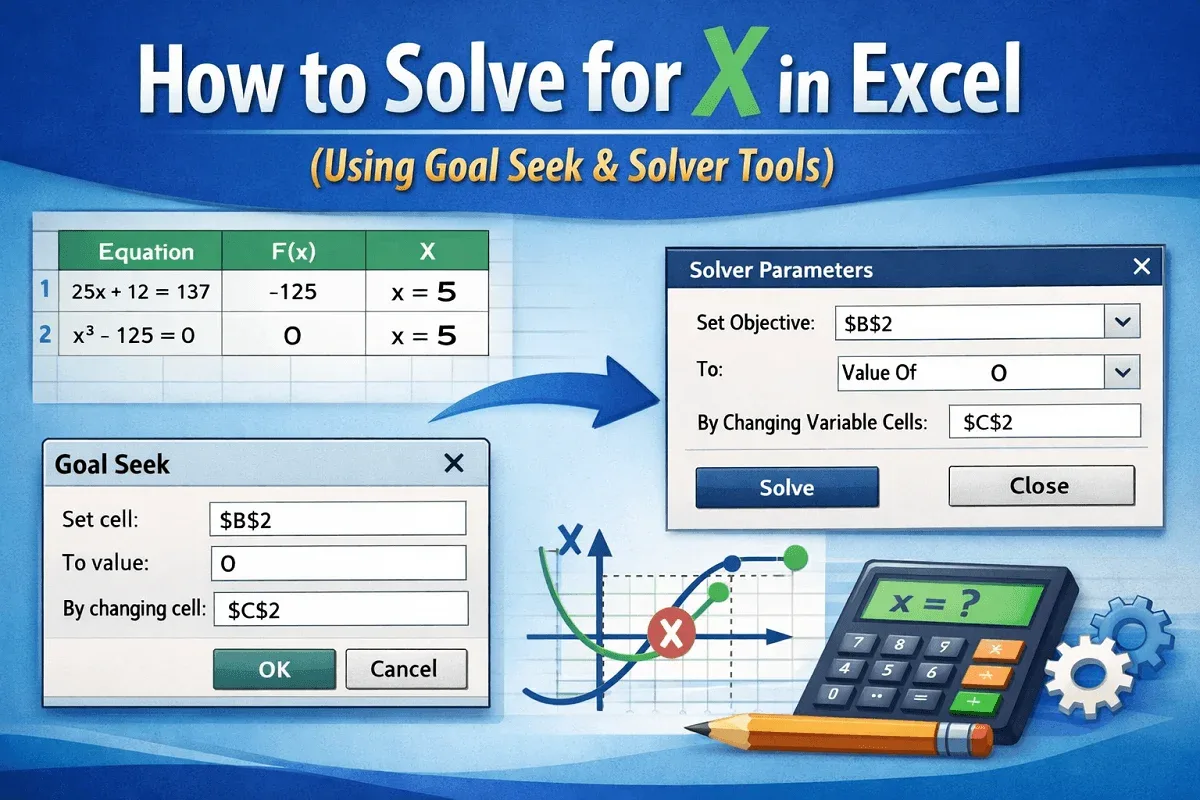
How to Solve for X in Excel (Using Goal Seek & Solver Tools)
Learn how to solve for x in Excel using Goal Seek and Solver with easy step-by-step instructions for accurate results.
Read article

1285 articles
Learn how to solve for x in Excel using Goal Seek and Solver with easy step-by-step instructions for accurate results.
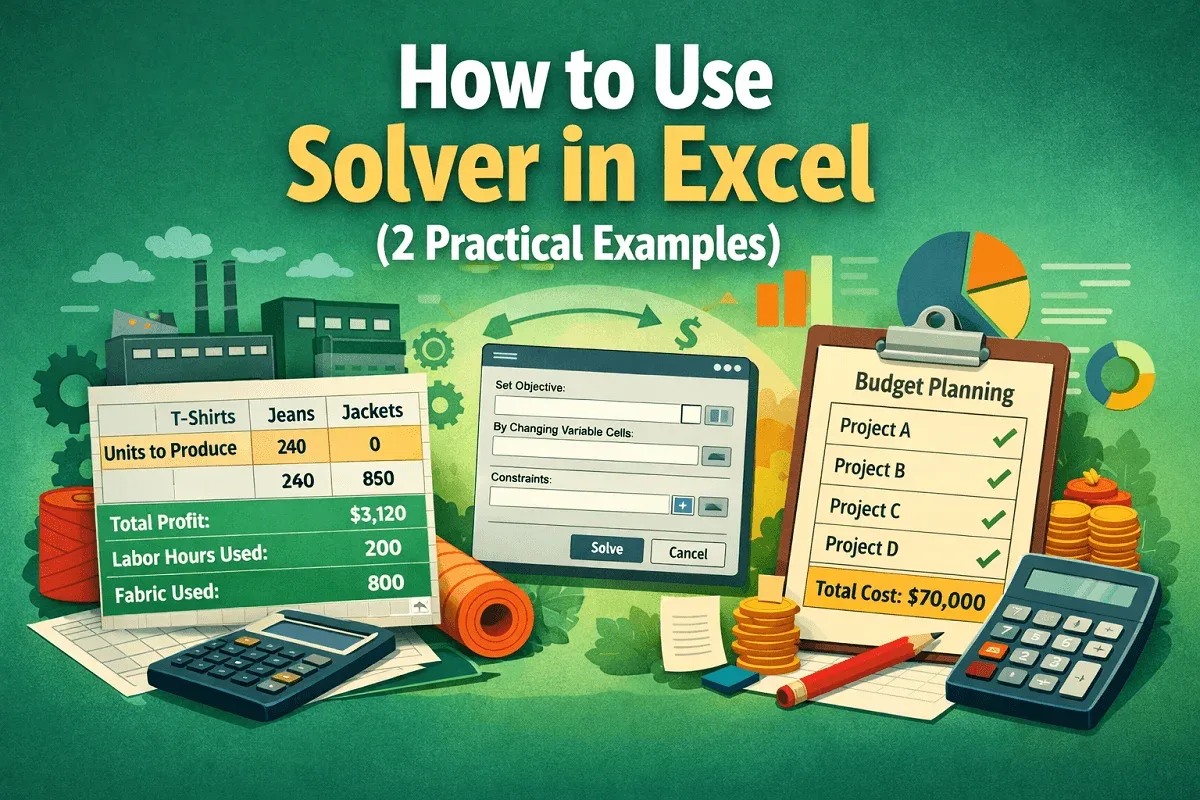
Learn how to use Solver in Excel with step-by-step examples for optimizing production and managing budgets effectively.
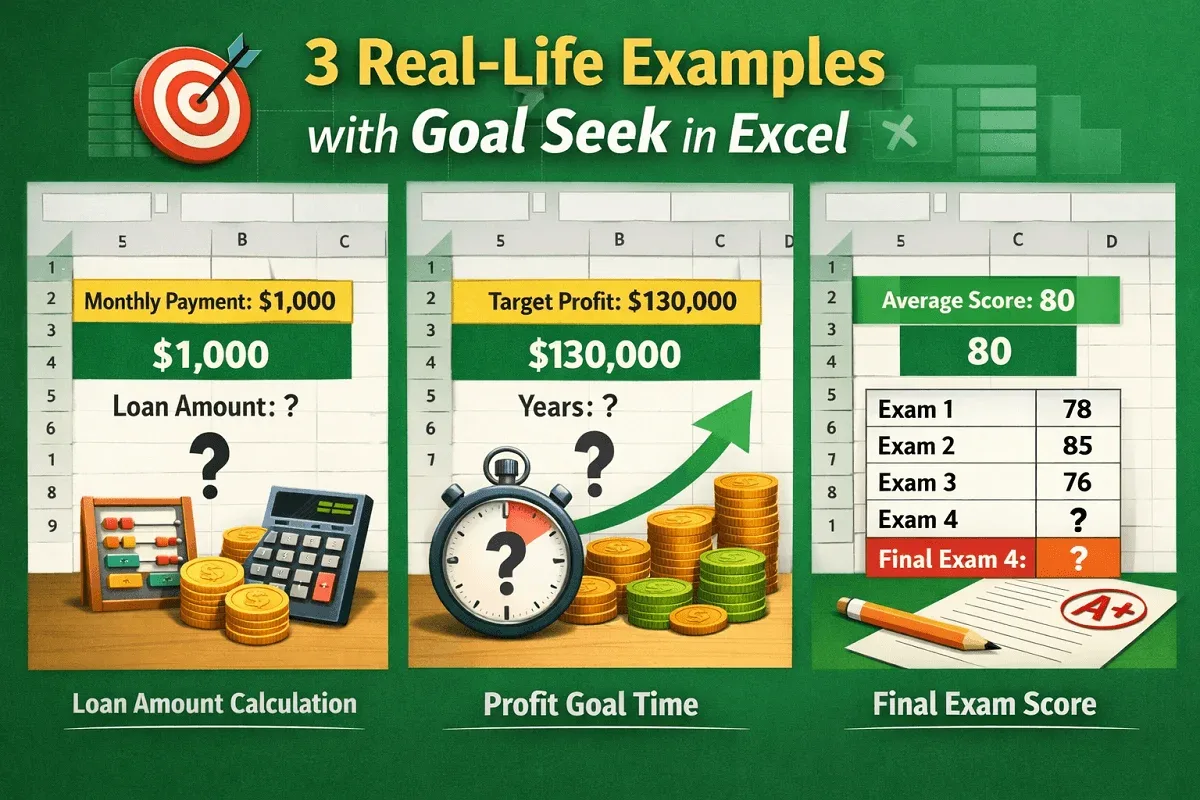
Learn how to use Goal Seek in Excel with 3 real-life examples: loan calculation, profit planning, and final exam score targeting.

Learn how to filter Google Sheets without affecting others, using filter views and alternatives to manage data efficiently.
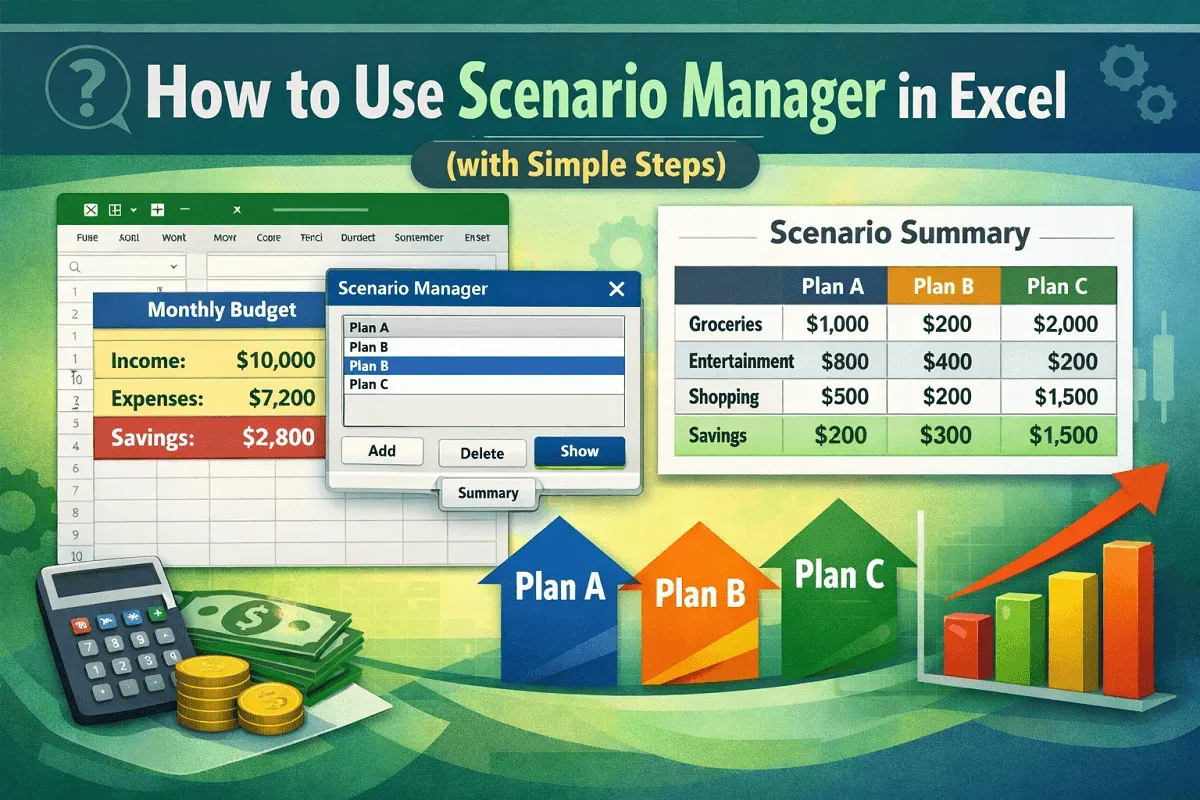
Learn how to use Scenario Manager in Excel to create, manage, and compare multiple budgeting scenarios with a clear summary report.
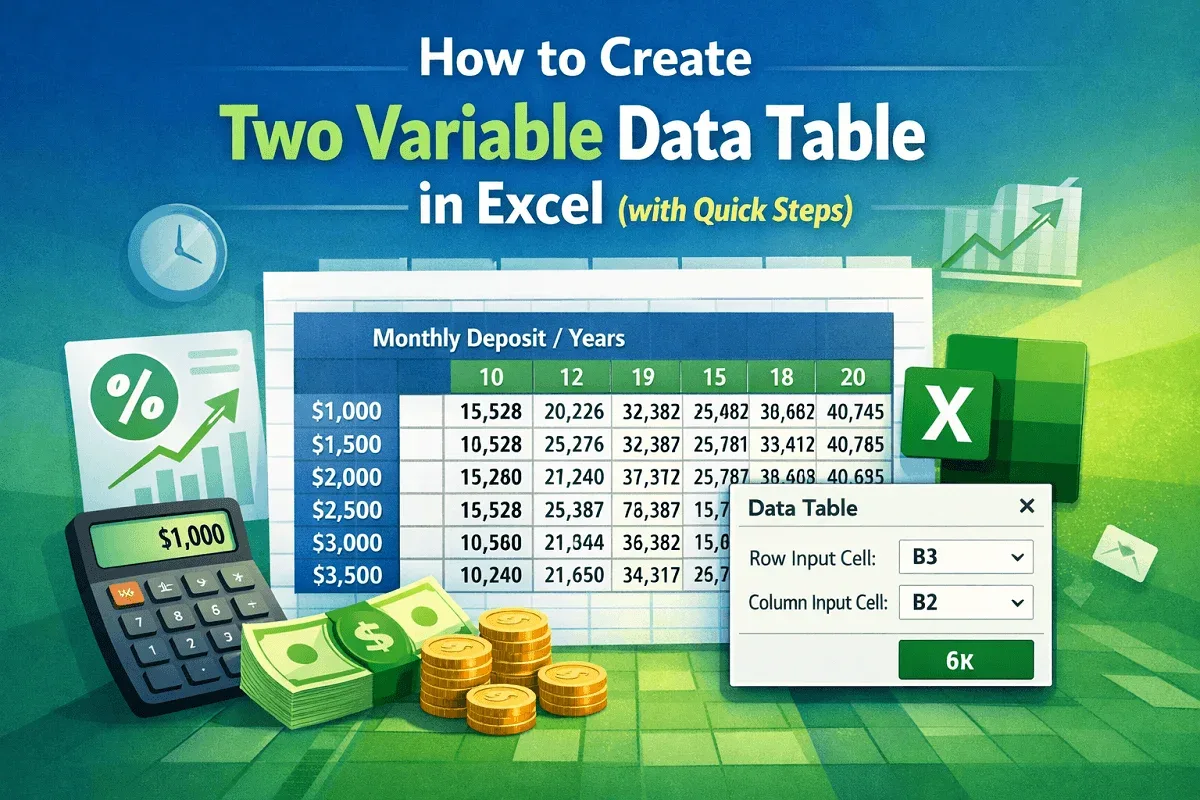
Learn how to create a two-variable data table in Excel with step-by-step instructions: calculate, set range, and apply the Data Table tool.
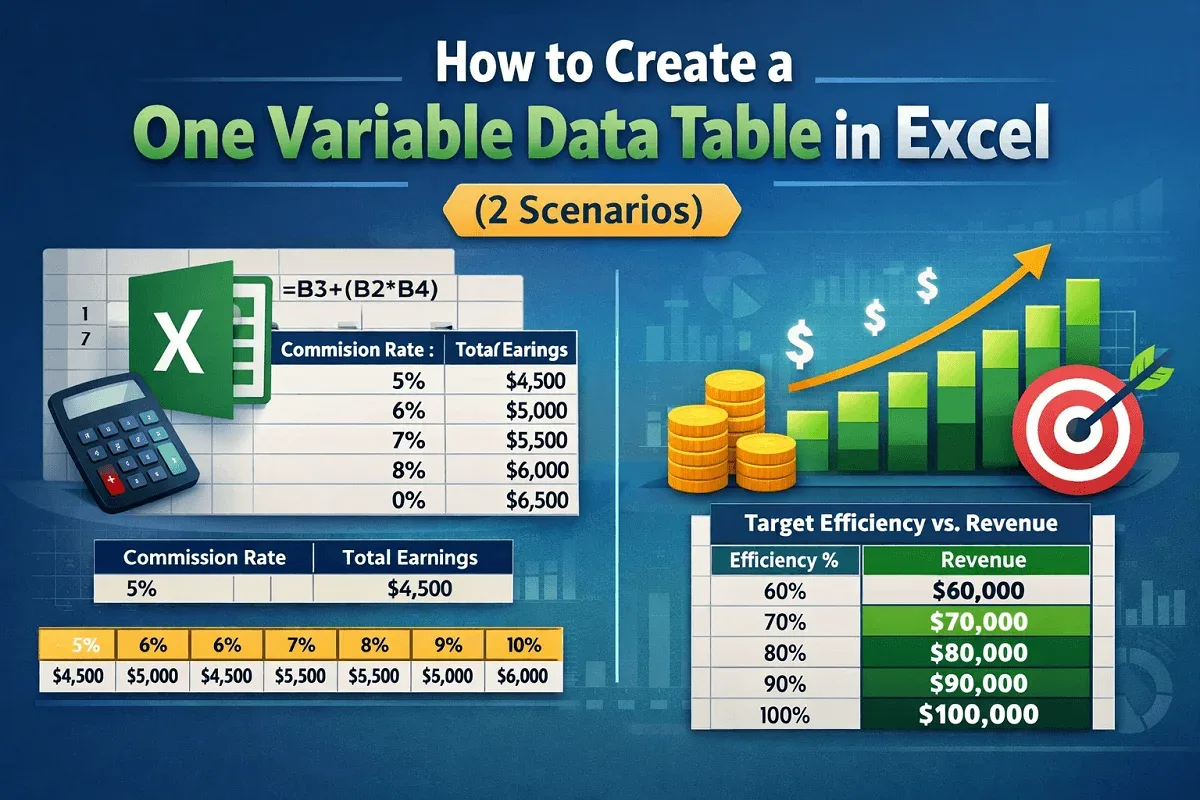
Learn how to create a one-variable data table in Excel with step-by-step examples and scenarios to simplify data analysis and forecasting.
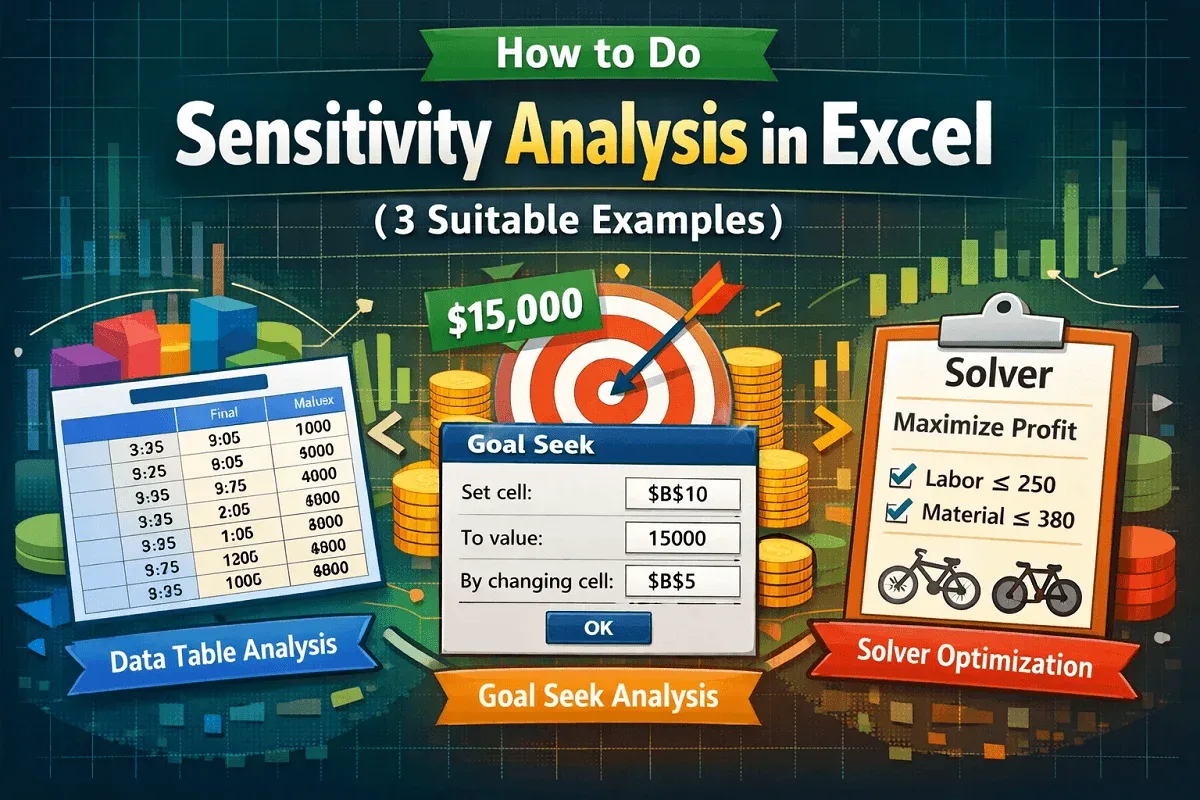
Learn how to do Sensitivity Analysis in Excel using Data Tables, Goal Seek, and Solver to evaluate decision-making scenarios effectively.
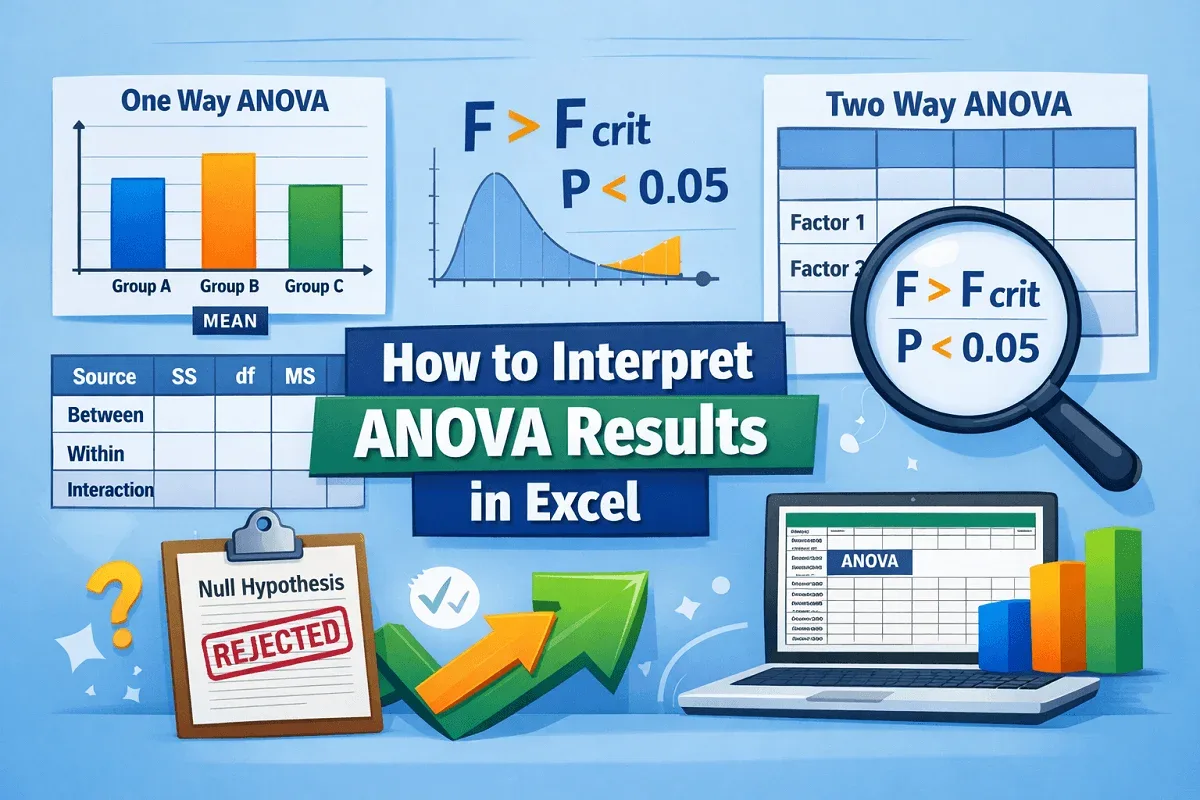
This article explores how to interpret ANOVA results in Excel for one way and the two way ANOVA tests using the Data Analysis ToolPak.
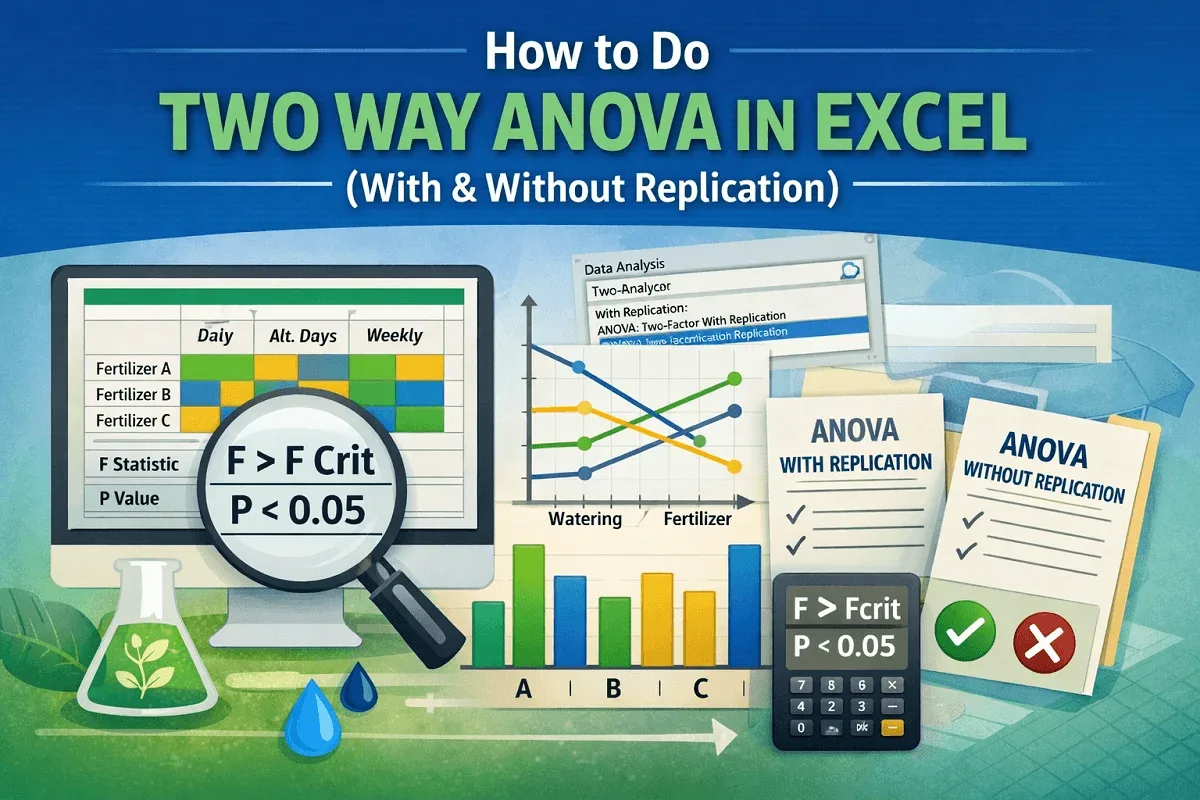
This article explores how to do two way ANOVA in Excel with and without replication conditions using the Data Analysis ToolPak.
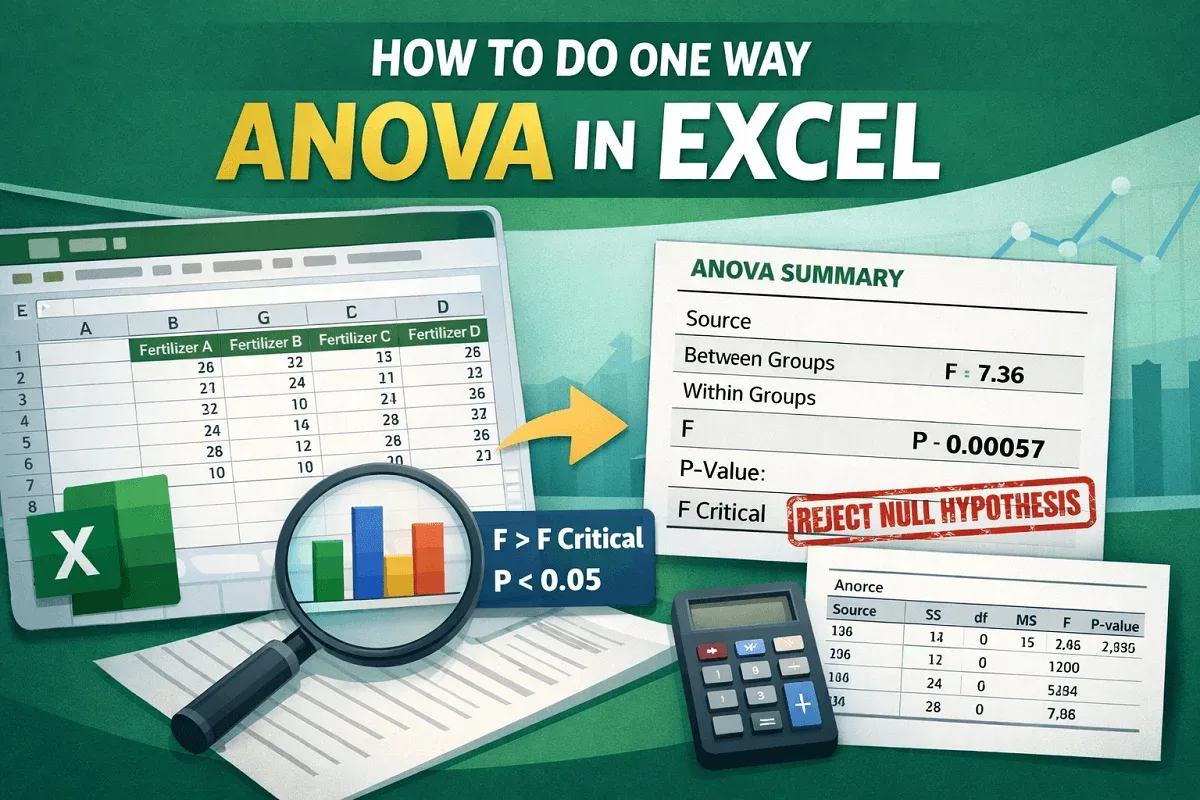
This article explores what one way ANOVA is, how to do one way ANOVA in Excel, and significance of the results of the one way ANOVA test.
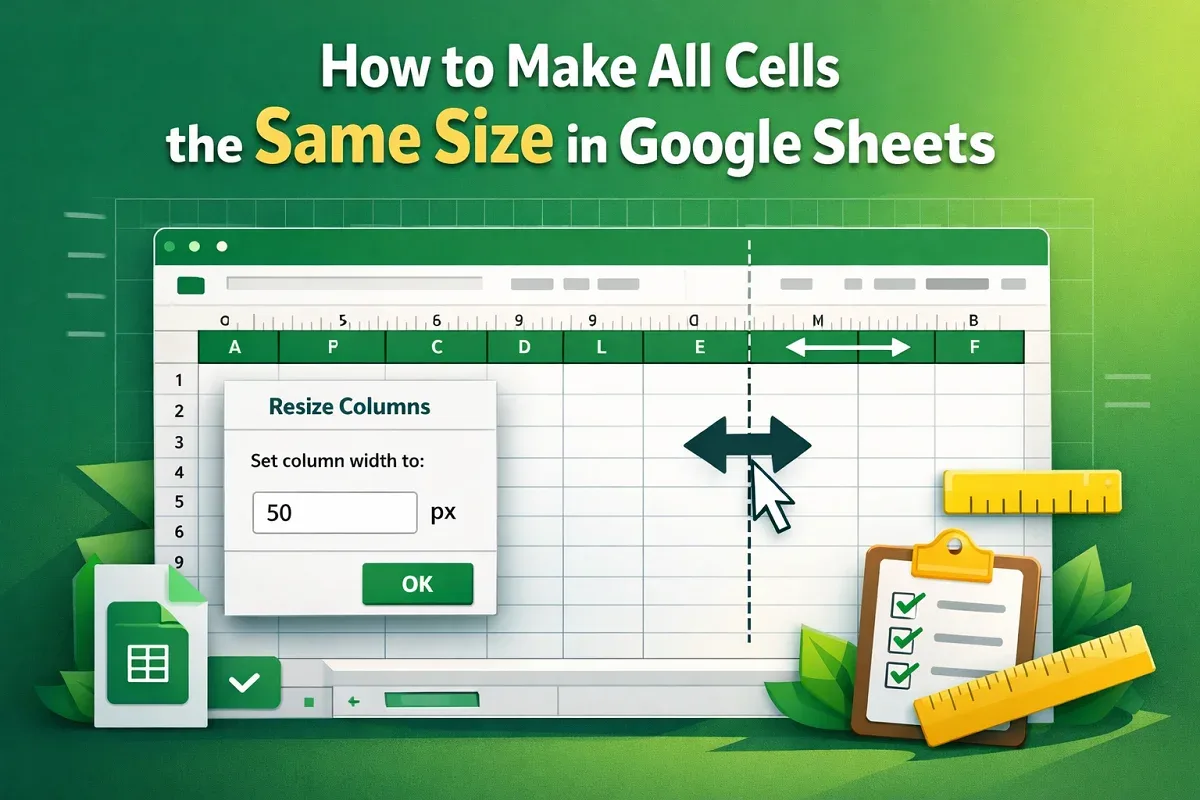
Learn how to make all cells the same size in Google Sheets using the resize menu or the expansion bar in just a few simple steps.