Google Sheets Basics
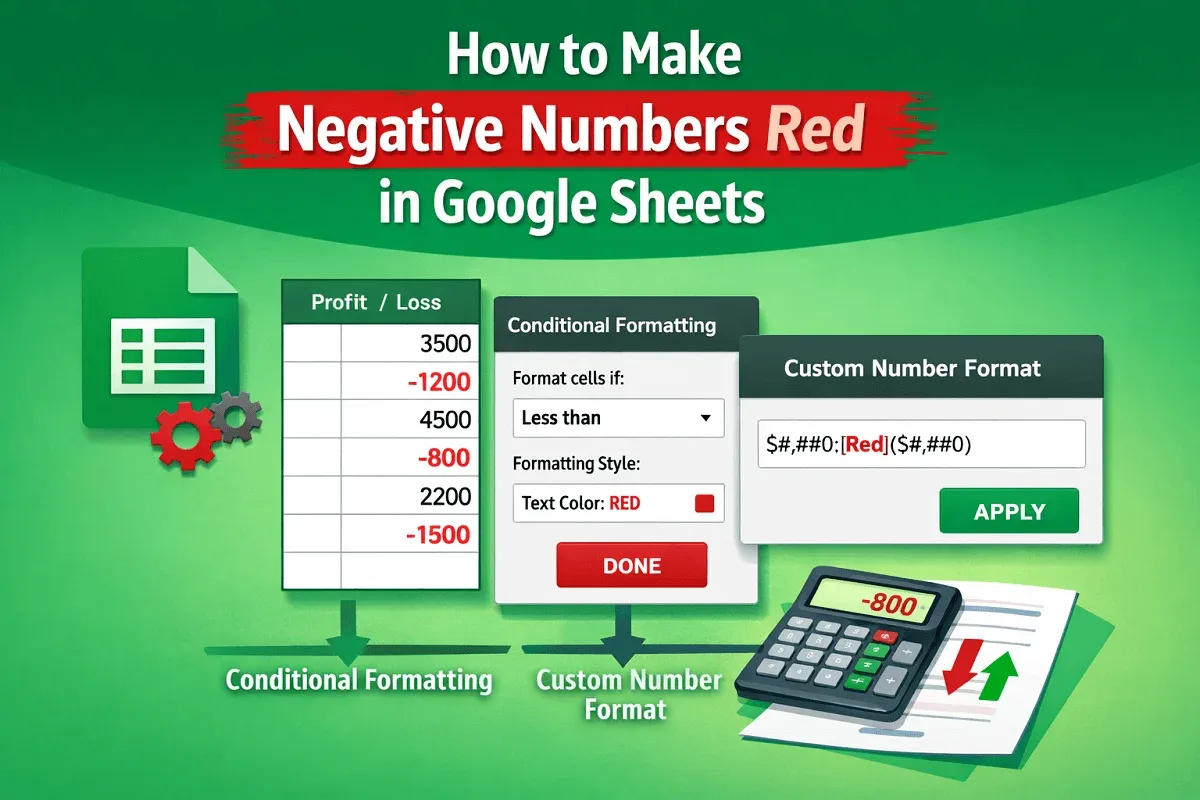
How to Make Negative Numbers Red in Google Sheets
Learn two easy ways to make negative numbers red in Google Sheets using conditional formatting or custom number formats.
Read article

1285 articles
Learn two easy ways to make negative numbers red in Google Sheets using conditional formatting or custom number formats.
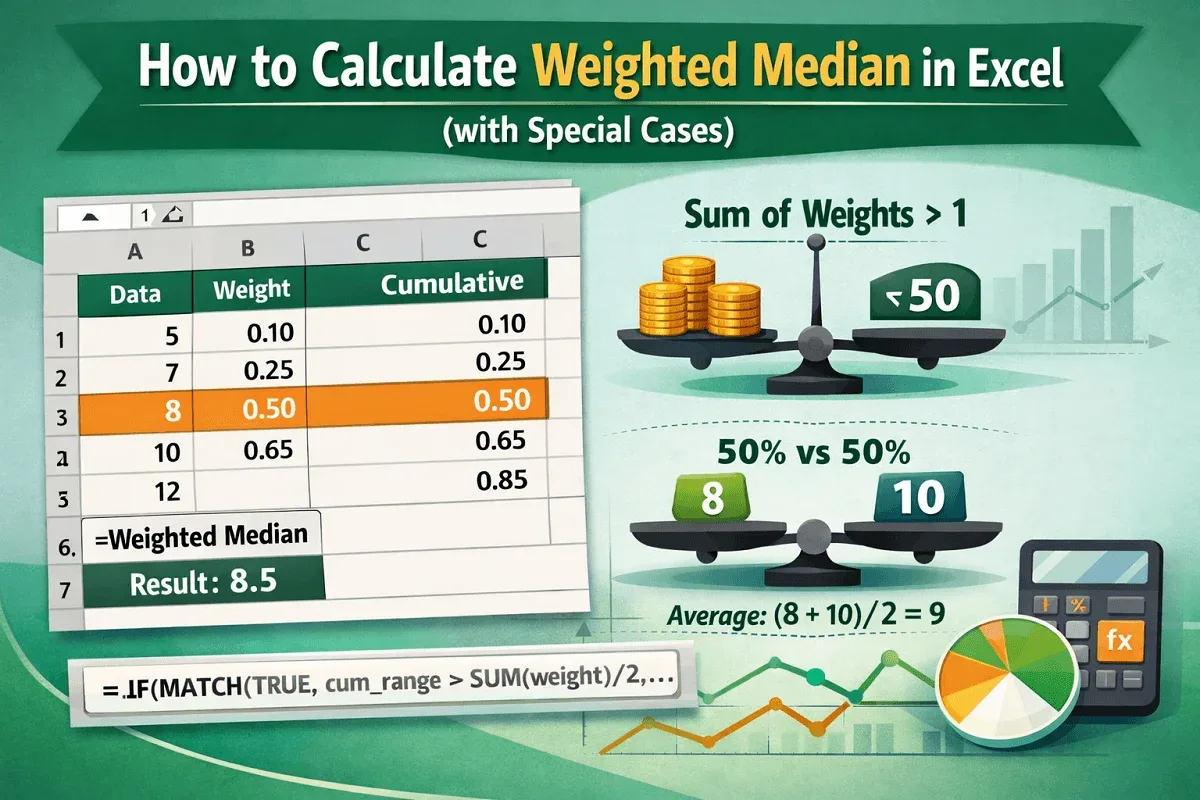
This article explores how to calculate weighted median in Excel using a formula. We will also look at two special cases for weighted median.
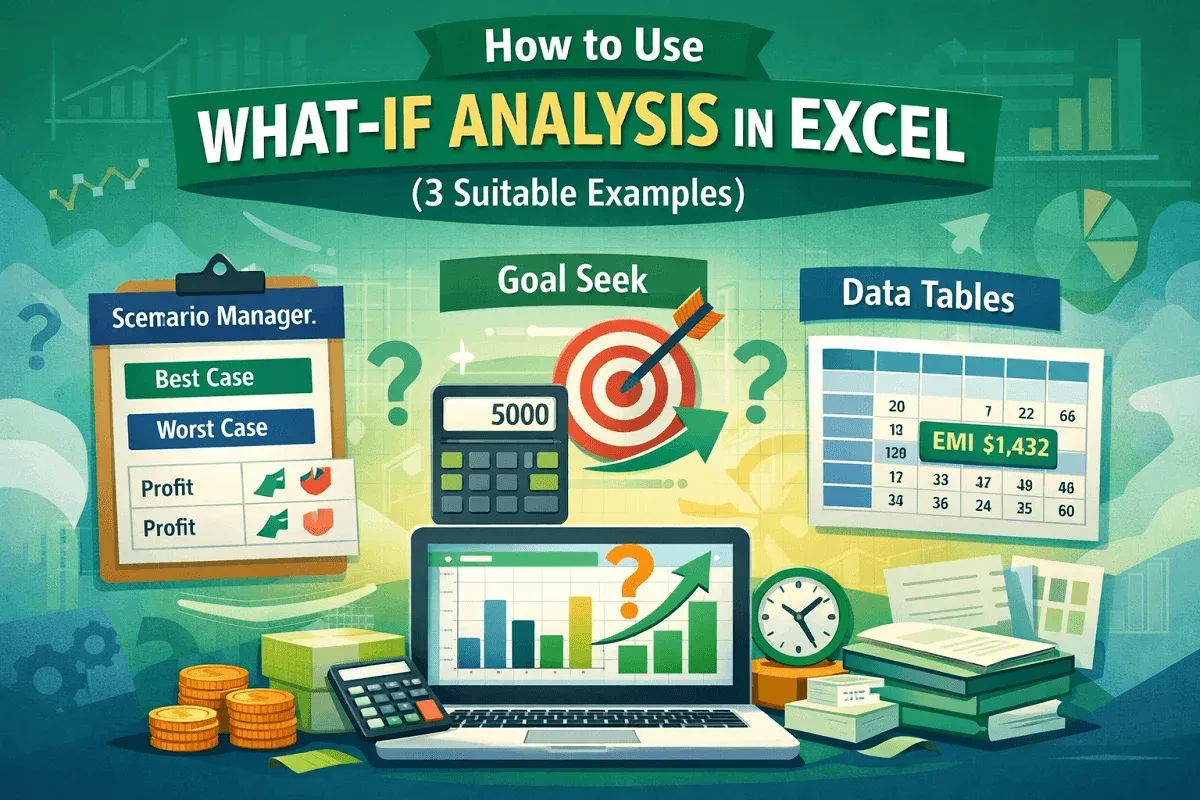
Learn how to use What-If Analysis in Excel with Scenario Manager, Goal Seek, and Data Tables for effective decision-making.
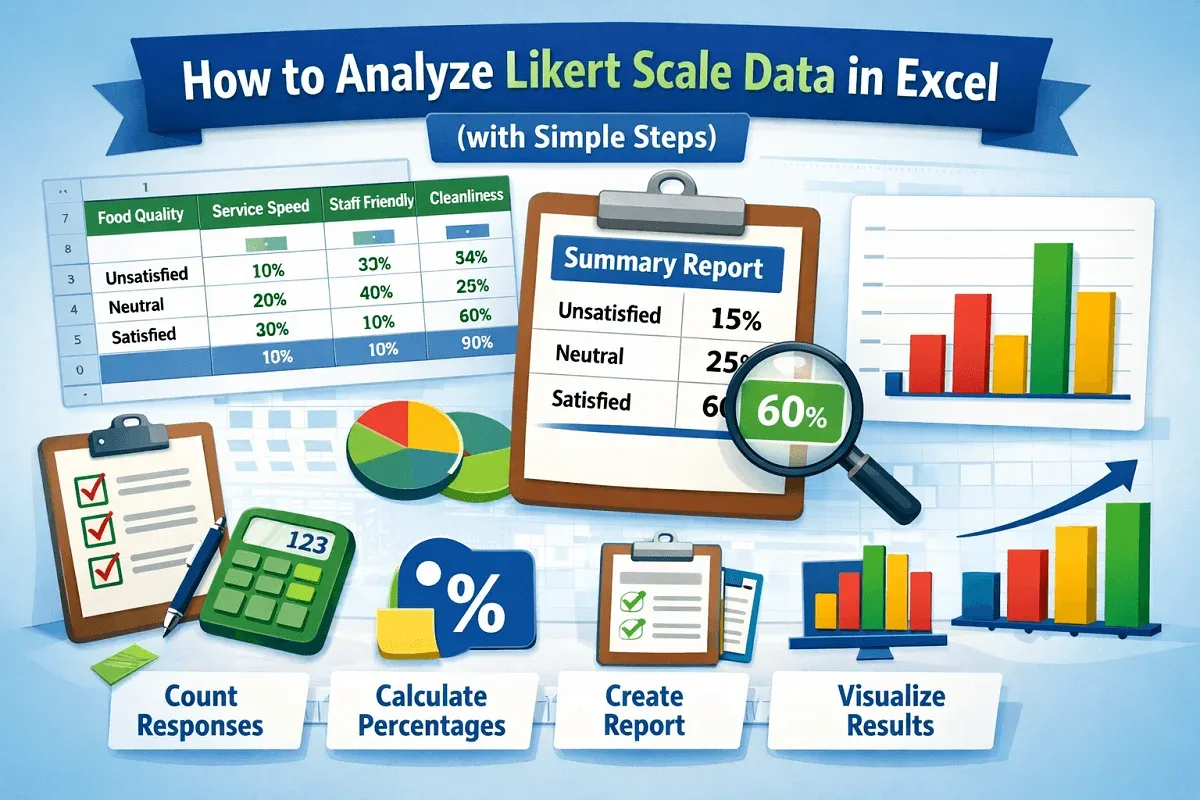
Learn how to analyze Likert scale data in Excel with step-by-step guidance, from counting feedback to creating charts and reports.
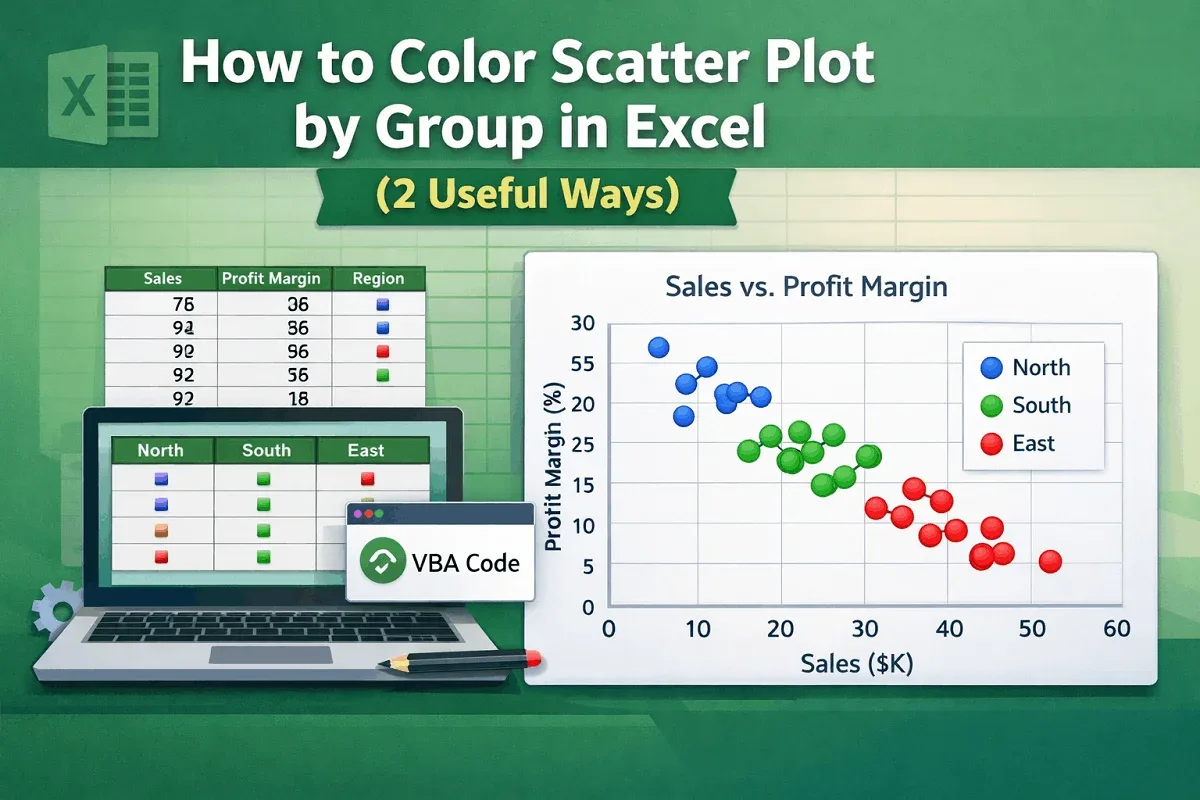
Learn how to color a scatter plot by group in Excel using helper columns or VBA code for clearer and more insightful data visualization.
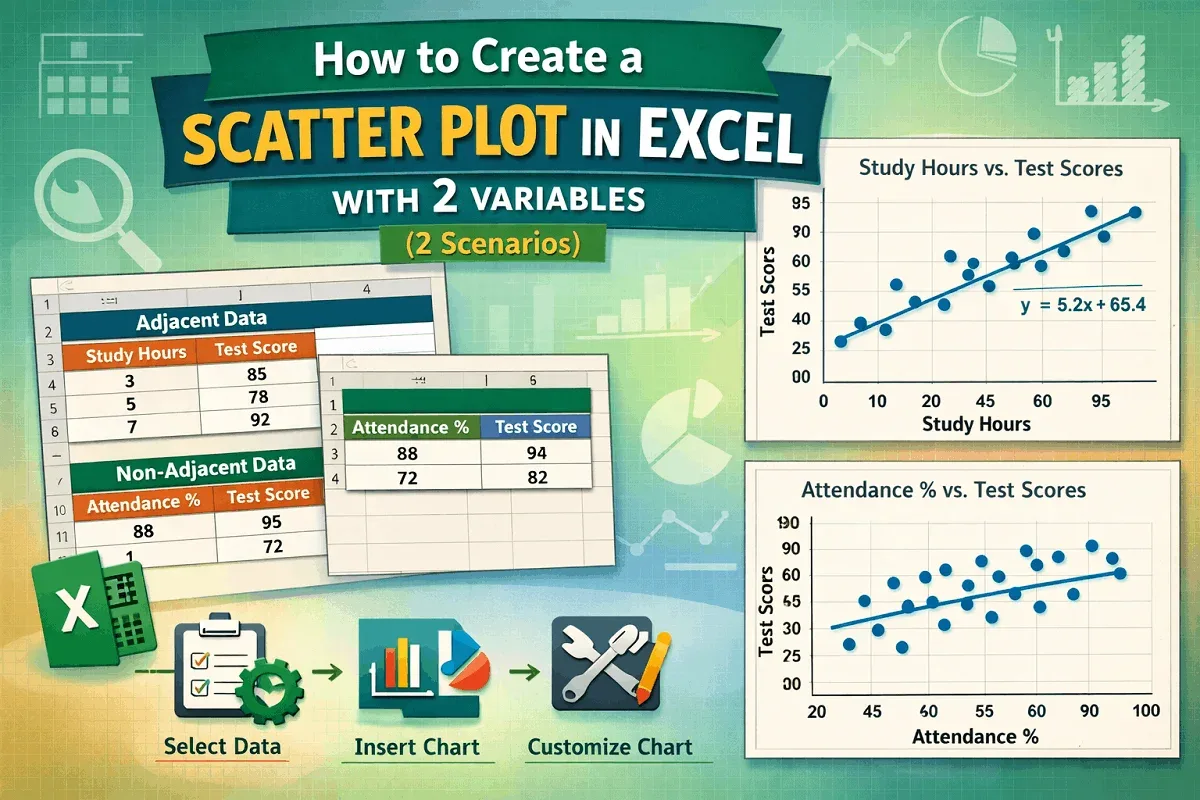
Learn how to create a scatter plot in Excel with two variables—adjacent or non-adjacent—using simple steps and customization tips.
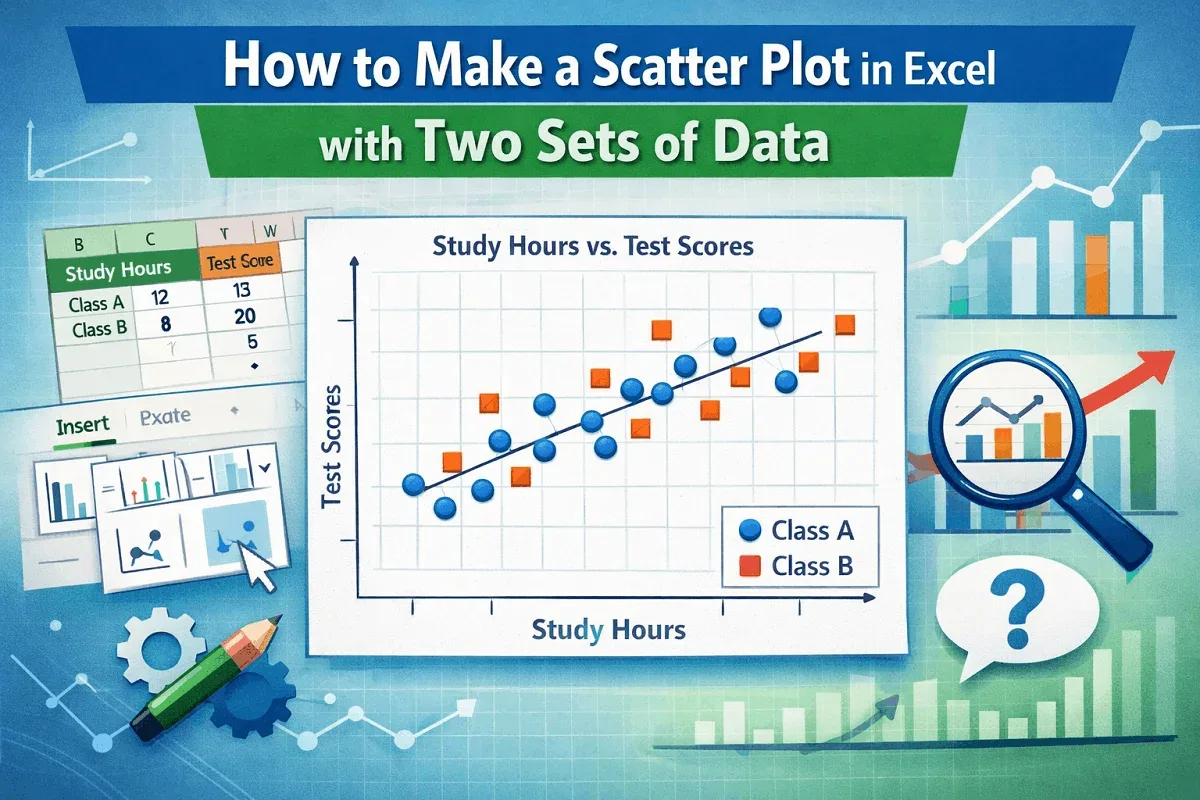
Learn how to create a scatter plot in Excel with two sets of data using easy steps for clear and effective data visualization.
Learn 5 easy ways to combine formulas in Excel, from using & and CONCAT to advanced techniques like INDEX-MATCH and nested IF statements.

Learn how to swap rows in Google Sheets using drag-and-drop, copy-paste, keyboard shortcuts, or a custom Apps Script method.

Learn how to change row height in Google Sheets by dragging, using the menu, scripts, or auto-fit for better spreadsheet control.
Learn the key differences between absolute and relative references in Excel and how they affect copying or moving formulas in your sheets.
Learn how to combine text and numbers in Excel using formulas, VBA, and Power Query for clean, dynamic, and well-formatted results.