Excel Pro Tips
How to Count Cells with Specific Text in Excel (7 Easy Ways)
Learn how to count cells with specific text in Excel using COUNTIF, SUMPRODUCT, FILTER, wildcards, VBA, and more.
Read article

1285 articles
Learn how to count cells with specific text in Excel using COUNTIF, SUMPRODUCT, FILTER, wildcards, VBA, and more.
Learn how to calculate food cost percentage in Excel using formulas, tables, VBA, and charts to track and automate your restaurant costs.

Master dynamic named ranges in Excel using OFFSET, INDEX, Tables, or VBA to create flexible, auto-updating ranges for smarter data handling.
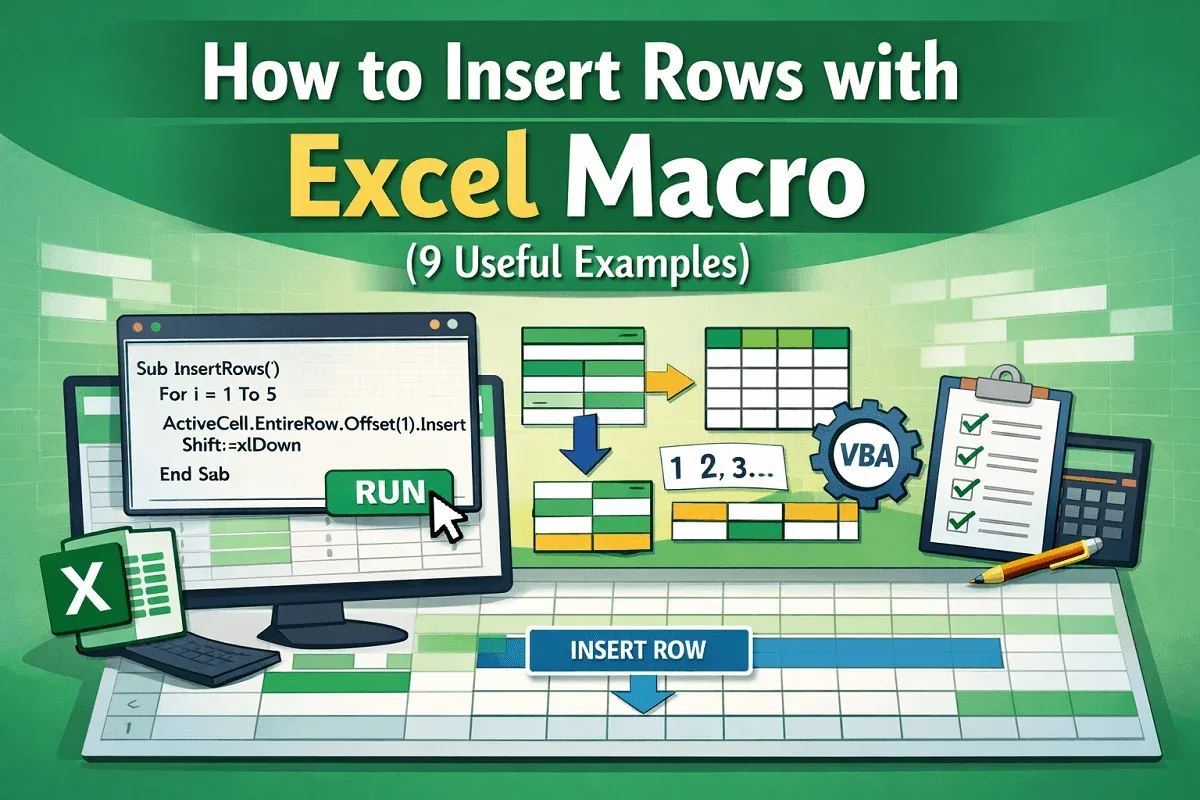
Learn how to insert single or multiple rows in Excel using VBA, with or without formatting, across sheets or at every Nth row.

Learn how to fix green border issues in Google Sheets, from search highlights to filters, protected ranges, and shared file access.
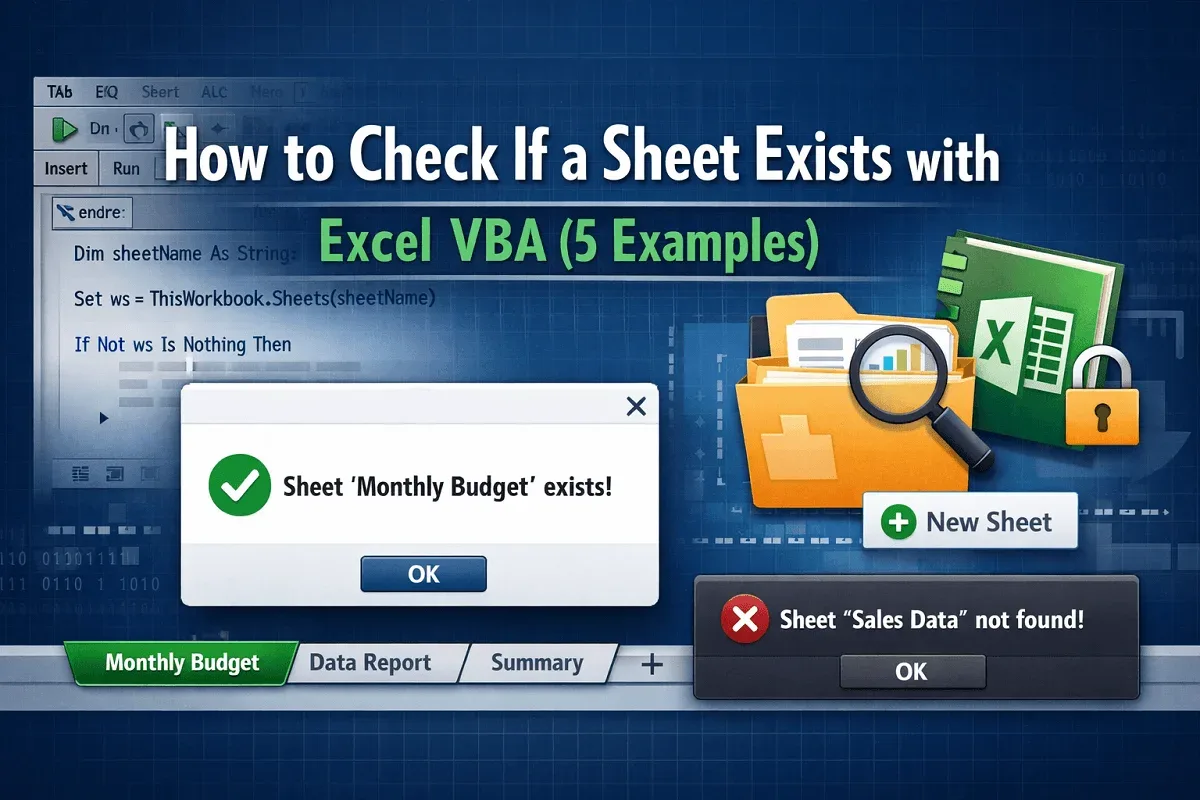
Learn how to check if a sheet exists in Excel VBA—whether in the current, closed, or another open workbook, and create it if missing.
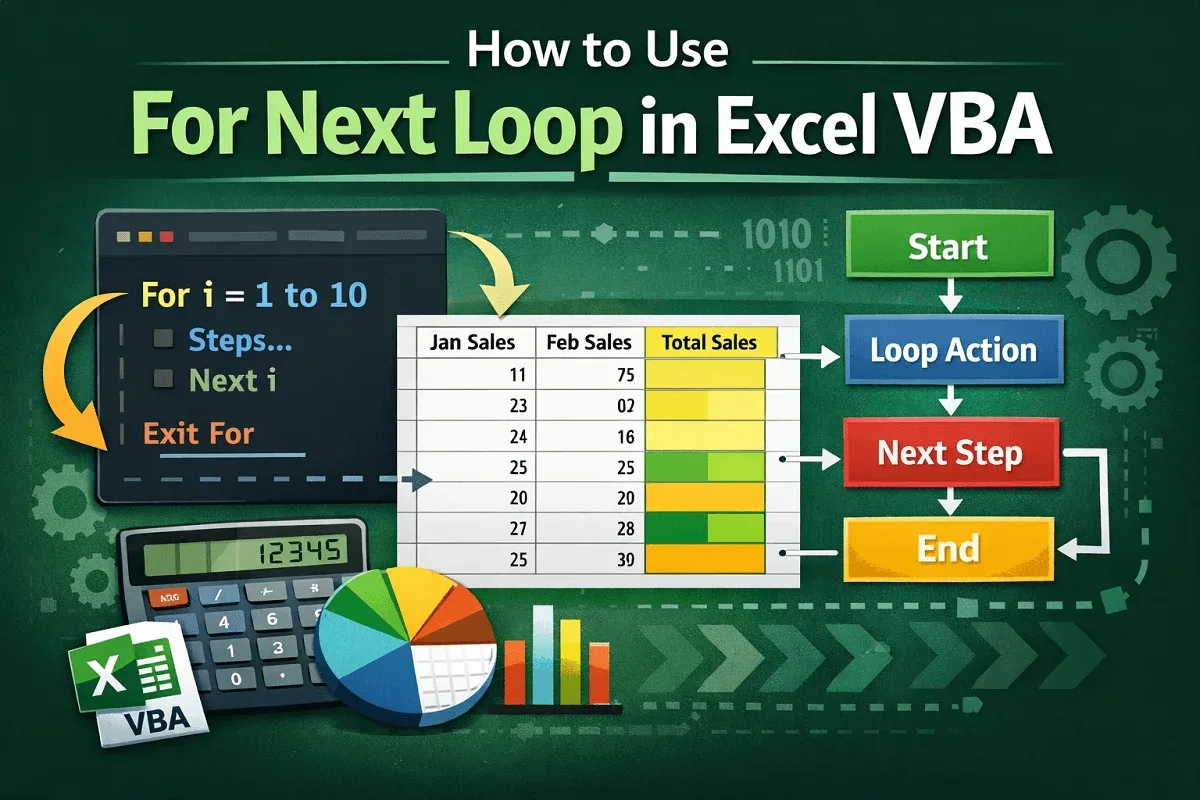
Learn what the For Next Loop in Excel VBA is, its syntax, and how to use it with single, double, triple loops, and custom increments.
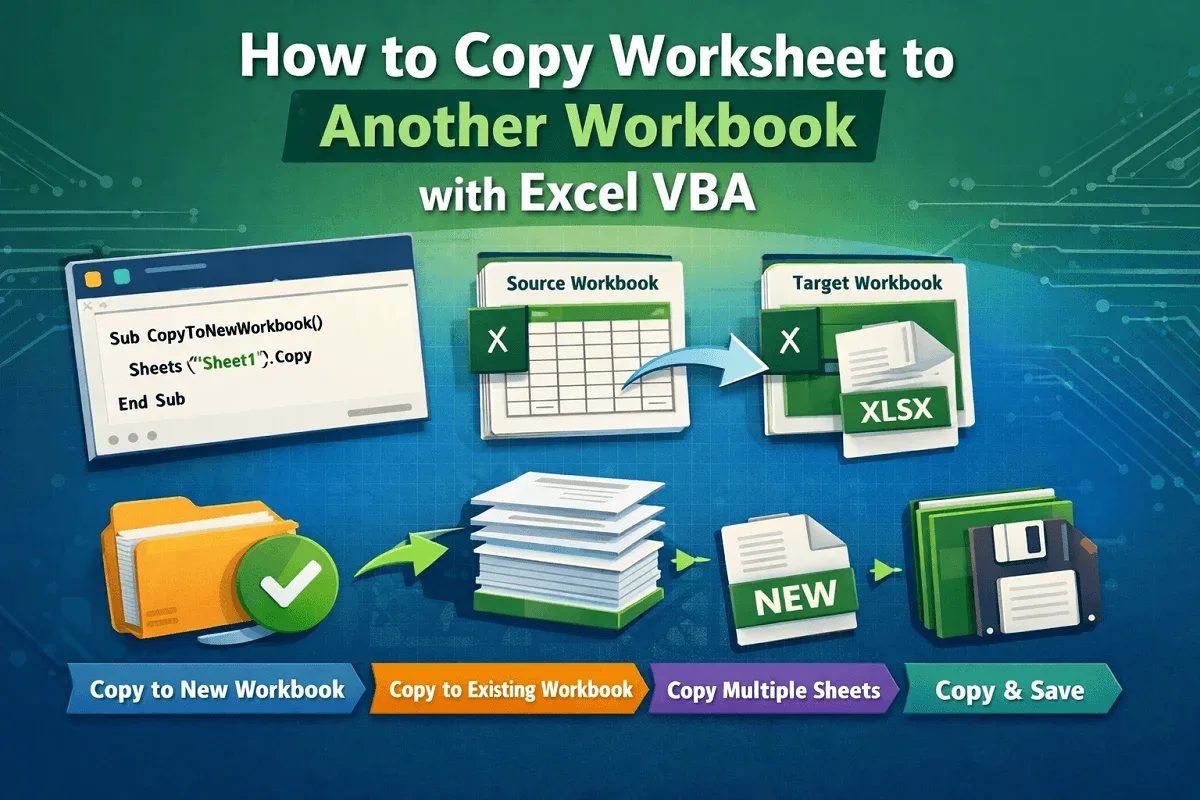
Learn how to use Excel VBA to copy worksheets to new or existing workbooks, including open, closed, or multiple sheet transfers.
Learn 6 easy ways to rotate text in Google Sheets, including toolbar, custom angle, merged cells, scripts, formulas, and drawing tool.

Learn how to VLOOKUP multiple values in one cell using TEXTJOIN, FILTER, UNIQUE, and VBA codes—both with and without duplicates.
Learn how to VLOOKUP with multiple criteria across different Excel sheets using INDEX-MATCH, XLOOKUP, and FILTER functions.

Learn how to VLOOKUP the second match value in Excel with or without a helper column using advanced formulas like INDEX, SMALL, and FILTER.