Google Sheets Basics
How to Use Google Sheets Offline (3 Different Tricks)
Learn how to use Google Sheets offline by enabling access, selecting specific files, and installing the required Chrome extension.
Read article

1285 articles
Learn how to use Google Sheets offline by enabling access, selecting specific files, and installing the required Chrome extension.
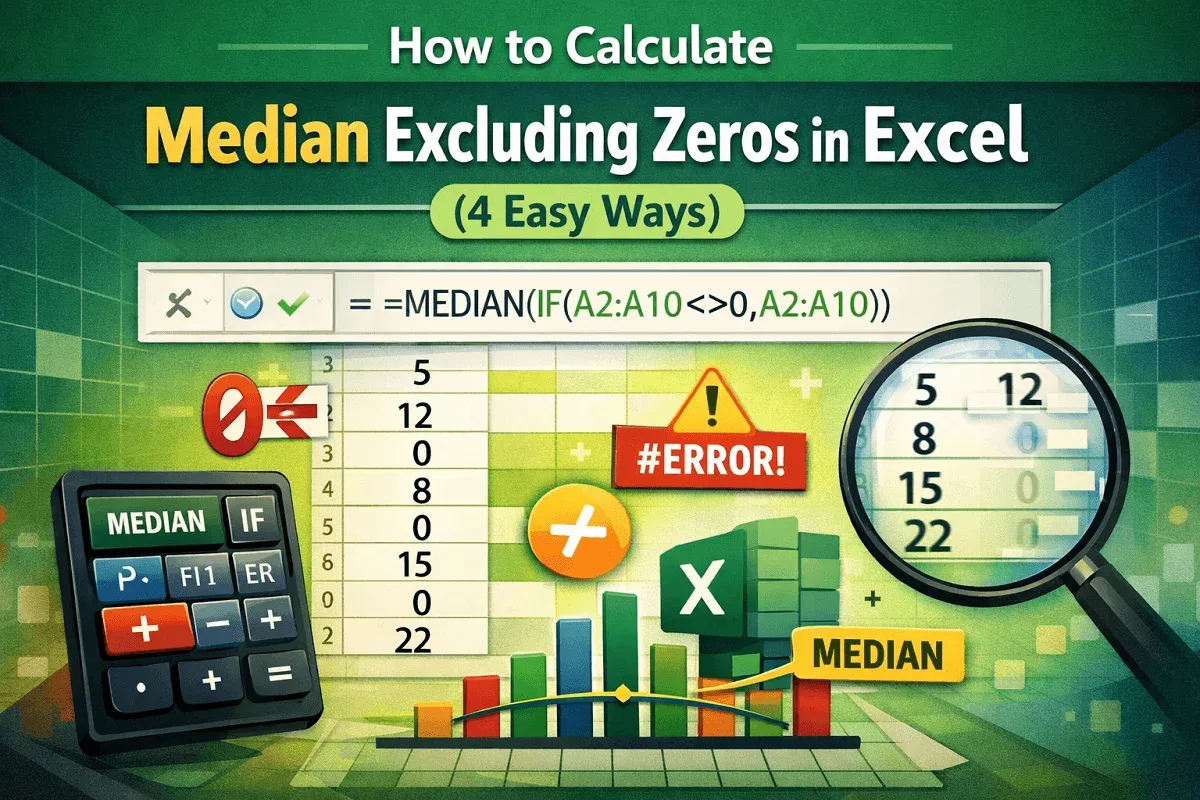
This article explore Excel median if not zero and its calculation by using MEDIAN, IF, and FILTER functions, in addition to excluding errors.
Learn how to use VLOOKUP in Excel to return all matches, with methods like FILTER, Advanced Filter, and Power Query tools.
Learn how to combine VLOOKUP with COUNTIF in Excel to count occurrences accurately using absolute references for better results.

Learn how to protect specific cells in Excel using built-in features, formulas & VBA to secure your data while allowing edits where needed.
Learn how to custom sort in Google Sheets using Sort Range, SORT, ARRAYFORMULA, and dropdown filters for tailored data views.
Learn how to create a hierarchy in Excel using SmartArt for automation or manually with shapes and arrows for full customization.
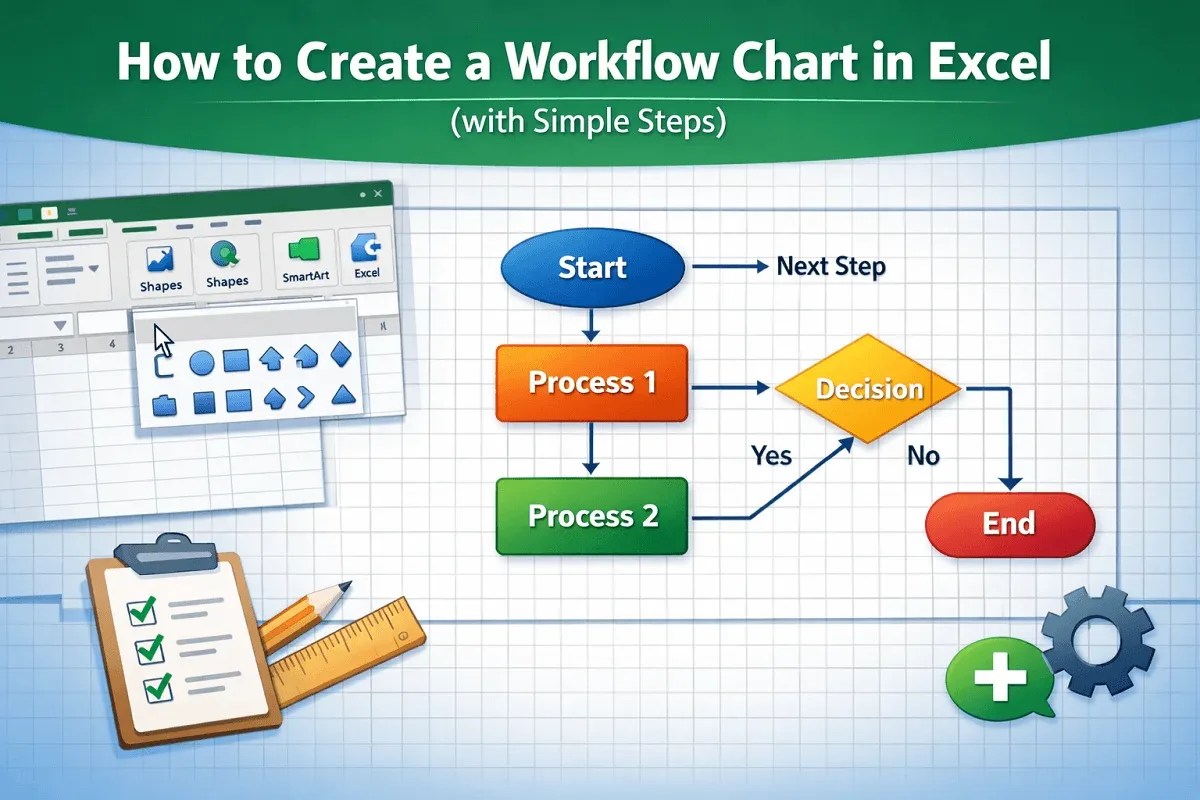
Learn how to create a workflow chart in Excel step-by-step using shapes, connectors, and formatting for a clear visual process flow.

Learn how to translate Portuguese to English in Excel using functions, VBA, the Review tab, or the right-click context menu.
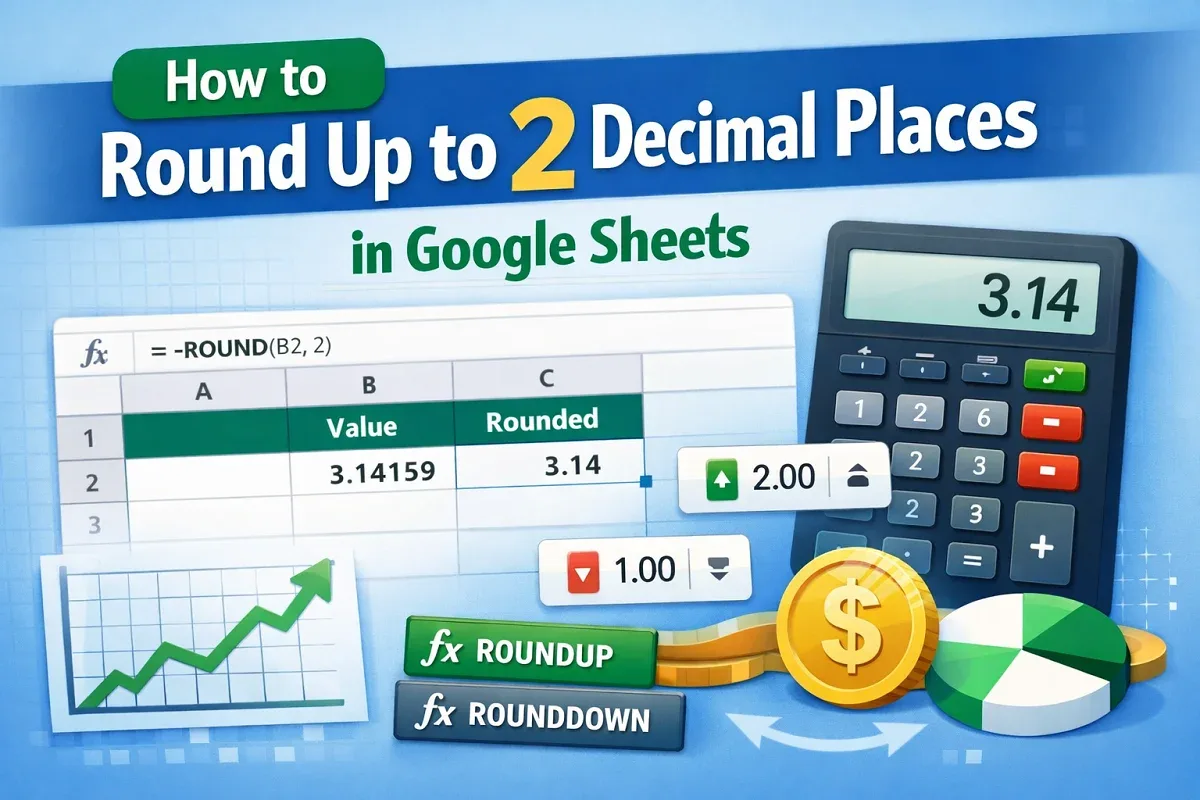
Learn how to round up to 2 decimal places in Google Sheets using ROUND, ROUNDUP, ROUNDDOWN, number formatting, and toolbar options.
Learn how to merge 3 columns in Excel using TEXTJOIN, CONCAT, Power Query, LET, and other efficient formulas and functions.
Learn how to combine rows with the same ID in Excel using TEXTJOIN, Power Query, or Pivot Tables to summarize and organize your data.