Google Sheets Formulas
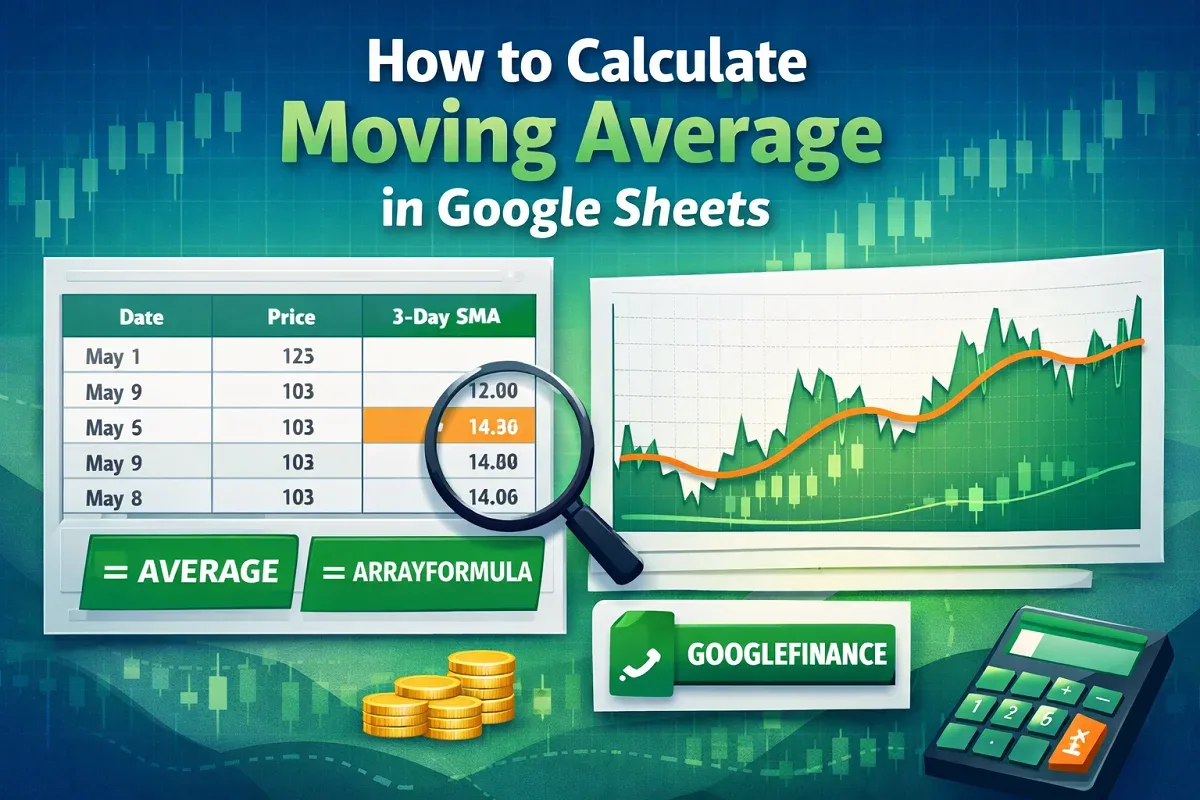
How to Calculate Moving Average in Google Sheets
Learn how to calculate moving average in Google Sheets using AVERAGE, ARRAYFORMULA, or combining GOOGLEFINANCE with AVERAGE for trends.
Read article

1285 articles
Learn how to calculate moving average in Google Sheets using AVERAGE, ARRAYFORMULA, or combining GOOGLEFINANCE with AVERAGE for trends.
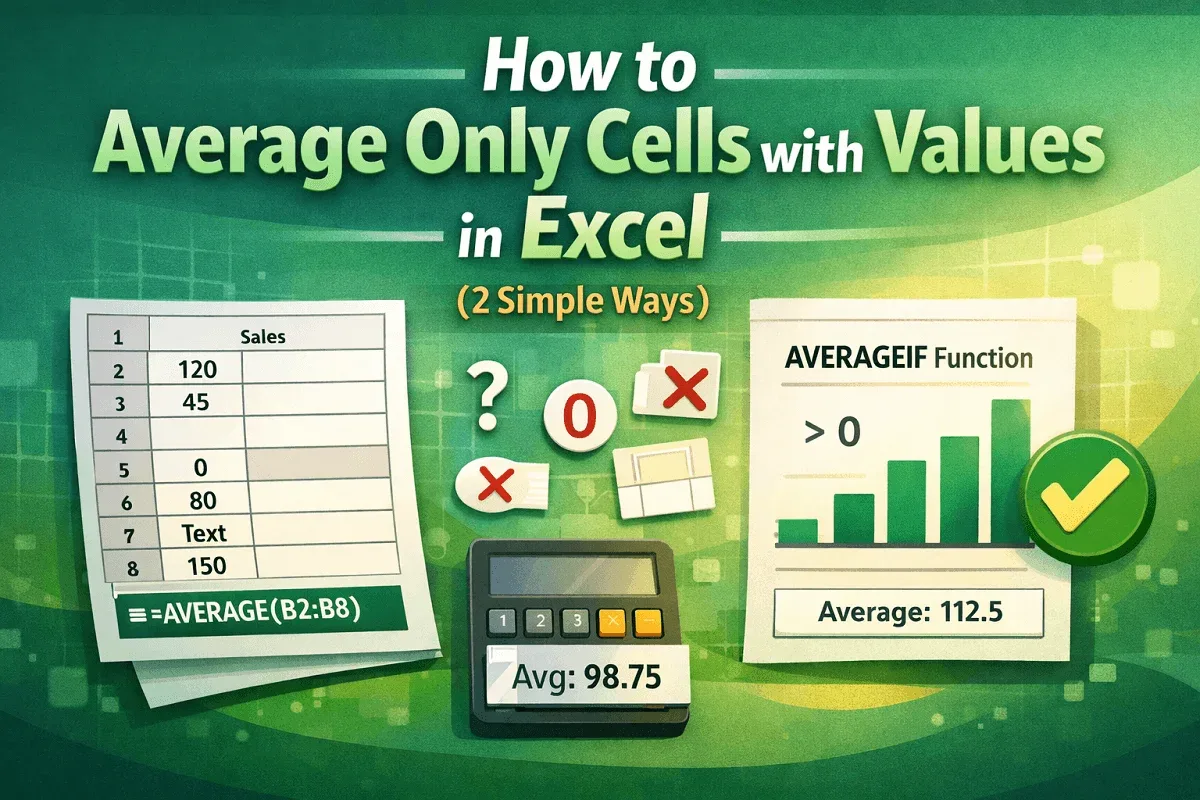
Learn how to average only cells with values in Excel using the AVERAGE function or AVERAGEIF to ignore blanks and calculate accurate results.
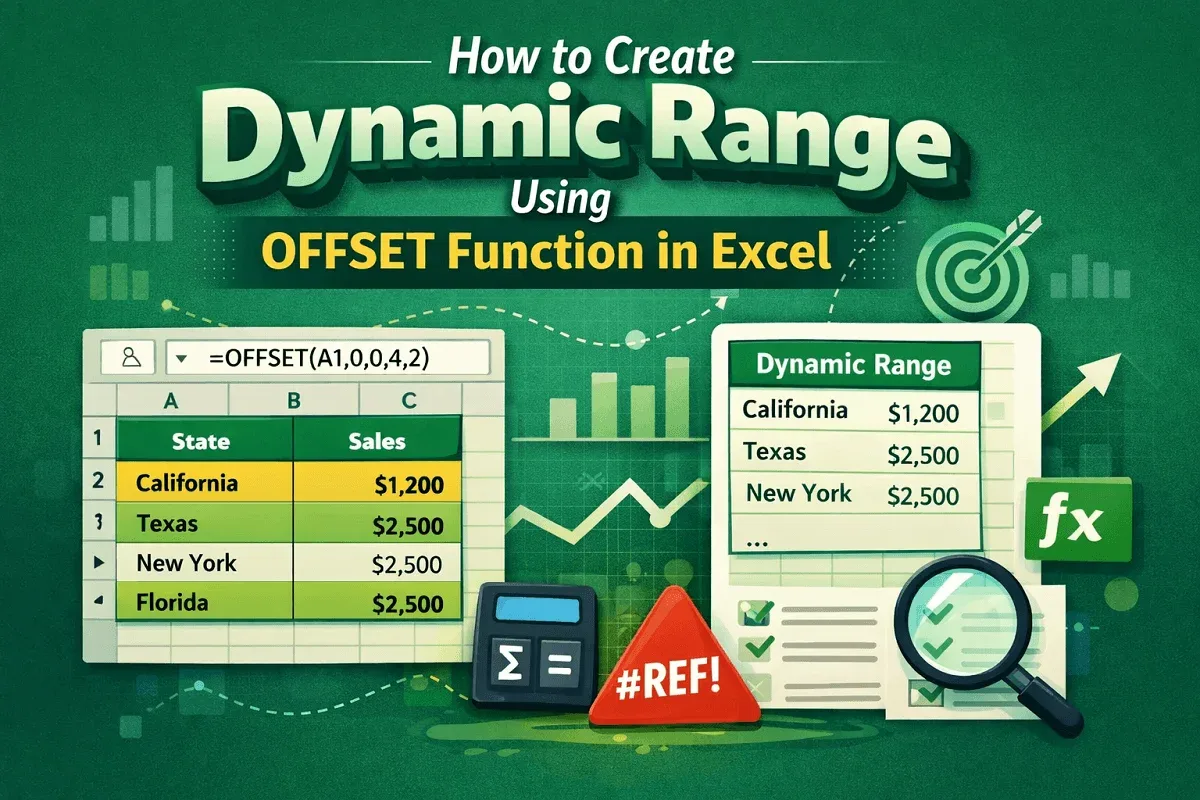
Learn how to create a dynamic range in Excel using the OFFSET function, or combine OFFSET with COUNTA for flexible and automated ranges.

Learn how to change sentence case in Excel using formulas or VBA macros to quickly convert text into proper formatting styles.
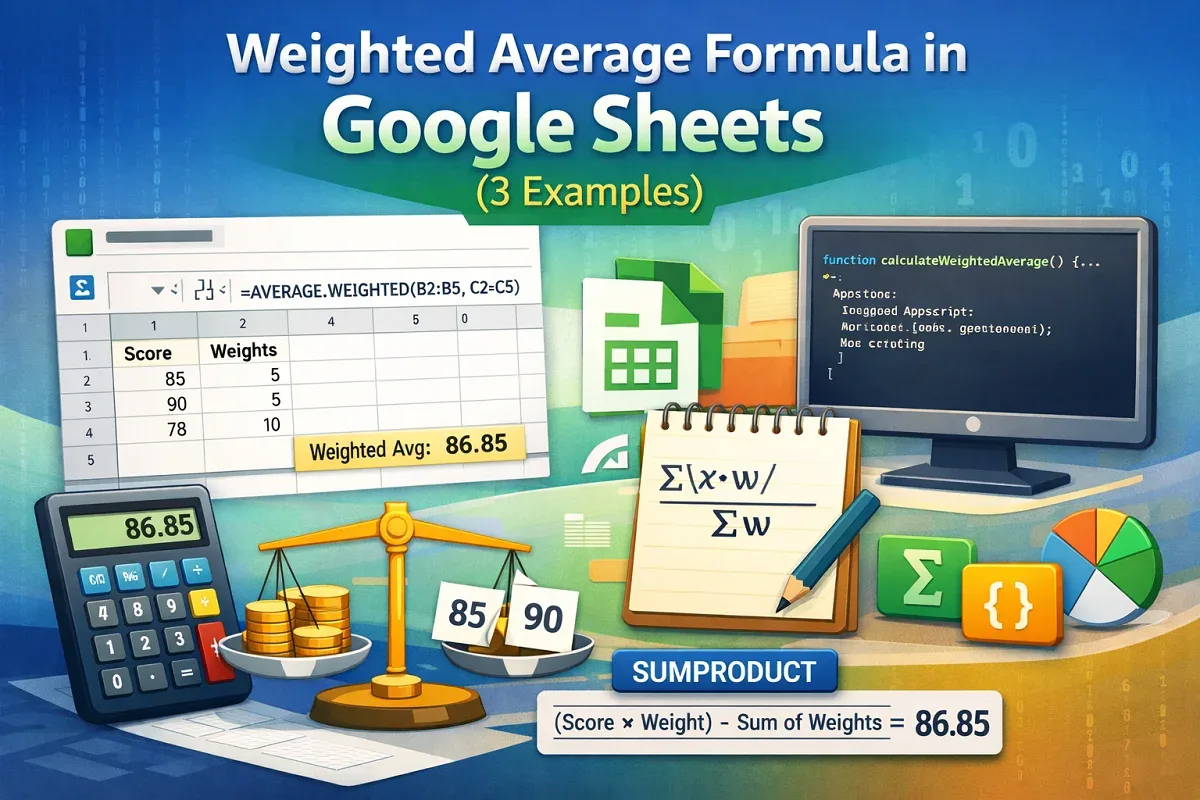
Learn how to use the weighted average formula in Google Sheets with AVERAGE.WEIGHTED, SUMPRODUCT, or Apps Script for precise calculations.
Learn how to convert hours and minutes to decimal in Excel using arithmetic formulas, HOUR and MINUTE functions, or custom text formulas.
Learn how to convert hours to days in Excel using CONVERT, INT, MOD, and QUOTIENT functions, including 8-hour workday conversions.

Learn how to highlight selected cells in Excel using manual formatting, conditional formatting, custom formulas, or VBA macros easily.
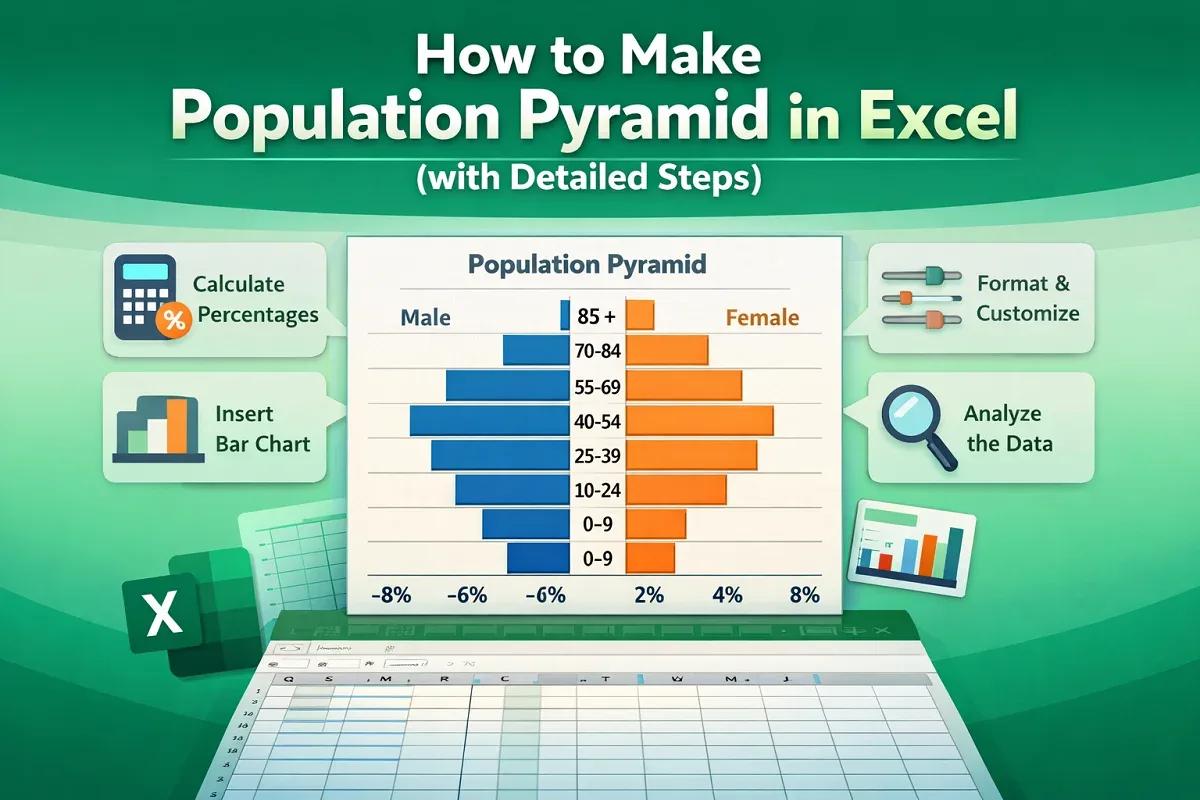
In this tutorial you will learn about population pyramid and how to make a population pyramid in Excel using 2D stacked bar chart.
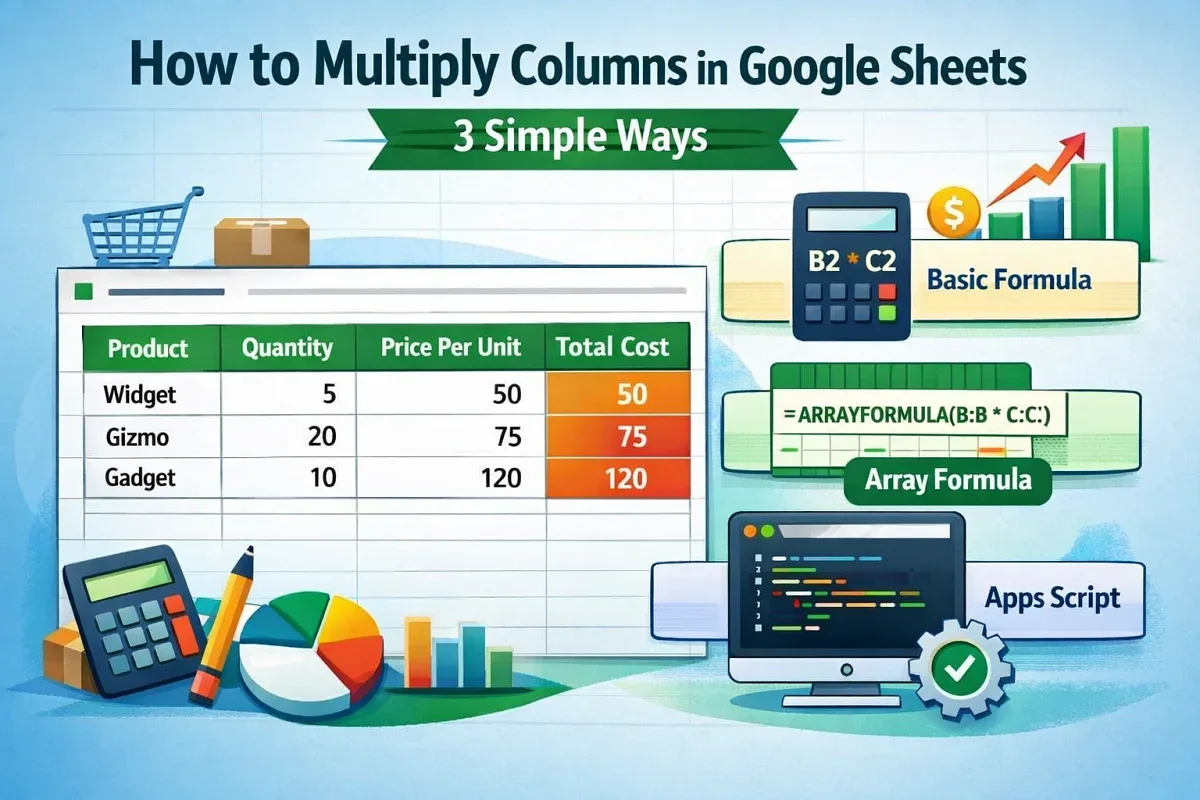
Learn how to multiply columns in Google Sheets using the asterisk operator, ARRAYFORMULA for entire columns, or Apps Script automation.
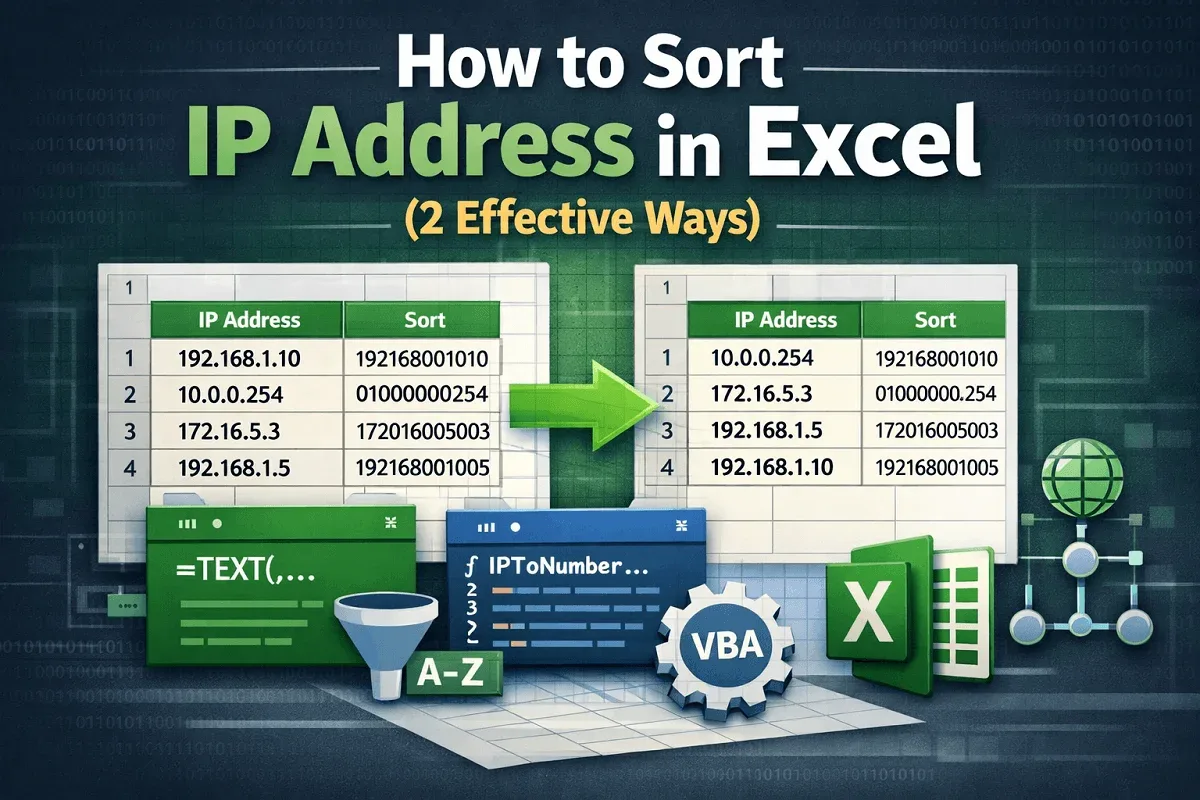
Learn how to sort IP addresses in Excel using custom formulas or VBA macros to organize data accurately and avoid sorting errors.

Learn how to insert Excel chart into PowerPoint as a static image or with a live link to keep your presentations dynamic and up to date.