
Google Sheets Intermediate Tutorials
How To Edit a Drop-Down List In Google Sheets
Learn how to edit a drop-down list in Google Sheets—add or remove items, change styles, show help text, and allow multiple selections easily.
Read article

1285 articles
Learn how to edit a drop-down list in Google Sheets—add or remove items, change styles, show help text, and allow multiple selections easily.
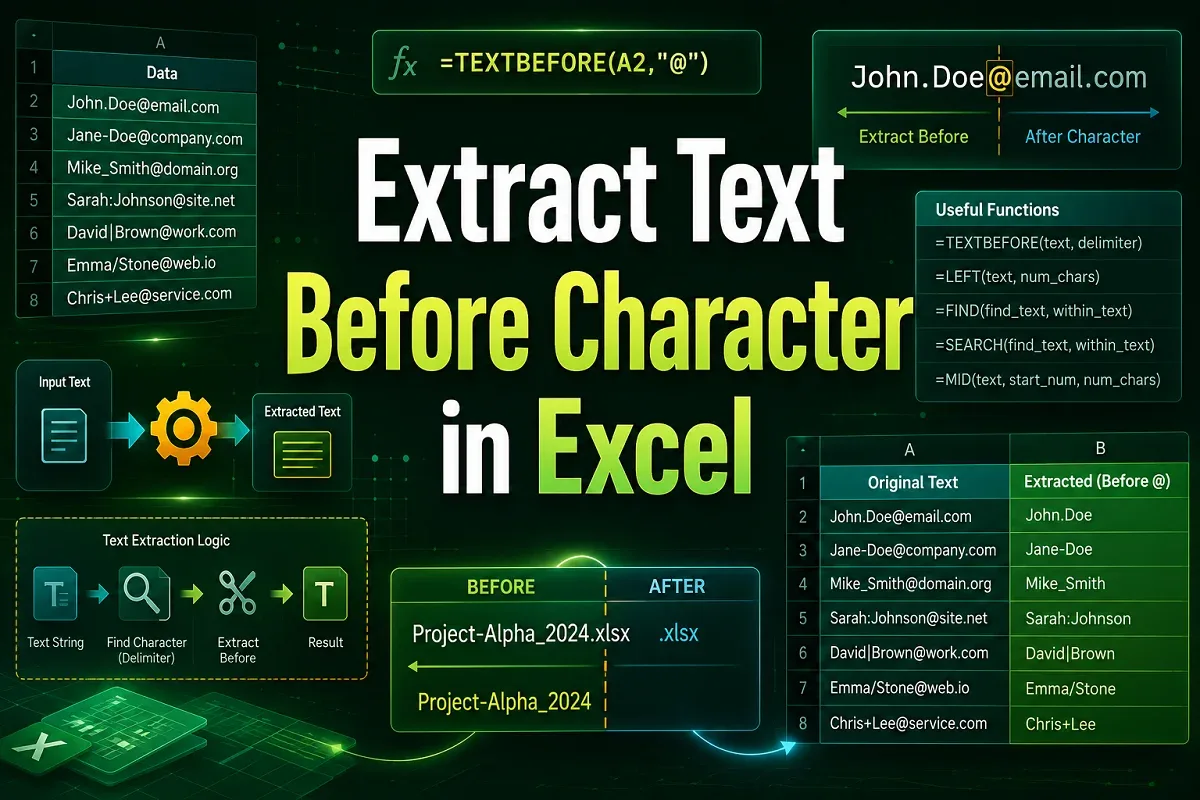
Learn how to extract text before a character in Excel using TEXTBEFORE, LEFT & FIND, Flash Fill, Text to Columns, and VBA.

Learn how to look up partial text matches in Excel using VLOOKUP with wildcards, INDEX & MATCH combo, and IF for conditional results.
Learn how to use percentage formulas in Excel for marksheets by calculating percentages, applying percent style, and finding obtained marks.

Learn how to paste range names in Excel using the Formulas tab, keyboard shortcuts, and how to insert range names into formulas efficiently.
Learn how to return the value of a cell instead of the formula in Excel using Paste Special, F9 shortcut, Replace tool and others.

Learn how to enable iterative calculation in Excel across all versions and use it for datasets, loan estimates, and solving equations.
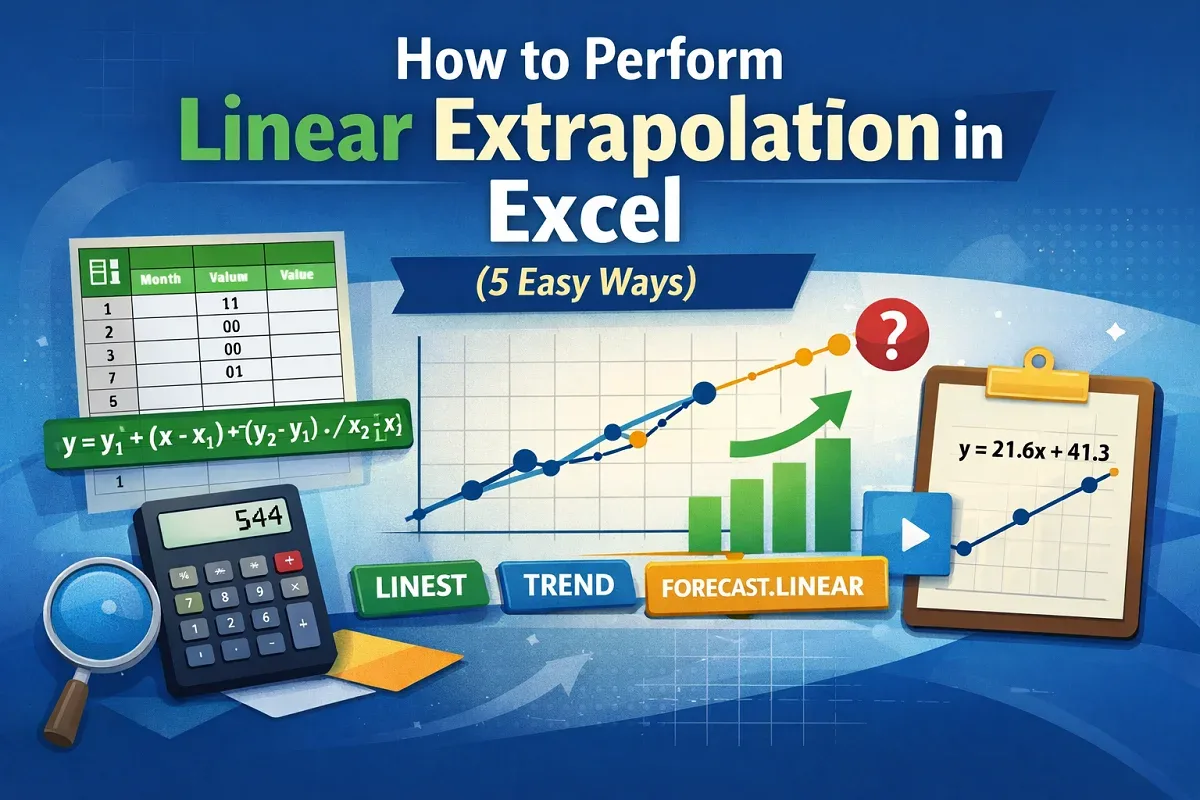
This article explores how to perform linear extrapolation in Excel using arithmetic formula, LINEST, TREND, FORECAST.LINEAR, and Trendline.
Learn how to apply conditional formatting with multiple conditions in Google Sheets using AND, OR, exact match, ranges, and text-based rules.

Learn how to extract text between two characters in Google Sheets using formulas to pull text from parentheses, brackets, hyphens, or braces.
Learn how to use the IF formula in Google Sheets with multiple conditions by combining IF with AND, OR, and using the IFS function.
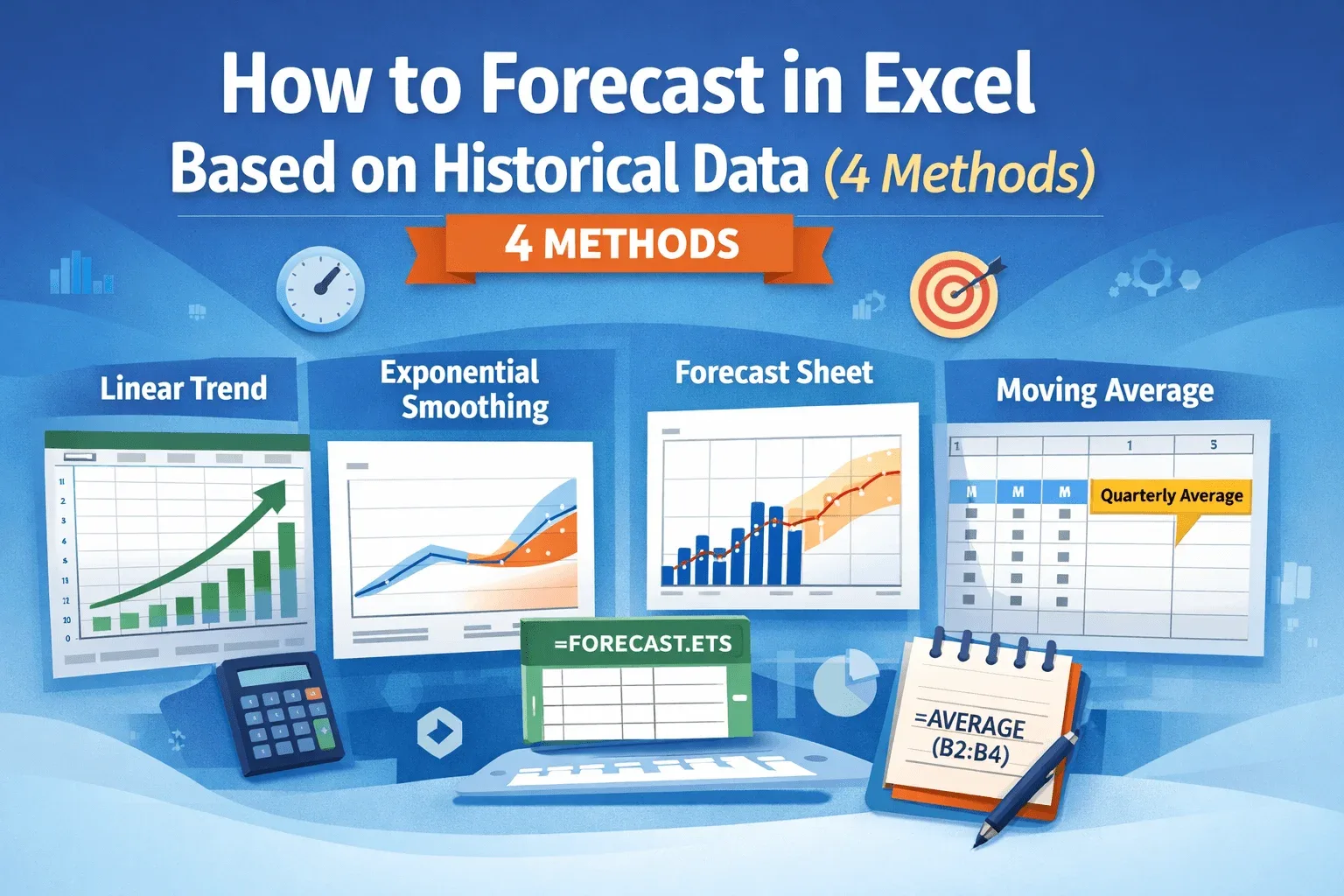
Learn how to forecast data in Excel using linear trends, exponential smoothing, moving averages, and dedicated forecast sheets easily.