Excel Pivot Table
How to Change Pivot Table Data Source in Excel
Learn how to change pivot table data source in Excel using Analyze tab, VBA, tables, and how to refresh manually or automatically.
Read article

1285 articles
Learn how to change pivot table data source in Excel using Analyze tab, VBA, tables, and how to refresh manually or automatically.
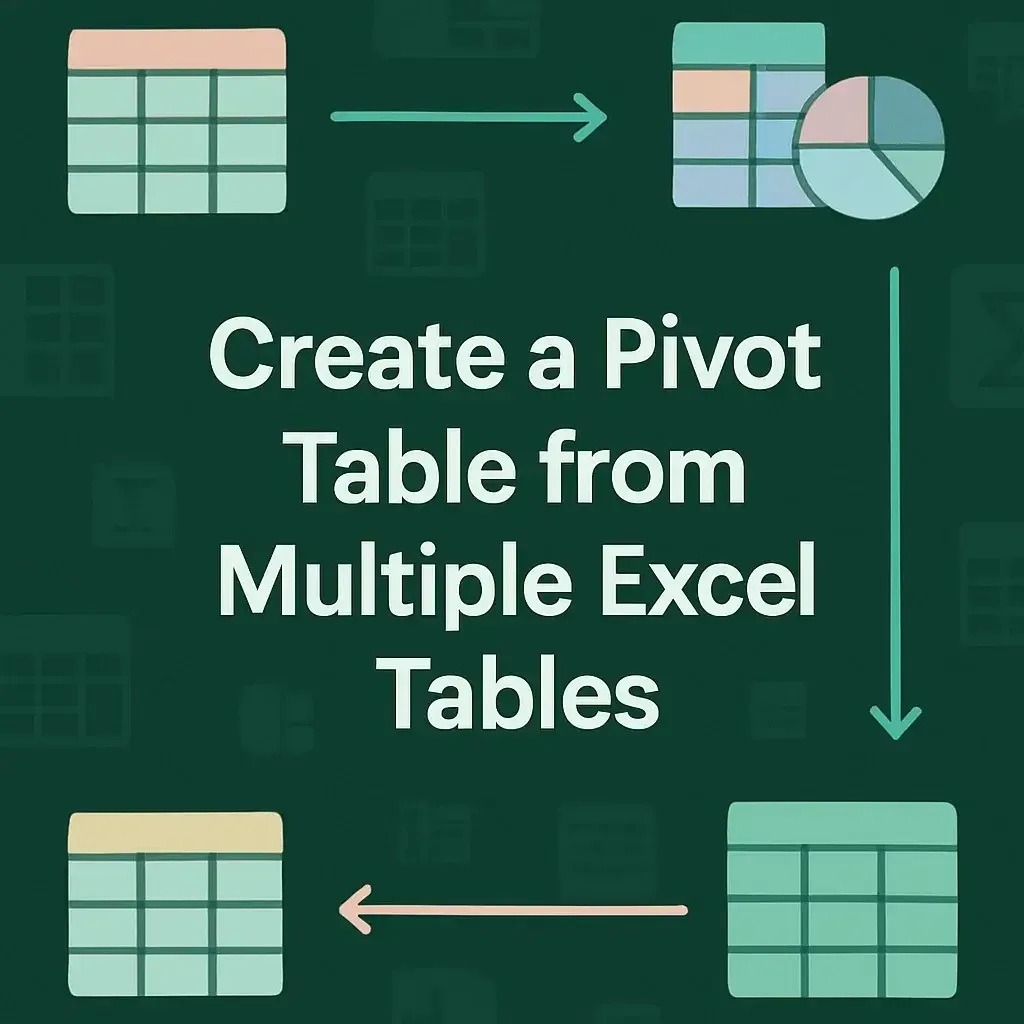
Learn how to create a pivot table from multiple Excel tables using Power Query, appending queries, and creating relationships step-by-step.

Learn how to make Excel go to the next line automatically using Wrap Text, manual breaks with Alt+Enter, and Find & Replace with Ctrl+J.

Learn how to find specific text in a range and return its cell reference in Excel using CELL, INDEX, MATCH, and ADDRESS functions.
Learn how to convert numbers to date format YYYYMMDD in Excel using formulas, Text to Columns, and custom number formatting techniques.

Learn how to merge two Excel sheets based on one column using VLOOKUP, XLOOKUP, INDEX MATCH, and Power Query for seamless data integration.
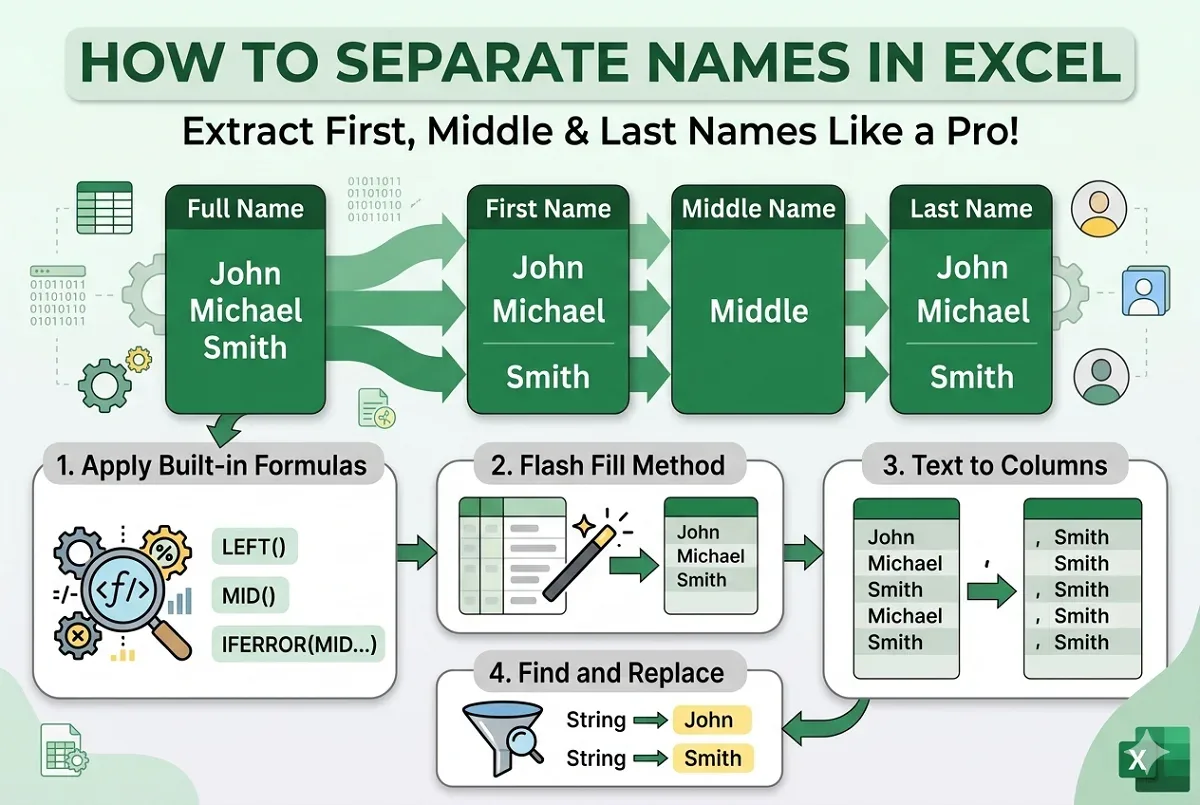
Learn how to separate first, middle, and last names in Excel using formulas, Text to Columns, Flash Fill, and Find and Replace techniques.

Learn how to protect a Google Sheets tab from view by using sheet protection, hiding, limited sharing, and separate files for more security.
Learn how to add and customize data labels in Google Sheets charts, fix issues like misalignment, and update them with changing data.
Learn how to print selected cells in Google Sheets by choosing print areas, copying to new sheets, using filters, and best printing tips.
Learn how to copy conditional formatting in Google Sheets using Paint Format, Paste Special, and extending formatting to new ranges easily.

Learn how to do spell check in Google Sheets using keyboard shortcuts, menu options, and understand its spell check features easily.