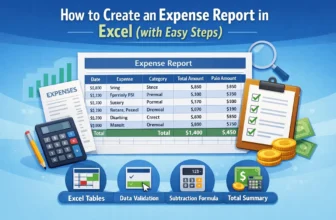
An expense report lists all the money you have spent over a certain period. Businesses use it to track expenses, while individuals use it to manage their personal budgets. Excel is the perfect tool ...
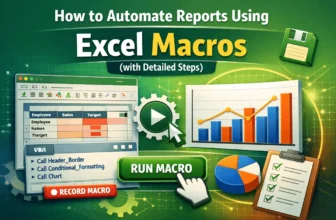
Excel’s Macro Recorder and Visual Basic for Applications (VBA) can automate repetitive reporting tasks, turning hours of manual work into a simple click. Macros allow you to record complex sequences ...
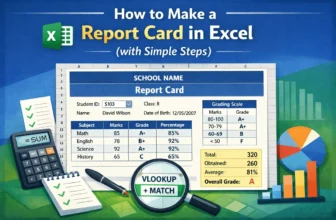
Creating a professional and dynamic report card in Excel is essential for managing student performance data. A well-designed report card displays a student's information, marks, grades, and overall ...
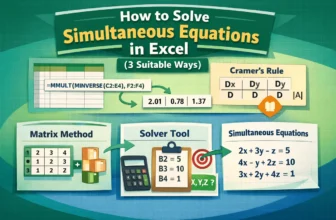
Sometimes you need to solve mathematical equations in Excel, representing two or more equations with the same set of variables. Finding the solution means determining the values for these variables ...
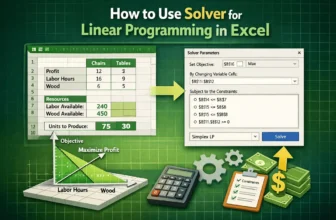
Excel’s built-in tool Solver is used for optimization. Solver is designed to find the best possible solution for complex decision-making problems, such as maximizing profit or minimizing costs. This ...
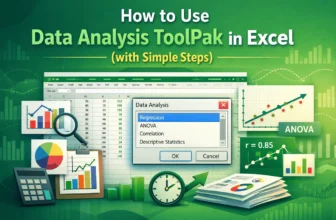
When we work with large datasets in fields like business, research, or academics, simple formulas often fail to capture all the important insights. In such cases, we need more advanced calculations ...
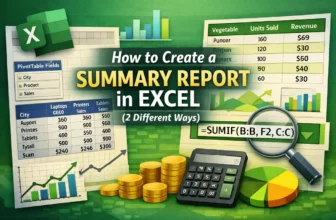
When we work with large datasets in Excel, it can get messier if we try to analyze the row data directly. That’s where we can use a summary report because it organizes the scattered information into ...
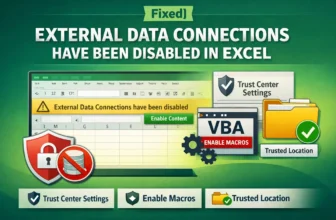
When you open a workbook in Excel, you might see a yellow SECURITY WARNING bar at the top that says, "External Data Connections have been disabled". This issue prevents your data from updating ...
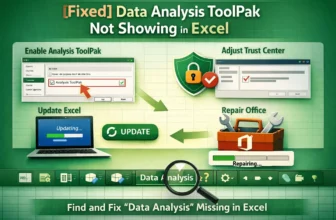
The Data Analysis tool is a useful feature in Excel that allows you to perform complex statistical analysis. However, it's not enabled by default. If you have opened the Data tab on the ribbon and ...