Excel Pro Tips
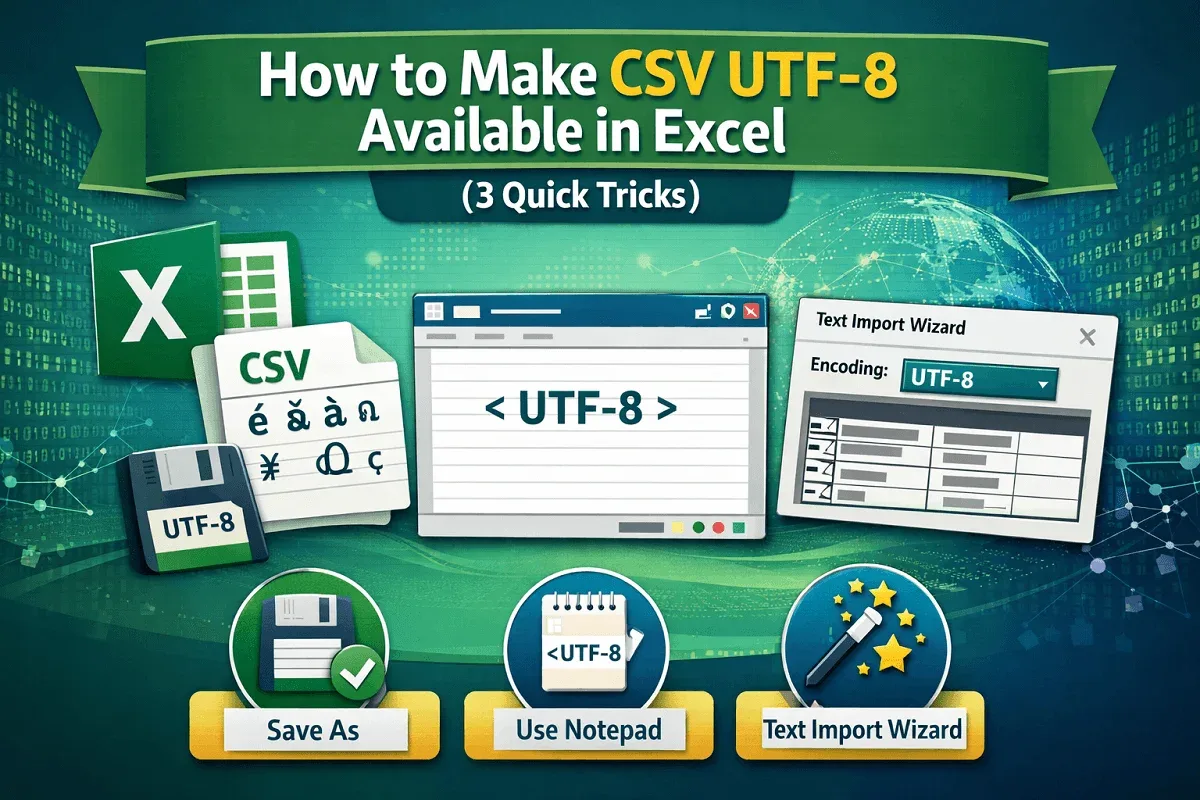
How to Make CSV UTF-8 Available in Excel (3 Quick Tricks)
Learn how to fix missing CSV UTF-8 in Excel using Save As, Notepad encoding, and the Text Import Wizard for correct data import.
Read article

555 articles
Learn how to fix missing CSV UTF-8 in Excel using Save As, Notepad encoding, and the Text Import Wizard for correct data import.
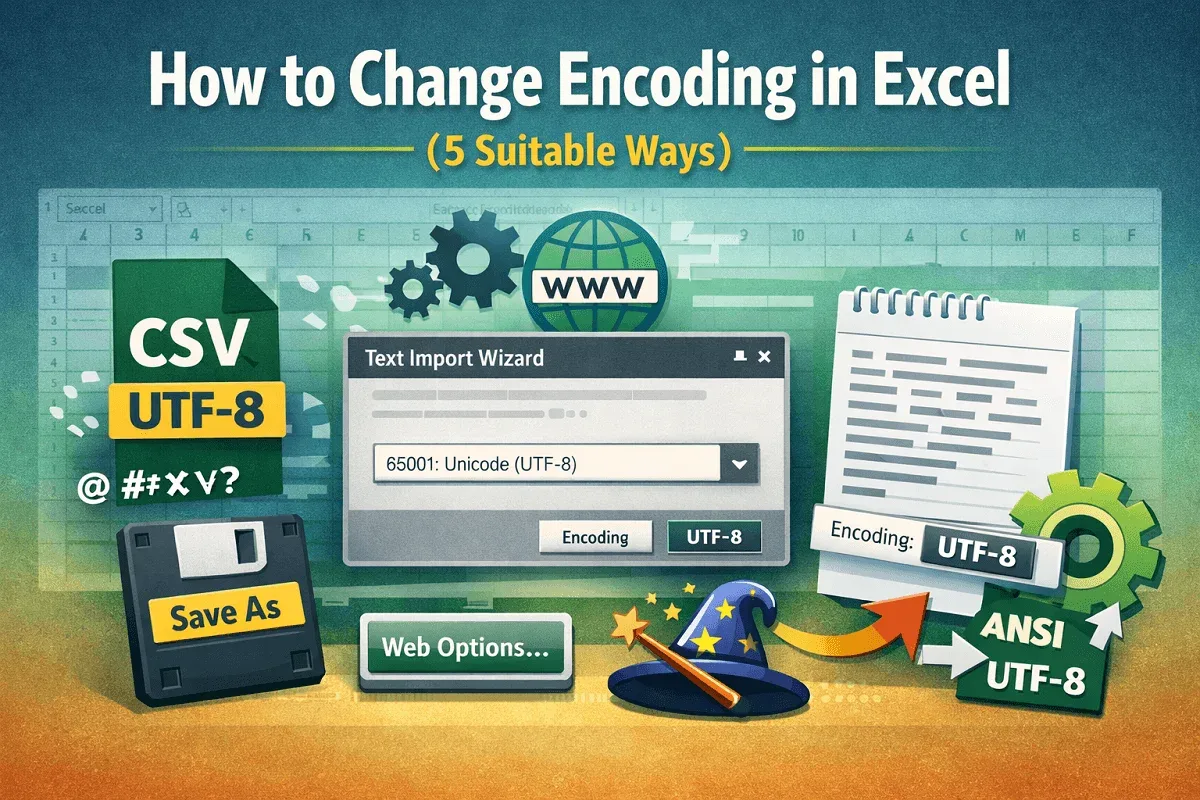
Learn how to change encoding in Excel using UTF-8, Web Options, Text Import Wizard, manual file opening, or Notepad to fix character issues.
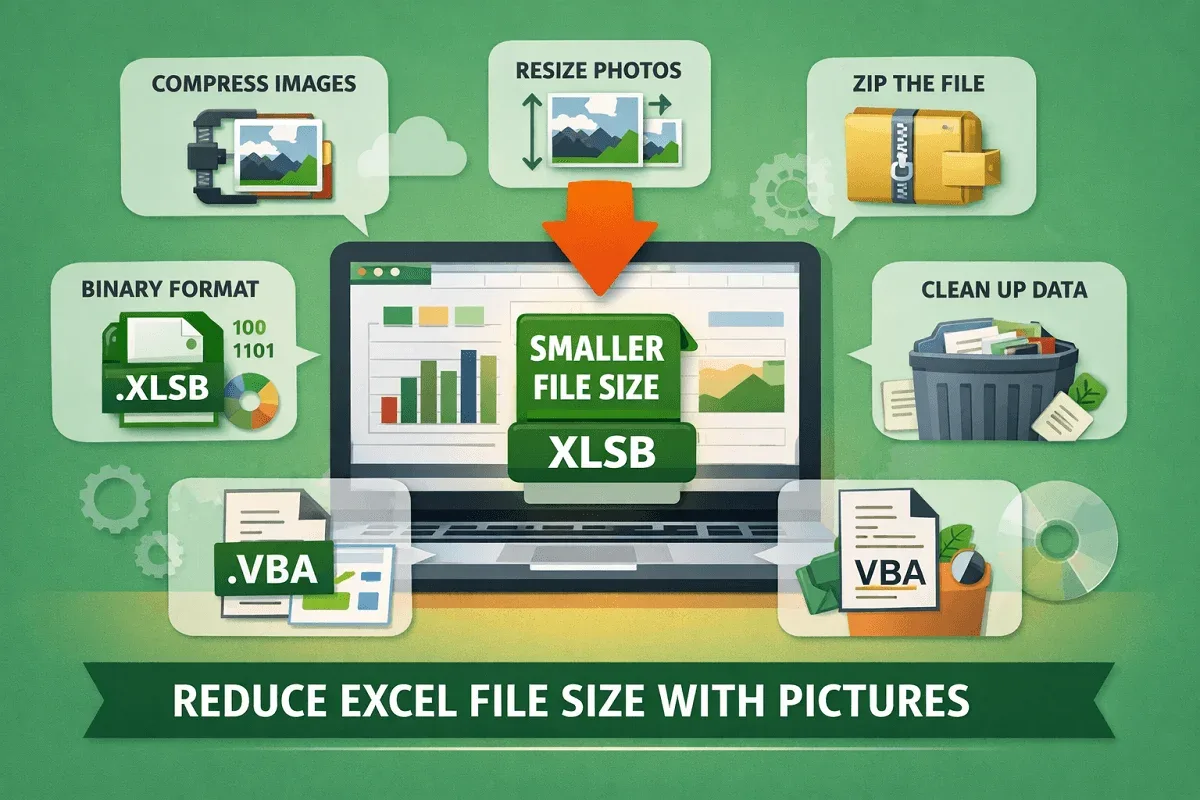
Learn effective ways to reduce Excel file size with pictures using compression, resizing, cleanup tips, and smart file-saving methods.
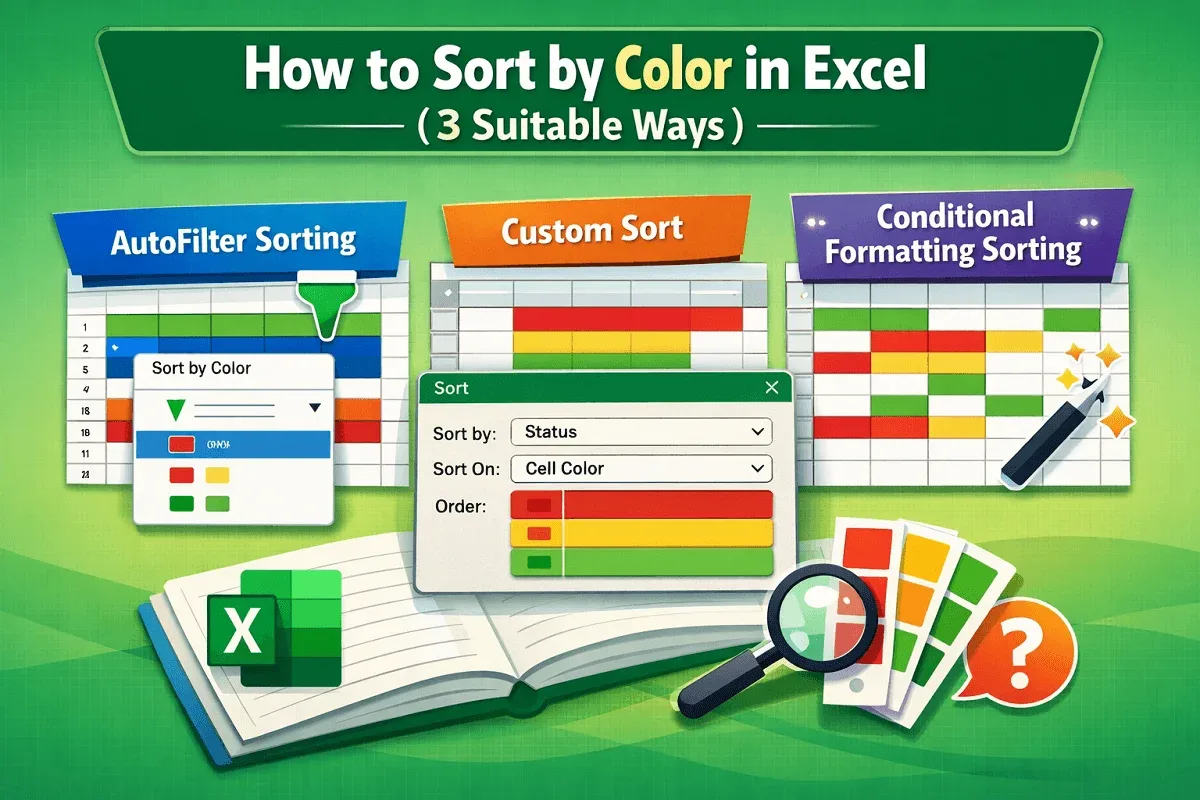
Learn how to sort by color in Excel with AutoFilter, Custom Sort for multi-color data, and conditional formatting options effortlessly.
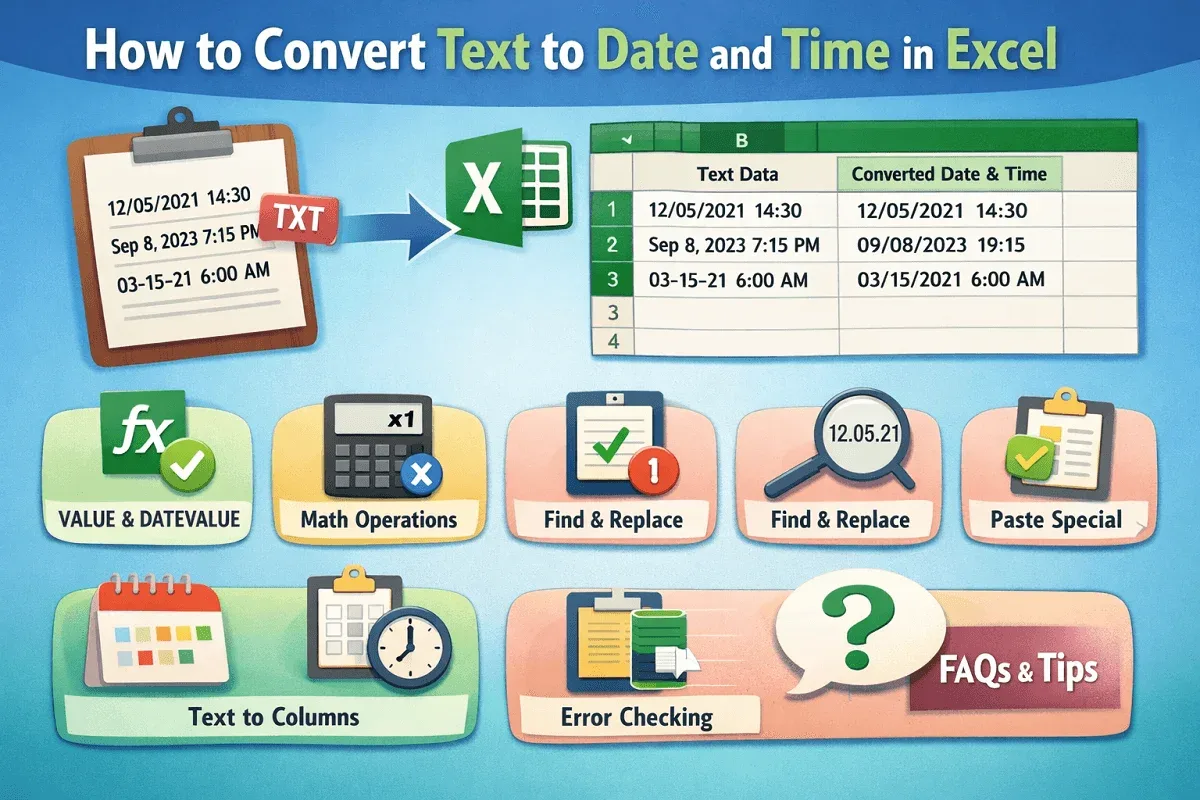
Convert text to proper date and time in Excel using VALUE, DATEVALUE, TIMEVALUE, Text to Columns, Paste Special, and quick formatting fixes.
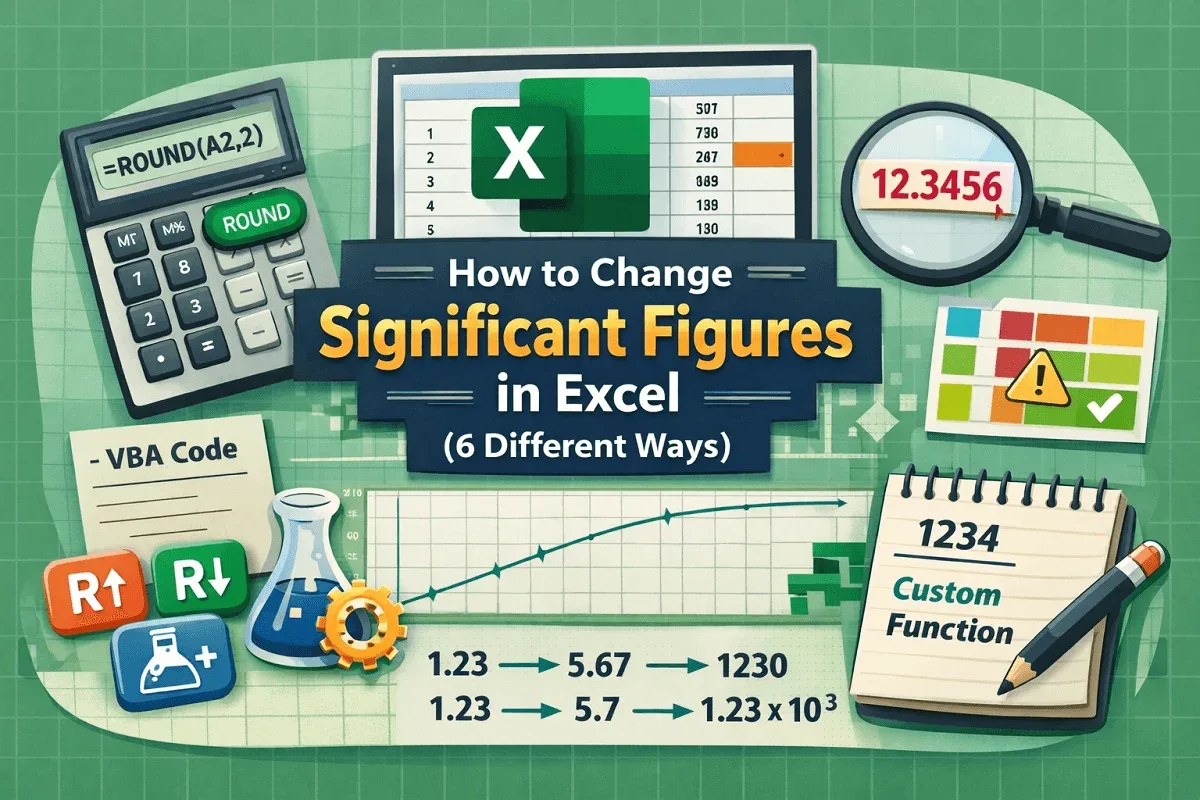
Learn how to change significant figures in Excel using ROUND functions, formulas, cell formatting, and custom VBA for better precision.
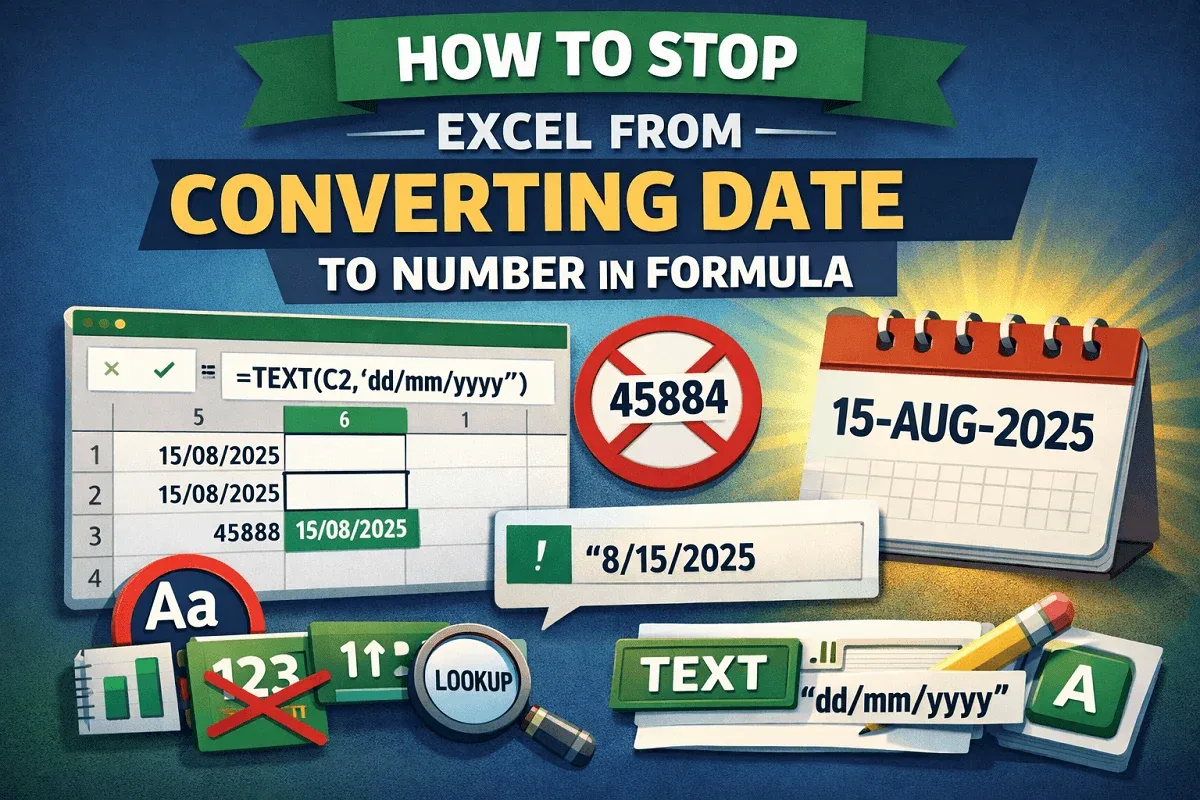
Learn how to stop Excel from converting dates to numbers using TEXT, custom formats, apostrophes, and pre-formatting to preserve accuracy.
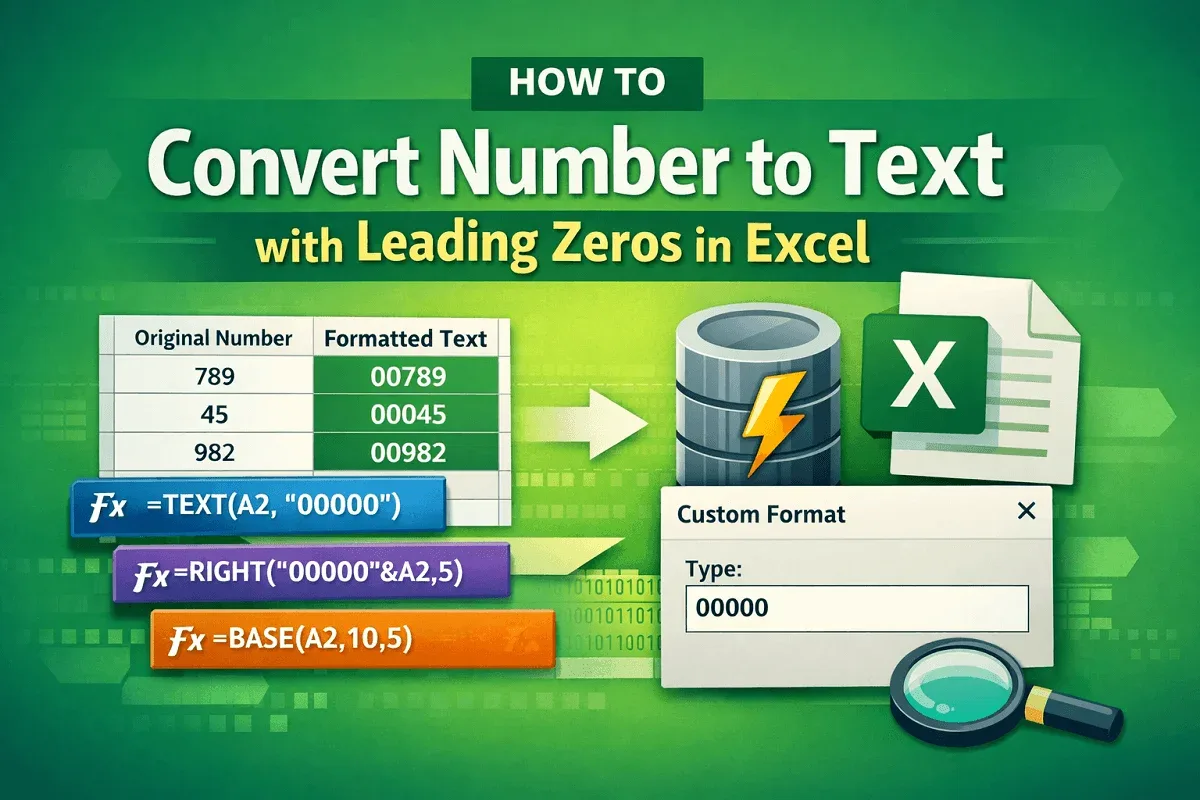
Learn simple Excel methods to convert numbers to text with leading zeros, using TEXT, RIGHT, custom formats, Power Query, and more.
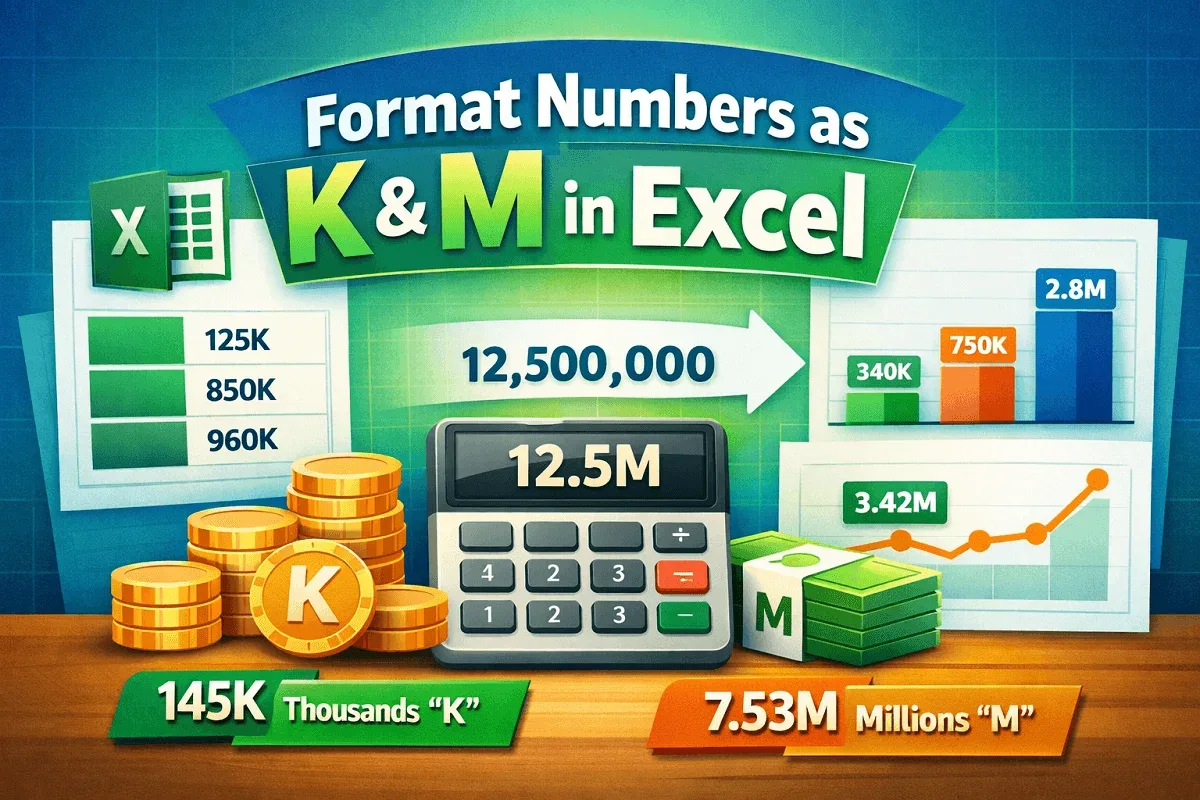
Learn how to format numbers in Excel with “K” for thousands and “M” for millions using custom formatting, TEXT functions, and automated rules.
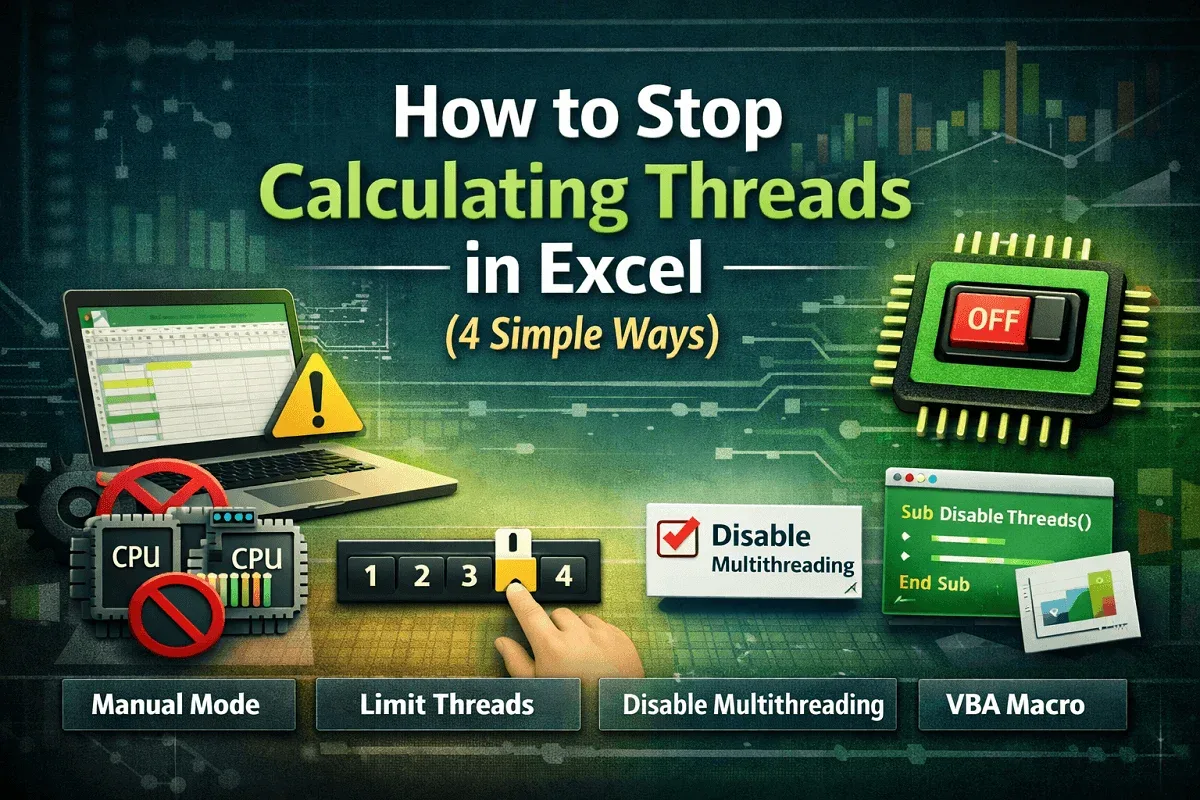
Learn how to stop calculating threads in Excel by disabling multi-threading, using manual mode, limiting threads, or applying VBA fixes.
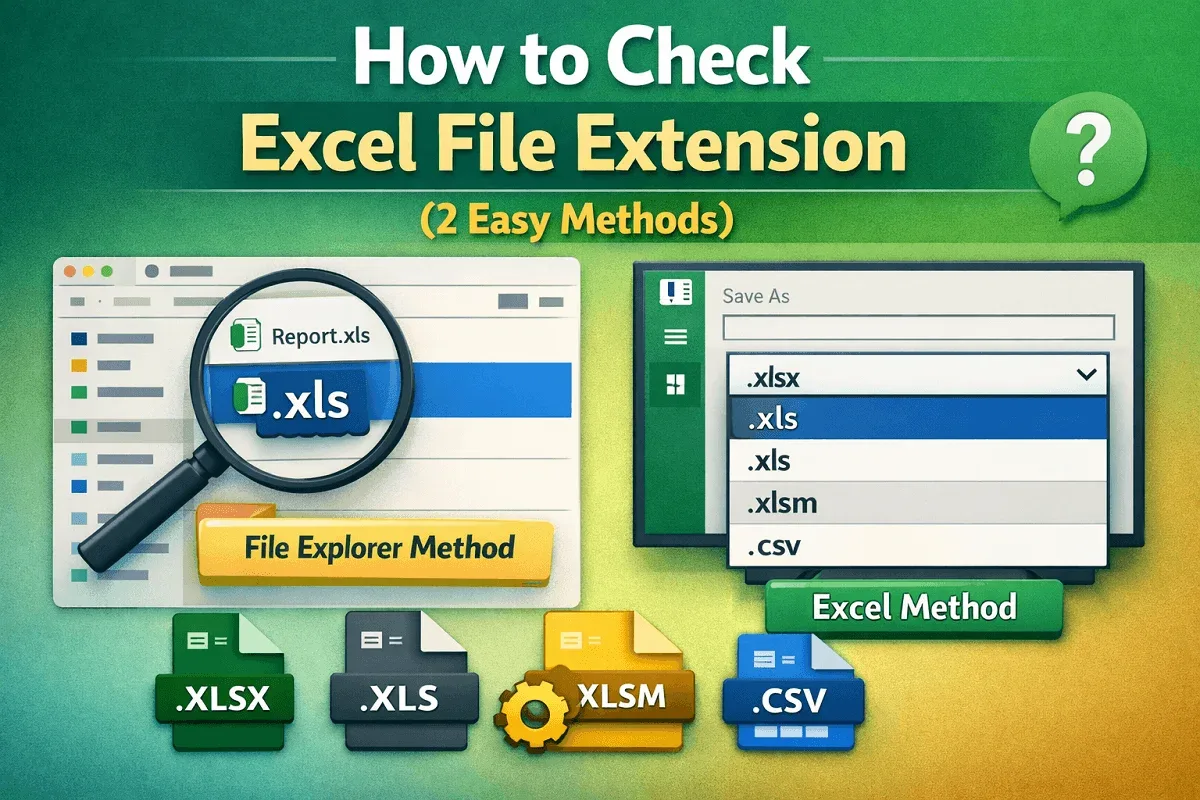
Learn how to check an Excel file extension using File Explorer or directly within Excel to quickly identify formats like XLS, XLSX, and more.
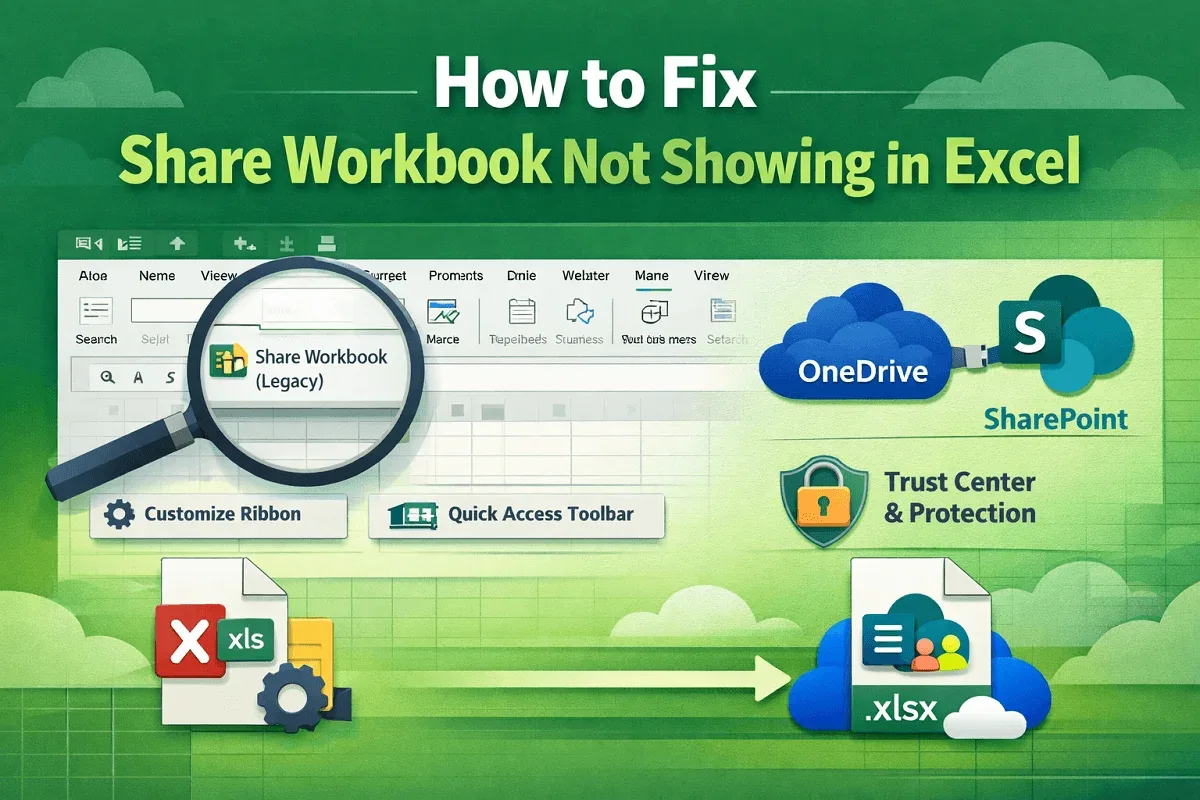
Fix Share Workbook not showing in Excel by adding the legacy command, adjusting Trust Center settings, and using modern co-authoring.