Excel Pro Tips
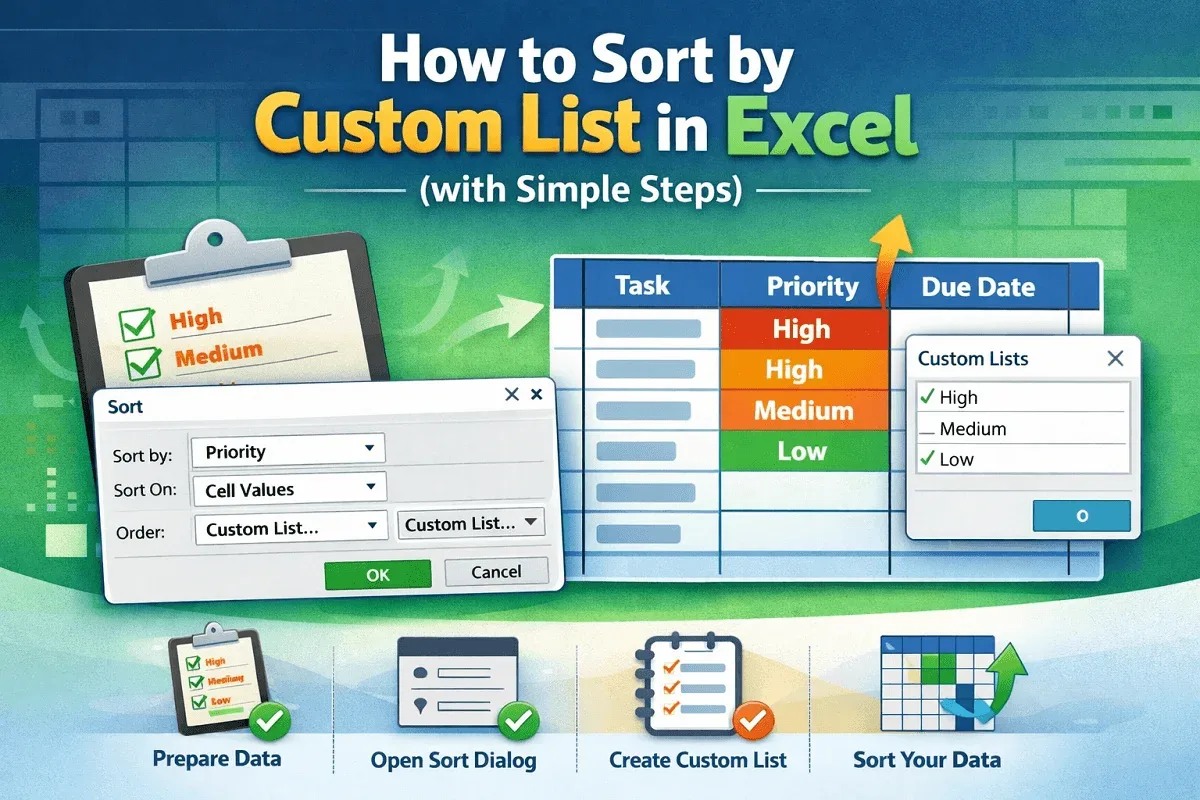
How to Sort by Custom List in Excel (with Simple Steps)
Learn how to sort data in Excel using a custom list with clear steps for preparing your dataset, choosing a column, and completing the sort.
Read article

555 articles
Learn how to sort data in Excel using a custom list with clear steps for preparing your dataset, choosing a column, and completing the sort.
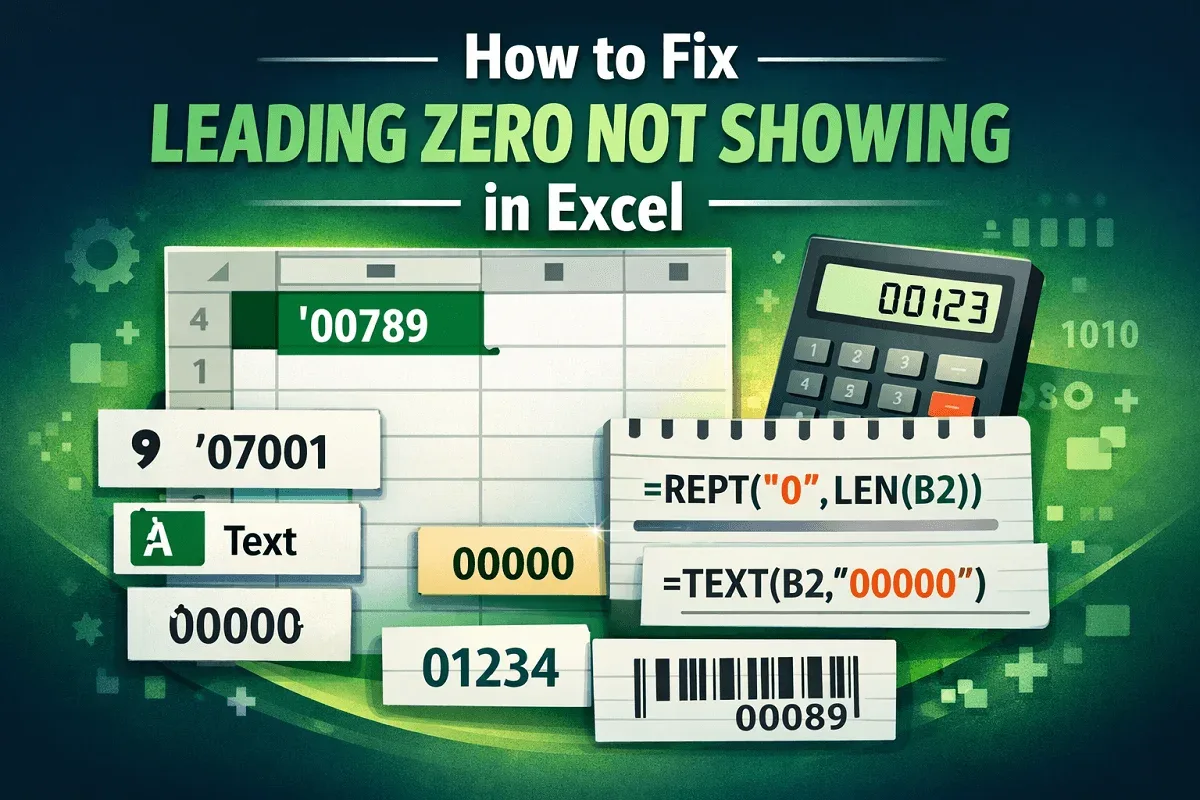
Learn how to fix leading zeros not showing in Excel using text formatting, custom formats, apostrophes, REPT, LEN, and the TEXT function.
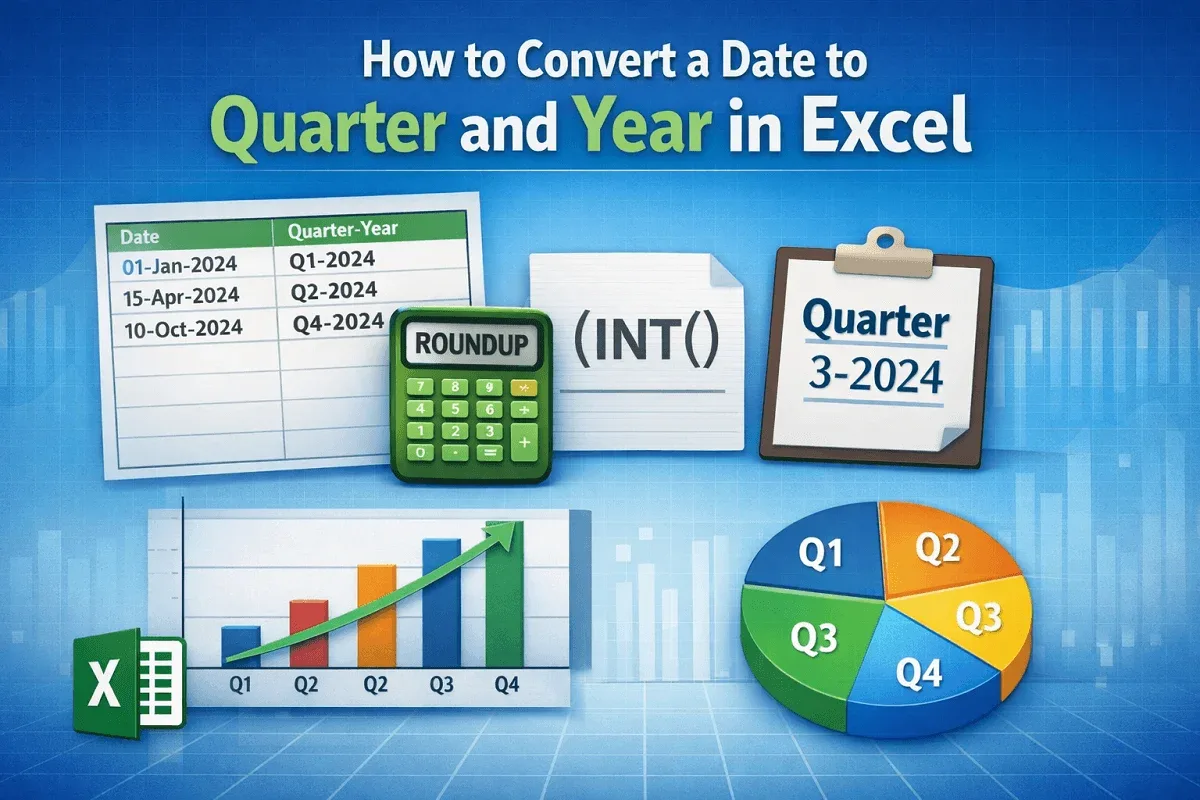
Learn how to convert dates to quarter and year in Excel using ROUNDUP, INT, and custom labels for clear, professional quarterly reporting.
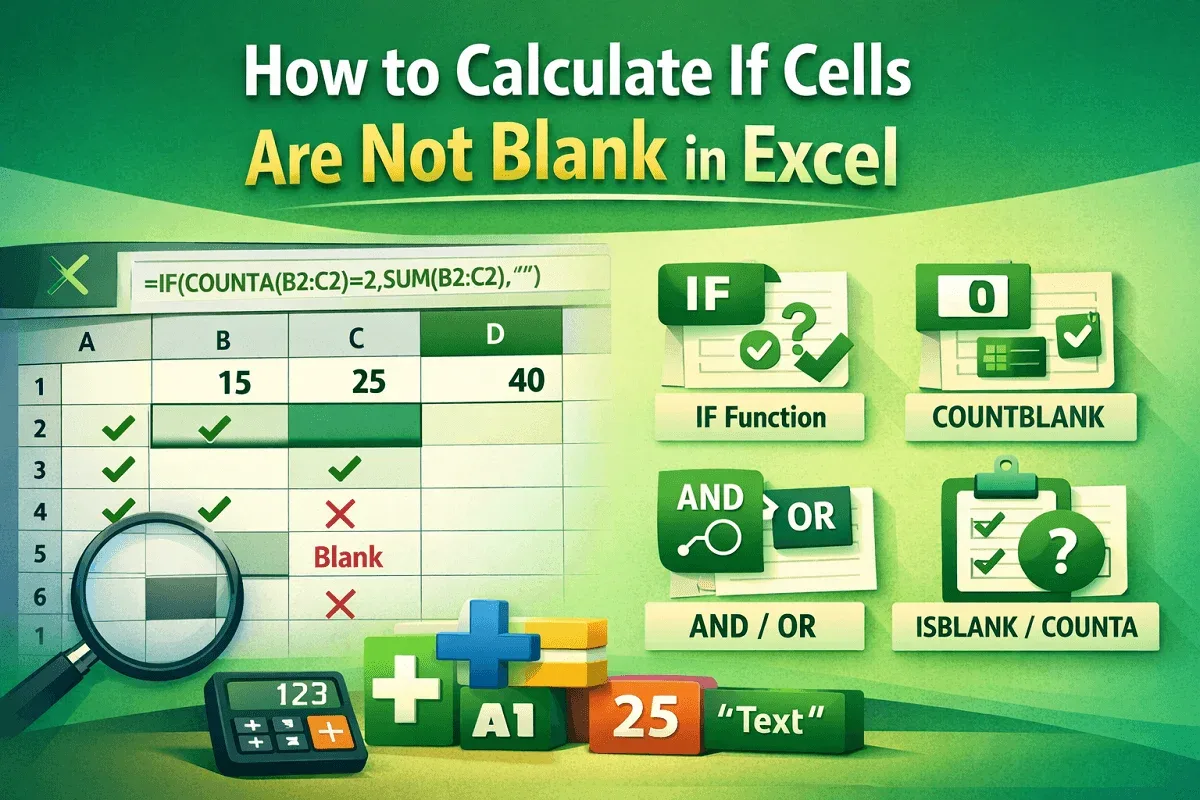
Learn how to calculate in Excel when cells are not blank using IF, COUNTBLANK, COUNTA, AND/OR, and ISBLANK for accurate data checks.

Learn easy Excel methods to convert text with spaces into numbers using SUBSTITUTE, VALUE, CHAR, Text to Columns, and CONCAT techniques.
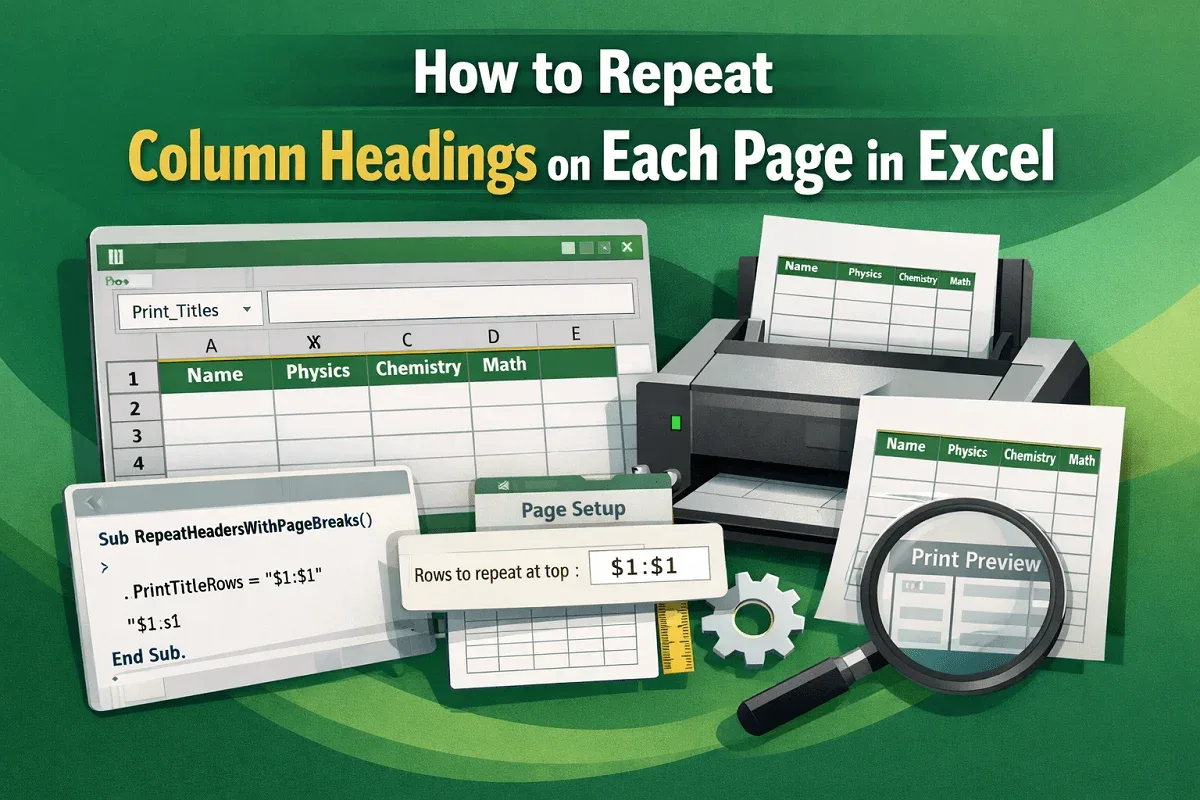
Learn how to repeat column headings on every printed page in Excel using Print Titles, Page Setup adjustments, or a simple VBA solution.

Automate data entry in Excel using simple cell links, dynamic Power Query imports, or fully automated workflows with VBA macros.

Learn how to find the first number in a string in Excel using MID, FIND, MATCH, CODE, XLOOKUP, INDEX-MATCH, or VBA for automation.

Change checkbox color in Excel with direct formatting, conditional formatting for checked or unchecked boxes, or simple VBA.
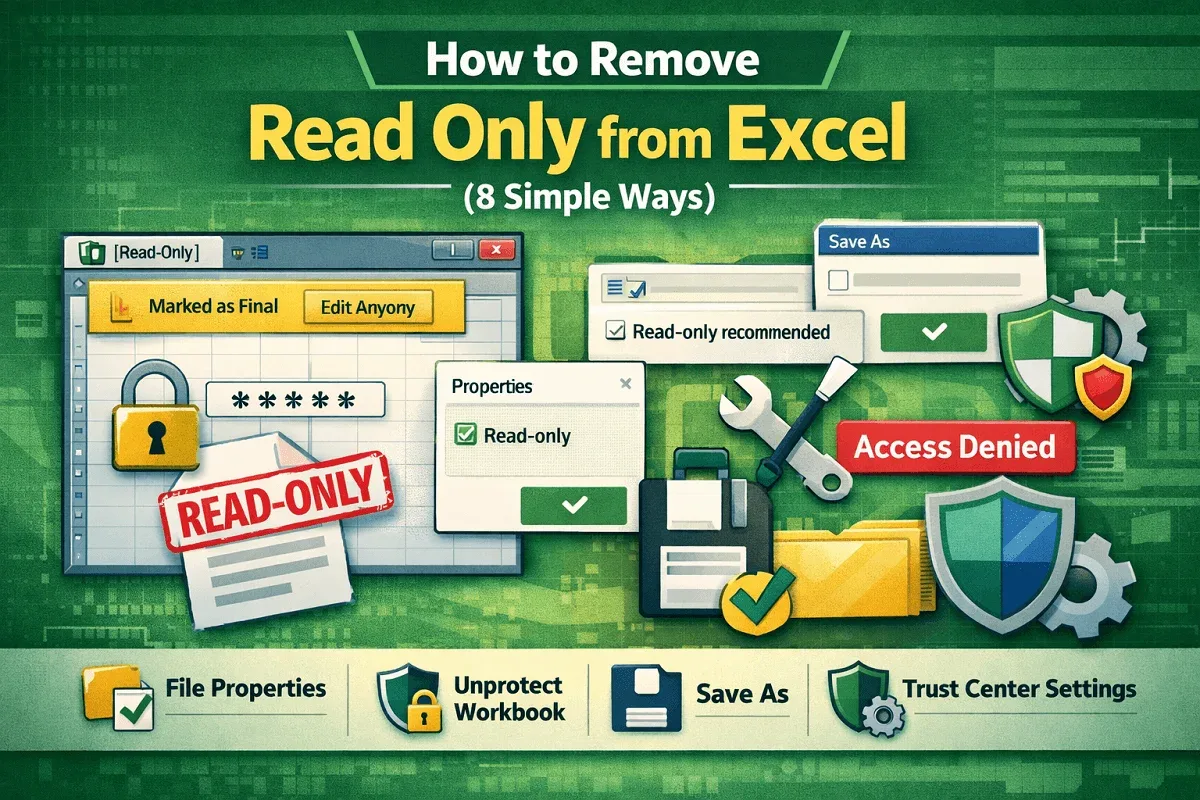
Remove Excel read-only mode by editing file properties, unprotecting the workbook, adjusting settings, and fixing permissions.
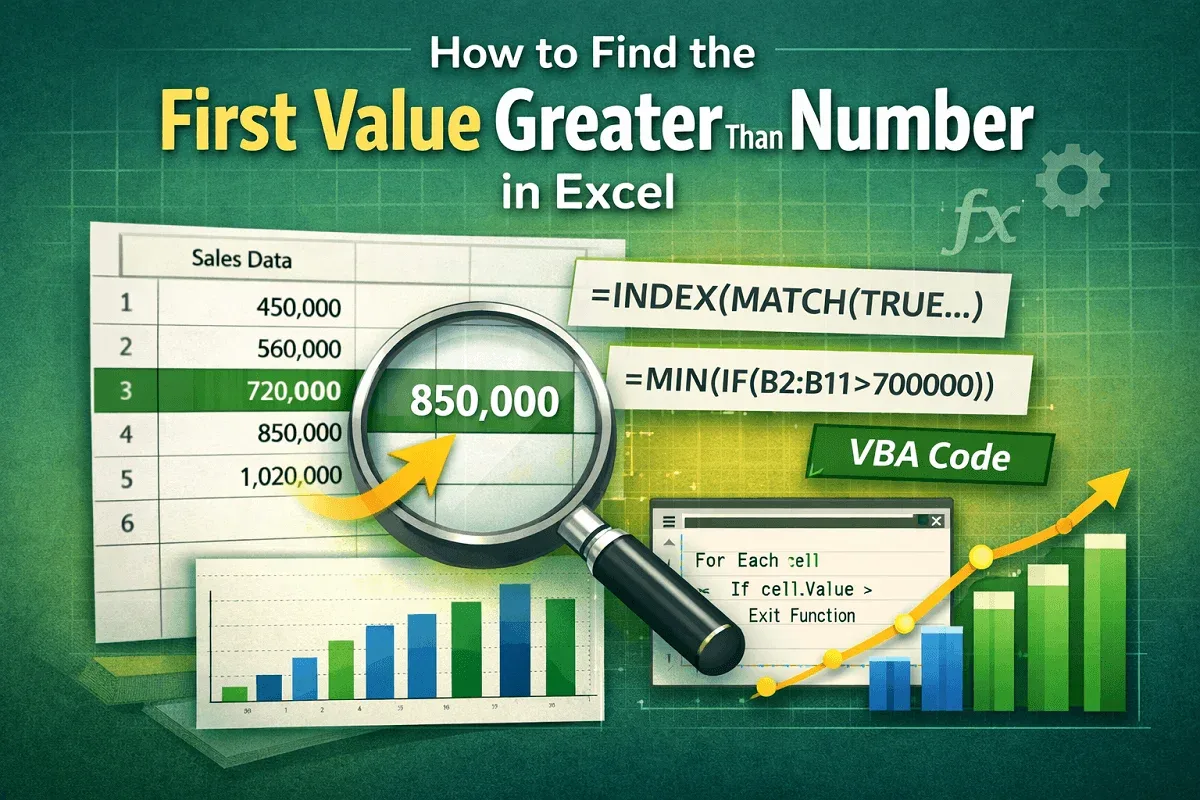
Learn how to find the first value greater than a number in Excel using INDEX-MATCH, MATCH, MIN, or a VBA approach.

Learn how to extract text after the Nth character in Excel using RIGHT, FIND, MID, TEXTAFTER, TEXTSPLIT, INDEX, TRIM, and SUBSTITUTE.