Excel VBA
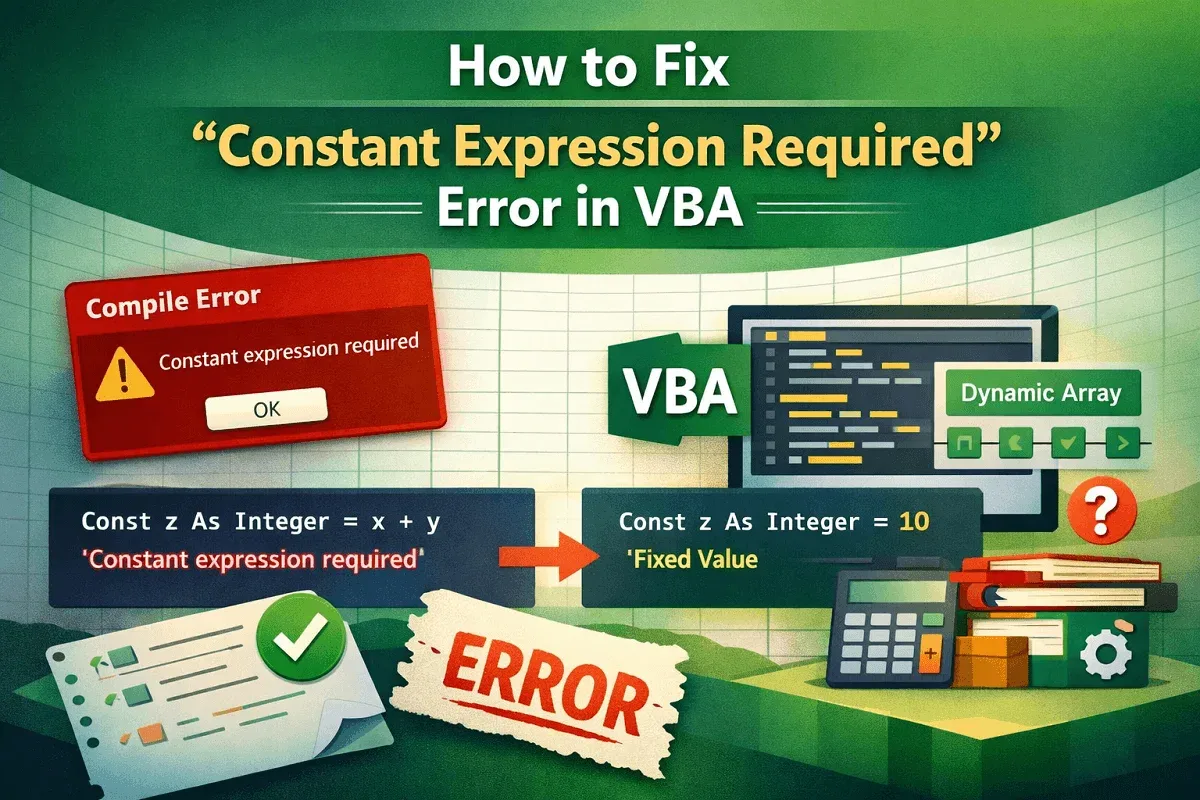
How to Fix "Constant Expression Required" Error in VBA
Learn how to fix the Constant Expression Required error in VBA using proper constants, Redim, ParamArray, and defaults smartly.
Read article

68 articles
Learn how to fix the Constant Expression Required error in VBA using proper constants, Redim, ParamArray, and defaults smartly.
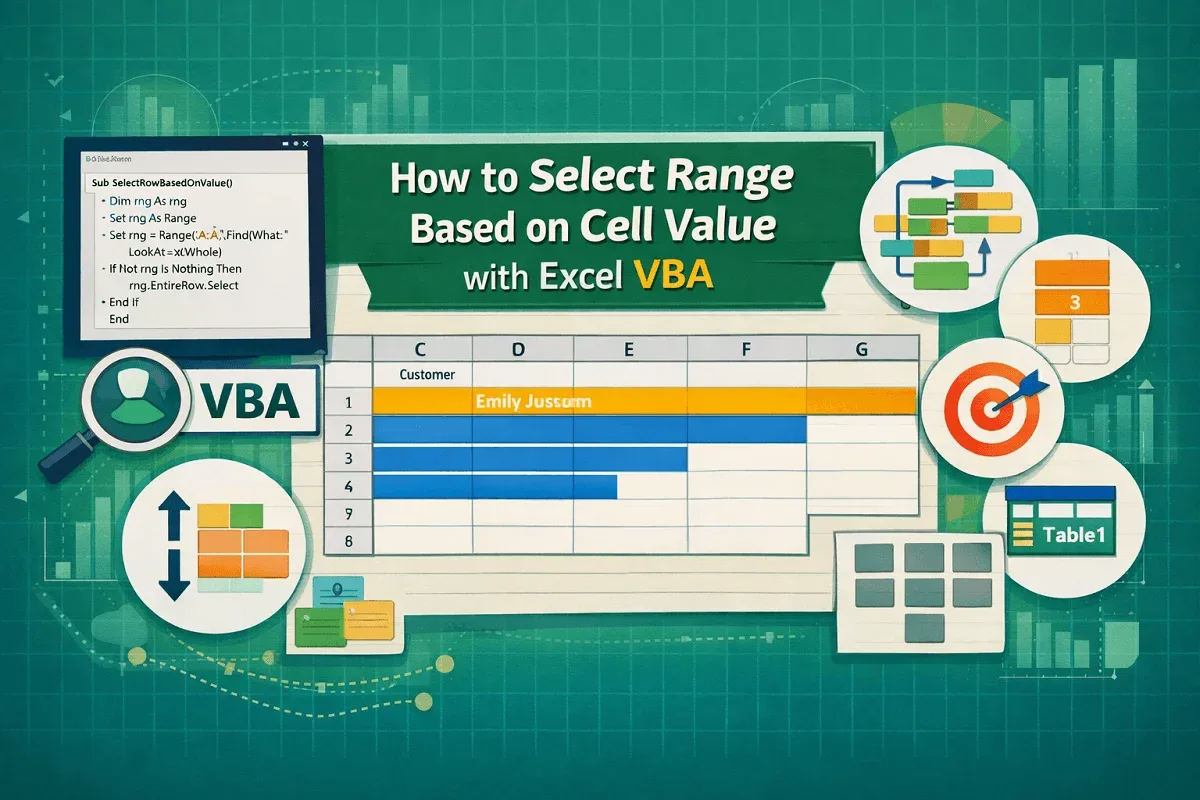
Learn how to select Excel ranges with VBA based on cell values, rows, tables, multiple criteria, logic, Find, and SpecialCells.
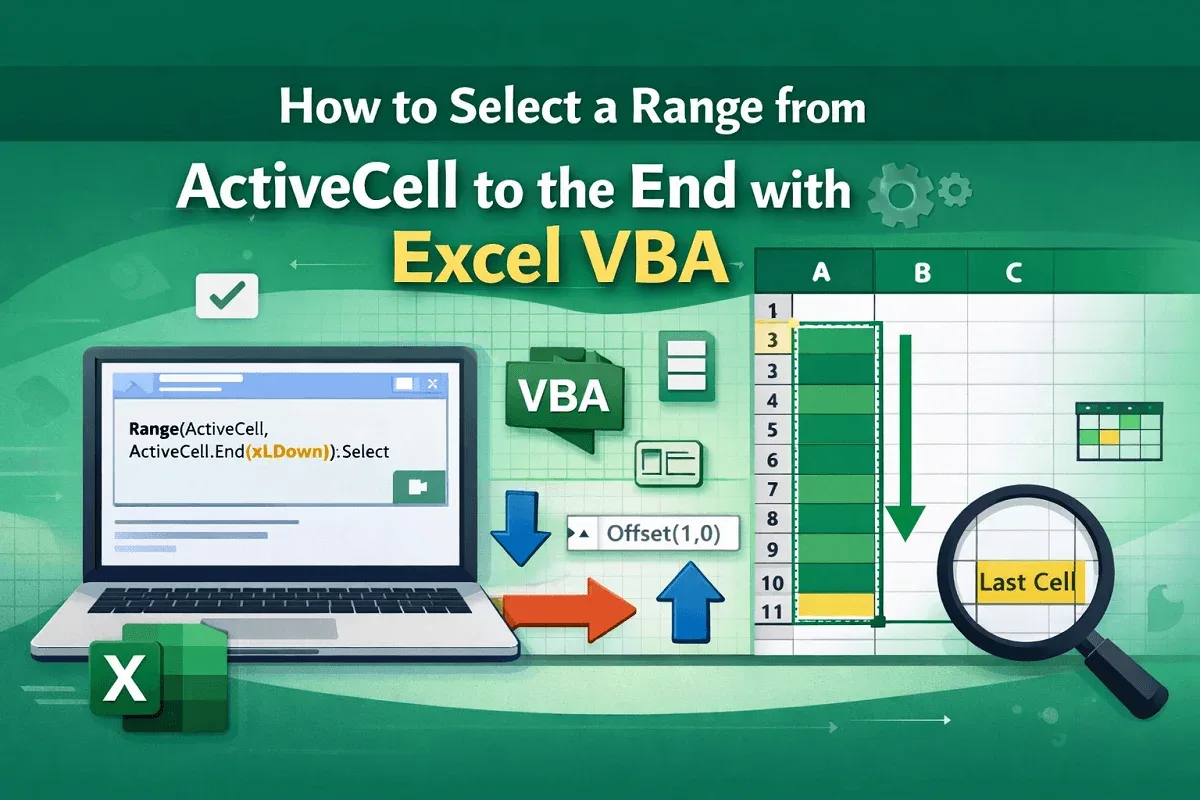
Learn how to select a range from ActiveCell to the end with Excel VBA using End, CurrentRegion, Find, tables, and edge case handling.
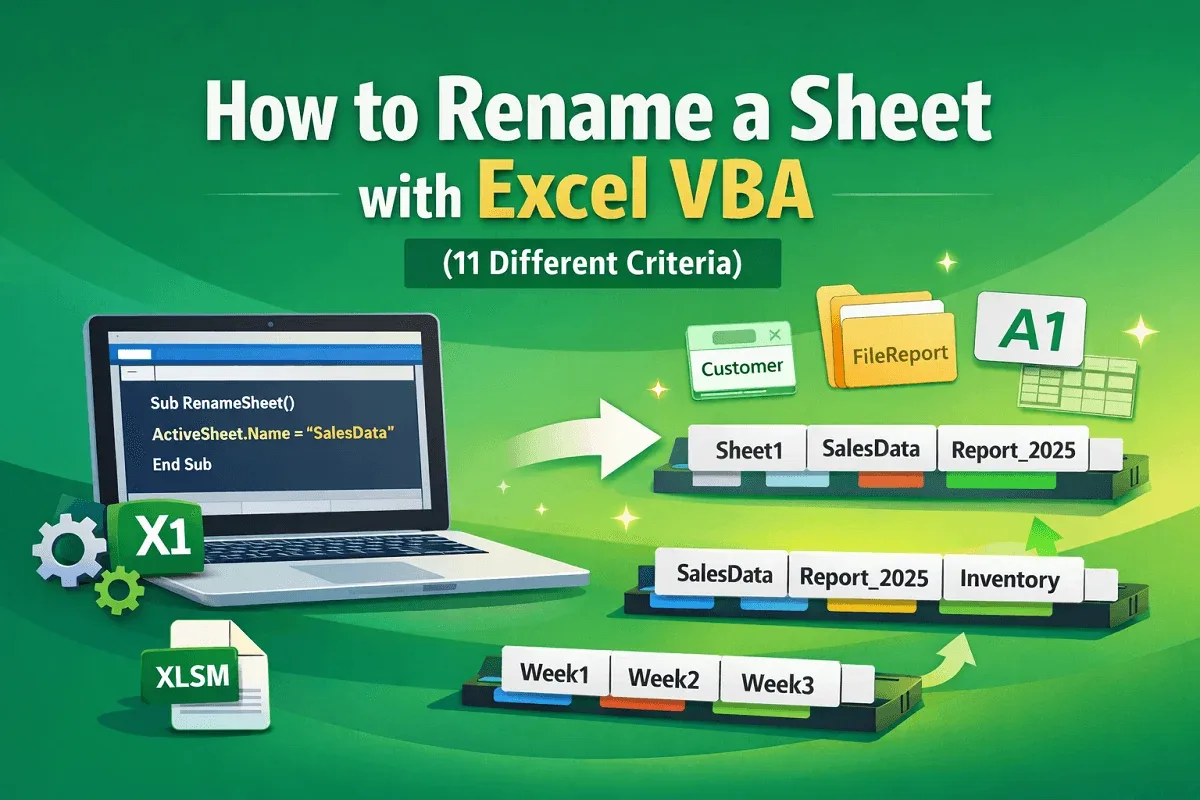
Learn how to rename a sheet with Excel VBA using indexes, cell values, codenames, conditions, files, and naming techniques fast.
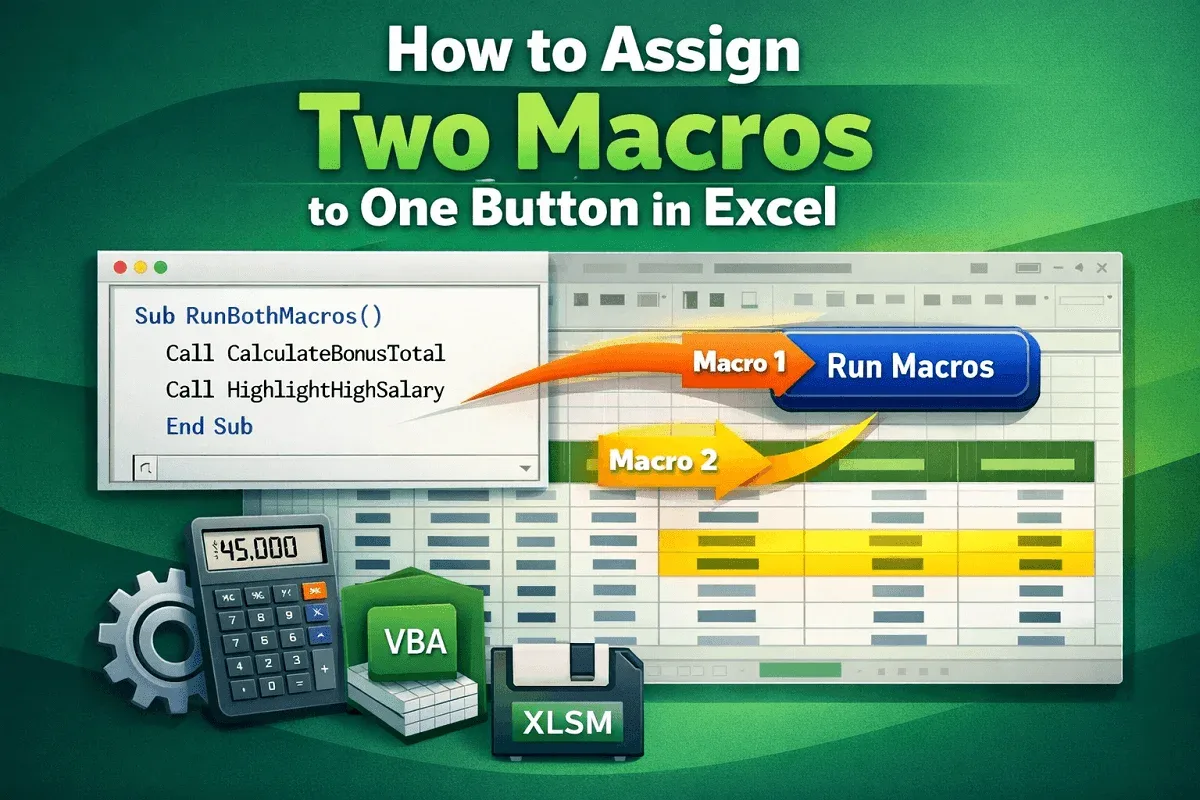
Learn how to assign two macros to one button in Excel by combining VBA procedures, adding a button, and testing the automated workflow.
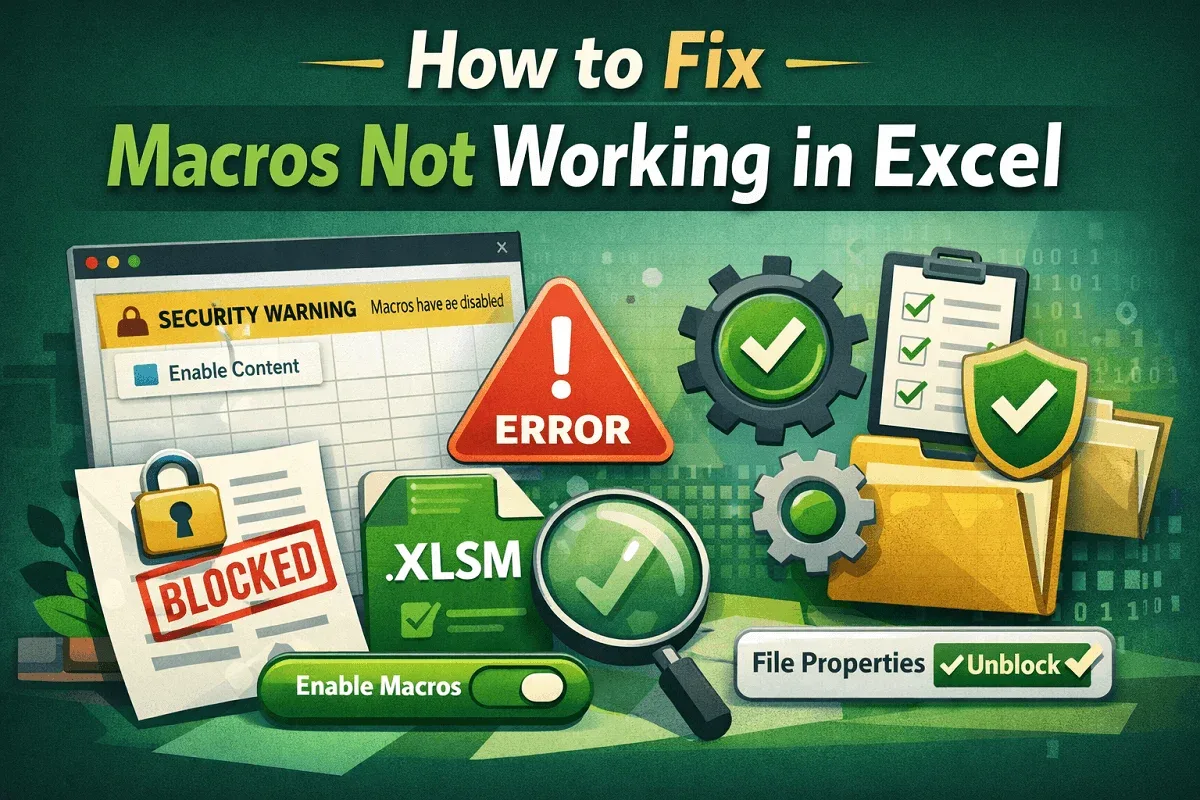
Fix Excel macros not working by enabling or unblocking macros, checking file formats, and adjusting global macro settings.
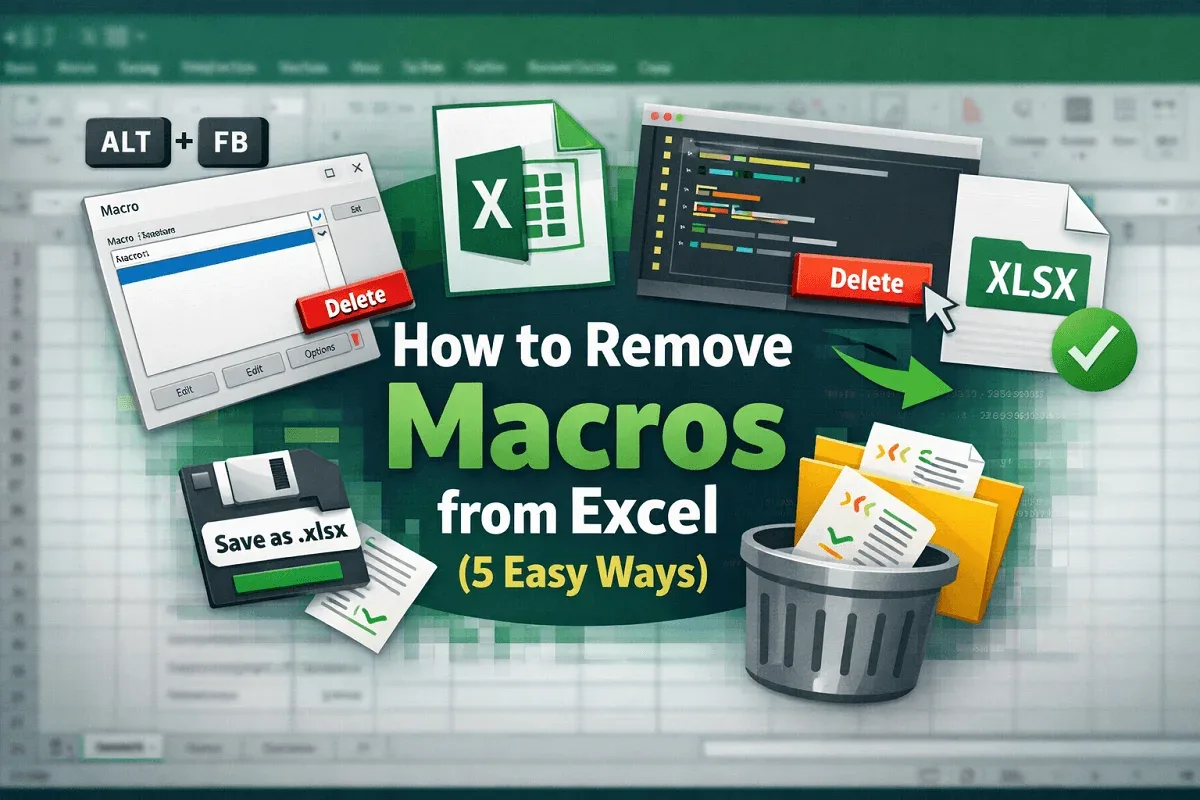
Learn how to remove macros from Excel using the Macro dialog, shortcut keys, the VBA Editor, and by saving your file as .xlsx format.
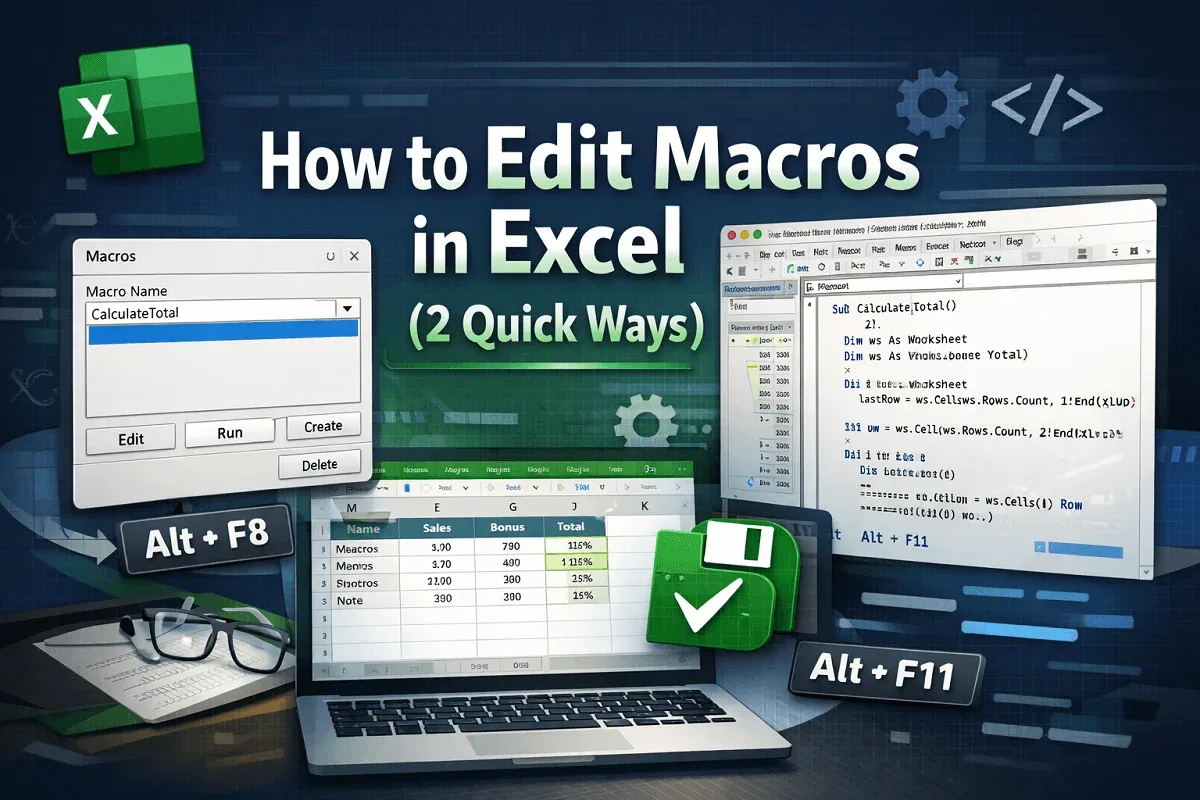
Learn how to edit macros in Excel using quick keyboard shortcuts and the Developer tab to access and modify VBA code efficiently today.
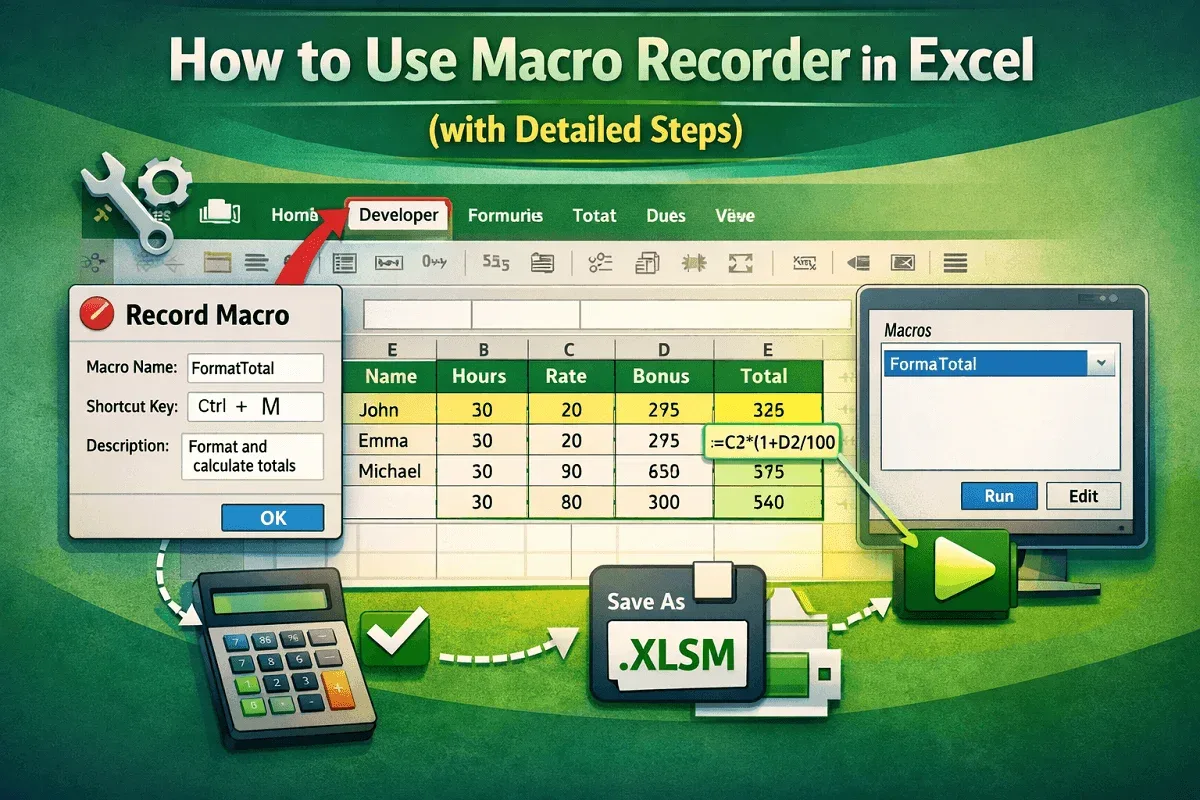
Learn how to use Excel’s Macro Recorder with simple steps to record, automate, and run tasks, and save your workbook properly today.
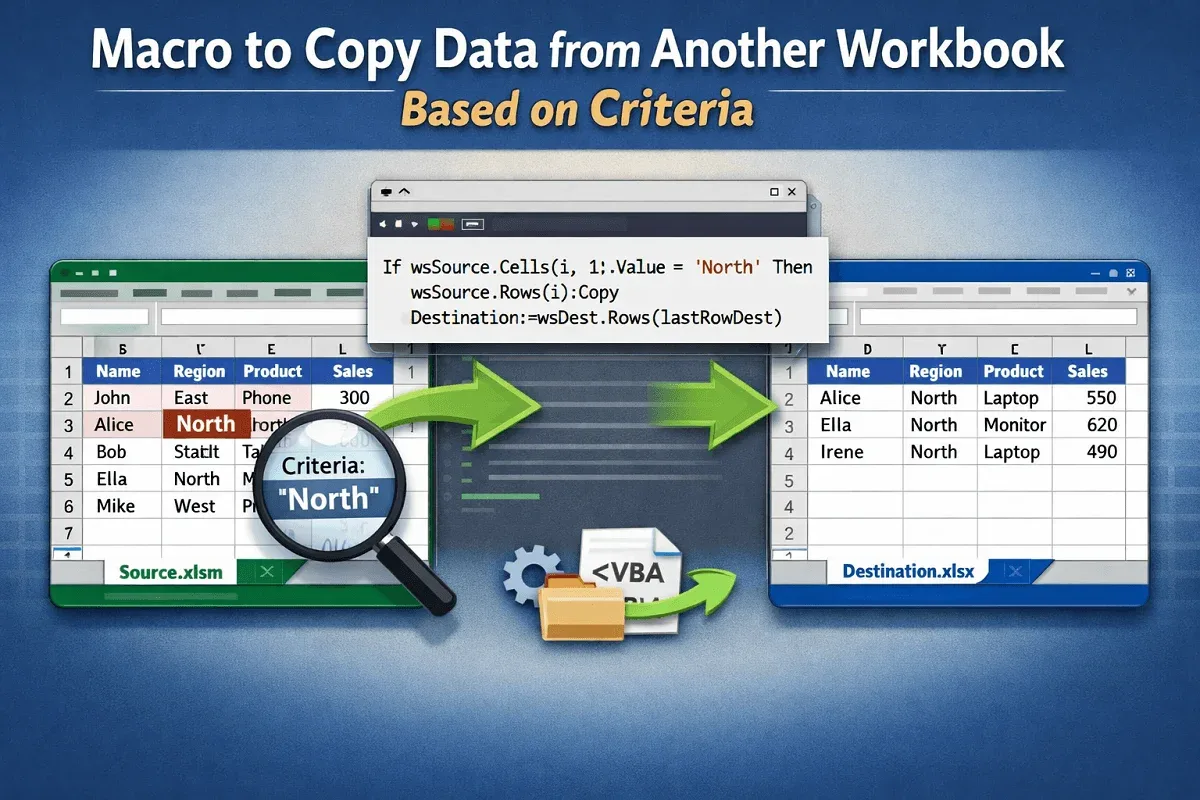
Learn how to create Excel macros to copy data between workbooks based on single or multiple criteria using advanced filters.
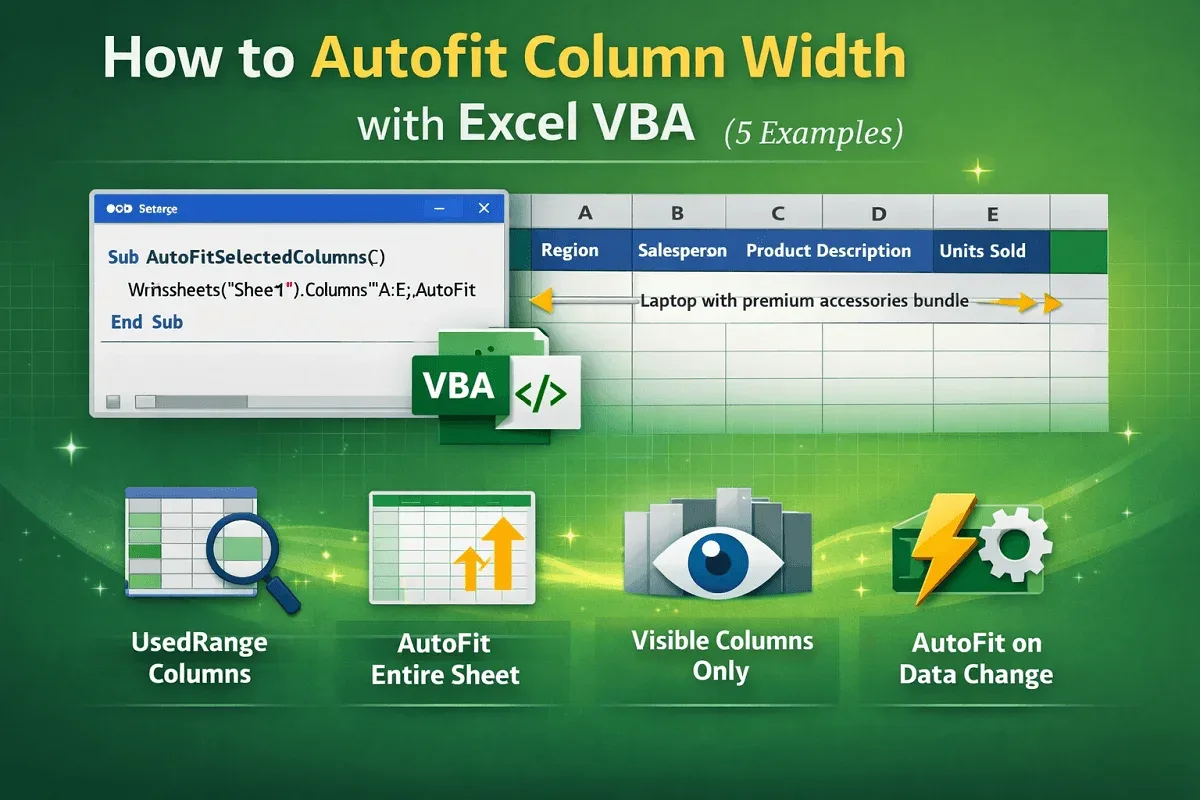
Learn how to autofit column width in Excel using VBA—covering Range.AutoFit, UsedRange, visible cells, and automatic event-based fitting.

Fix Excel macro buttons not working with these 4 quick solutions: enable macros, save as .xlsm, reassign, and disable design mode.