
Excel VBA
How to Add Pop-Up on a Button to Select a Macro in Excel VBA
Learn how to add a pop-up on a button in Excel VBA to select and assign macros using Form Controls or Shapes effectively.
Read article

68 articles
Learn how to add a pop-up on a button in Excel VBA to select and assign macros using Form Controls or Shapes effectively.
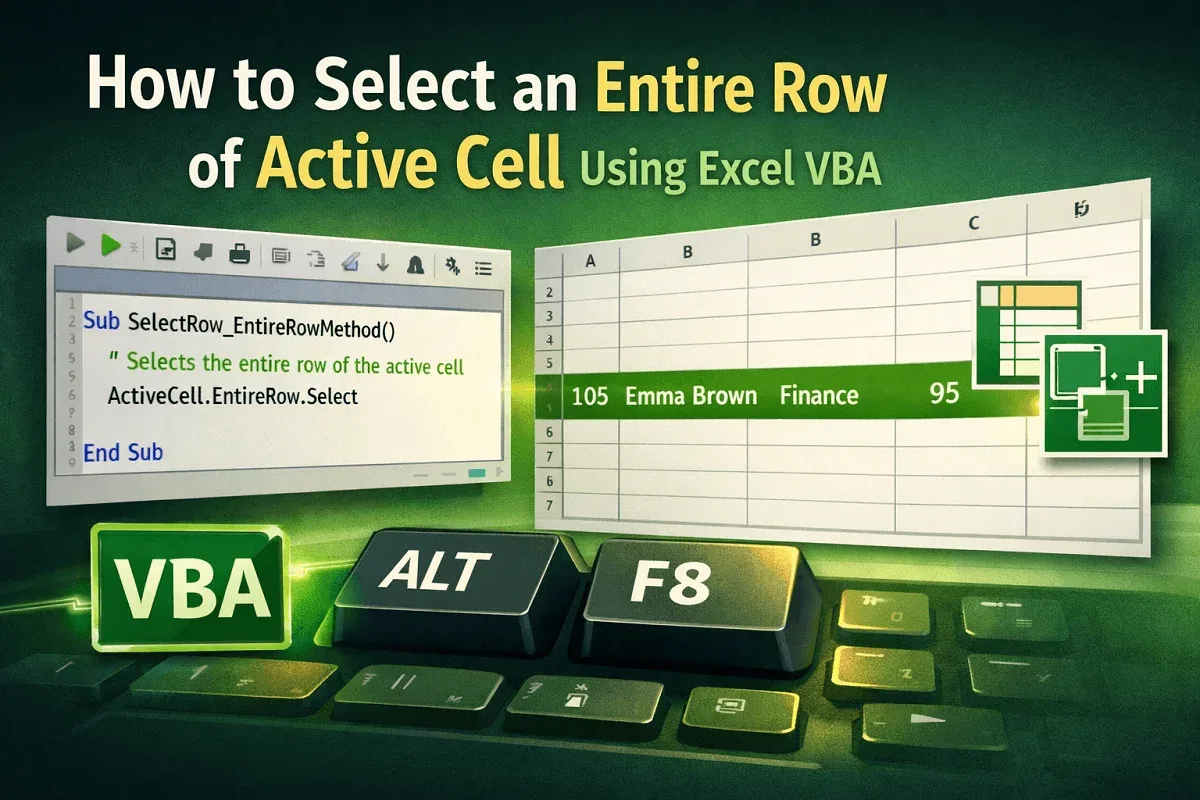
Learn how to select the entire row of the active cell in Excel VBA using ActiveCell.EntireRow, Rows, and the Union method.
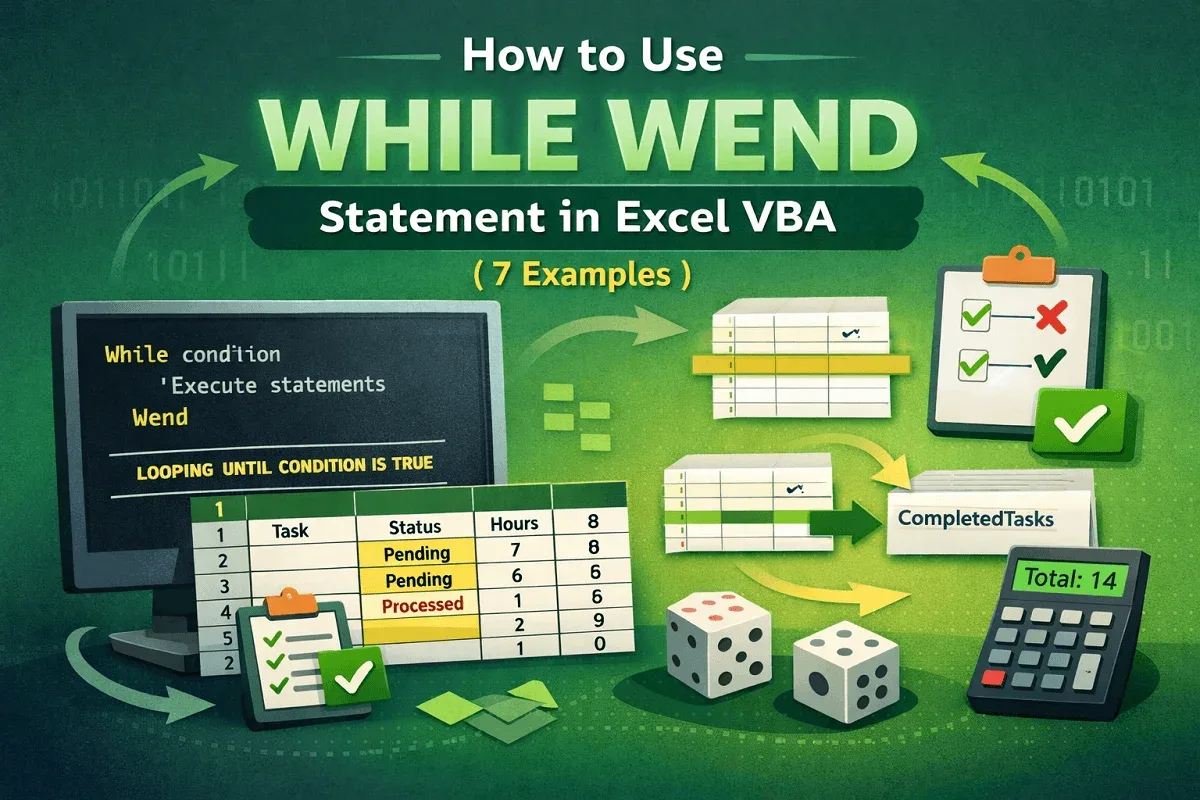
Learn what the While…Wend statement in Excel VBA is and how to use it with practical examples for loops, data handling, and automation.
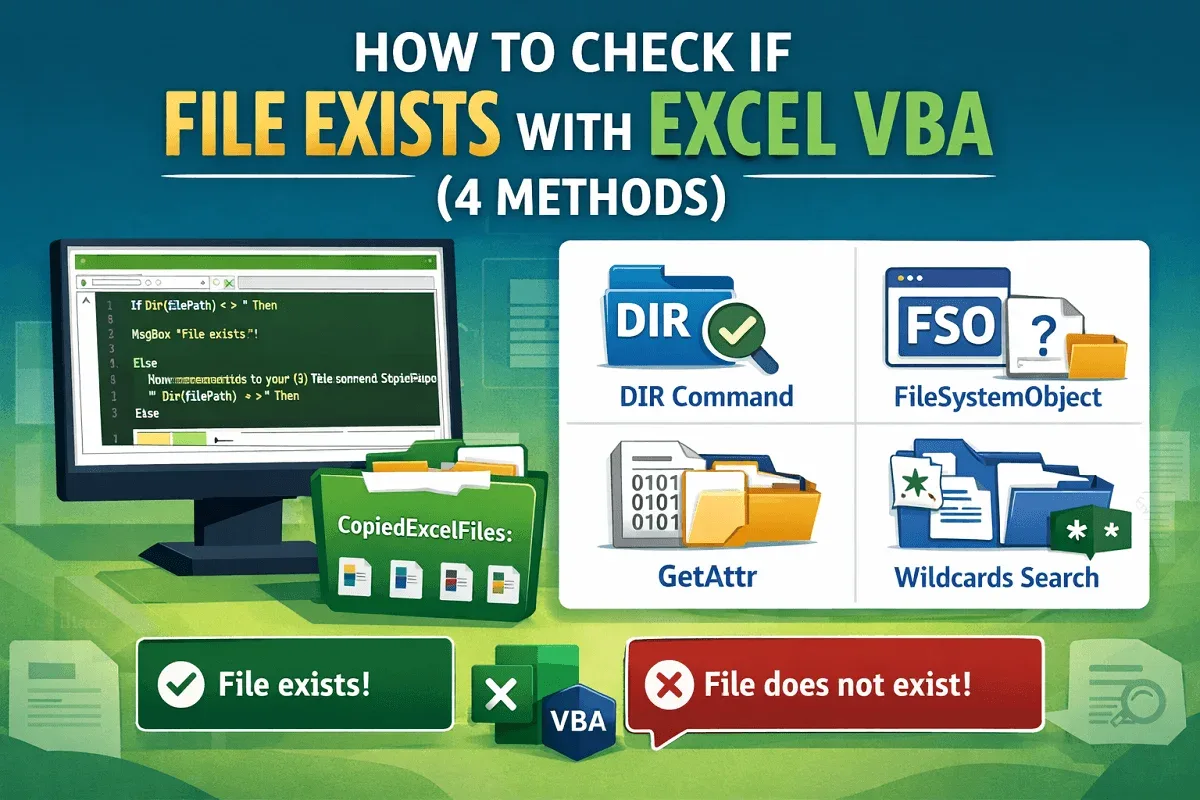
Learn how to check if a file exists in Excel VBA using DIR, FileSystemObject, GetAttr, and wildcards for efficient file handling.
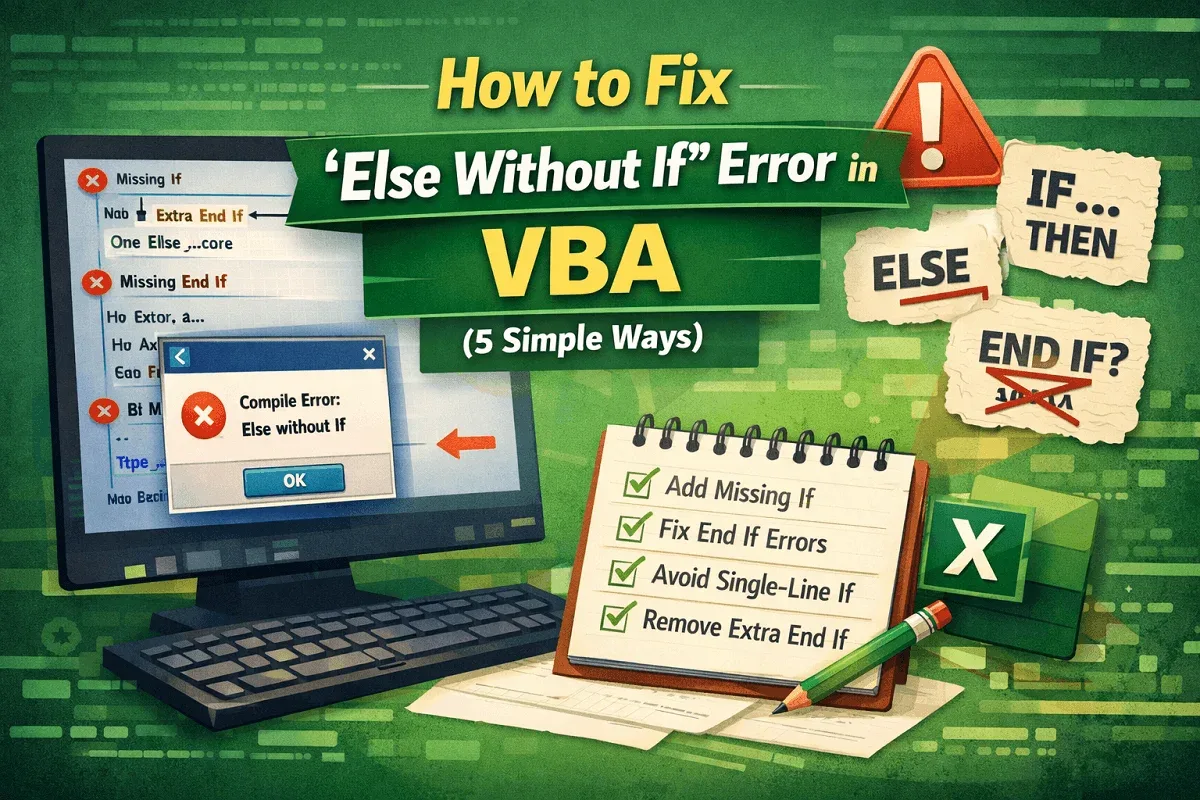
Learn how to fix the “Else Without If” error in VBA by adding missing If or End If statements and avoiding single-line If errors.
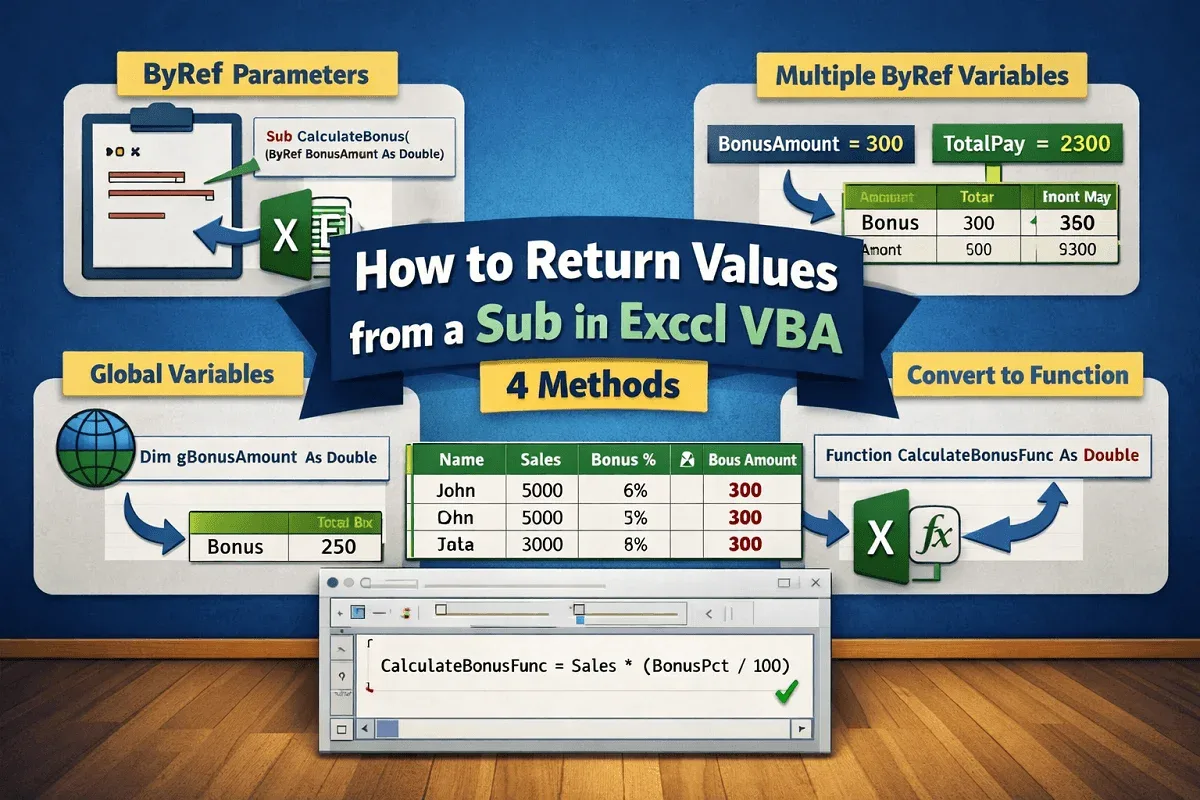
Learn how to return values from a Sub in Excel VBA using ByRef parameters, global variables, or by converting a Sub into a Function.
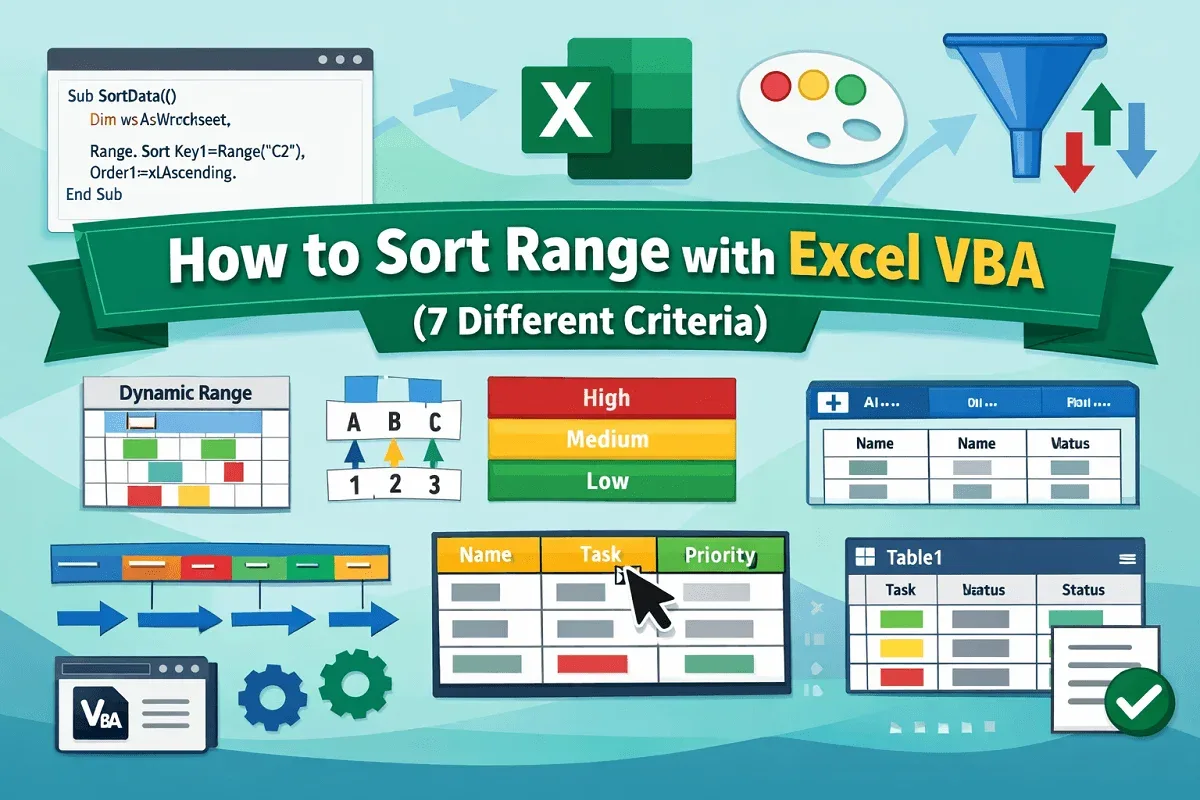
Learn how to sort ranges in Excel using VBA — including multiple columns, dynamic ranges, colors, custom orders, and table sorting.
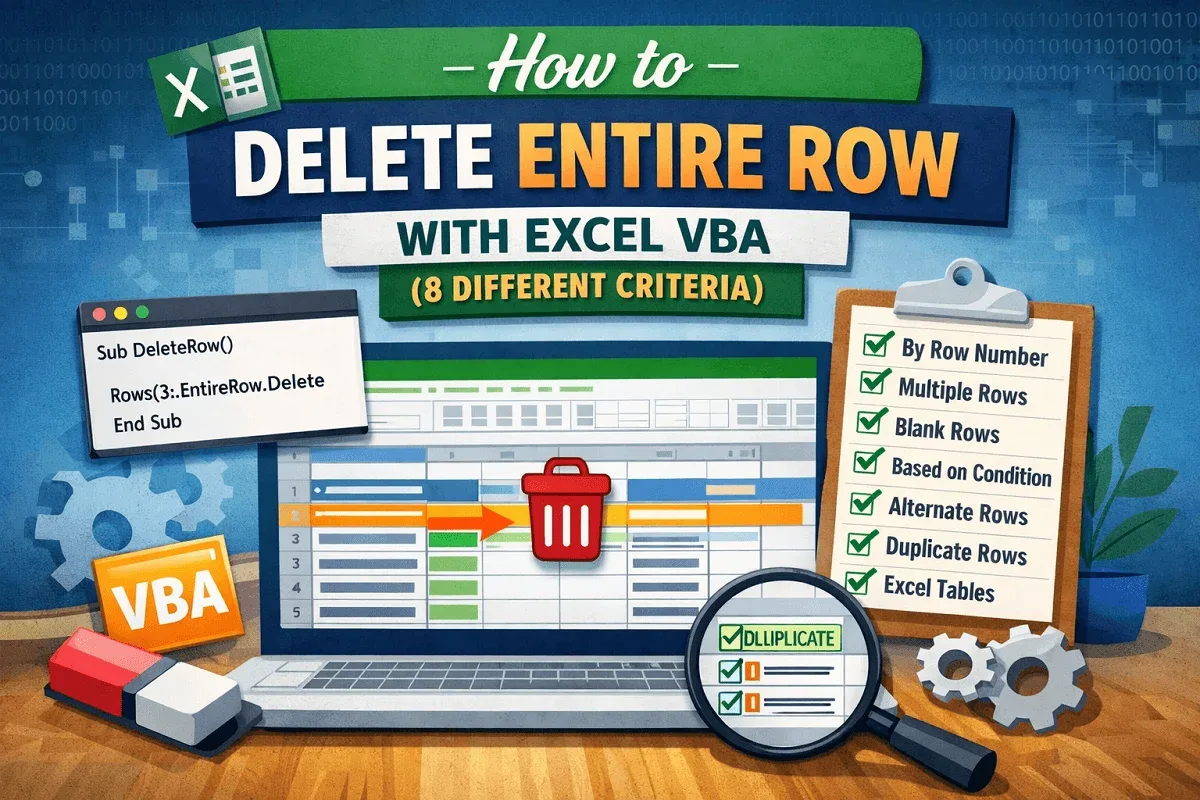
Learn how to delete entire rows in Excel using VBA — by row number, selection, condition, duplicates, blanks, or within tables.
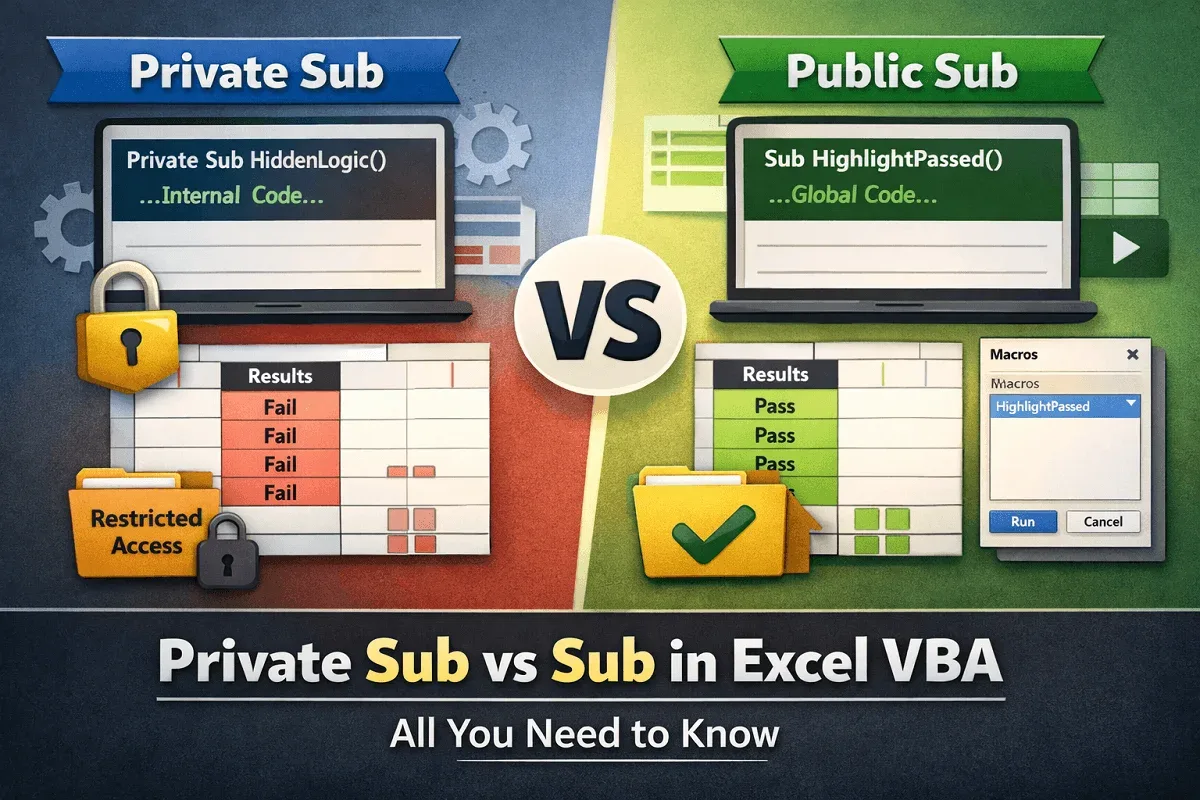
Learn the difference between Private Sub and Sub in Excel VBA, with examples on scope, access control, and modular macro design.
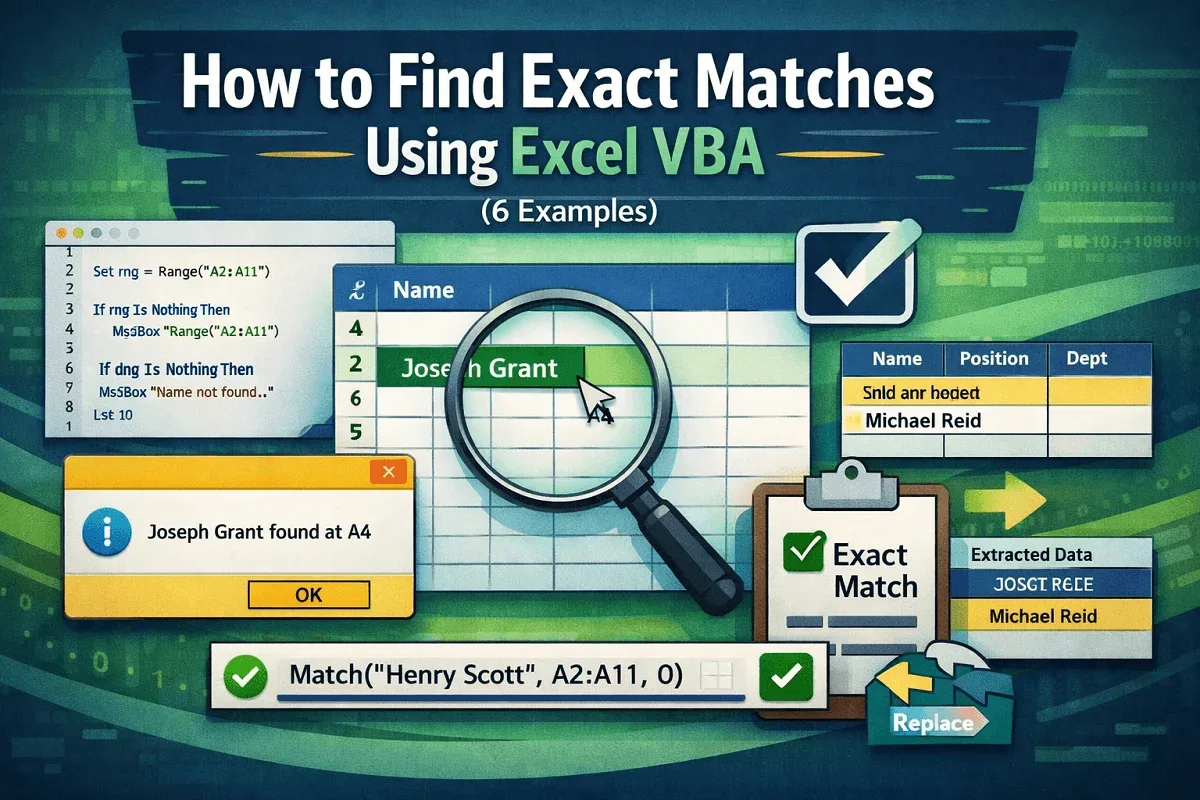
Learn how to find, replace, and extract exact matches in Excel using VBA, including case-sensitive searches and the MATCH function.
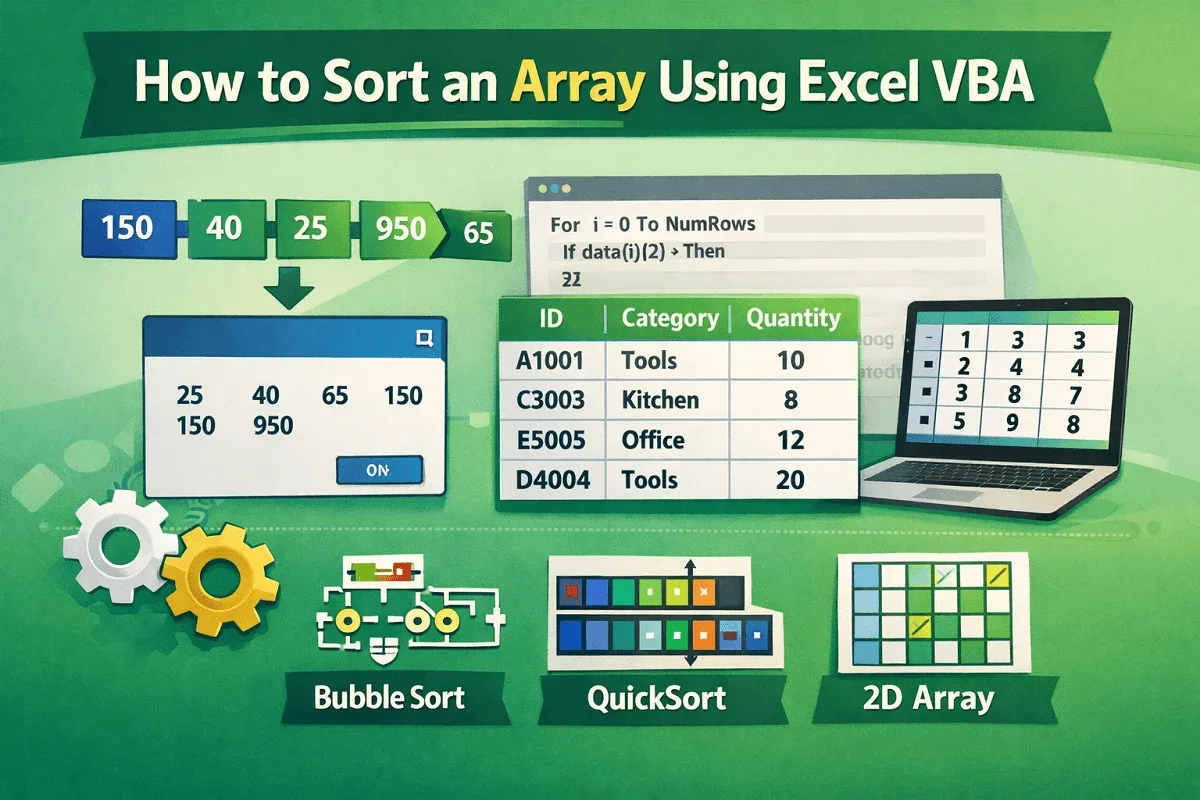
Learn how to sort 1D and 2D arrays in Excel VBA using Bubble Sort, QuickSort, and custom column-based sorting techniques.
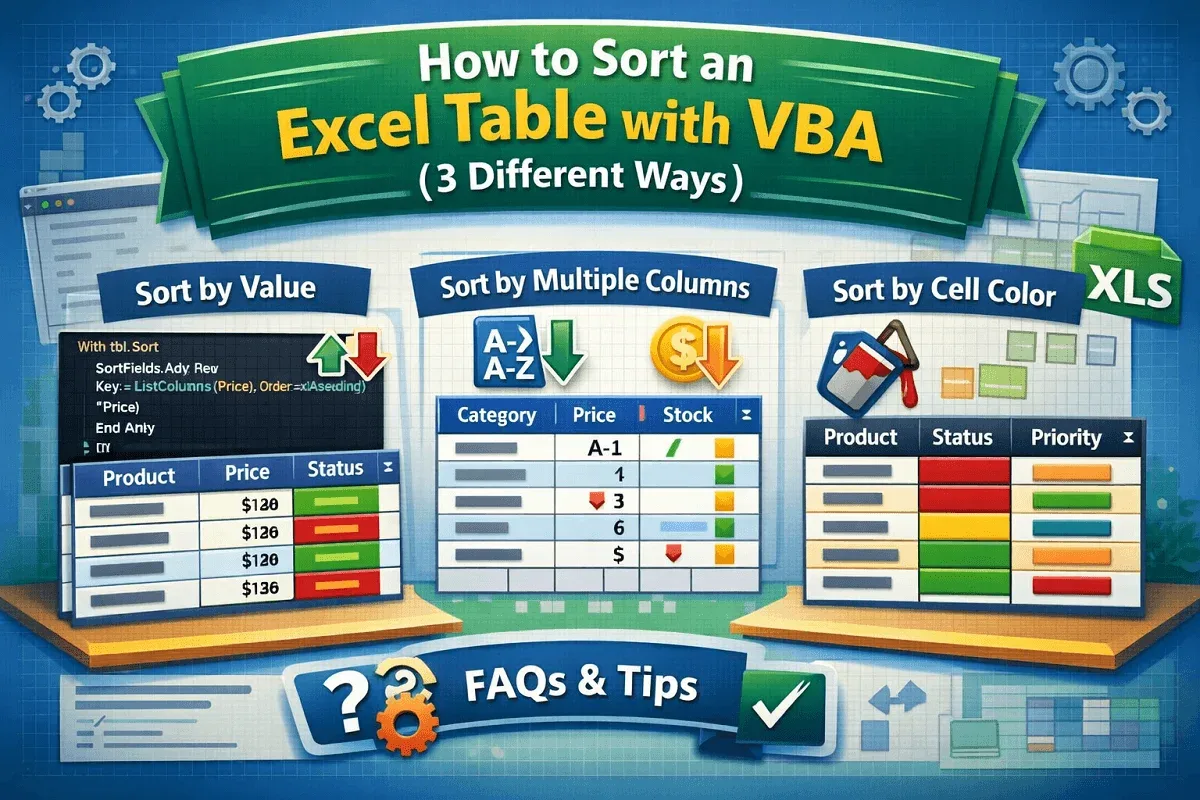
Learn how to use VBA to sort Excel tables by values, multiple columns, or even cell color with easy-to-follow macro examples.