Both HLOOKUP and VLOOKUP are essential Excel functions that help you find and return specific data in a worksheet. These lookup formulas make it easy to search large tables and extract related ...
VLOOKUP is a powerful Excel function that we frequently use to fetch data from a lookup table. However, once the data is retrieved, we often want to remove the formula but retain only the values when ...
When we work with large or changing datasets, using a regular VLOOKUP can become inefficient because cell ranges must be updated manually. A dynamic VLOOKUP solves this problem by automatically ...
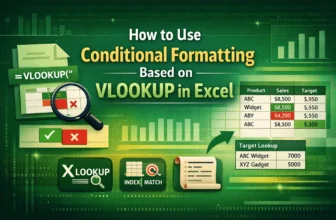
Combining Conditional Formatting with VLOOKUP function lets users dynamically highlight cells based on lookup results, making it easier to visually track matches. By using Excel’s built-in tools and ...
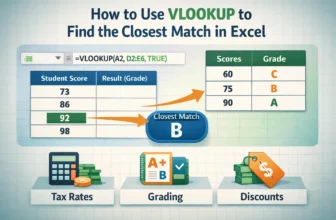
The VLOOKUP function is one of Excel’s most useful tools for finding information, but not every search will return an exact match. In many cases, your lookup value may fall between two entries, such ...
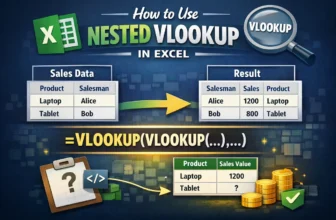
The VLOOKUP function is one of Excel’s most common tools for finding data, but sometimes a single lookup isn’t enough. When your information is split across multiple tables, you may need to run one ...
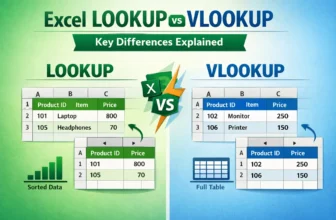
LOOKUP and VLOOKUP are Excel’s built-in functions, used to search for values and return related results. These functions work differently and are suited for different situations.LOOKUP is an ...
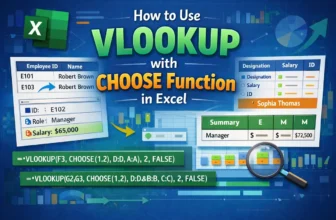
By default, the VLOOKUP function in excel searches for a value in the first column of a table range and returns the result from another column to the right. And I would say, this is the biggest minus ...
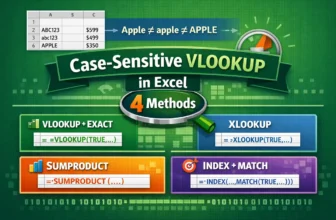
The standard VLOOKUP formula, by default, is not case-sensitive. That means it treats uppercase and lowercase characters as the same. For example, it will consider "apple," "Apple," and "APPLE" as ...