Excel Functions & Formulas
How to Use VLOOKUP with Two Lookup Values in Excel
Master using VLOOKUP with two lookup values in Excel by applying helper columns, the CHOOSE function, or nested formulas for precise results.
Read article

17 lessons in order
Master using VLOOKUP with two lookup values in Excel by applying helper columns, the CHOOSE function, or nested formulas for precise results.

Learn how to VLOOKUP from multiple columns in Excel with one return using a helper column, XLOOKUP, or the INDEX-MATCH formula.
Learn how to transfer data between Excel worksheets automatically using VLOOKUP, XLOOKUP, or INDEX-MATCH for flexible and accurate lookups.
Learn how to use VLOOKUP with date ranges in Excel, plus INDEX-MATCH and LOOKUP methods to return values when dates fall between ranges.
Learn how to use VLOOKUP and alternative Excel functions to find values that fall between a range for accurate data analysis.

Learn how to combine VLOOKUP with COUNTIF in Excel to count occurrences accurately using absolute references for better results.

Learn how to use VLOOKUP in Excel to return all matches, with methods like FILTER, Advanced Filter, and Power Query tools.

Learn how to VLOOKUP the second match value in Excel with or without a helper column using advanced formulas like INDEX, SMALL, and FILTER.
Learn how to VLOOKUP with multiple criteria across different Excel sheets using INDEX-MATCH, XLOOKUP, and FILTER functions.

Learn how to VLOOKUP multiple values in one cell using TEXTJOIN, FILTER, UNIQUE, and VBA codes—both with and without duplicates.
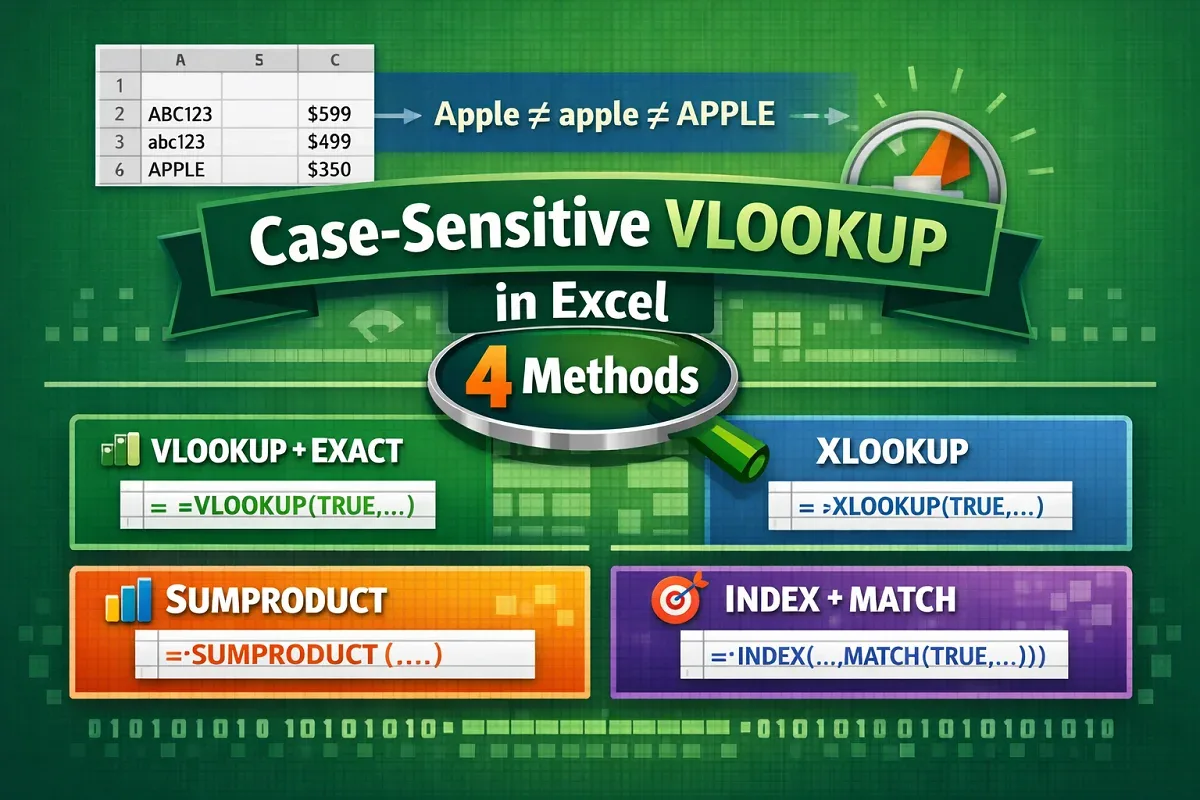
Learn 4 effective ways to perform case-sensitive VLOOKUP in Excel using CHOOSE, EXACT, XLOOKUP, SUMPRODUCT, and INDEX-MATCH functions.
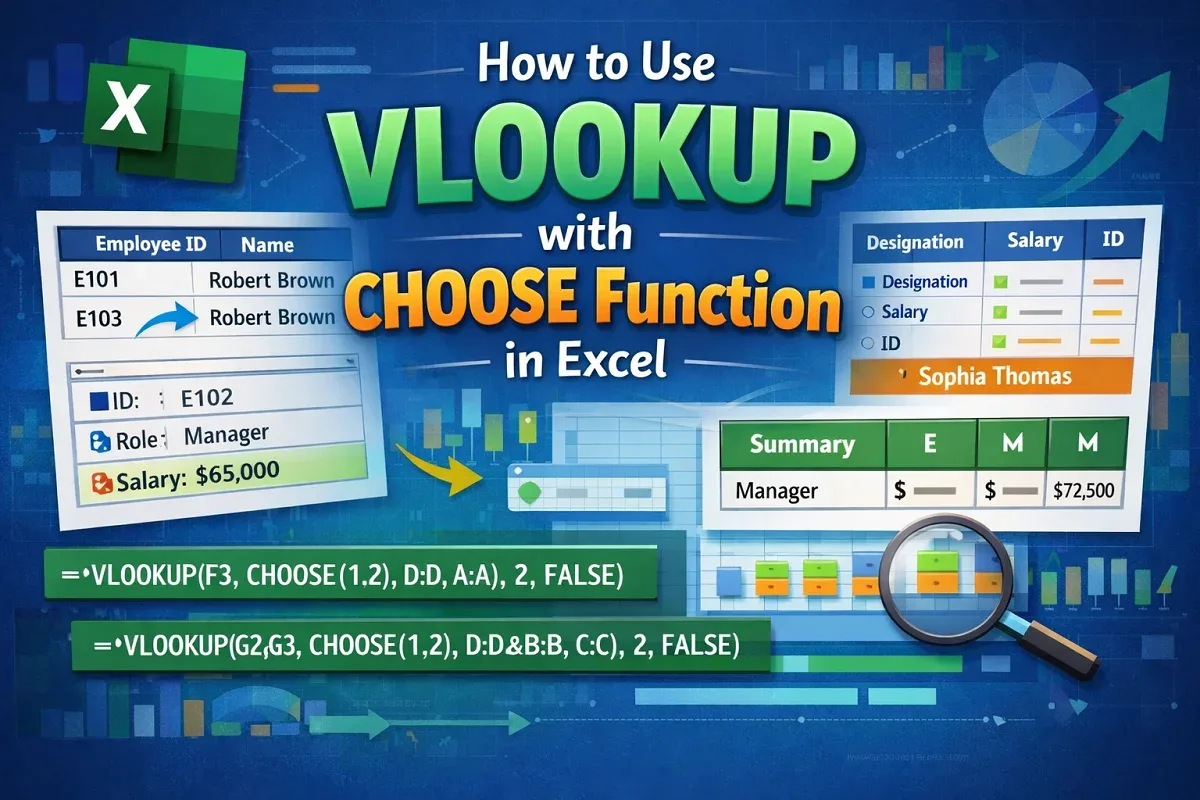
Learn how to use the VLOOKUP with CHOOSE function in Excel to handle single, multiple, and complex lookup criteria efficiently.
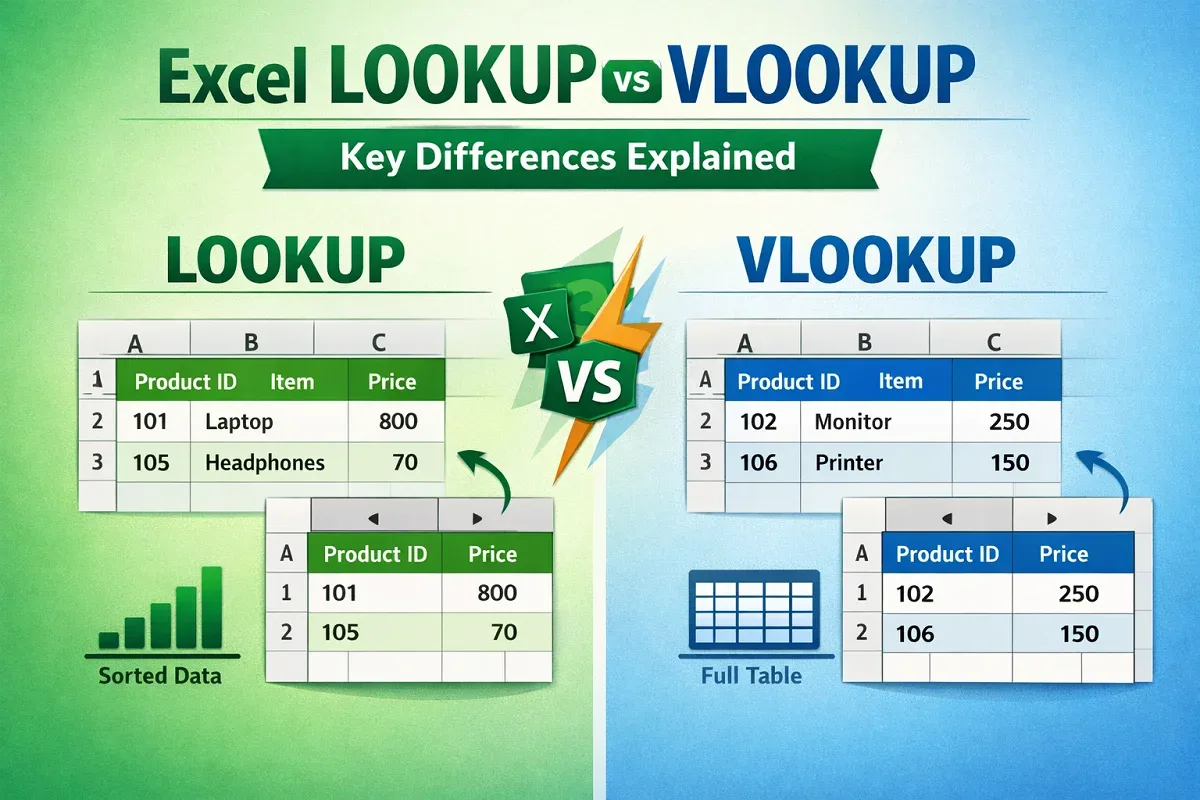
Learn the key differences between Excel LOOKUP and VLOOKUP functions, including how to use each for efficient data searches.
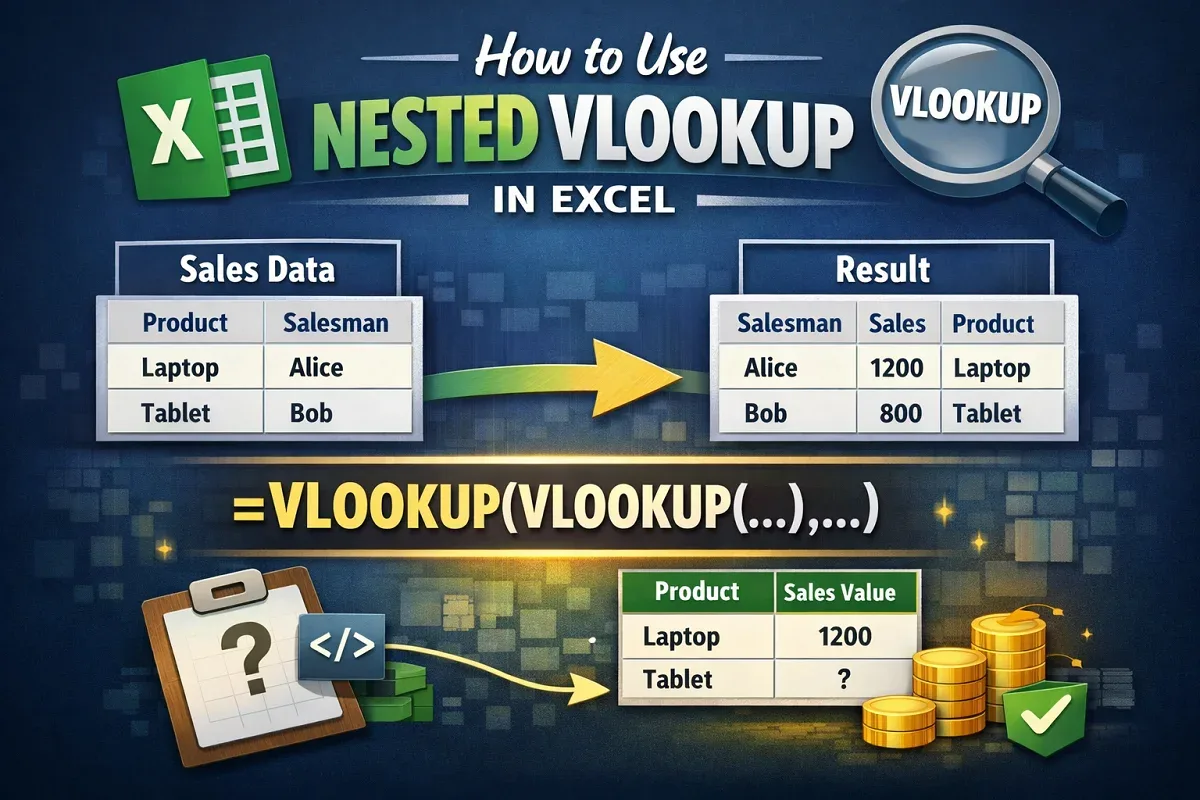
Learn how to use nested VLOOKUP in Excel to find sales values by product and return product details by salesman easily.
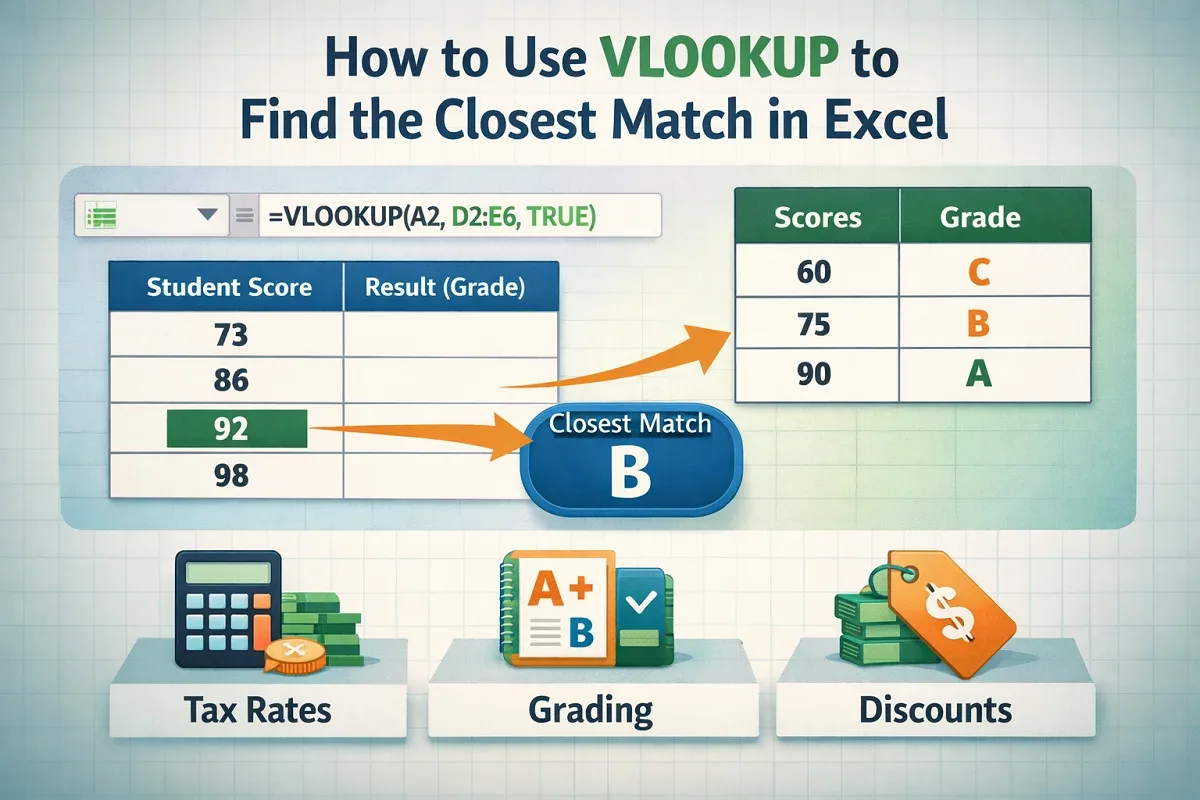
Learn how to use VLOOKUP in Excel to find the closest approximate or partial text match with step-by-step examples and tips.
Learn how to use a dynamic VLOOKUP in Excel with MATCH, dynamic column references, and COLUMNS function for flexible lookups.
Learn how to remove VLOOKUP formulas in Excel and keep values using paste special, shortcuts, and drag and drop methods.