Excel Pro Tips
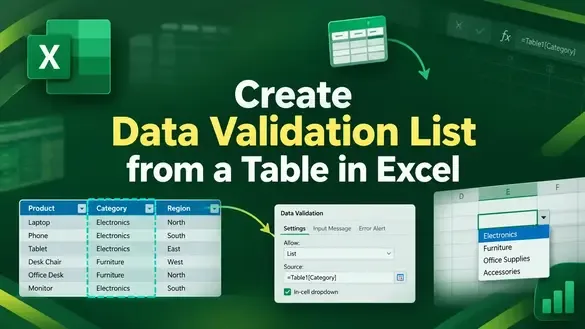
How to Create Data Validation List from a Table in Excel
Learn how to create a data validation list from a table in Excel using dynamic ranges, INDIRECT, spill ranges, and named formulas.
Read article

7 articles tagged with “Excel Data Validation”
Learn how to create a data validation list from a table in Excel using dynamic ranges, INDIRECT, spill ranges, and named formulas.

Learn how to apply multiple data validation rules in one Excel cell using AND/OR formulas, custom criteria, and VBA automation.
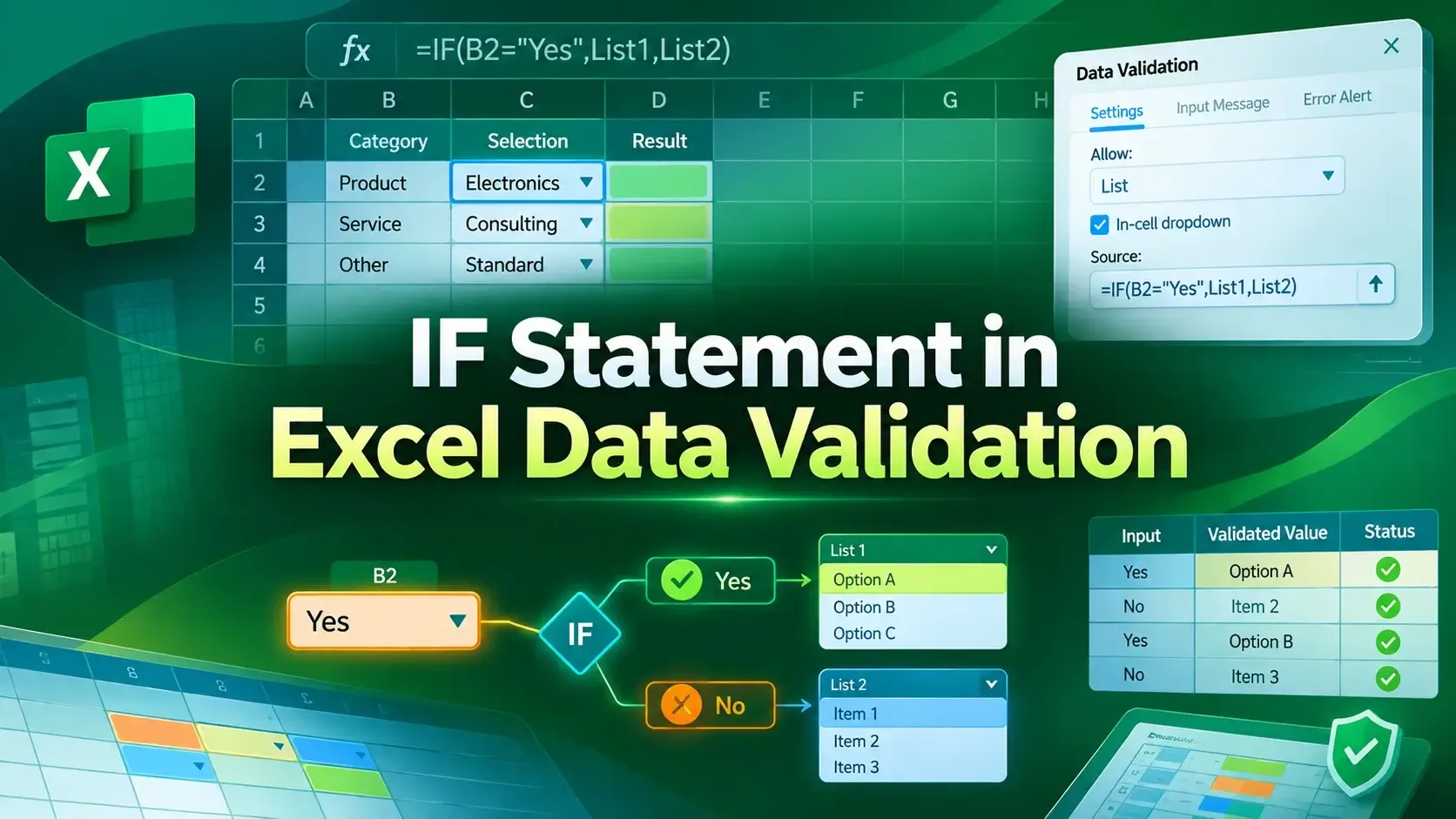
Learn how to use the IF statement in Excel Data Validation to create conditional, dependent dropdown lists and custom error alerts.

Learn how to copy data validation in Excel using Paste Special. Step-by-step guide to ensure consistent rules across cells.

Learn how to use data validation with custom multiple criteria in Excel using AND/OR logic, COUNTIF, date rules, named ranges and lists.

Learn how to apply data validation in Excel based on another cell using dependent drop-downs, IF formulas, custom rules, and VBA automation.

Learn how to circle invalid data in Excel using Data Validation, input messages, error alerts, conditional formatting, and helper columns.