Excel Pro Tips
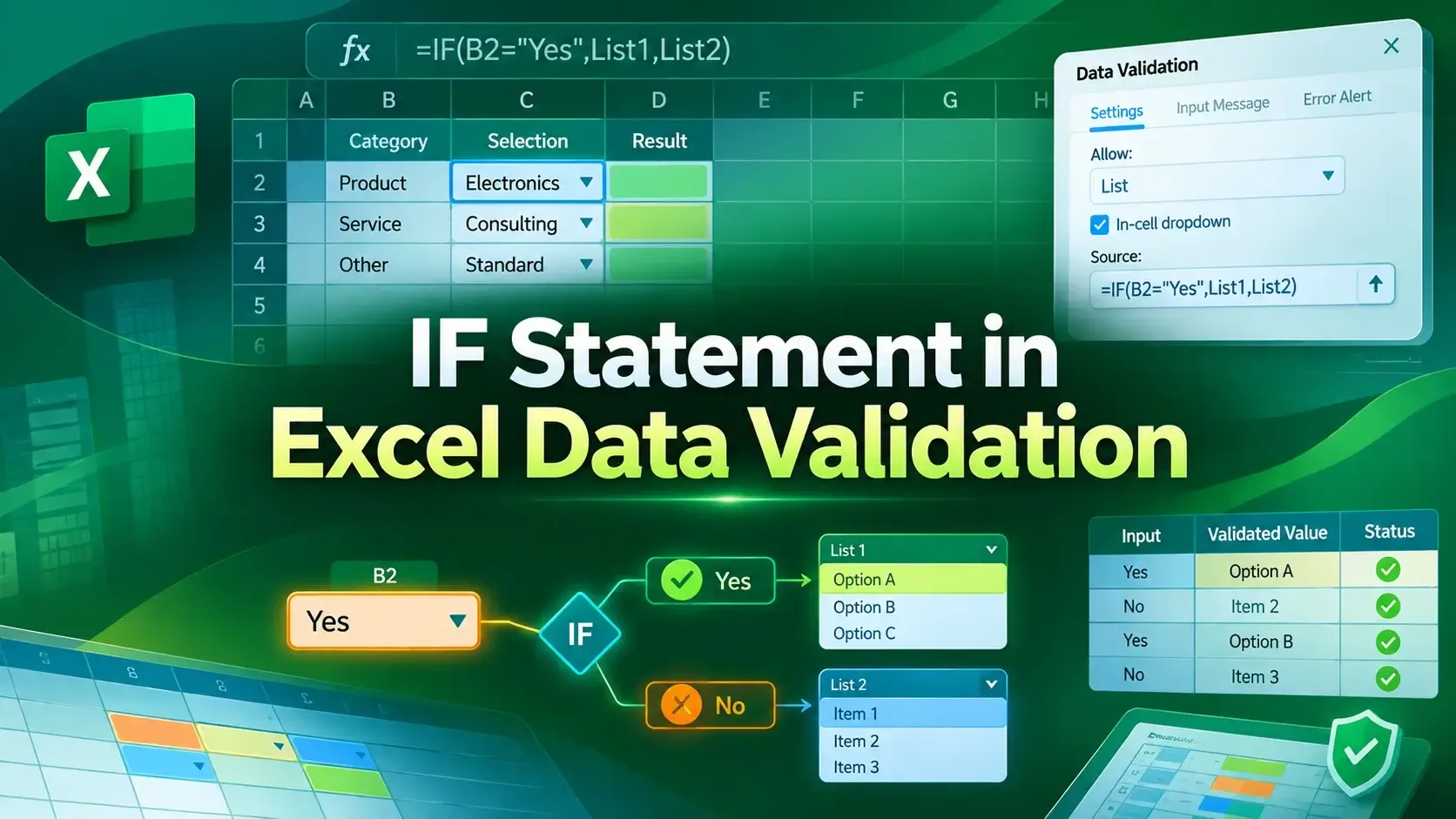
How to Use IF Statement in Excel Data Validation (6 Examples)
Learn how to use the IF statement in Excel Data Validation to create conditional, dependent dropdown lists and custom error alerts.
Read article

9 articles tagged with “Excel IF Function”
Learn how to use the IF statement in Excel Data Validation to create conditional, dependent dropdown lists and custom error alerts.
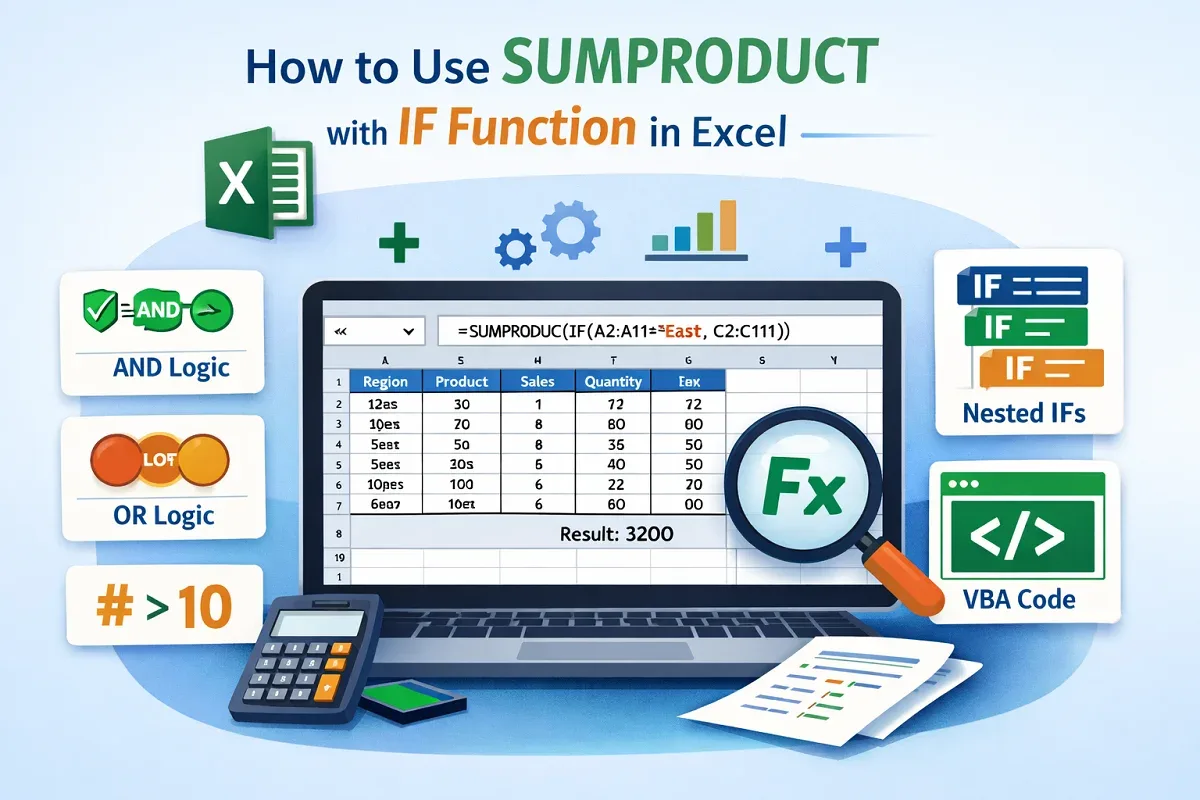
Learn how to use the SUMPRODUCT with IF function in Excel for single, multiple, and advanced conditions, including VBA examples.
Learn how to create conditional drop-down lists in Excel using IF statements, direct references, and named ranges for dynamic data.

Learn how to use the IF function with OR in Excel to check regions, flag pending or delayed orders, and identify low sales or target areas.

Learn how to use the IF function with dates in Excel to check overdue tasks, identify due today, and test if a date falls within a range.

Learn how to use the IF formula in Excel to check if a value falls between two numbers, return numeric results, or assign categories.

Learn how to use the IF function with 3 conditions in Excel using nested IFs, IFS, AND/OR combinations, and functions like SUM or AVERAGE.
Learn how to convert Yes to 1 and No to 0 in Excel using IF formulas, Find & Replace, Power Query, VBA macros, or Office Scripts.

Learn how to check if a cell contains text from a list in Excel using SEARCH, COUNTIF, XLOOKUP, INDEX, and more powerful functions.