How to Extract Only Numbers from Excel Cell (8 Different Ways)
Often, information or data came with a mix of text and numbers. In that sense, extracting the numbers from the text gives a clear view and better readability. On the

Often, information or data came with a mix of text and numbers. In that sense, extracting the numbers from the text gives a clear view and better readability. On the
Splitting one cell into two parts can be beneficial while you are working on dashboards or reports. Usually, splitting a single cell is not allowed in Excel; however, one can

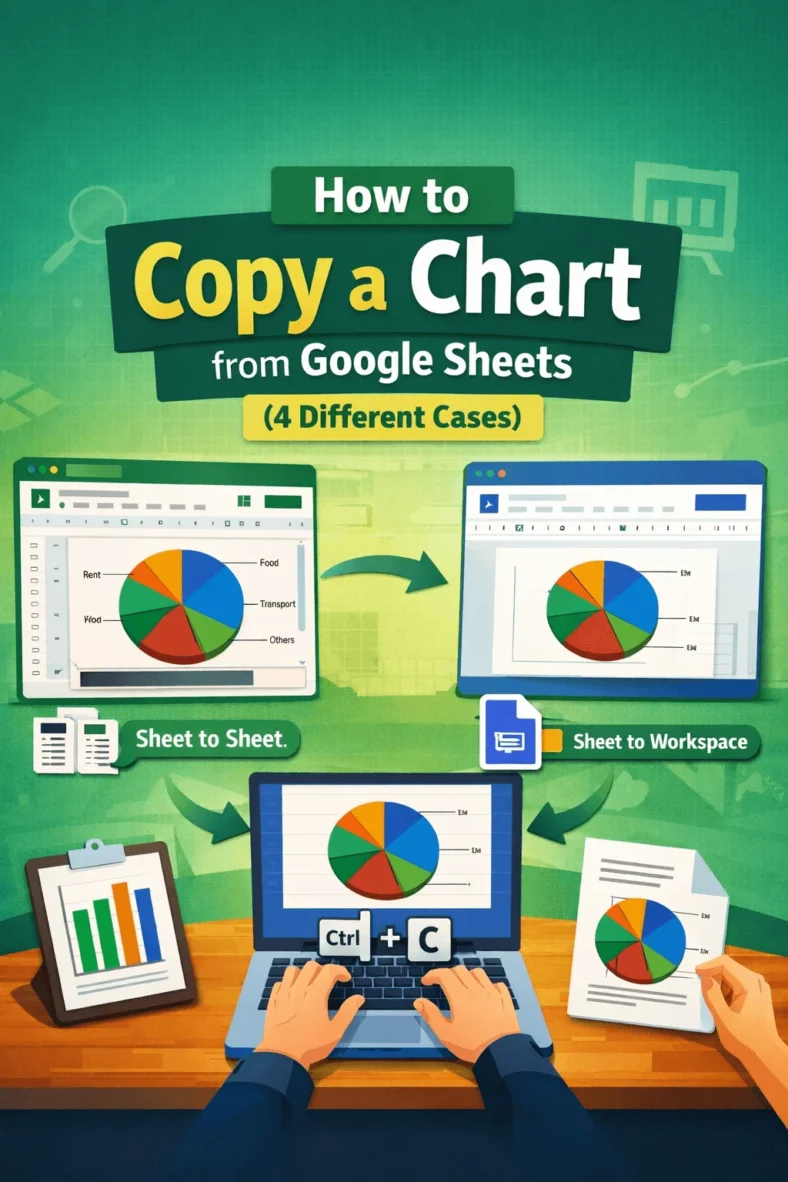
Sometimes we need the same data on different platforms while creating a presentation or a doc file. In that case, copying a chart from Google Sheets is highly beneficial as

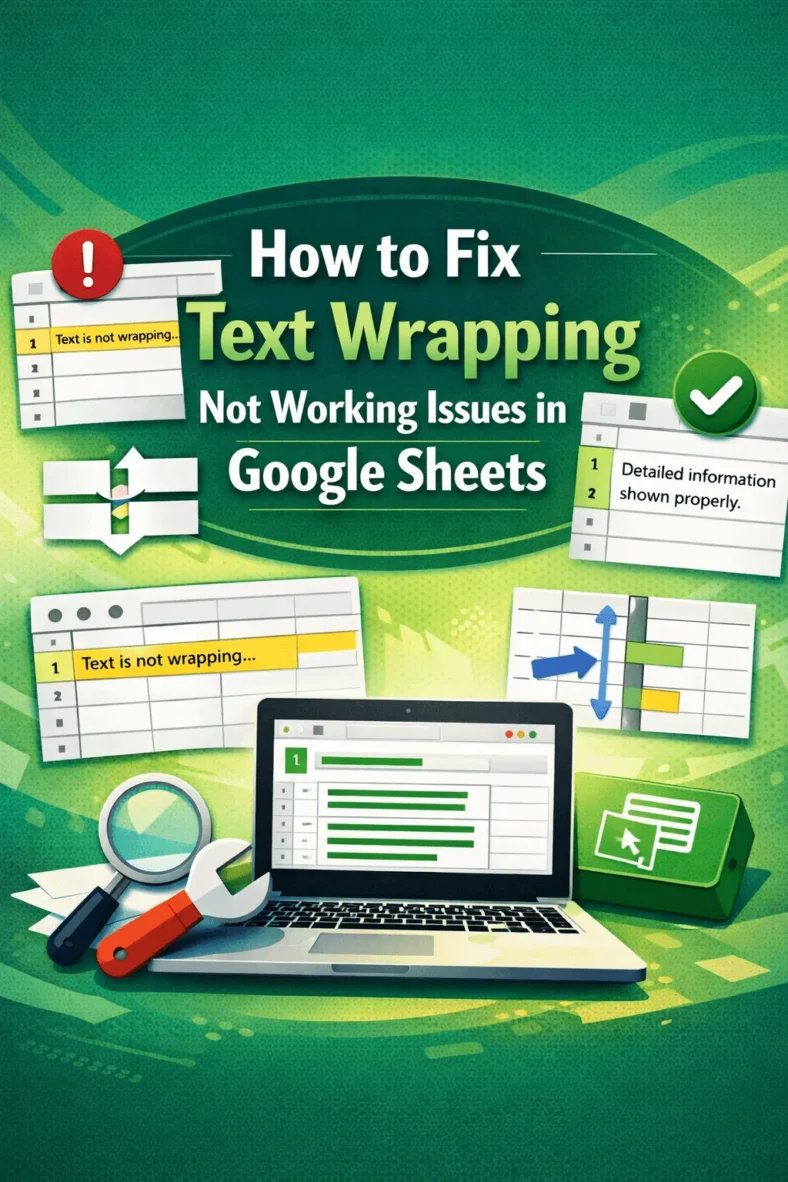
Text wrapping is a feature in Google Sheets that automatically sets the data to the next line in the same cell, making the data visible to the viewer. This feature

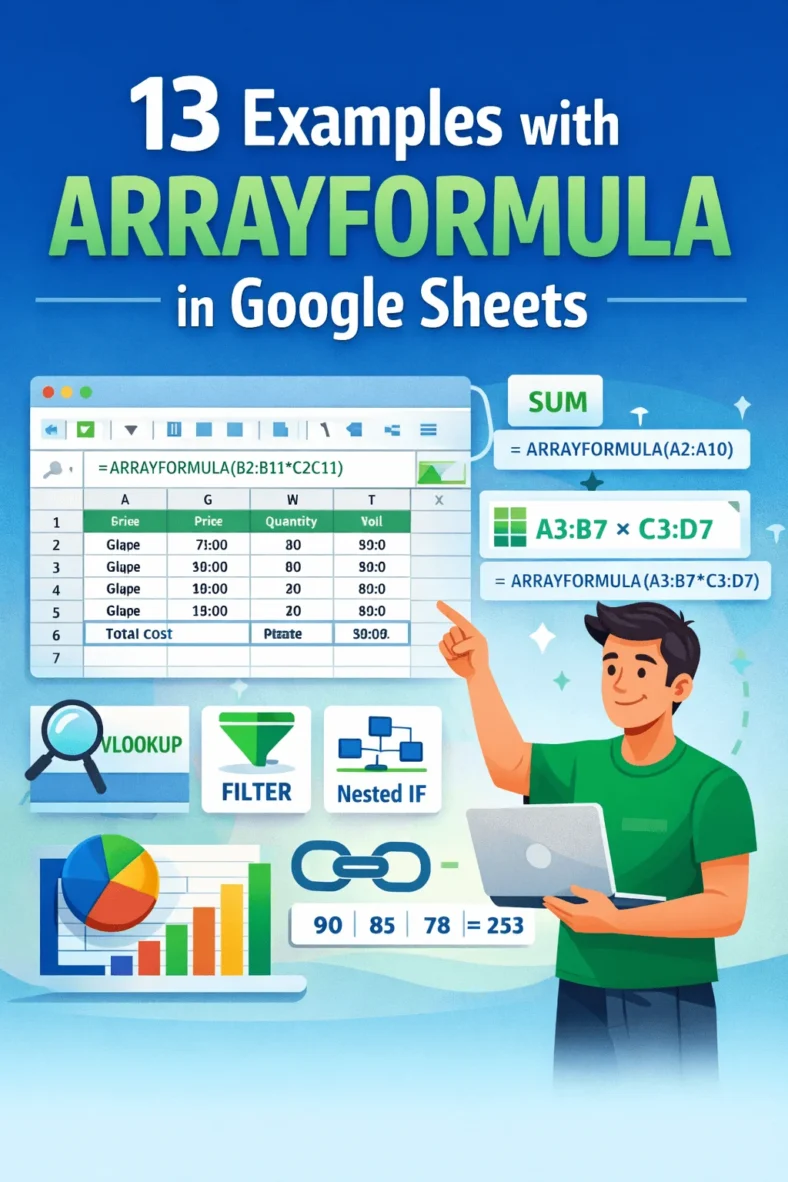
Nowadays, efficiency and effectiveness are appreciated when doing minimal work. As a worksheet in Google Sheets carries a huge amount of data, the calculation to maintain that data should also

In the corporate world, Google Sheets is mainly used to maintain data. As a result, more than one person can access one Google Sheets file or link. This feature helps

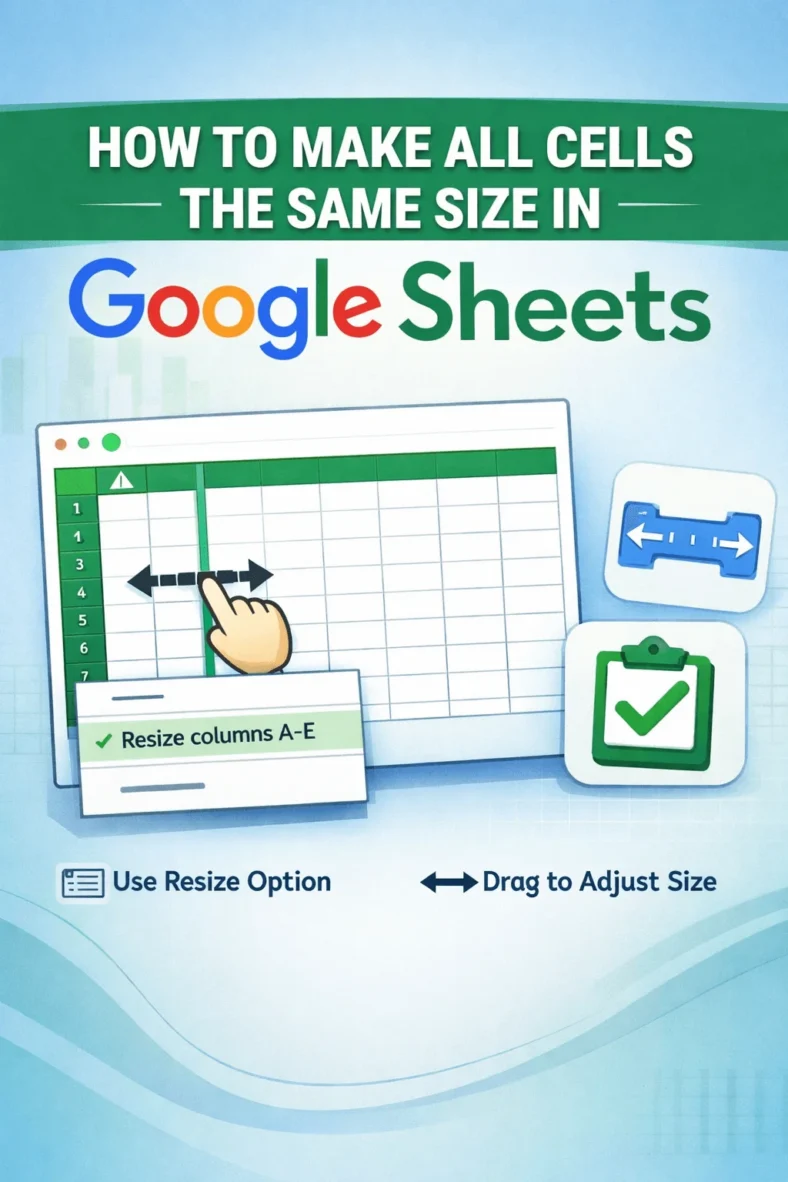
When you want to make your Google Sheets visually appealing, you need to work on the overview and make some changes according to your own preference. However, making all cells

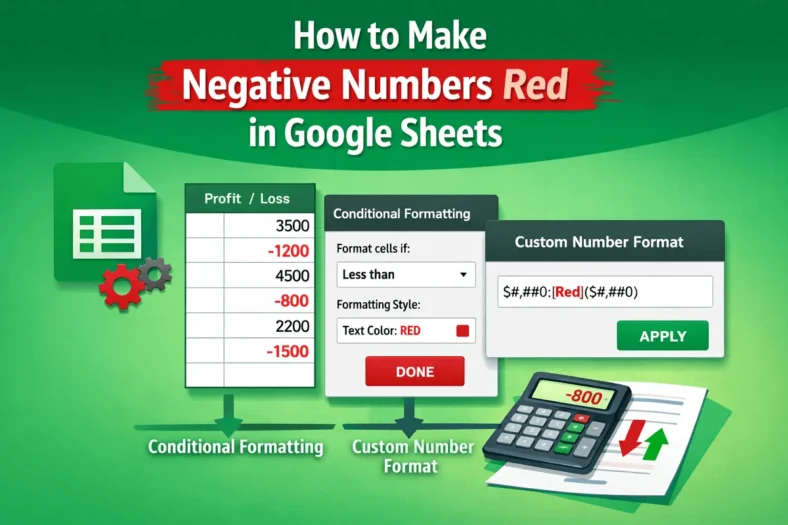
When your dataset contains positive and negative numbers, you can differentiate those numbers with colors so that anyone can easily get the value of the numbers at first glance. In