How to Import Excel into Google Sheets (3 Suitable Ways)
Would you like to transfer your Excel data into Google Sheets for easier collaboration? Google Sheets is the best space for collaboration with your team. Although importing Excel into Google


Would you like to transfer your Excel data into Google Sheets for easier collaboration? Google Sheets is the best space for collaboration with your team. Although importing Excel into Google
Drop-downs are one of the best features of Google Sheets, allowing you to sort your data easily. Creating a drop-down is super easy; however, creating one from another sheet can

Wanna keep your drop-down list updated without the hassle of creating a new one every time? Editing the drop-down list in Google Sheets makes it easy to save time and

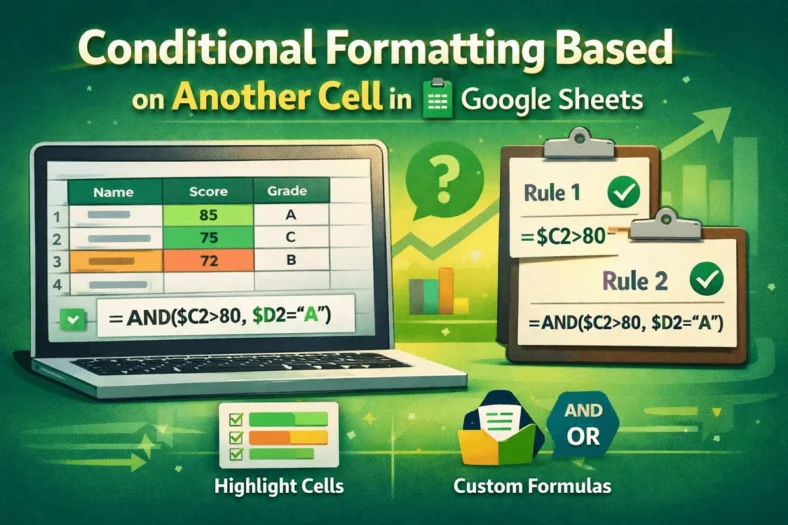
Google Sheets has several powerful tools, but Conditional Formatting is something extraordinary. With the Conditional Formatting, you can easily highlight cells of your choice and smartly present the spreadsheet. This

You often need to extract text between two characters, such as parentheses, brackets, hyphens, or other delimiters. This task is relatively common when working with large datasets. Using the proper

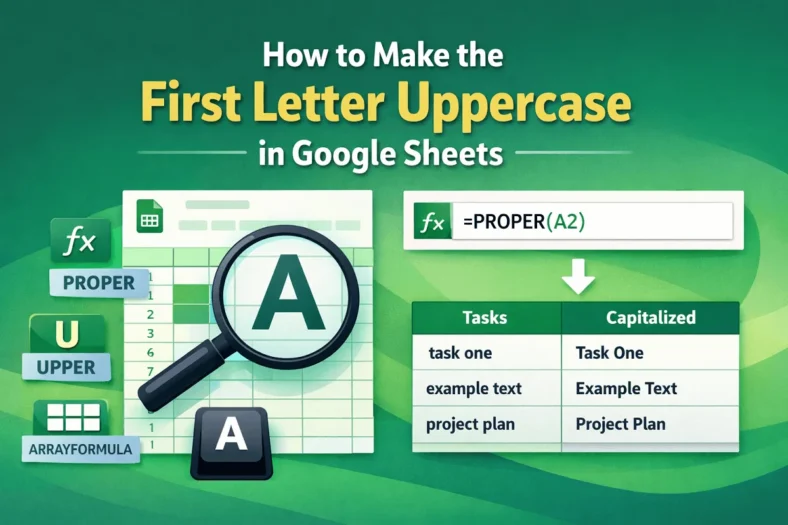
uppercaseIn Google Sheets, you cannot expect to have a capitalized first letter automatically. Making the first letter uppercase manually is very tiring. So we have come up with some useful

Want to share only one tab in Google Sheets? It’s super easy and quick with our guide. Google Sheets is the most versatile tool for collaboration. This has every solution

Conditional Formatting allows you to format a cell or a range of cells based on the data of another cell. This helps you to highlight important data and increases visibility.

Are you tired of changing values because of the formula in Google Sheets? We can totally relate to you, so we are here with the solution. This article will explore