Excel Functions & Formulas
Excel SUMIF Function to Sum Values Greater Than 0
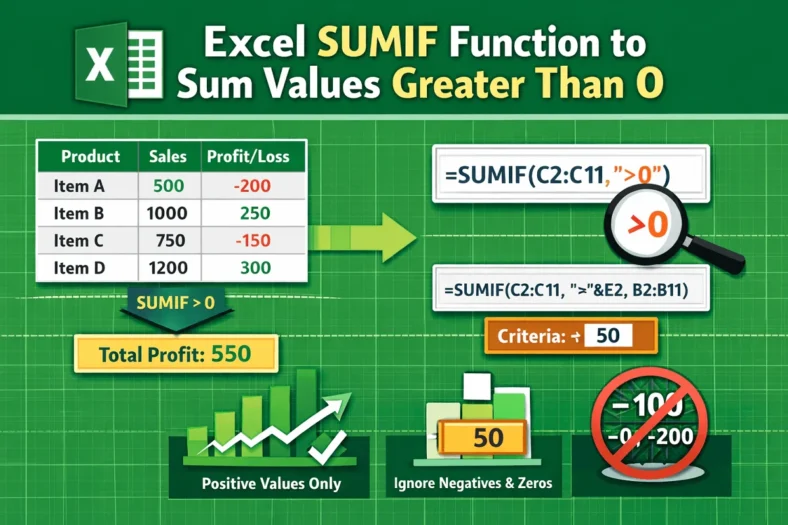
Usually, the SUMIF function in excel works with specific values or conditions. And one of the most common conditions we use is summing the values greater than 0. So, this


Usually, the SUMIF function in excel works with specific values or conditions. And one of the most common conditions we use is summing the values greater than 0. So, this

Basically, the SUMIF function in Excel works with specific values or conditions, not cell colors. In fact, Excel doesn’t offer any function that can sum values based on cell colors.

By default, the VLOOKUP function in excel searches for a value in the first column of a table range and returns the result from another column to the right. And

In Excel, most of the time, we work with lots of data. But practicing advanced features and functions in Excel makes it quite easier to extract information from such a

Typically, the VLOOKUP function in Excel looks up a single value based on a specific condition. But sometimes we may need to search using two or more criteria when the

The VLOOKUP function in excel is designed to return the first match it finds. But what if your dataset contains duplicate entries and you want to pull the second match

In Excel, VLOOKUP is one of the most commonly used functions, especially for searching data. But it also has a big limitation. That is, it can only return the first

VLOOKUP and COUNTIF are two of the most powerful functions in Excel. VLOOKUP is typically used to search for a value and return a corresponding entry, while COUNTIF is used
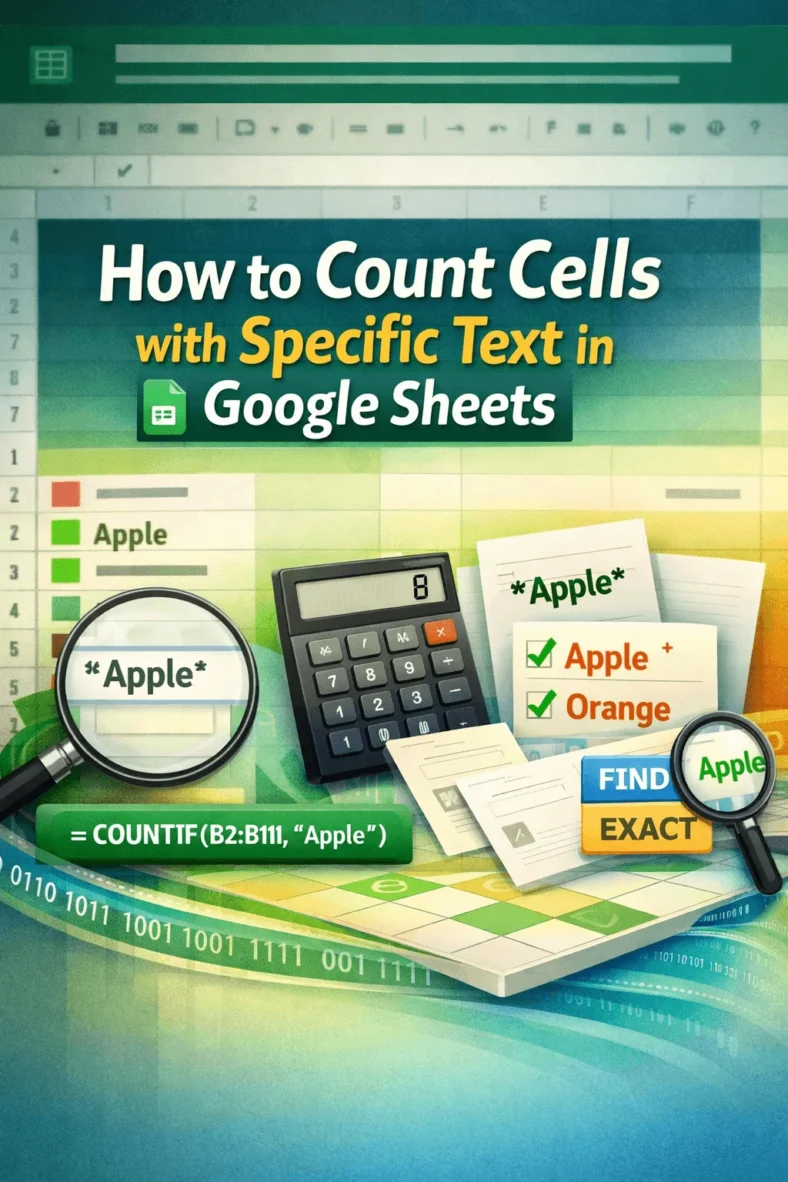
Whether you’re managing inventory, analyzing survey responses, or simply organizing lists, counting cells with specific text might be an important task on a regular basis. For example, you may want
