Excel Pro Tips
How to Create a Floating Text Box in Excel (6 Easy Methods)
A floating text box in Excel is a movable text container that sits above the worksheet and is not tied to a specific cell. It allows you to display important


A floating text box in Excel is a movable text container that sits above the worksheet and is not tied to a specific cell. It allows you to display important
A text string in Excel is any sequence of characters, including letters, numbers, or symbols. Sometimes, you may need to reverse the order of characters in a text string. For

Sorting is one of the most common tasks in Excel. Normally, you select your data and use the Sort button to organize it. But what if your dataset changes frequently?

Random sort in Excel means shuffling your data into a new order. Instead of sorting alphabetically or by numbers, Excel mixes up the rows so they appear in a completely
Sorting is one of the most common tasks in Excel when dealing with data. The basic sort option lets you simply arrange values in ascending or descending order. Sometimes, though,

Sometimes, you may receive data written in Arabic in Excel, but your reports or audience require it in English. Manually translating each entry can be time-consuming. However, Excel allows you
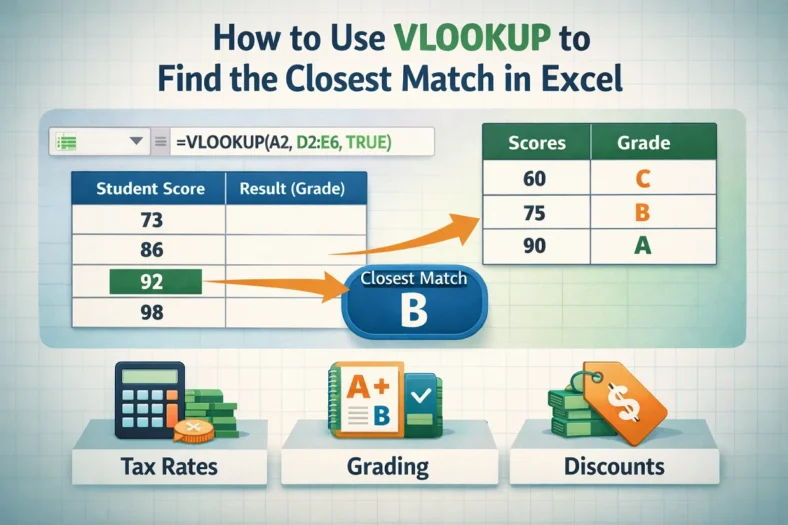
The VLOOKUP function is one of Excel’s most useful tools for finding information, but not every search will return an exact match. In many cases, your lookup value may fall
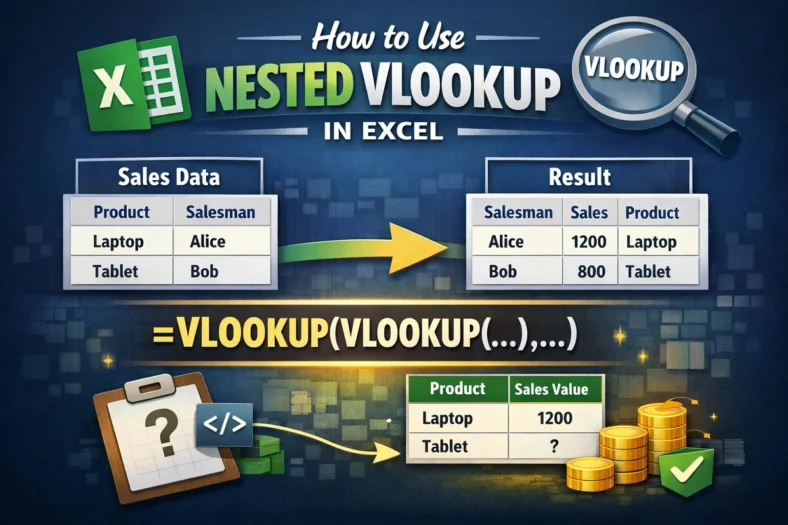
The VLOOKUP function is one of Excel’s most common tools for finding data, but sometimes a single lookup isn’t enough. When your information is split across multiple tables, you may
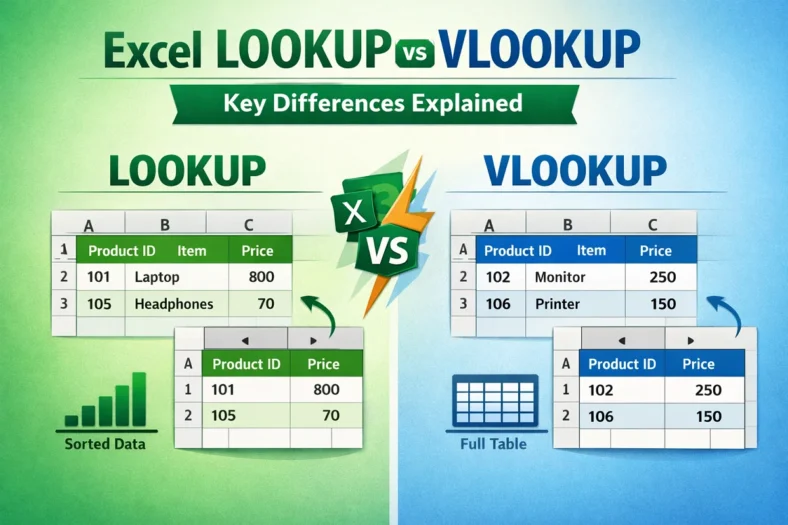
LOOKUP and VLOOKUP are Excel’s built-in functions, used to search for values and return related results. These functions work differently and are suited for different situations. LOOKUP is an older