Excel Pro Tips
How to Transpose a Matrix in Excel (3 Suitable Ways)
A matrix transpose in Excel is a way to switch rows into columns and columns into rows. It’s like rotating your table so that data running horizontally becomes vertical. This


A matrix transpose in Excel is a way to switch rows into columns and columns into rows. It’s like rotating your table so that data running horizontally becomes vertical. This
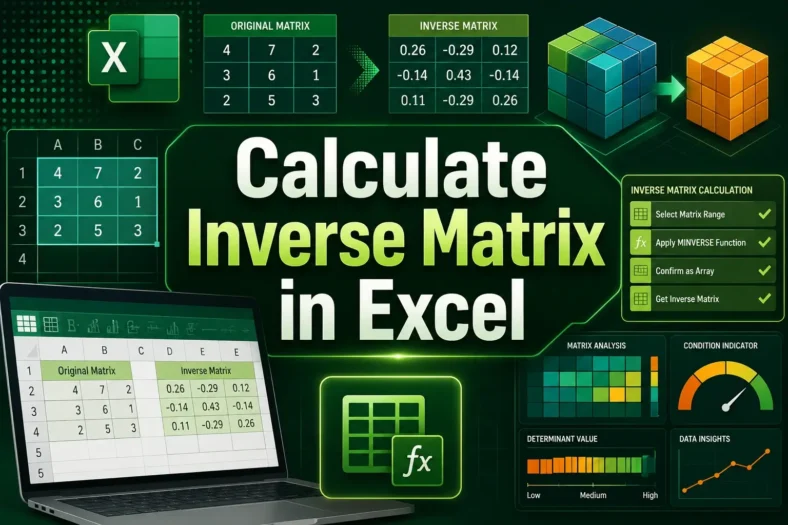
An inverse matrix in Excel is a useful tool for solving mathematical and data problems that involve multiple variables. It works like dividing numbers in regular math. For example, just
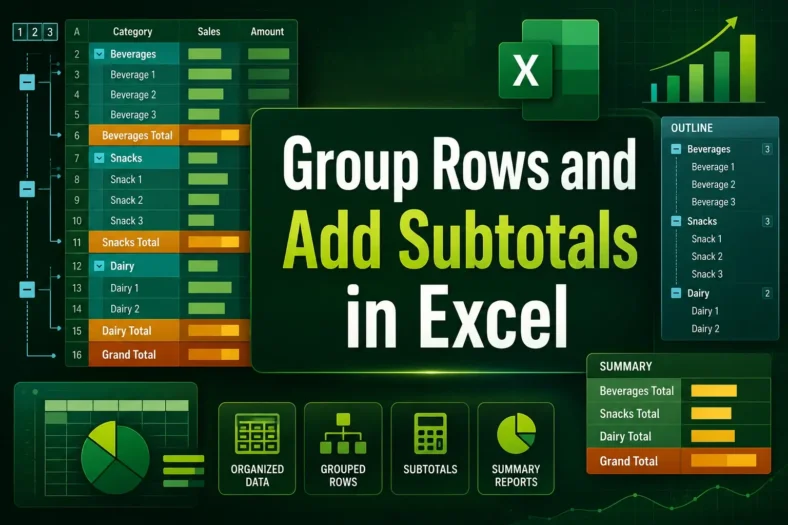
Grouping rows and inserting subtotals helps you organize, collapse/expand, and summarize sections of data. When you have long lists with categories or repeated groupings, this makes your worksheet much more
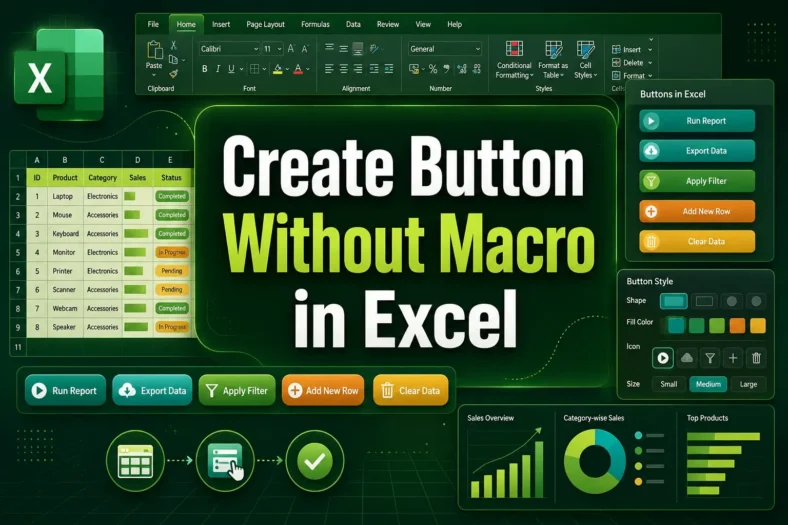
Creating a button in Excel usually requires using VBA macros, but you can also build interactive buttons without writing any code. These buttons can still perform useful tasks such as

Managing a workbook with many sheets can become confusing. Scrolling through tabs or searching for the right one takes time and slows down your work. A table of contents (TOC)
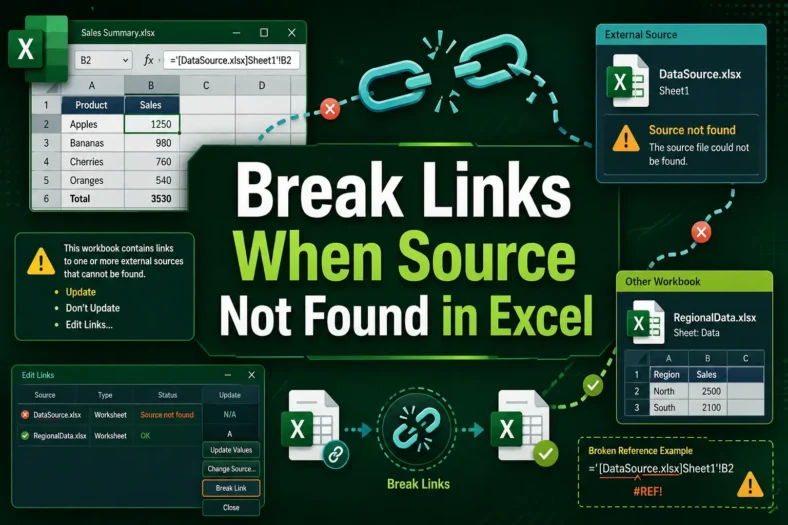
External links in Excel are connections that pull data from other workbooks. They are useful for sharing information across files, but they can cause errors if the source file is
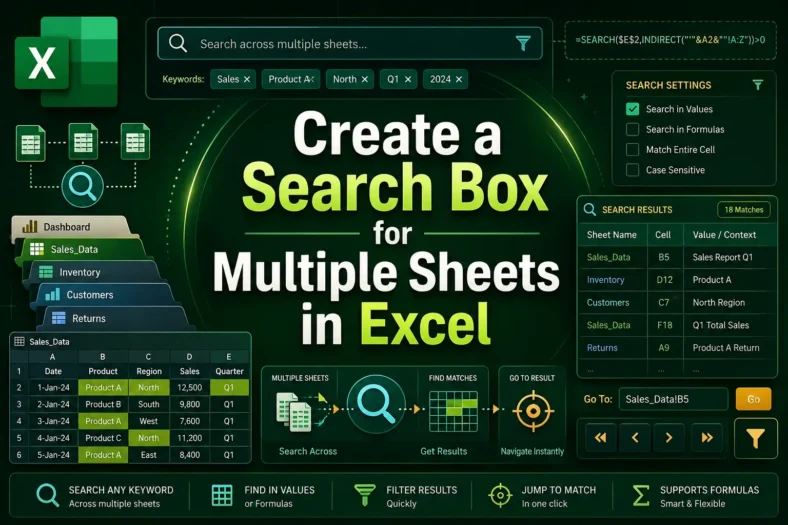
A search box in Excel helps you quickly find and display data without scrolling through multiple sheets manually. Instead of manually searching in tabs or using + repeatedly, you can

Matrix multiplication is a mathematical operation where you multiply two matrices to produce a new matrix. In Excel, you can easily perform matrix multiplication using built-in functions instead of doing
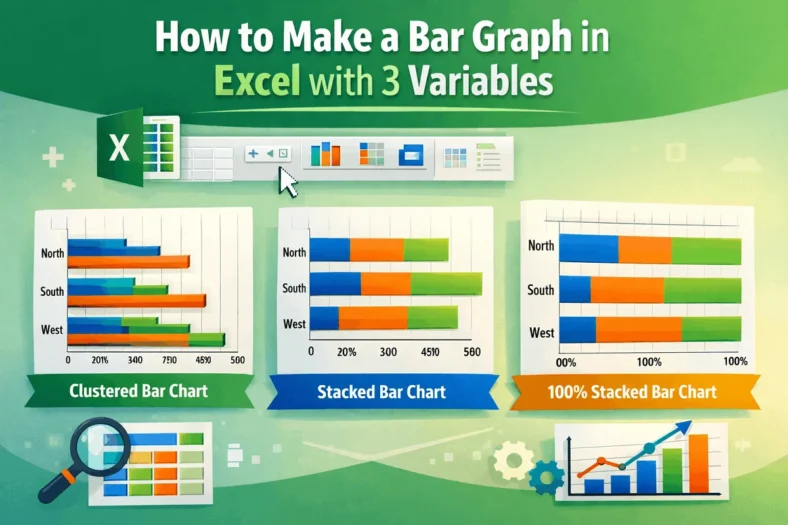
In Excel, a bar graph or chart displays data using horizontal rectangular bars, where each bar’s length represents the data point’s value. It’s one of the most effective ways to