Excel VBA
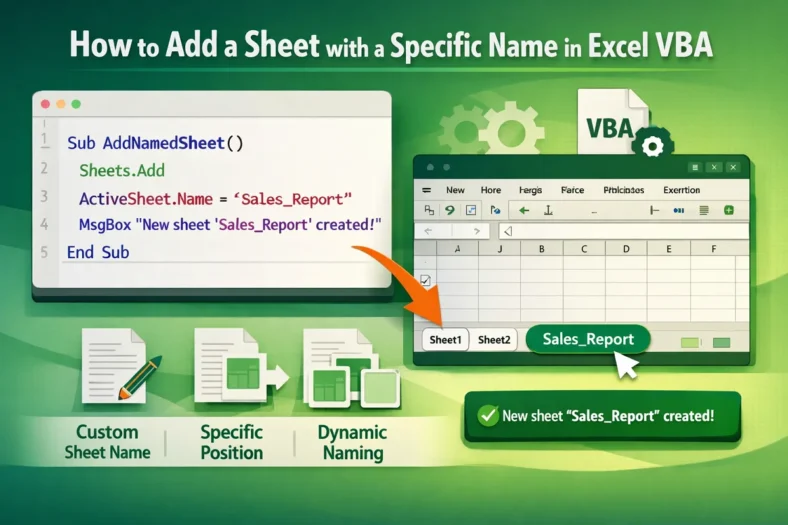
How to Add a Sheet with a Specific Name in Excel VBA
When you automate reports or data organization in Excel, adding new worksheets programmatically is one of the most common tasks. With VBA, you can easily create new sheets and assign


When you automate reports or data organization in Excel, adding new worksheets programmatically is one of the most common tasks. With VBA, you can easily create new sheets and assign
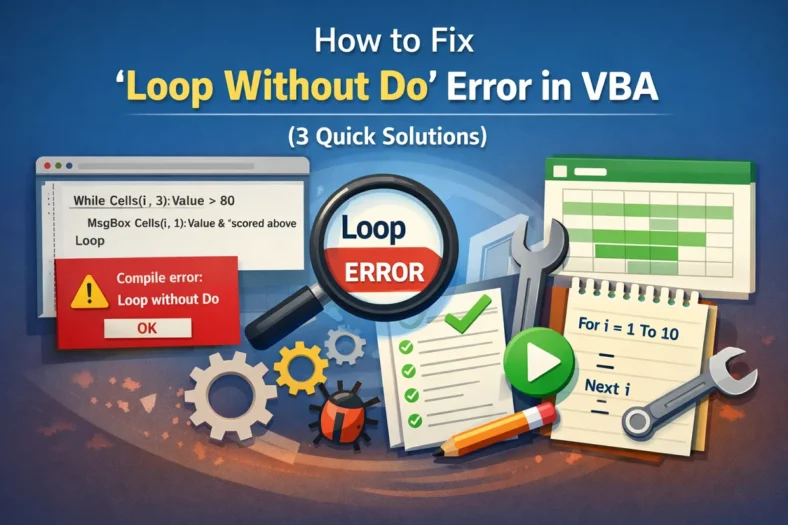
The “Loop without Do” error in VBA occurs when your code has a Loop statement without a corresponding Do. This is a syntax-related error that tells VBA it can’t find
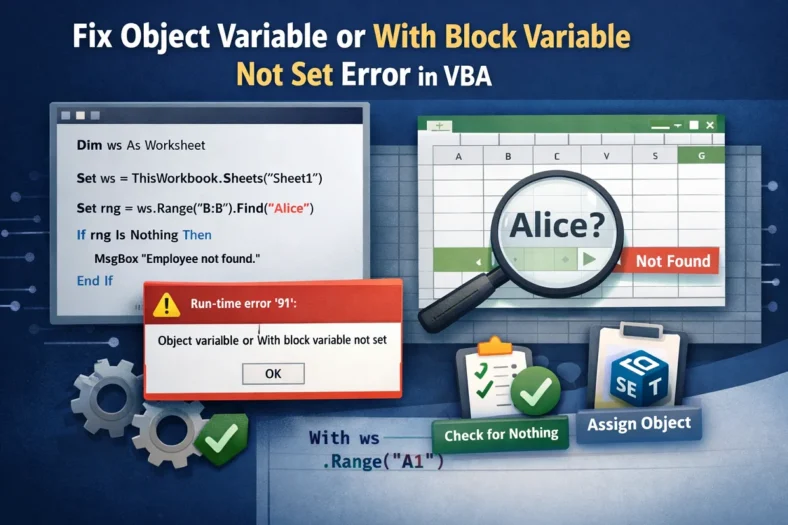
The “Object variable or With block variable not set” error in VBA is one of the most common runtime errors developers encounter. It happens when your code tries to use
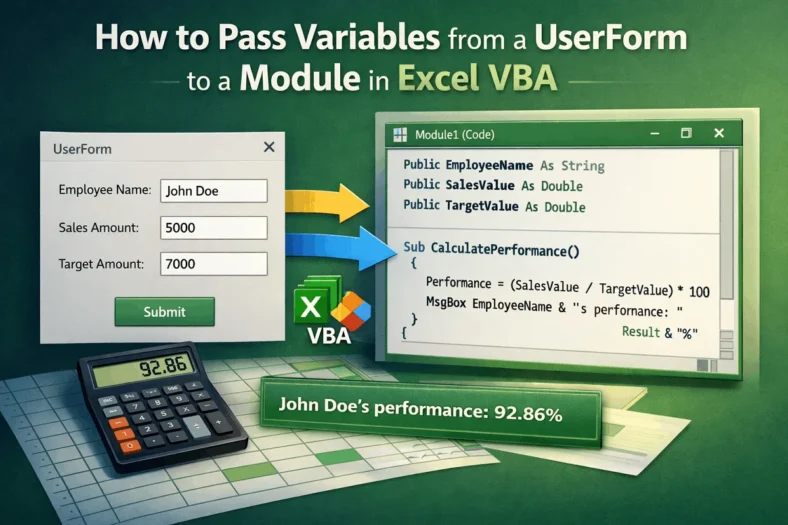
Passing variables from a UserForm to a module is an important part of working with VBA, mainly when you want to use user input in calculations, reports, or automation tasks.

In Excel VBA, both Functions and Subs are used to perform tasks, but they are not the same. A Sub (short for Subroutine) carries out actions such as formatting cells,
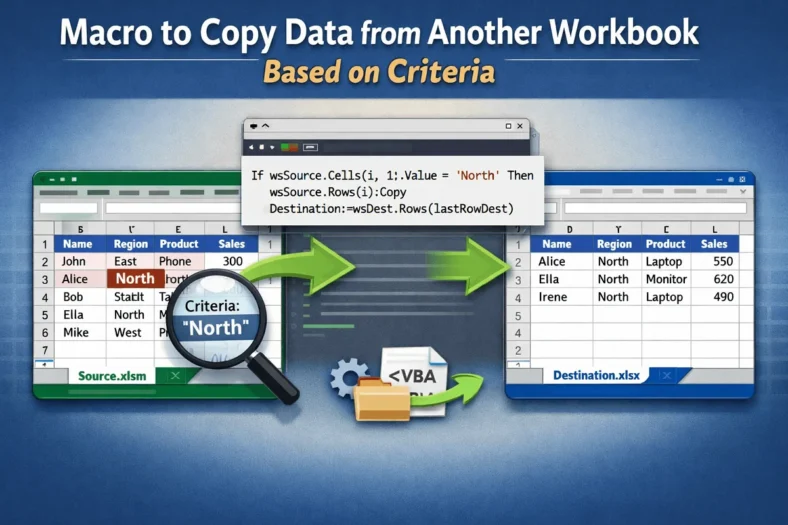
Copying data between workbooks based on specific criteria is a common task in Excel, especially when dealing with large datasets. Doing this manually can be time-consuming and prone to errors.
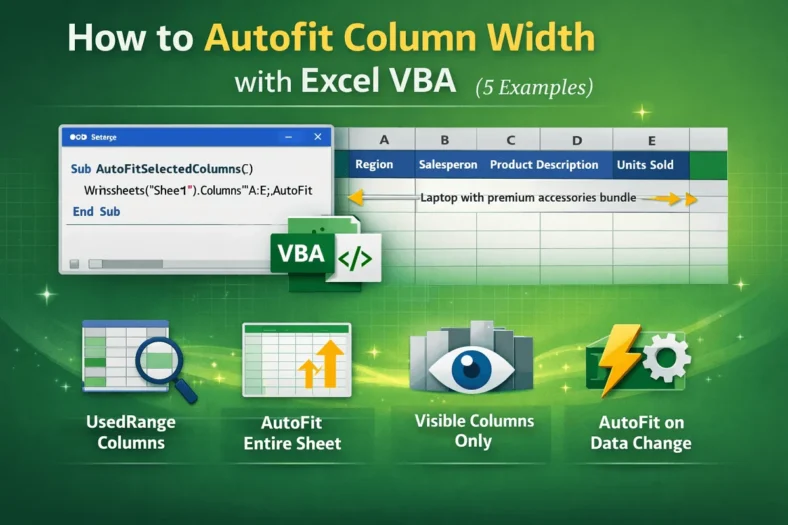
Manually adjusting column widths in Excel can be time-consuming, especially when working with large datasets where values vary in length. Fortunately, VBA provides a quick solution through the AutoFit property,

Macro buttons are a convenient way to run VBA scripts in Excel with a single click, but sometimes they stop responding unexpectedly. You might click a button and nothing happens,

Adding a button that triggers the Assign Macro pop-up is one of the simplest ways to make your Excel workbooks interactive. Instead of remembering shortcut keys or running macros from
