
Google Sheets Formulas
Compare Two Columns & Find Missing Values in Google Sheets
If you have two shipment records and want to find out which Product IDs from the first shipment are missing in the second, this guide will walk you through several


If you have two shipment records and want to find out which Product IDs from the first shipment are missing in the second, this guide will walk you through several
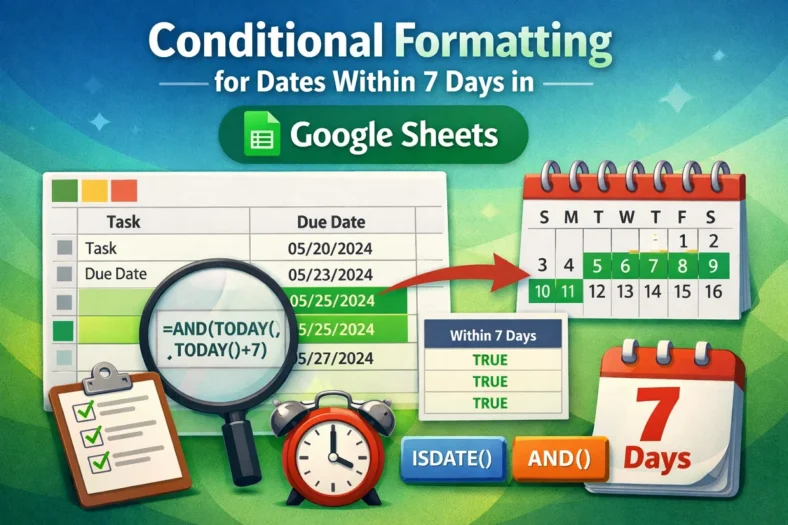
Need to track upcoming deadlines, events, or tasks in your spreadsheet? Google Sheets lets you use conditional formatting to highlight dates that fall within the next 7 days automatically. This
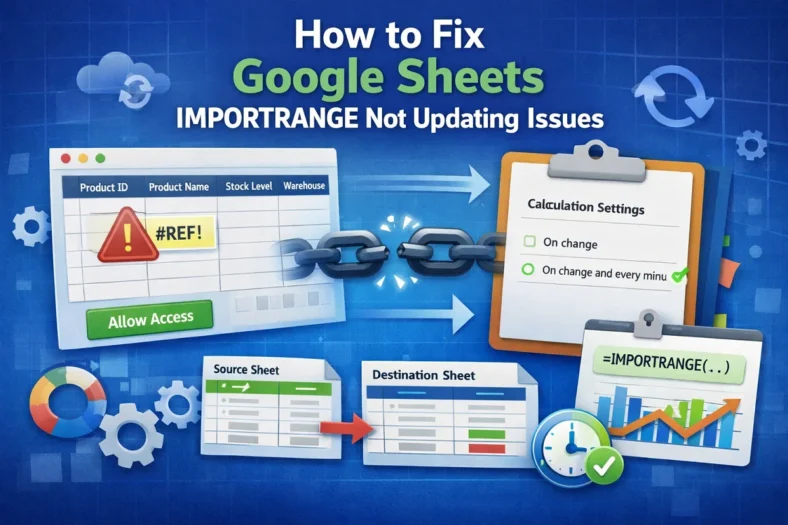
IMPORTRANGE is a powerful function in Google Sheets that lets you pull data from one spreadsheet into another. However, users face issues when IMPORTRANGE stops updating automatically. This can cause

Combining the IMPORTRANGE and FILTER functions lets you pull and display data from another Google Sheet based on specific conditions. But when you need to apply multiple criteria, things get

Need to connect data between two different Google Sheets files? Whether you’re building dashboards, pulling reports from other teams, or organizing a multi-sheet workflow, Google Sheets offers several ways to
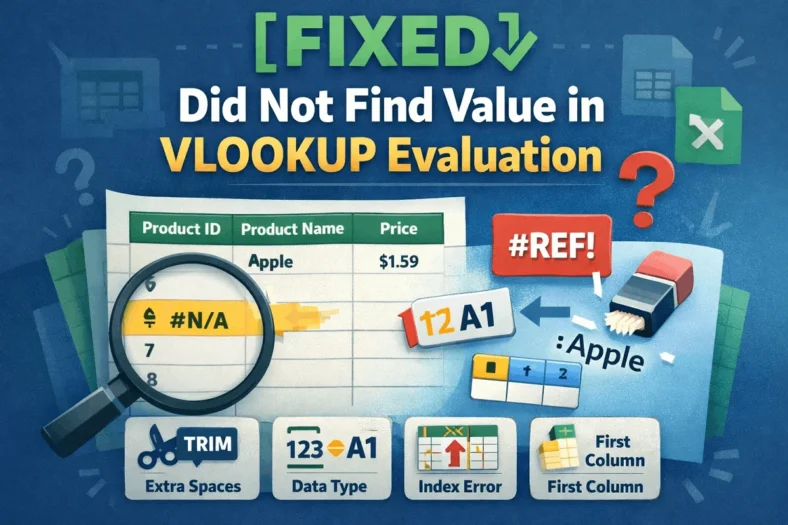
The VLOOKUP function in Google Sheets is powerful, but it can sometimes return a frustrating error: “Did not find value in VLOOKUP evaluation.” This message usually means Google Sheets couldn’t
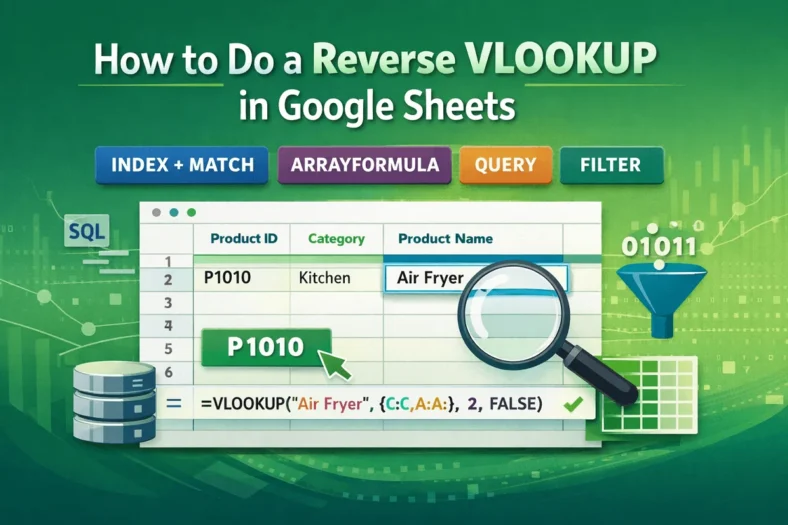
Looking up values from left to right using VLOOKUP is a common task in Google Sheets. But what if your lookup value is on the right and you need to
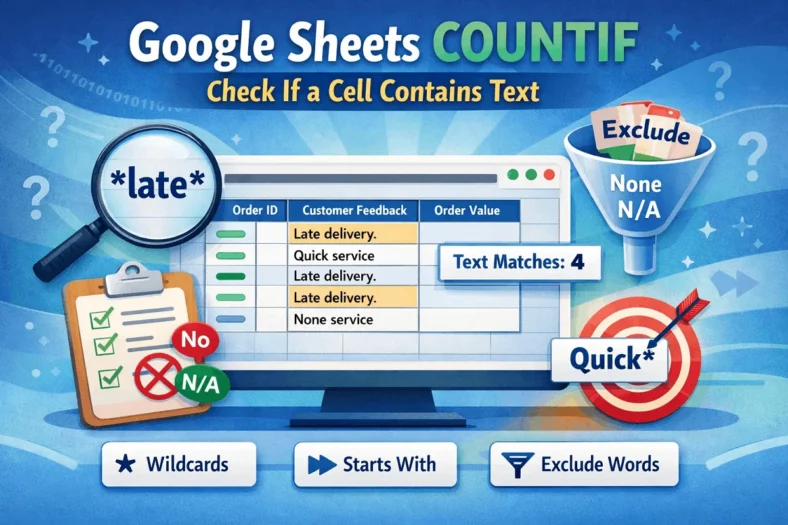
When analyzing text data in Google Sheets, it’s often helpful to count how many cells contain a certain word or phrase. Whether you’re working with product names, tags, customer feedback,
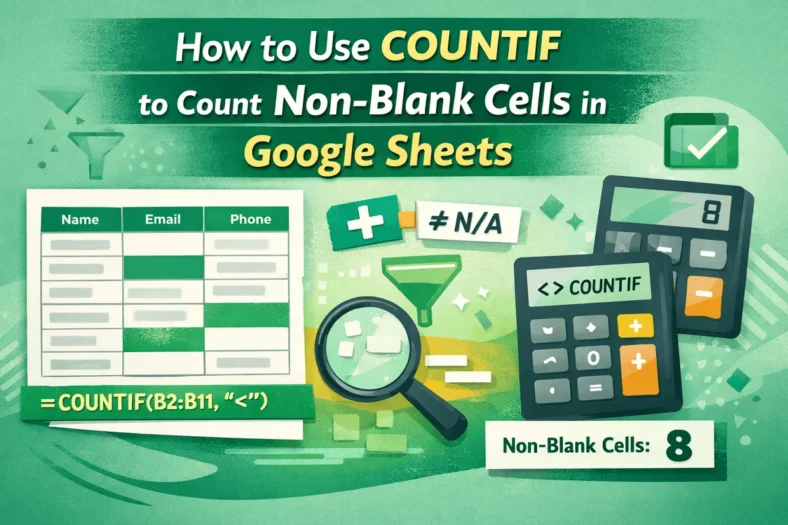
Blank cells can create confusion when you’re summarizing data, tracking inputs, or building reports in Google Sheets. The COUNTIF function offers a simple way to count only the cells that
