
Excel Pro Tips
How to Change Table Colors in Excel (5 Easy Ways)
When you create an Excel table, Excel applies a default color scheme with specific font colors. However, you can customize the table colors by changing the fill, border, and font


When you create an Excel table, Excel applies a default color scheme with specific font colors. However, you can customize the table colors by changing the fill, border, and font

In Excel, you get a built-in option to add a Total row with functions like Average, Sum, Count, Max, Min, etc. This way, you get to calculate data within the

For Excel users, rotating a table has several meanings, including rotating the data structure only, visually rotating by treating the table as a picture, and flipping or transposing the table.

Excel tables are structured ranges of data with added functionality, such as automatic column headers, built-in filtering and sorting, and predefined styles/formatting. They make managing, analyzing, and formatting data much
When a column in your dataset has multiple common values in groups, highlighting every other common group allows you to better visualize your data. It enables users to quickly scan,

With Excel’s conditional formatting feature, you can highlight cells that contain any text from a predefined list. It’s often used for tasks like flagging specific products, identifying key customers, categorizing
To highlight cells in a data range based on a date stored elsewhere in your sheet, you need to use a formula with an absolute reference (fixed with a dollar
In general, Excel’s conditional formatting is used to highlight a cell based on its own value. However, you can use a formula to format an entire column based on the
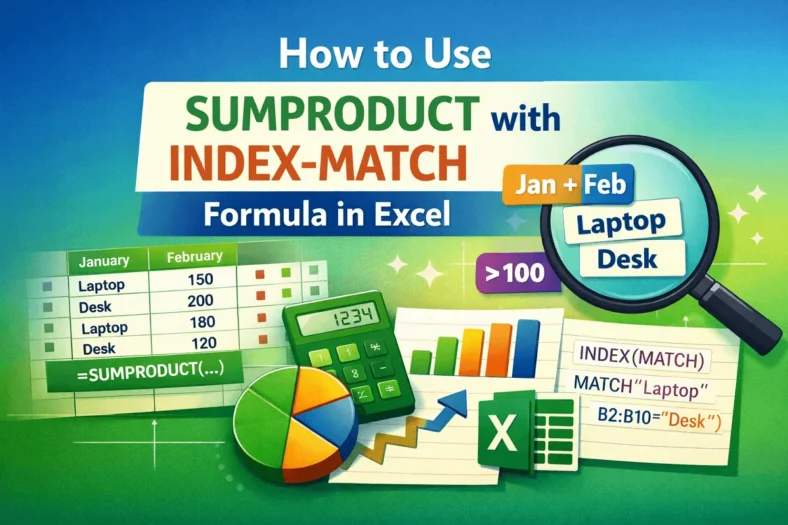
In a typical INDEX-MATCH formula, MATCH finds the row/column number of a value and INDEX returns the value at that position. The SUMPRODUCT function is used to sum values that
