How to Insert Page Break in Excel Between Rows (5 Easy Ways)
When printing large Excel sheets, your data may spill over to the next page in unpredictable ways. That’s where page breaks come in handy. By inserting manual page breaks between
When printing large Excel sheets, your data may spill over to the next page in unpredictable ways. That’s where page breaks come in handy. By inserting manual page breaks between
Sharing a workbook in Excel allows multiple users to collaborate on the same file simultaneously. While Excel’s older “Share Workbook (Legacy)” feature is still available, Microsoft now recommends using OneDrive

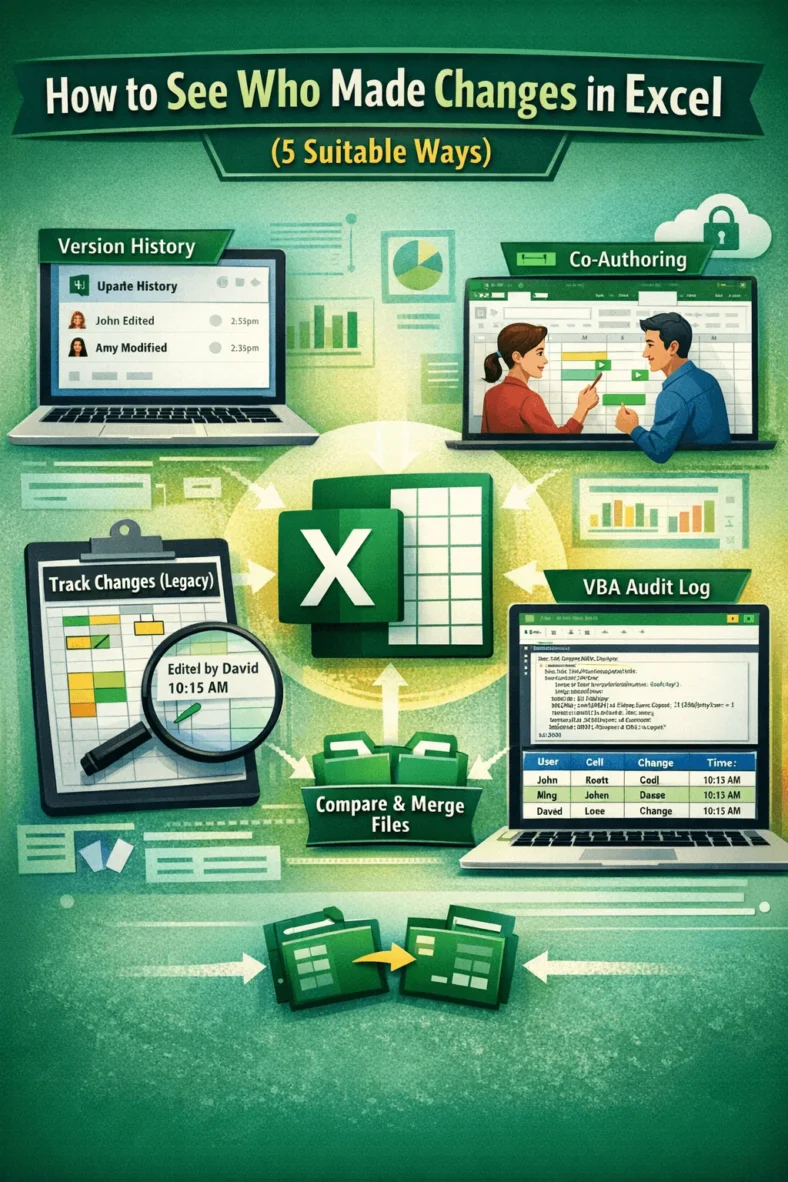
When collaborating on spreadsheets, tracking changes is crucial, especially when multiple users are editing a file. Whether you’re managing a shared budget, reviewing team reports, or auditing entries, knowing who

When you’re working with large spreadsheets, it’s easy to lose track of changes between two Excel sheets. Whether you’re reviewing sales records, inventory reports, or updated entries from collaborators, finding

If you’re looking to visualize data trends quickly in Excel, data bars are a simple yet effective feature. They turn plain numbers into colored bars directly within cells, making it

When working with large datasets in Excel, manually checking for differences or matches between two columns can be tedious. Luckily, Excel offers visual tools like Conditional Formatting that make it

Managing data in Excel becomes easier when your table grows with your entries. If you’re constantly adding new rows of information to a table, there’s a way to make Excel

Excel text boxes aren’t just for adding notes, they can also display live data straight from your worksheet. By linking a text box to a cell, any change in the

Working with name lists in Excel can sometimes be a hassle, especially when the names are in the wrong order. Maybe you’re sorting a customer database, formatting survey responses, or