How to Create Data Validation List from a Table in Excel
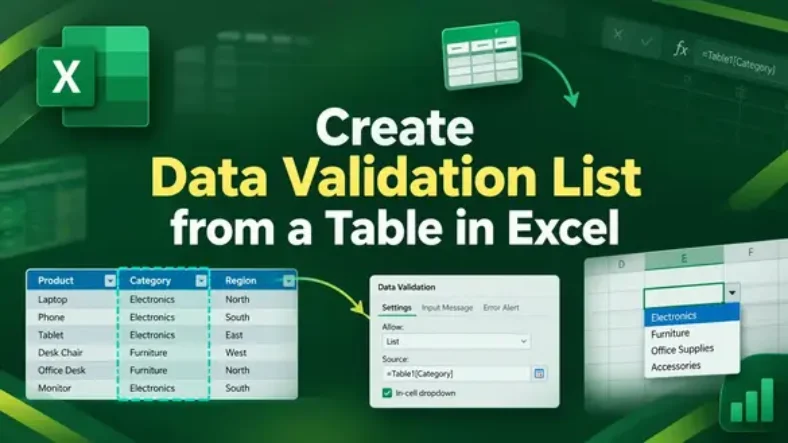
Creating a data validation list from a table in Excel helps you build drop-down menus that expand automatically when new items are added. Unlike static lists, a table-based validation list

Creating a data validation list from a table in Excel helps you build drop-down menus that expand automatically when new items are added. Unlike static lists, a table-based validation list

Ensuring data accuracy in Excel is crucial when working with large datasets or reports. Sometimes, a single validation rule isn’t enough and you might want to check for multiple conditions

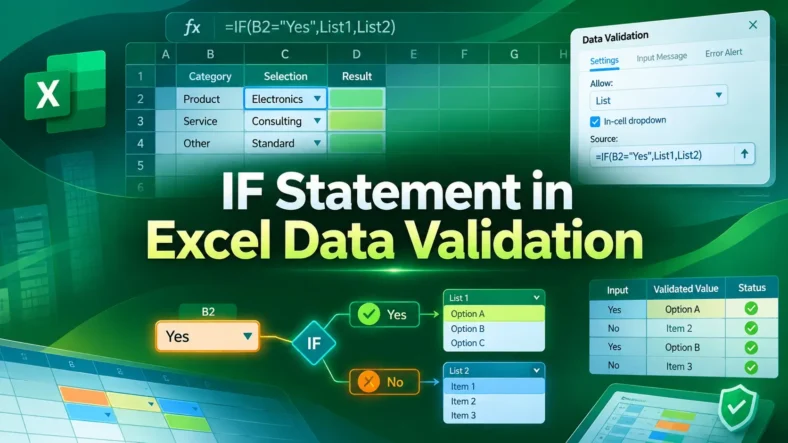
Data validation in Excel is an effective feature that lets you control what users can enter into a cell. By using an IF statement in data validation, you can create

Searching for data in Excel often requires finding matches that aren’t exact. Standard lookup functions may fail when text has extra words, prefixes, or suffixes. Partial matches become essential in

The SUMIF function in Excel is an effective way to total values that meet specific conditions. But if you only want to match part of the text like entries that

Showing percentage change in an Excel graph helps you visualize growth, decline, or overall performance trends clearly. Whether you’re tracking monthly revenue, sales, or expenses, adding percentage change to your

Named ranges are an effective way to simplify Excel formulas, navigate large workbooks, and make data easier to understand. Instead of referencing cell addresses like A2:A11, you can assign a

In Excel, formulas automatically calculate values but sometimes, you need those results stored as plain text instead. For instance, when you’re preparing reports, exporting data, or preventing further recalculations, converting

Excel formulas can save significant time and reduce errors when performing repetitive calculations. One of the most efficient features for this is the relative cell reference, which automatically adjusts formulas