Excel for Finance
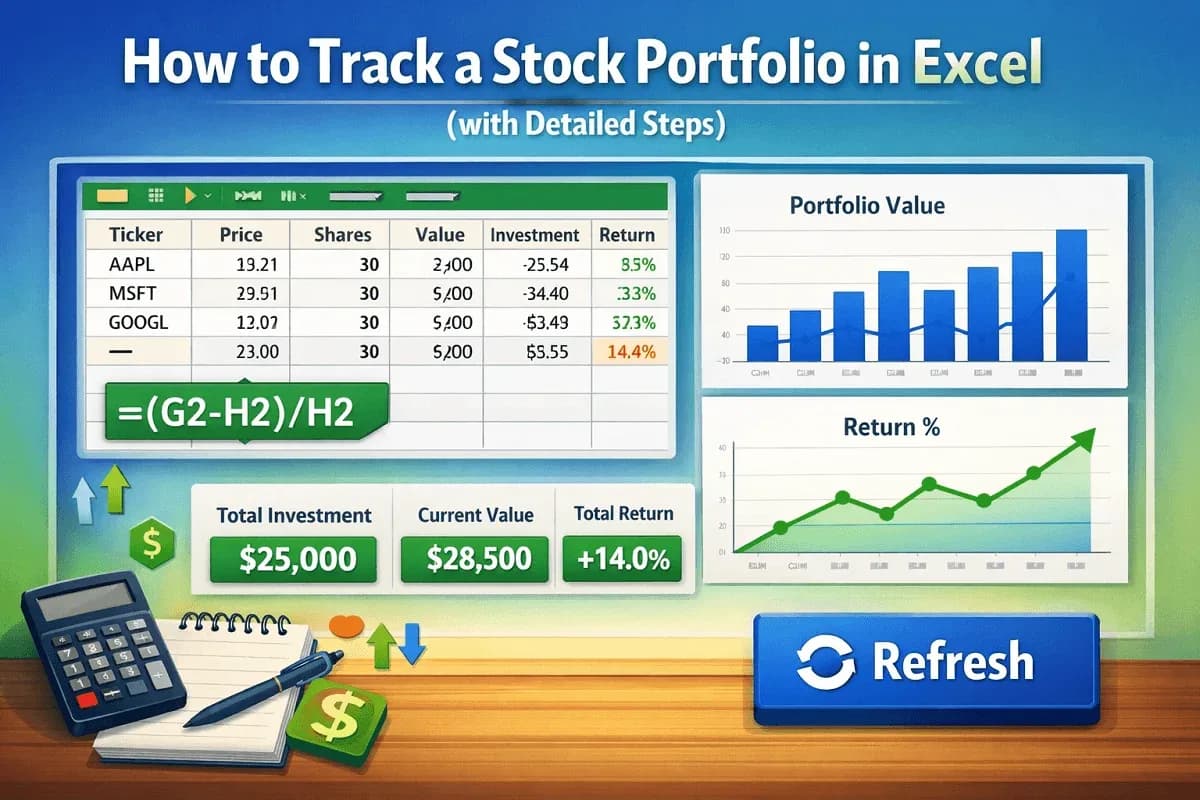
How to Track a Stock Portfolio in Excel (with Detailed Steps)
Learn how to track a stock portfolio in Excel, retrieve live data, calculate returns, create charts, and summarize results with ease.
Read article

1285 articles
Learn how to track a stock portfolio in Excel, retrieve live data, calculate returns, create charts, and summarize results with ease.

Learn how to prepare the Dividend Discount Model in Excel, covering zero-growth, Gordon Growth, and multi-stage models step by step.
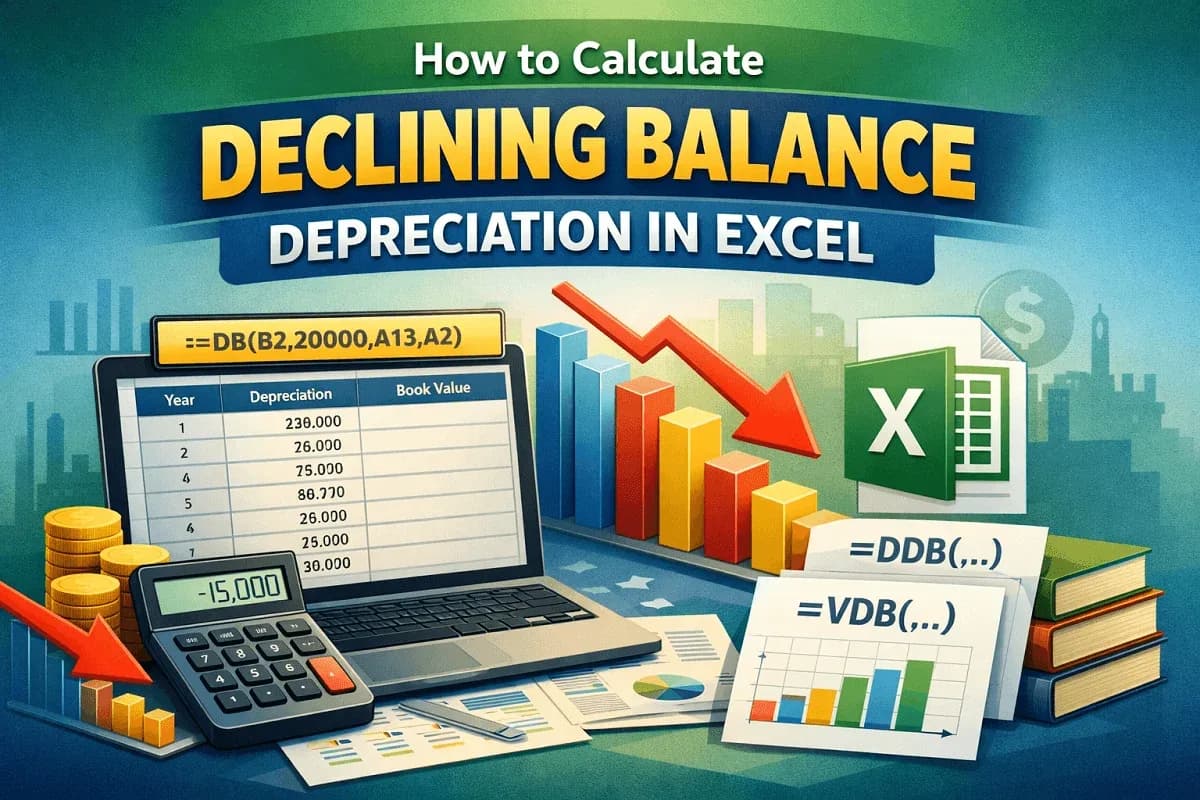
Learn how to calculate declining balance depreciation in Excel using DB, DDB, and VDB functions with clear examples and formulas

Learn how to calculate depreciation using the WDV method in Excel, manually with rates or using the DB function with salvage value.
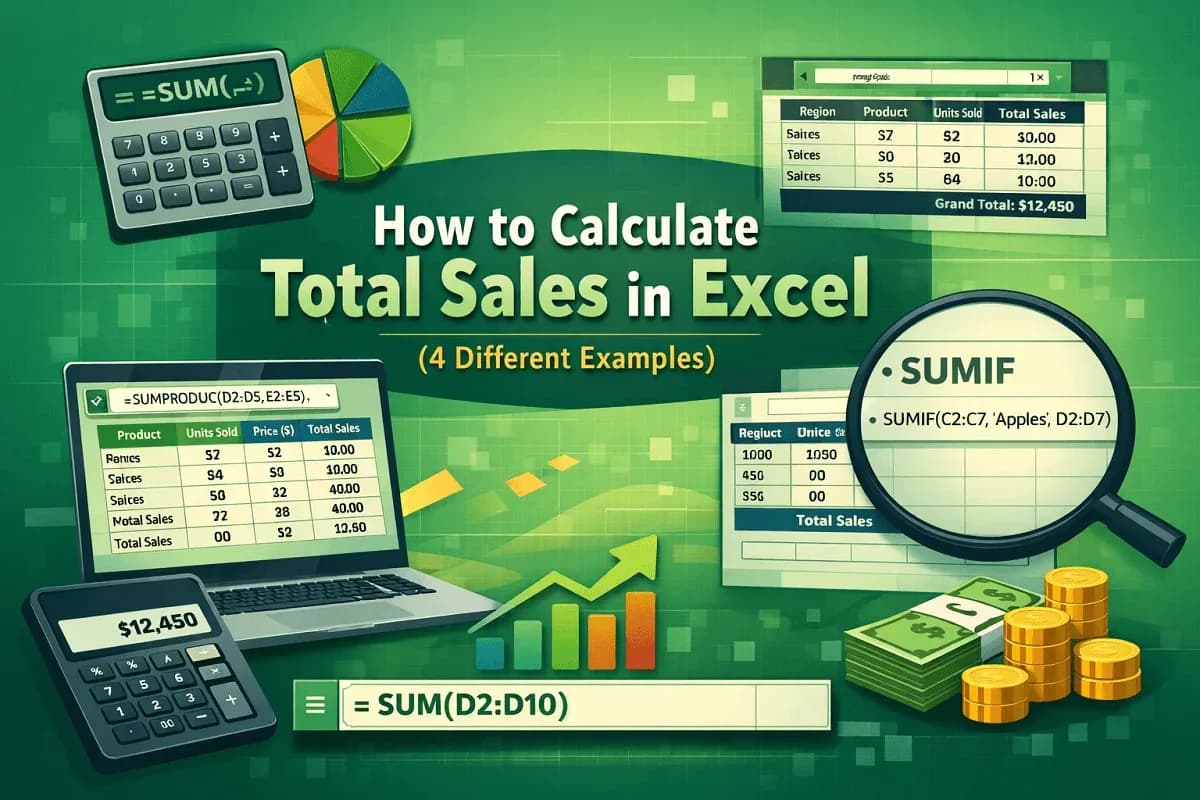
Learn how to calculate total sales in Excel using SUM, SUMIF, SUMPRODUCT, and PivotTables for accurate product and overall sales reports
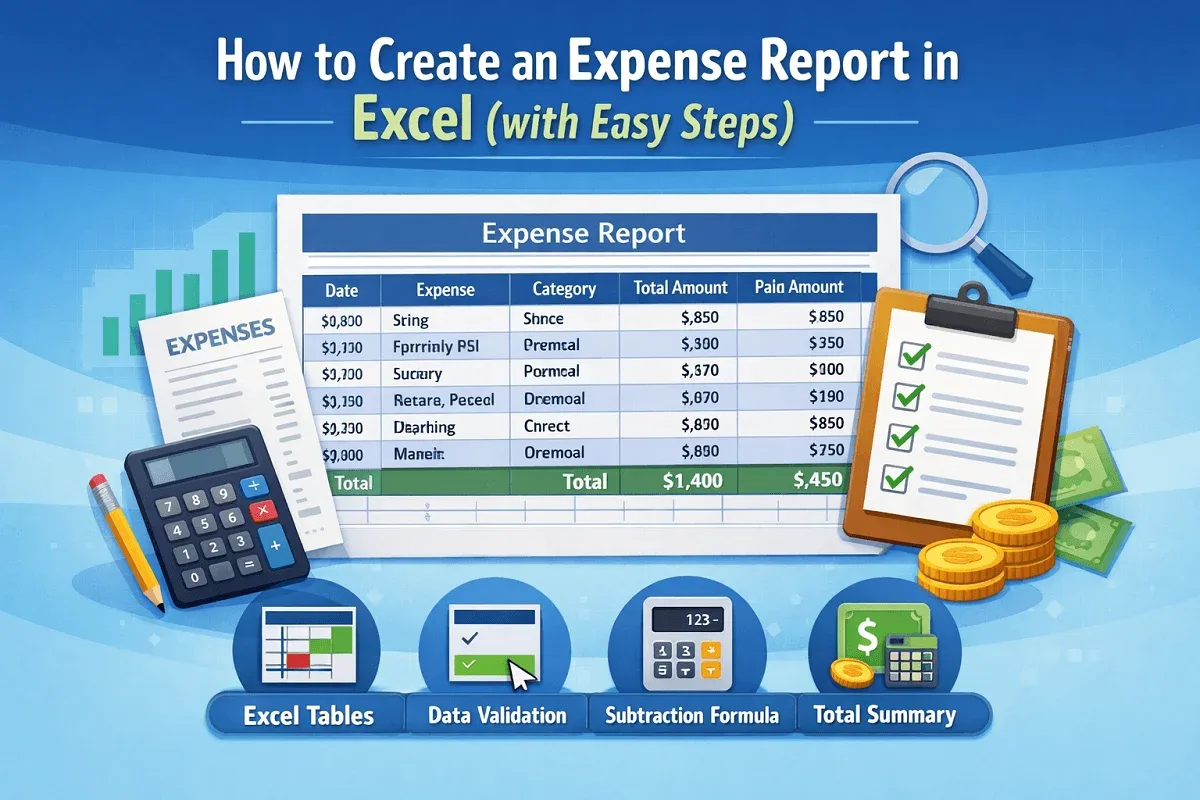
Learn how to create an expense report in Excel with easy steps to design the layout, add data validation, and calculate totals accurately.
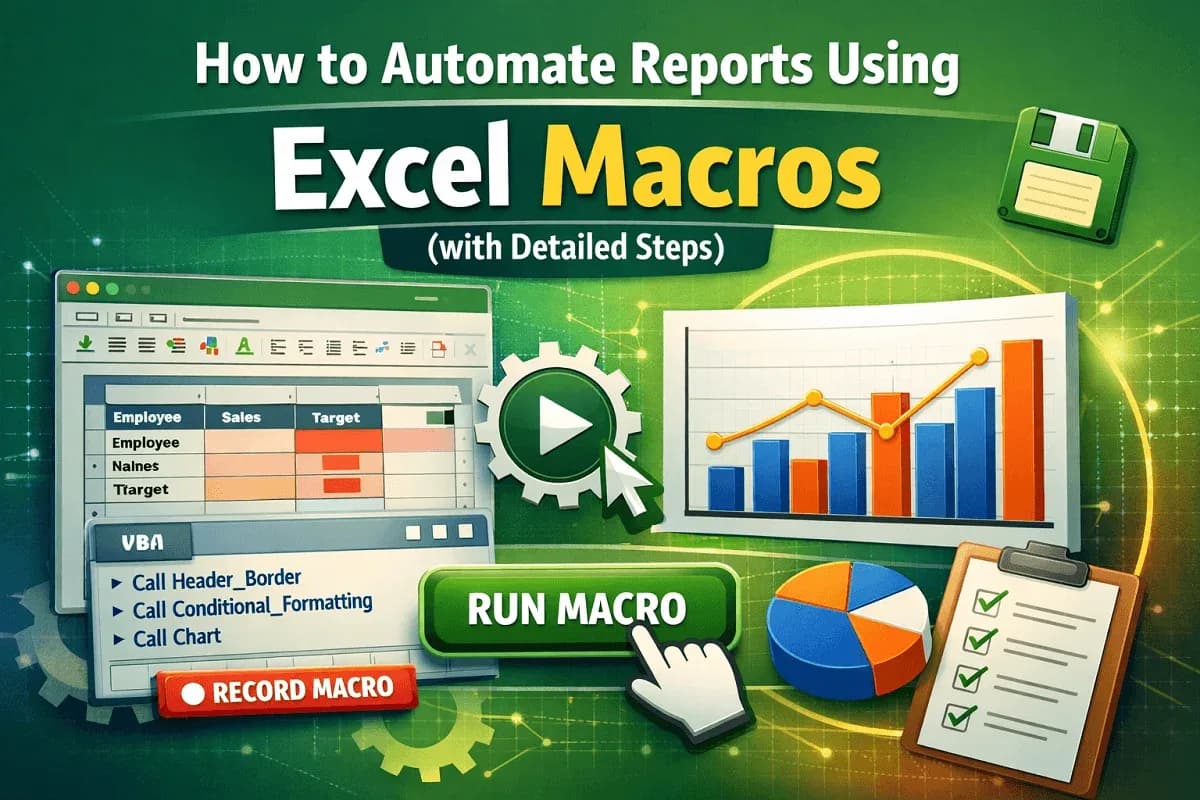
Learn how to automate Excel reports with macros, from raw data creation to formatting, charts, and fixing common macro errors quickly.
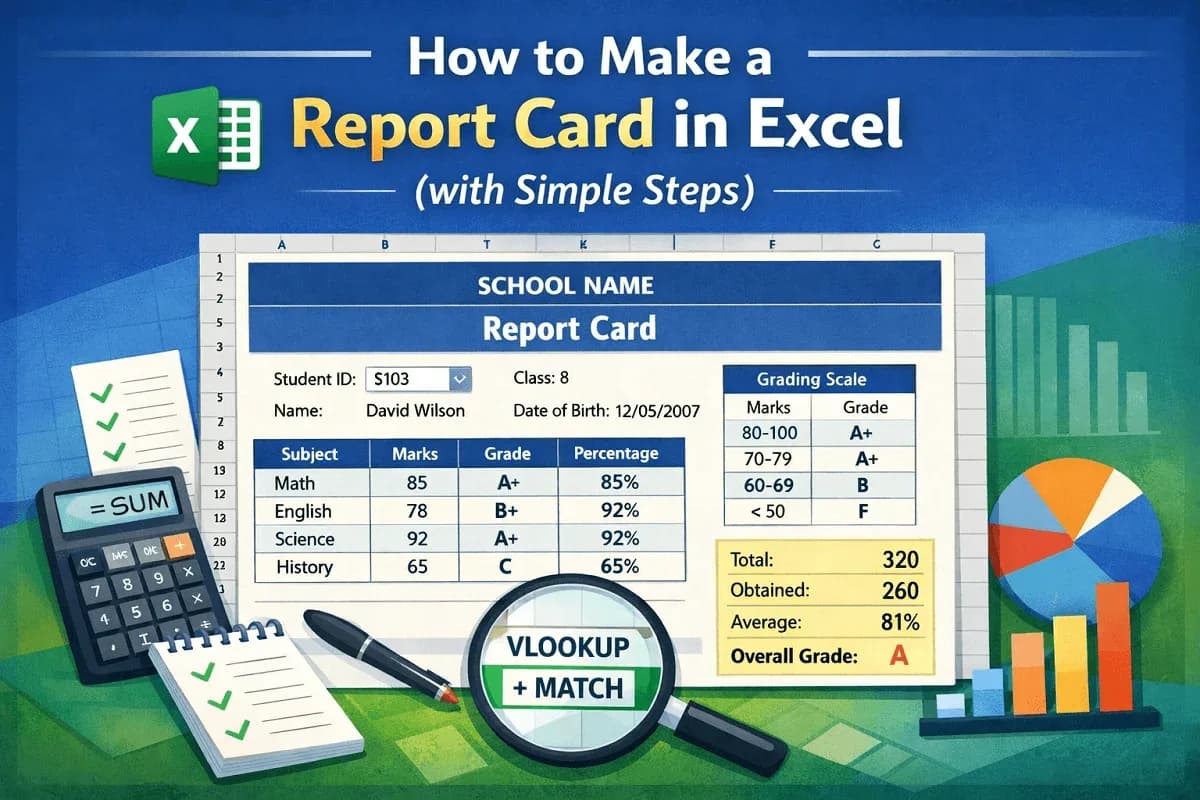
Learn how to make a report card in Excel with step-by-step guidance on preparing data, designing layouts, using formulas, results.
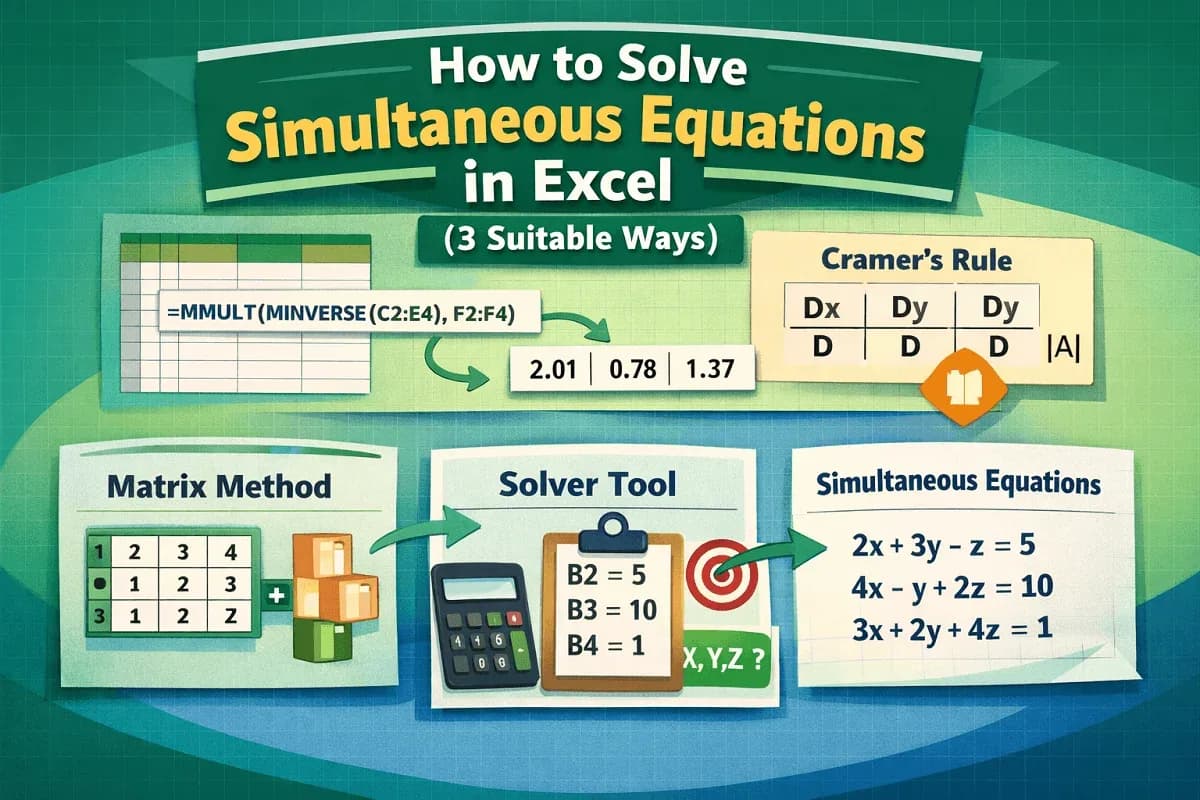
Learn how to solve simultaneous equations in Excel using MINVERSE, MMULT, Cramer’s Rule, and Solver to find X, Y, and Z fast step by step.
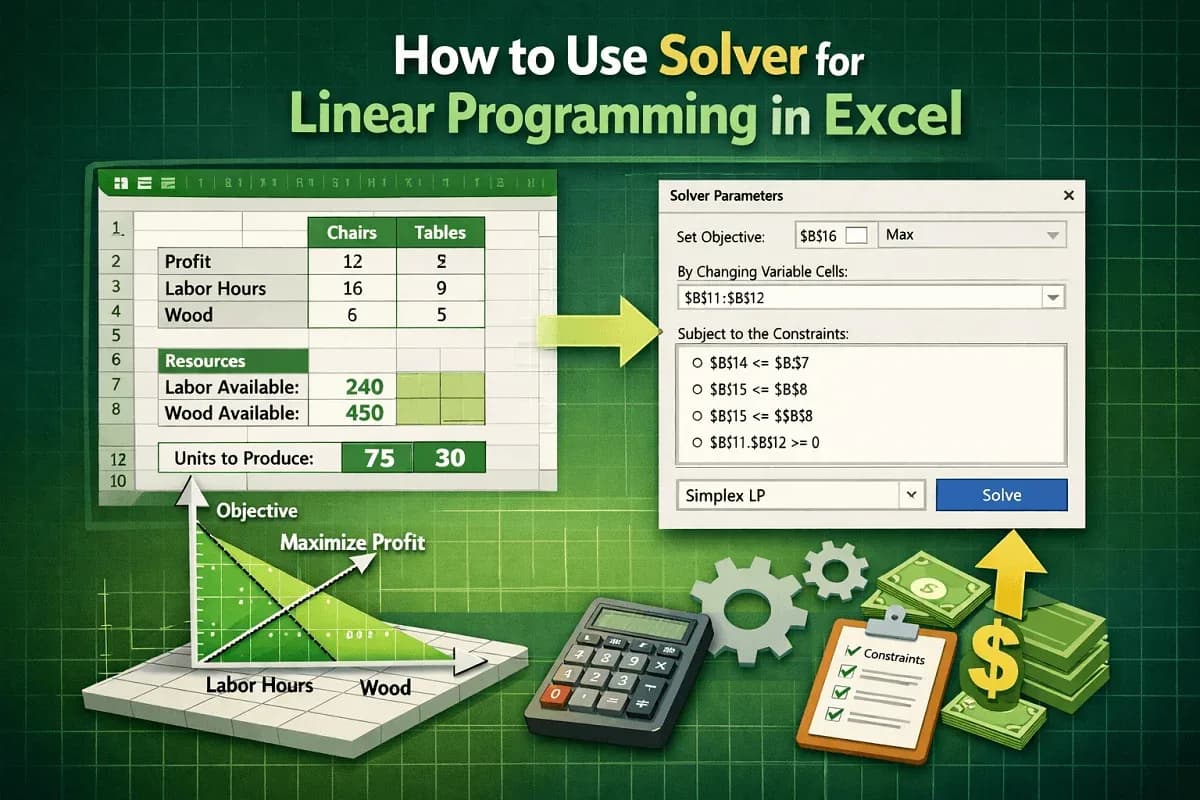
Learn how to use Solver for linear programming in Excel, from LP basics to model setup, enabling Solver, and optimization.
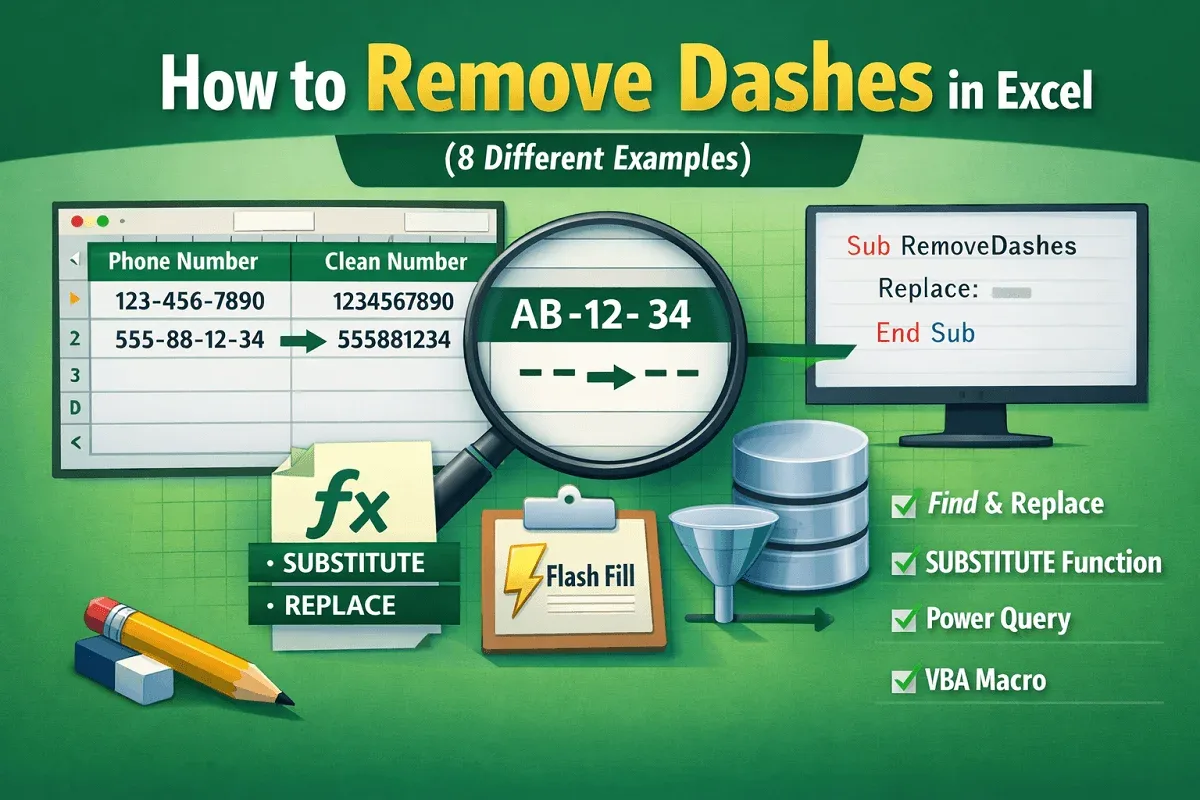
Learn how to remove dashes in Excel using Flash Fill, REPLACE, and bulk methods to clean single or multiple dashes fast.
![[Solved] Remove Duplicates Tool Not Working in Excel](/_next/image/?url=https%3A%2F%2Fpub-b39c974f4c124a36a2fb517be38076ec.r2.dev%2Fimages%2F2026%2F08%2Ffeatured-image-excel-remove-duplicates-not-working-beacf0f5.webp&w=3840&q=75)
Fix Remove Duplicates not working in Excel due to hidden spaces, text numbers, decimals, merged cells, and row issues fixes